By using this site, you agree to the Privacy Policy and Terms of Use.
Accept
World of SoftwareWorld of SoftwareWorld of Software
  • News
  • Software
  • Mobile
  • Computing
  • Gaming
  • Videos
  • More
    • Gadget
    • Web Stories
    • Trending
    • Press Release
Search
  • Privacy
  • Terms
  • Advertise
  • Contact
Copyright © All Rights Reserved. World of Software.
Reading: 2 Best Google Gemini Features For Android Auto – BGR
Share
Sign In
Notification Show More
Font ResizerAa
World of SoftwareWorld of Software
Font ResizerAa
  • Software
  • Mobile
  • Computing
  • Gadget
  • Gaming
  • Videos
Search
  • News
  • Software
  • Mobile
  • Computing
  • Gaming
  • Videos
  • More
    • Gadget
    • Web Stories
    • Trending
    • Press Release
Have an existing account? Sign In
Follow US
  • Privacy
  • Terms
  • Advertise
  • Contact
Copyright © All Rights Reserved. World of Software.
World of Software > News > 2 Best Google Gemini Features For Android Auto – BGR
News

2 Best Google Gemini Features For Android Auto – BGR

News Room
Last updated: 2025/12/14 at 12:29 AM
News Room Published 14 December 2025
Share
2 Best Google Gemini Features For Android Auto – BGR
SHARE


TY Lim/Shutterstock

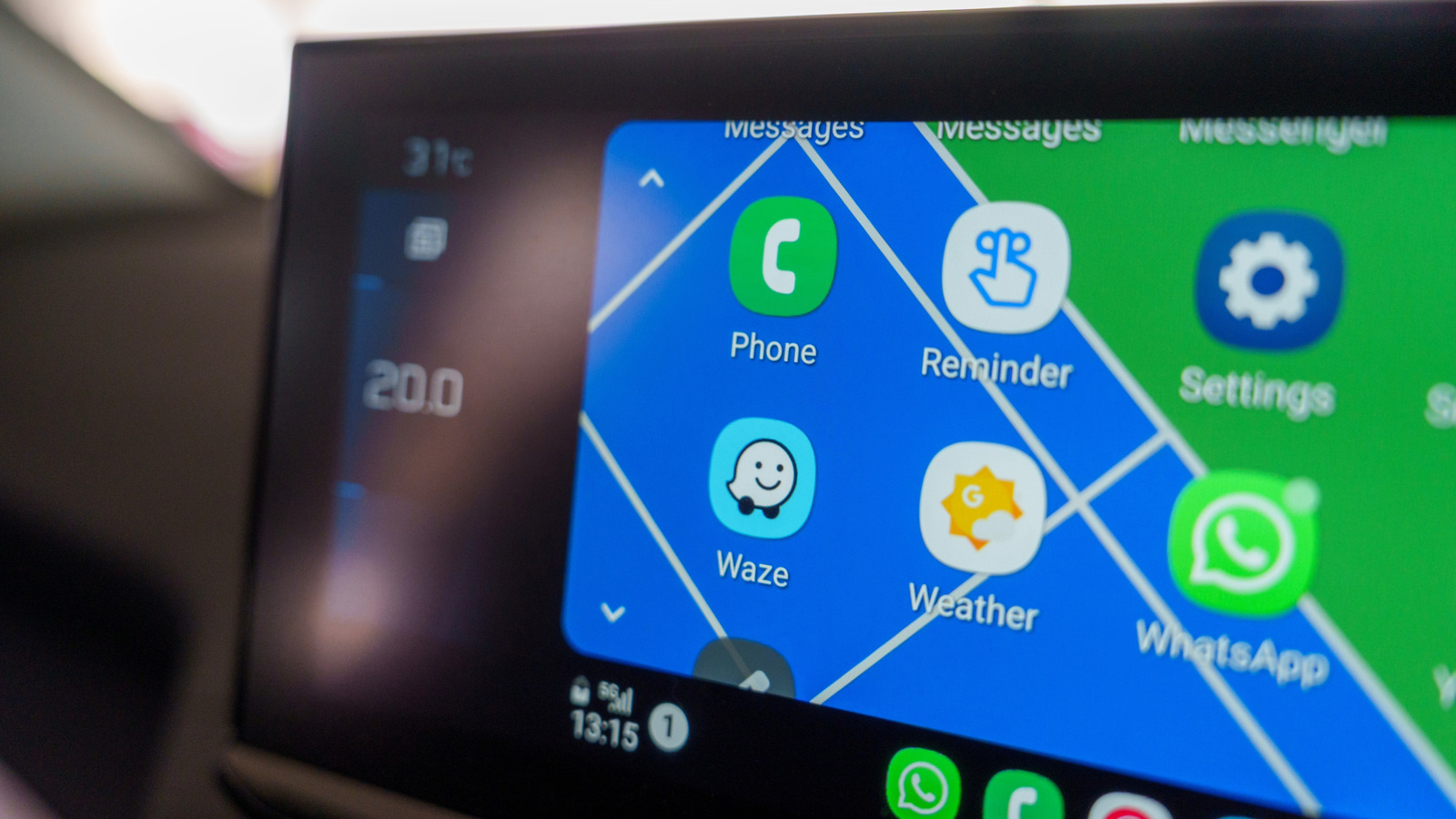
Google’s Gemini AI is slowly but steadily creeping up in more and more of the company’s products. After making its way to Google Maps with several AI features, showing up in Chrome to help you write, and rolling out to Google Home as a preview, Google Gemini is now live on Android Auto to become your trusted copilot with whom you can have a natural conversation. As you can expect, Gemini has the potential to be pretty helpful while you’re driving, while eliminating the distraction of having to tap on your phone or the car’s infotainment system.

As it’s a conversational AI assistant, you can make requests without worrying about the command syntax and specific voice commands. It also understands the context of your conversation, which means follow-up questions and commands work seamlessly. Moreover, thanks to its access to other Google products and integration with them, it can perform tasks that would be tricky for other AI assistants, especially if you are already a big part of the Google ecosystem. So, here are two of its best features for Android Auto users that you should try when you are in your car next.

Gemini is your know-it-all navigator

While the regular Google Assistant can find directions to your destination, a spot to charge your EV, or even look up a restaurant to have lunch on the way, Gemini’s AI capabilities can handle more complex and tricky asks. For example, you can ask it to “find a well-rated restaurant serving Italian cuisine, which doesn’t require a big detour and has lots of parking.” You can also follow up with questions about people’s reviews of a restaurant you find interesting from the suggested options, its popular dishes, or whether it’s pet-friendly.

Similarly, if you’re driving an EV, you can request something like “find me an EV charging location with charging guns that can deliver above 150KW of power and has restaurants around to have a meal while my car charges.” Thanks to its integration with Google Maps and access to a wide range of information from around the web, it’s able to fulfill such complex queries without breaking a sweat.

Stay productive on the road

Another major highlight of Gemini AI is its ability to help you remain productive even when you are on the road. It can go through your Gmail and accomplish certain tasks while driving. You can ask it for things like “I have a hotel booked for tonight, can you find my reservation on Gmail and look for its address, and get me directions,” or ask it to “find my hotel’s address from the reservation email and suggest good eating spots to have dinner when I arrive.”

Gemini can also share a summary of any new emails in your Gmail inbox so that you don’t miss out on important communications. Additionally, you can ask it to create reminders for something specific, schedule a calendar event, or jot down any of your thoughts about an upcoming meeting. These are just some examples of what you can do with Gemini and Gmail, but it has the potential to do a lot more, including sending messages, creating playlists to match your vibe, or brainstorming ideas — all in your car.




Sign Up For Daily Newsletter

Be keep up! Get the latest breaking news delivered straight to your inbox.
By signing up, you agree to our Terms of Use and acknowledge the data practices in our Privacy Policy. You may unsubscribe at any time.
Share This Article
Facebook Twitter Email Print
Share
What do you think?
Love0
Sad0
Happy0
Sleepy0
Angry0
Dead0
Wink0
Previous Article Consumers trade up smartphones for AI | Computer Weekly Consumers trade up smartphones for AI | Computer Weekly
Next Article Best TV deal: Save 0 on Insignia 50-inch Class F50 TV Best TV deal: Save $120 on Insignia 50-inch Class F50 TV
Leave a comment

Leave a Reply Cancel reply

Your email address will not be published. Required fields are marked *

Stay Connected

248.1k Like
69.1k Follow
134k Pin
54.3k Follow

Latest News

Headed Back to the Office? 7 Things to Look for in a Laptop for Hybrid Work
News
Building Open-Set 3D Representation: Feature Fusion and Geometric-Semantic Merging | HackerNoon
Computing
Making sense of the risky Netflix-Warner Bros. deal |  News
Making sense of the risky Netflix-Warner Bros. deal | News
News
4 Things You Can Actually Store In Apple Wallet – BGR
News

You Might also Like

Headed Back to the Office? 7 Things to Look for in a Laptop for Hybrid Work
News

Headed Back to the Office? 7 Things to Look for in a Laptop for Hybrid Work

24 Min Read
Making sense of the risky Netflix-Warner Bros. deal |  News
News

Making sense of the risky Netflix-Warner Bros. deal | News

7 Min Read
4 Things You Can Actually Store In Apple Wallet – BGR
News

4 Things You Can Actually Store In Apple Wallet – BGR

7 Min Read
Premier League Soccer: Stream Nottingham Forest vs. Tottenham Live From Anywhere
News

Premier League Soccer: Stream Nottingham Forest vs. Tottenham Live From Anywhere

7 Min Read
//

World of Software is your one-stop website for the latest tech news and updates, follow us now to get the news that matters to you.

Quick Link

  • Privacy Policy
  • Terms of use
  • Advertise
  • Contact

Topics

  • Computing
  • Software
  • Press Release
  • Trending

Sign Up for Our Newsletter

Subscribe to our newsletter to get our newest articles instantly!

World of SoftwareWorld of Software
Follow US
Copyright © All Rights Reserved. World of Software.
Welcome Back!

Sign in to your account

Lost your password?