

By using this site, you agree to the Privacy Policy and Terms of Use.
Accept
World of SoftwareWorld of SoftwareWorld of Software
  • News
  • Software
  • Mobile
  • Computing
  • Gaming
  • Videos
  • More
    • Gadget
    • Web Stories
    • Trending
    • Press Release
Search
  • Privacy
  • Terms
  • Advertise
  • Contact
Copyright © All Rights Reserved. World of Software.
Reading: The Best Way To Keep Your Laptop’s Trackpad Clean – BGR
Share
Sign In
Notification Show More
Font ResizerAa
World of SoftwareWorld of Software
Font ResizerAa
  • Software
  • Mobile
  • Computing
  • Gadget
  • Gaming
  • Videos
Search
  • News
  • Software
  • Mobile
  • Computing
  • Gaming
  • Videos
  • More
    • Gadget
    • Web Stories
    • Trending
    • Press Release
Have an existing account? Sign In
Follow US
  • Privacy
  • Terms
  • Advertise
  • Contact
Copyright © All Rights Reserved. World of Software.
World of Software > News > The Best Way To Keep Your Laptop’s Trackpad Clean – BGR
News

The Best Way To Keep Your Laptop’s Trackpad Clean – BGR

News Room
Last updated: 2025/12/16 at 8:25 PM
News Room Published 16 December 2025
Share
The Best Way To Keep Your Laptop’s Trackpad Clean – BGR
SHARE


Nicolas Ospina/Getty Images

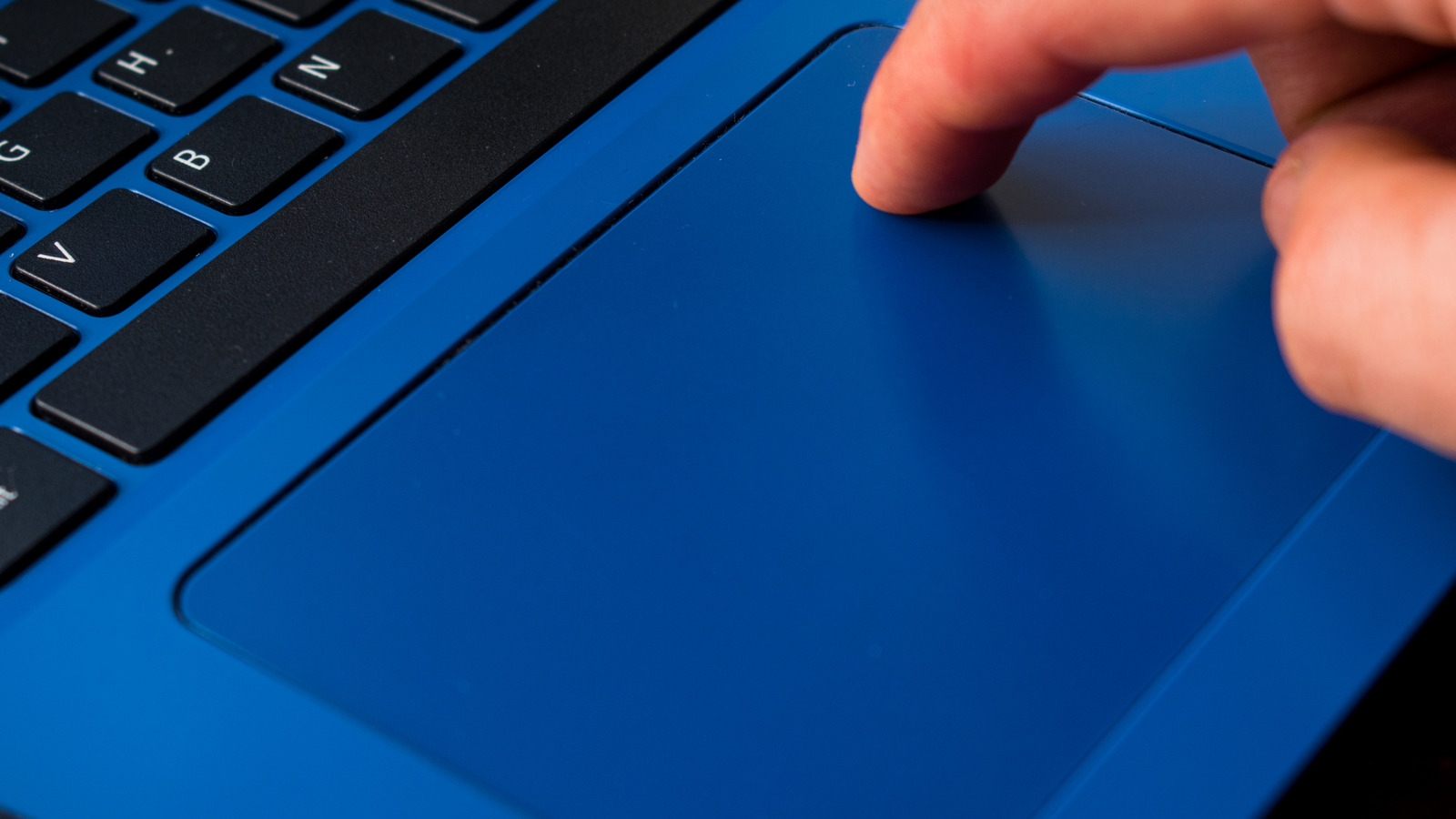
Keeping your laptop clean isn’t the most challenging task. It doesn’t take much more than a microfiber cloth to safely clean your MacBook’s screen and surfaces, but there’s one area that tends to prove a bit more troublesome when it comes time to remove dirt and muck: The trackpad.

If you’re not pairing your machine with an external mouse, that tiny little square is putting in overtime. It collects fingerprints, absorbs every trace of skin oil your hands can muster, and eventually turns into a grimy hotspot you’d rather pretend isn’t there. In extreme cases, all that buildup may even confuse your laptop’s haptics or gesture controls, tricking it into thinking you’re swiping or clicking when you’re not.

The good news? Cleaning your trackpad doesn’t require a specialty kit or a trip to the Apple Store. All you really need is a microfiber cloth and a small bottle of 70% isopropyl alcohol. You can also use 70% isopropyl alcohol wipes, 75% ethyl alcohol wipes, or Clorox Disinfecting Wipes. Just make sure you never use bleach, aerosol spray, or abrasives.

Cleaning your trackpad isn’t difficult
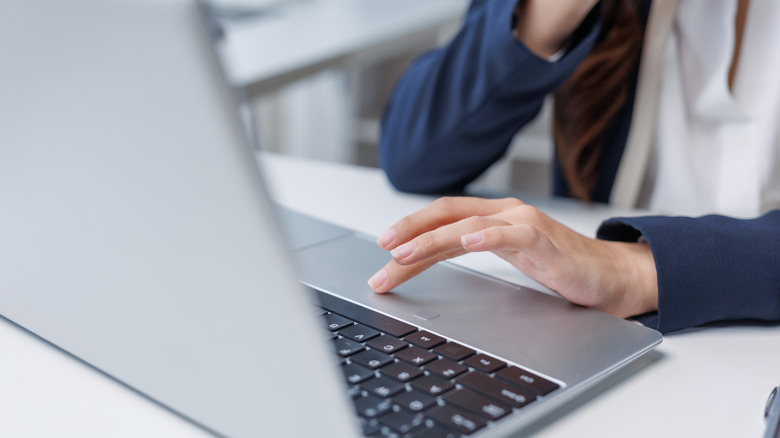

A person using a laptop trackpad.
Amnaj Khetsamtip/Shutterstock

Before you start cleaning your trackpad, unplug your laptop. If you’re using a hard-shell case, now’s the perfect time to pop it off. You want full access to as much trackpad real estate as possible. If you’re using a bottle of isopropyl alcohol or ethyl alcohol instead of wipes, never apply these liquids directly to the trackpad surface. You always want to apply to a soft, microfiber cloth first, and avoid getting moisture into any laptop openings. 

Use gentle motions and pressure, and avoid excessive wiping when possible. Most pads also have a tiny seam around the edge where grime loves to hide. You can gently run something thin — a business card, an index card, even a folded piece of printer paper — along the trackpad’s border to lift out whatever grit is wedged in there. If you’re dealing with serious, stubborn debris that won’t budge no matter what you try, don’t force it. At that point, it’s worth reaching out to the manufacturer or a repair shop. 

A professional cleaning is far cheaper than damaging the trackpad or other parts of the laptop by digging too aggressively. One quick reality check: If your laptop’s trackpad has been through years of scrolling, tapping, and palm-dragging, some of the original finish may have worn down. That’s totally normal. Even after a proper cleaning, it might not look factory-fresh — but you are getting rid of the new junk that’s built up on top.

Even the best laptops need spa days
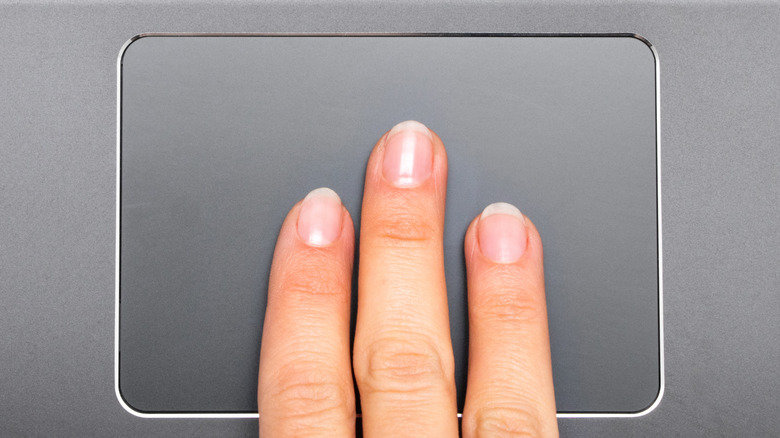

A person using a laptop trackpad.
Naked King/Getty Images

Cleaning your trackpad isn’t rocket science — it’s just a simple bit of laptop TLC that deserves a spot in your regular routine. We’ve talked before about how often you should clean your computer, and our “every six months” rule holds up nicely for your trackpad, too. If you want to clean it more frequently — every couple of months, or whenever it starts looking a little too glossy for comfort, that’s totally fine. Your trackpad will thank you, and your gestures will feel sharper for it. 

It also pays to clean your computer’s USB ports every so often — a process that doesn’t require much more than a toothpick and some patience. And seriously, don’t beat yourself up if your machine doesn’t look like a showroom model. Laptops get hauled around, stuffed into bags, used at coffee shops, airplanes, couches, and countertops. What matters is the upkeep. As long as you’re staying on top of intermittent cleaning and dealing with bigger spills and crumb explosions the moment they occur, you’re doing everything you can to keep that trackpad looking sharp and performing nicely.



Sign Up For Daily Newsletter

Be keep up! Get the latest breaking news delivered straight to your inbox.
By signing up, you agree to our Terms of Use and acknowledge the data practices in our Privacy Policy. You may unsubscribe at any time.
Share This Article
Facebook Twitter Email Print
Share
What do you think?
Love0
Sad0
Happy0
Sleepy0
Angry0
Dead0
Wink0
Previous Article Boeing has come to the rescue Boeing has come to the rescue
Next Article Link11 Identifies Five Cybersecurity Trends Set to Shape European Defense Strategies In 2026 | HackerNoon Link11 Identifies Five Cybersecurity Trends Set to Shape European Defense Strategies In 2026 | HackerNoon
Leave a comment

Leave a Reply Cancel reply

Your email address will not be published. Required fields are marked *

Stay Connected

248.1k Like
69.1k Follow
134k Pin
54.3k Follow

Latest News

General Motors says its China business is on a recovery path · TechNode
Computing
LG Teases Micro RGB evo Ahead of CES 2026, Chasing the Holy Grail of TV Color
News
Apple teams up with Baidu to launch AI services in China in 2025, faces user data dispute · TechNode
Computing
Best earbuds deal: Save  on Shokz OpenRun Pro 2
Best earbuds deal: Save $40 on Shokz OpenRun Pro 2
News

You Might also Like

LG Teases Micro RGB evo Ahead of CES 2026, Chasing the Holy Grail of TV Color
News

LG Teases Micro RGB evo Ahead of CES 2026, Chasing the Holy Grail of TV Color

8 Min Read
Best earbuds deal: Save  on Shokz OpenRun Pro 2
News

Best earbuds deal: Save $40 on Shokz OpenRun Pro 2

3 Min Read
OpenAI launches new GPT Image 1.5 model optimized for image editing –  News
News

OpenAI launches new GPT Image 1.5 model optimized for image editing – News

5 Min Read
The 4 Best Budgeting Apps To Replace Mint – BGR
News

The 4 Best Budgeting Apps To Replace Mint – BGR

7 Min Read
//

World of Software is your one-stop website for the latest tech news and updates, follow us now to get the news that matters to you.

Quick Link

  • Privacy Policy
  • Terms of use
  • Advertise
  • Contact

Topics

  • Computing
  • Software
  • Press Release
  • Trending

Sign Up for Our Newsletter

Subscribe to our newsletter to get our newest articles instantly!

World of SoftwareWorld of Software
Follow US
Copyright © All Rights Reserved. World of Software.
Welcome Back!

Sign in to your account

Lost your password?