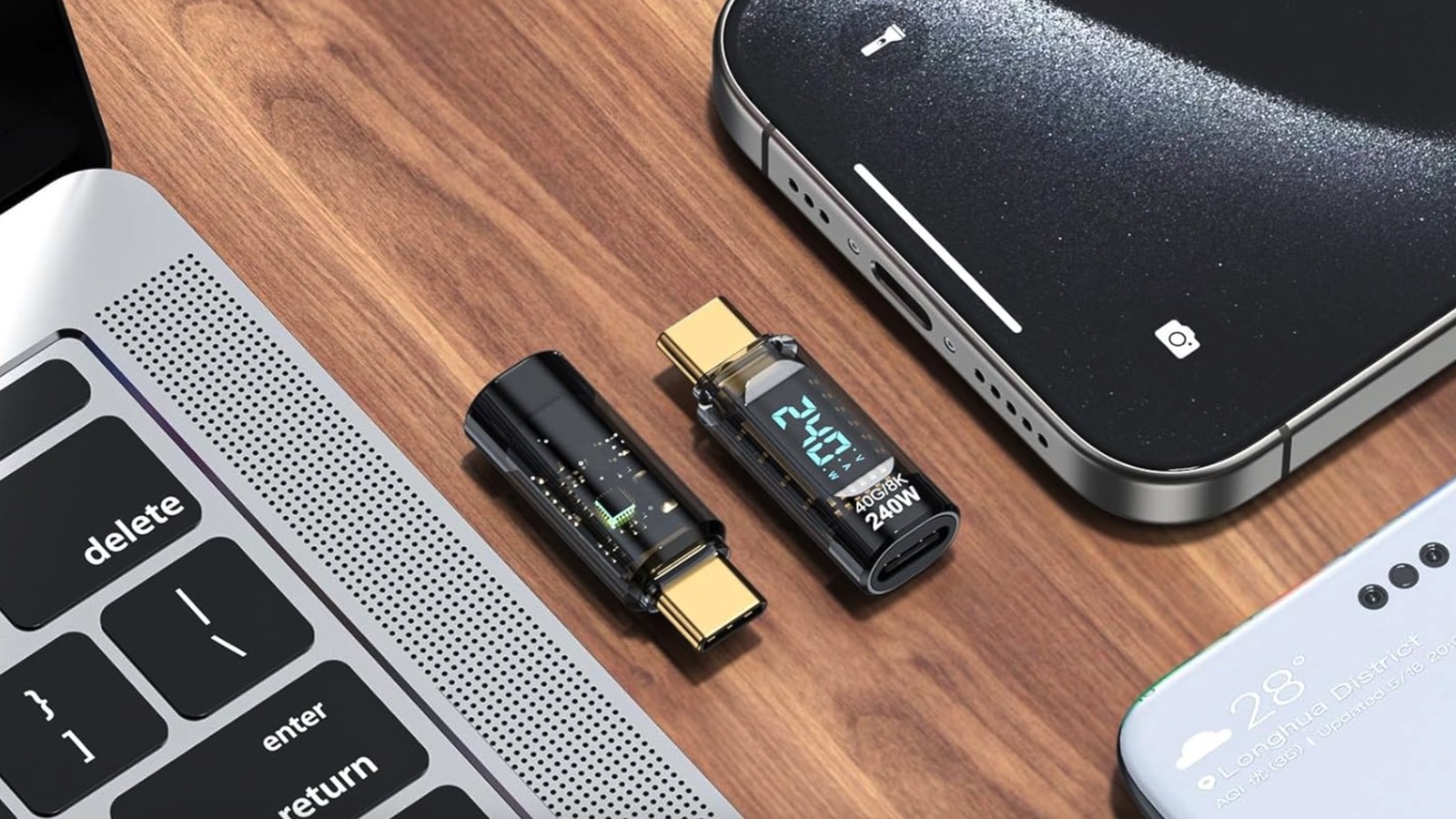
Gift-giving can be just as fun for the person giving the gift as it is for the one receiving it. It brings joy to see someone unwrap a gift during the holiday season and smile from ear to ear, knowing it’s something they really wanted or could actually use. But when it comes to tech gifts, there are some common mistakes people often make.
Compatibility is a big one. While many areas of the industry, from charging power standards to smart home products, are working to ensure interoperability among products from different brands so everything works cohesively together, there are still products that are limited to a specific brand or ecosystem. Think an Apple Watch, for example, that exclusively works with iPhones, or an Amazon Echo speaker that won’t work with Google Home products.
You also need to keep in mind the type or model of phone or other devices a person uses, which might inform what types of products they want, not just what’s compatible. Also consider their tech-savviness when it comes to something that requires complex setup or installation.
Know what they have

Before buying something, know what specific device(s) they use. Even if two phones are listed as being the same size, for example, the camera arrangement on the back or side buttons are different, and there are likely subtle differences like more rounded corners such that a non-model-specific case won’t fit right. For items like headphones, some people need special sizes for in-ears or don’t like them at all. A gift needs the features applicable to their usage as well, like noise canceling in headphones for travelers or a boom mic in a pair for gamers. With a speaker, this could be hi-res audio playback for audiophiles.
When you’re looking at something like a smartwatch or fitness tracker, brands like Garmin or Fitbit work with both Android and iOS. But if you buy a Samsung Galaxy Watch for an iPhone user or an Apple Watch for a Google Pixel phone owner, the devices might offer limited functionality or refuse to work altogether. For smart home gear, knowing the ecosystem they use matters. If they have Google Home speakers, for example, an Amazon Echo Dot smart speaker isn’t a great fit. Newer Sonos speakers like the Sonos Era 100 don’t have native Google Assistant (now Gemini) support but do work with Alexa. Bottom line: compatibility is key.
Subscriptions and setup
It’s also important to know what’s needed to get something set up. Products like smart rings require that you order a sizing kit first. Some smart rings like the Oura Ring 4, as well as other products like smart security cameras or fitness tech, require a subscription to get the most out of them. Even with a free trial, the gift recipient will need to enter credit card information and will be charged once the trial period elapses. If you sign them up, you’ll be on the hook for automatic renewals.
Finally, products that require complicated setup are never a good idea unless it’s a techie person who loves that kind of thing. If you go this route, plan to load, install, or assemble the product ahead of time so the gift is effortless for them. It could be a smart video doorbell that needs installation and setup, a digital picture frame that works with a companion app, even a smart speaker for grandpa. Remember, gifts should bring joy, not frustration. It should be usable out of the box unless it’s something they specifically ask for, compatible with products they already have, and fit with their personality.