By using this site, you agree to the Privacy Policy and Terms of Use.
Accept
World of SoftwareWorld of SoftwareWorld of Software
  • News
  • Software
  • Mobile
  • Computing
  • Gaming
  • Videos
  • More
    • Gadget
    • Web Stories
    • Trending
    • Press Release
Search
  • Privacy
  • Terms
  • Advertise
  • Contact
Copyright © All Rights Reserved. World of Software.
Reading: What’s The Difference Between Wi-Fi And Wireless Internet? – BGR
Share
Sign In
Notification Show More
Font ResizerAa
World of SoftwareWorld of Software
Font ResizerAa
  • Software
  • Mobile
  • Computing
  • Gadget
  • Gaming
  • Videos
Search
  • News
  • Software
  • Mobile
  • Computing
  • Gaming
  • Videos
  • More
    • Gadget
    • Web Stories
    • Trending
    • Press Release
Have an existing account? Sign In
Follow US
  • Privacy
  • Terms
  • Advertise
  • Contact
Copyright © All Rights Reserved. World of Software.
World of Software > News > What’s The Difference Between Wi-Fi And Wireless Internet? – BGR
News

What’s The Difference Between Wi-Fi And Wireless Internet? – BGR

News Room
Last updated: 2025/12/23 at 4:30 AM
News Room Published 23 December 2025
Share
What’s The Difference Between Wi-Fi And Wireless Internet? – BGR
SHARE


Midnight Studio TH/Shutterstock

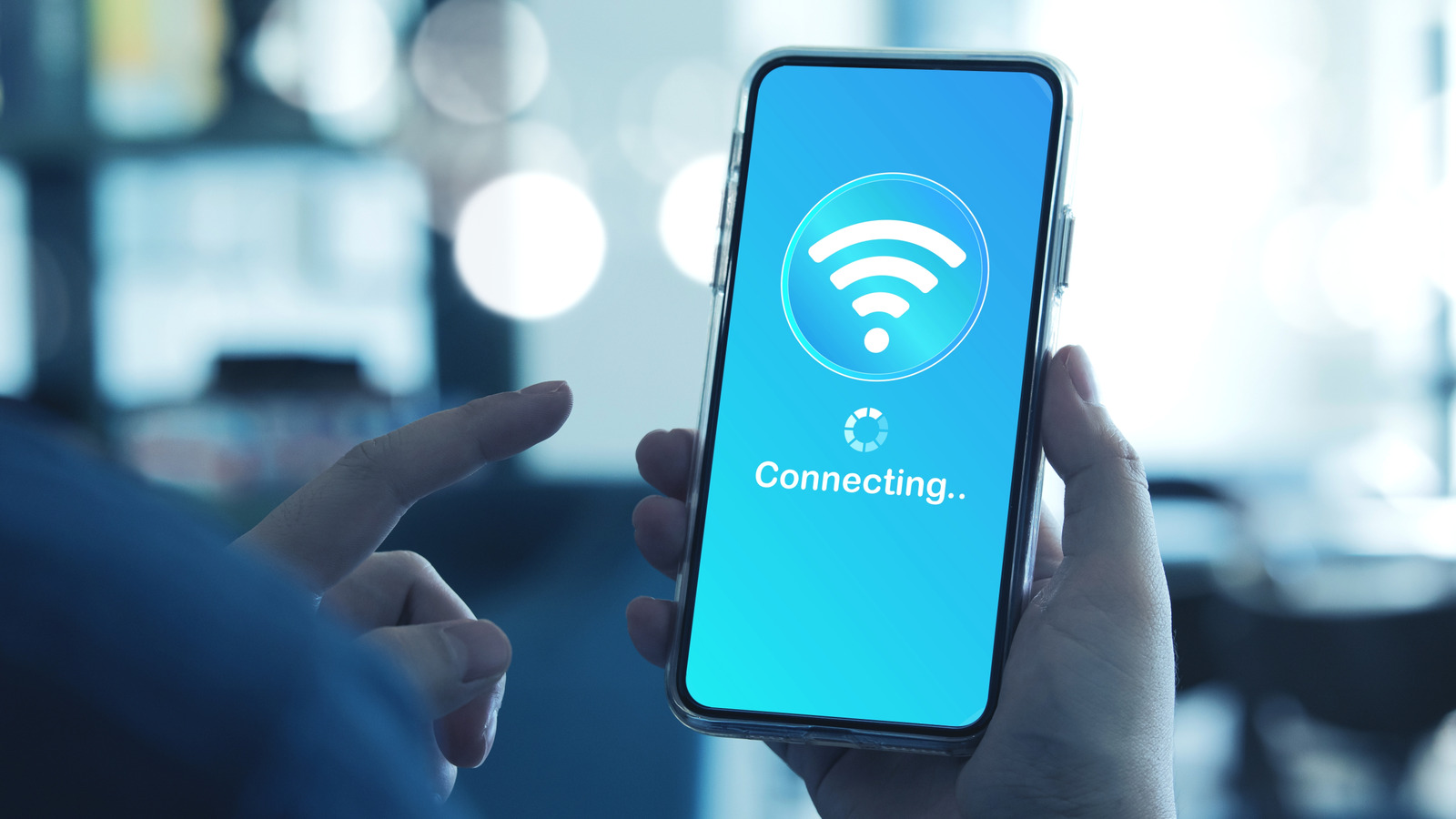
It’s pretty common that people mix up Wi-Fi and wireless internet because they both feel like the same thing. However, Wi-Fi and wireless internet are two different technologies. Wireless internet means cellular networks like 3G, 4G, and 5G, with each “G” referring to better stability and higher speed. Devices connect to the internet through these networks, and you can hop on them anywhere your device gets a connection as long as you have a cellular data plan.

Wi-Fi is a local network technology. It takes an existing internet connection (like fiber, cable, or the aforementioned cellular wireless internet) and broadcasts it wirelessly around your house or office through a router. According to Interbrand (via Quartz), Wi-Fi was a term invented by marketers because the actual name — IEEE 802.11 — wouldn’t fit on the sticker. People asked about what Wi-Fi stood for, and the answer they got was “wireless fidelity,” but this was a complete invention meant to carry on the ruse that Wi-Fi was a real name.

The easiest way to picture this is to think of your internet service as like the water supply coming into your house. Wi-Fi is the plumbing that distributes that water to different rooms. Mobile data is the expensive bottled water you buy when traveling. Each of these serves specific purposes, but are at their core different technologies.

Wi-Fi distributes internet in a limited space

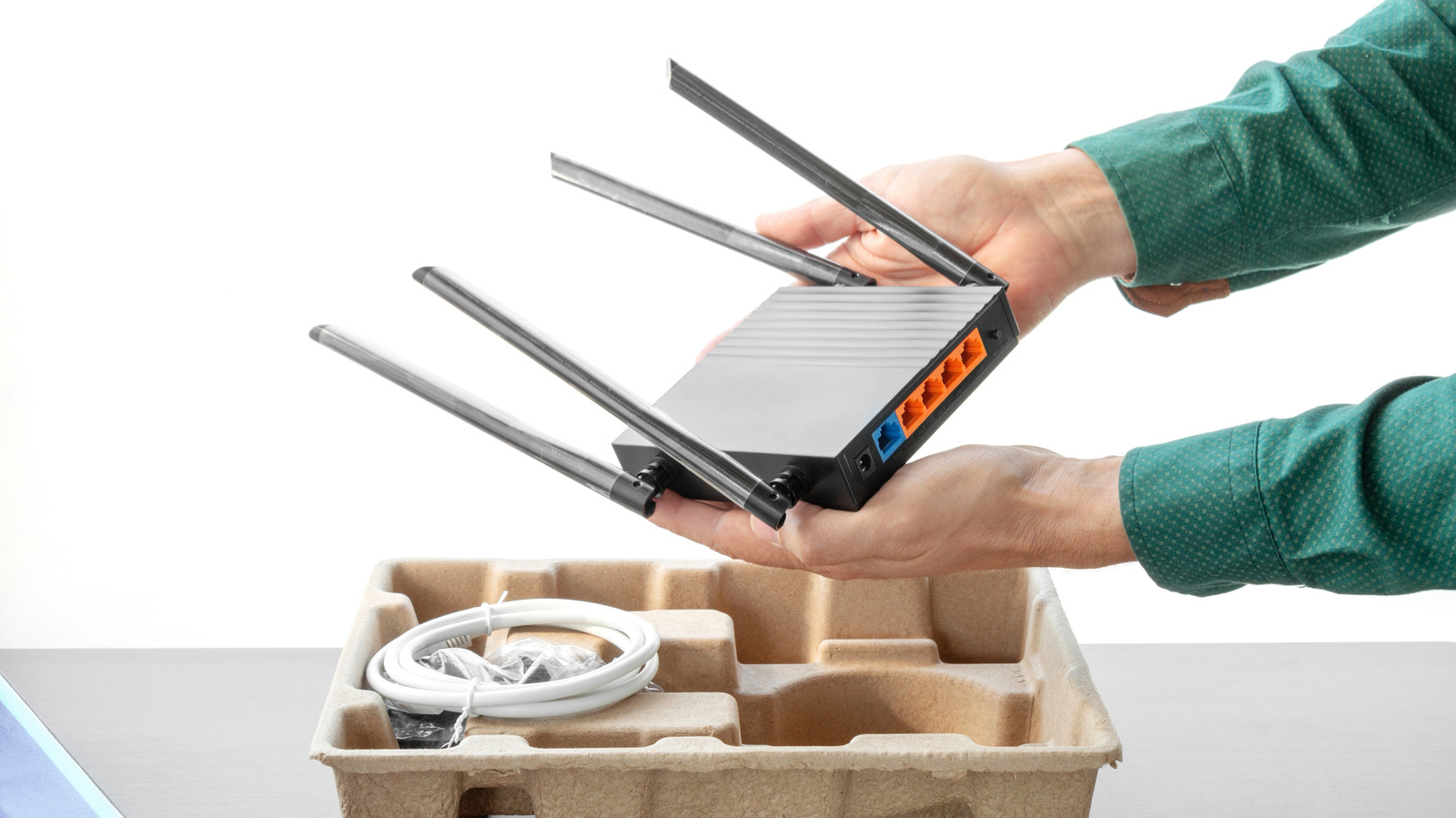
Wi-Fi needs two things to function: A direct internet connection from an ISP (usually cable, fiber, or some other broadband connection), and a router which broadcasts the signal to all nearby Wi-Fi capable devices. The coverage distance isn’t massive, topping out at around 150 feet (46 meters) indoors and up to 300 feet (90 meters) outdoors. Wi-Fi is faster than cellular data within that range, which is why even people with unlimited data plans switch to Wi-Fi at home. It’s just more reliable, and it costs a lot less.

The IEEE notes that Wi-Fi first appeared in 1997. Engineers figured out they could transmit data wirelessly in the 2.4 GHz spectrum, which didn’t require licensing at the time. Today, Wi-Fi uses both 2.4 GHz and 5 GHz bands, and it’s an open standard, meaning anyone can run a Wi-Fi access point.

What’s more, routers don’t need a SIM card, since they’re only concerned with distributing data across connected devices. It’s also why you can have a Wi-Fi connection to your router and still get the pesky, “no internet” icon.

Wireless internet connects you everywhere

When you leave your Wi-Fi coverage zone is when your mobile device switches to wireless internet. This internet is distributed through cell towers spread across a massive area. A single cell tower can cover as much as 25 miles (40 kilometers) in rural areas, but the coverage distance varies based on obstacles. The system works by dividing up the land area into “cells,” each with its own tower transmitting and receiving signals. Your mobile device connects to the tower and sends and receives data from it, without needing a router.

Wireless internet needs a SIM card from your carrier and a cellular data plan. If you have coverage, you’re connected. You can even share that connection through tethering or Bluetooth. Additionally, wireless internet is typically more expensive than Wi-Fi. Data caps and monthly cellular fees add up fast, especially if you’re traveling and receive international roaming charges. It’s also a lot more portable than Wi-Fi, since it can be used almost anywhere your phone has a signal. Unfortunately, it is less stable than Wi-Fi, since its operation and speed depend on your proximity to the tower.

The best thing is that your phone switches between these connections automatically, meaning you don’t really need to worry too much about which one you’re using when.



Sign Up For Daily Newsletter

Be keep up! Get the latest breaking news delivered straight to your inbox.
By signing up, you agree to our Terms of Use and acknowledge the data practices in our Privacy Policy. You may unsubscribe at any time.
Share This Article
Facebook Twitter Email Print
Share
What do you think?
Love0
Sad0
Happy0
Sleepy0
Angry0
Dead0
Wink0
Previous Article U.S. DoJ Seizes Fraud Domain Behind .6 Million Bank Account Takeover Scheme U.S. DoJ Seizes Fraud Domain Behind $14.6 Million Bank Account Takeover Scheme
Next Article Top 10 telecoms stories of 2025 | Computer Weekly Top 10 telecoms stories of 2025 | Computer Weekly
Leave a comment

Leave a Reply Cancel reply

Your email address will not be published. Required fields are marked *

Stay Connected

248.1k Like
69.1k Follow
134k Pin
54.3k Follow

Latest News

Instacart Ends AI Pricing Tests Showing Different Prices for the Same Items
News
The Rural Banking Stack-2 | HackerNoon
Computing
Upgrade your Mac for the holidays with lifetime MS Office access for 77% off
News
Passwd: A walkthrough of the Google Workspace Password Manager
Computing

You Might also Like

Instacart Ends AI Pricing Tests Showing Different Prices for the Same Items
News

Instacart Ends AI Pricing Tests Showing Different Prices for the Same Items

5 Min Read
Upgrade your Mac for the holidays with lifetime MS Office access for 77% off
News

Upgrade your Mac for the holidays with lifetime MS Office access for 77% off

3 Min Read
Paul Dano’s Sci-Fi Masterpiece About Humanity’s Future With AI Is Streaming On Netflix – BGR
News

Paul Dano’s Sci-Fi Masterpiece About Humanity’s Future With AI Is Streaming On Netflix – BGR

4 Min Read
Paramount renews bid for Warner Bros, ensuring B Larry Ellison backing |  News
News

Paramount renews bid for Warner Bros, ensuring $40B Larry Ellison backing | News

3 Min Read
//

World of Software is your one-stop website for the latest tech news and updates, follow us now to get the news that matters to you.

Quick Link

  • Privacy Policy
  • Terms of use
  • Advertise
  • Contact

Topics

  • Computing
  • Software
  • Press Release
  • Trending

Sign Up for Our Newsletter

Subscribe to our newsletter to get our newest articles instantly!

World of SoftwareWorld of Software
Follow US
Copyright © All Rights Reserved. World of Software.
Welcome Back!

Sign in to your account

Lost your password?