

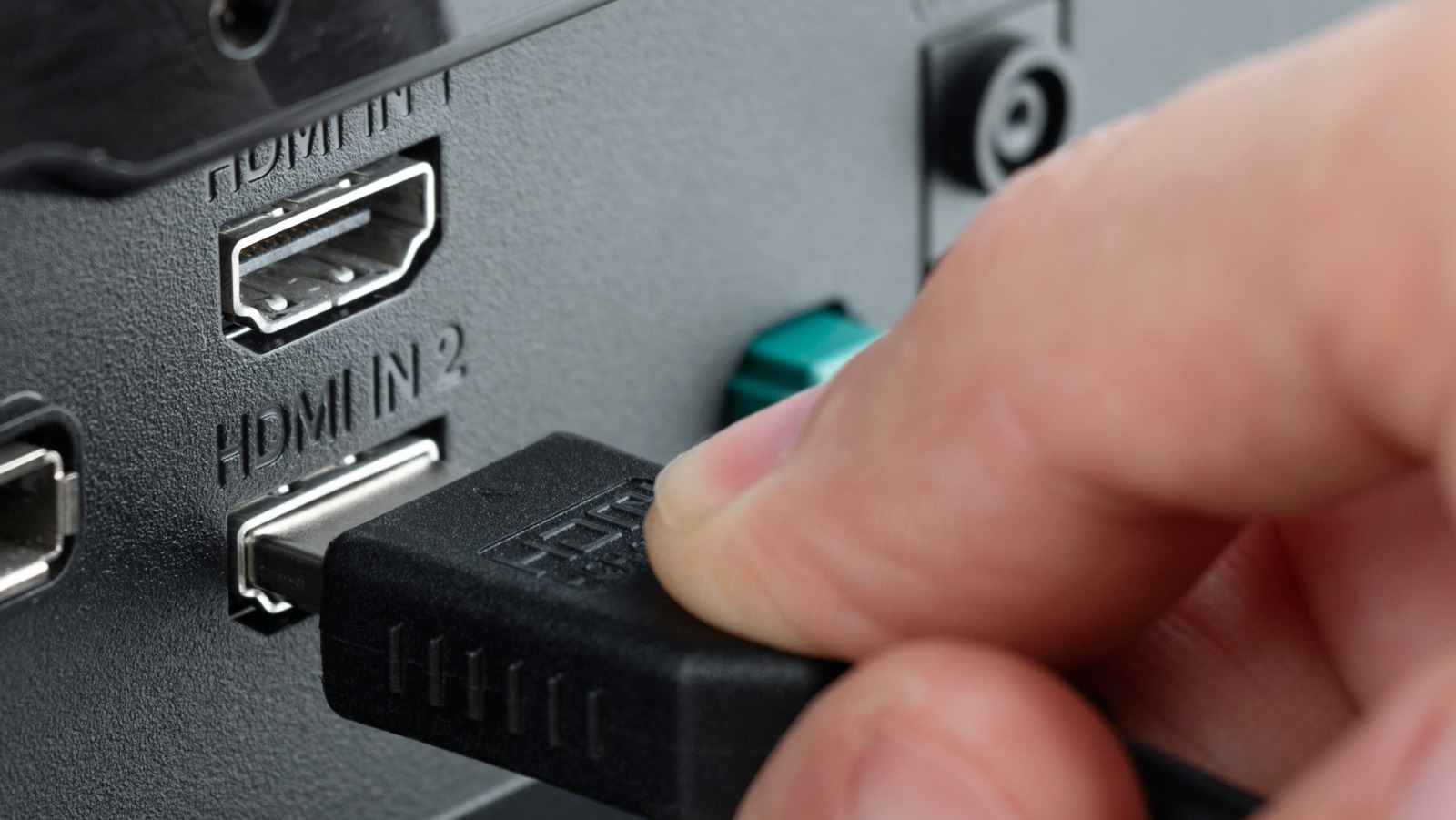
You finally unboxed that new TV or gaming console, only to be greeted by a row of identical-looking HDMI ports on the back. They all look the same, so it’s easy to assume they all work the same. That assumption is at the heart of some of the most common HDMI myths, and it’s one reason many people never get the display performance they paid for from their TVs.
Not all HDMI ports are created equal, even on the same device. Some ports may support higher refresh rates and better audio formats, while others don’t. Plugging your console or streaming device into the “wrong” HDMI port can quietly limit picture quality, introduce input lag, or disable features your TV clearly advertises.
Understanding how HDMI ports and standards actually work is the key to getting the best image, sound, and performance from your setup without wasting money and leaving features unused.
All HDMI ports on your TV are the same
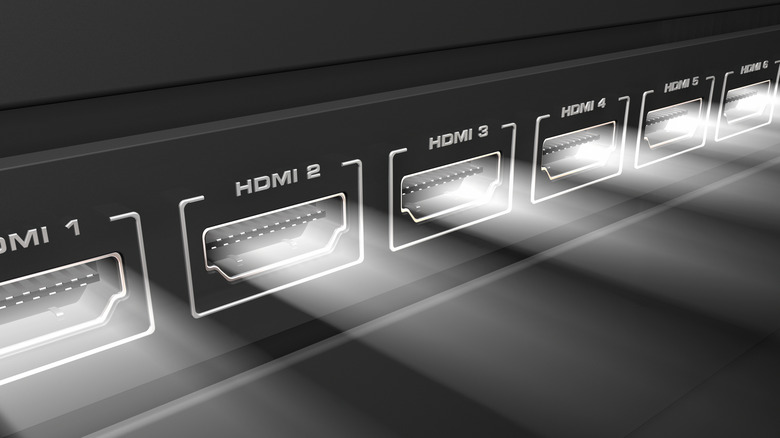
Since every HDMI port on your TV looks exactly the same, it’s natural to assume any device can plug into any port with identical results. That’s far from true. Modern TVs include HDMI ports supporting different versions of the HDMI that handle different bandwidths and features. HDMI 2.0 ports max out at 4K resolution at 60Hz, which was perfectly fine a few years ago. Today’s HDMI 2.1 ports push 4K at 120Hz, support 8K resolution, and include gaming features like Variable Refresh Rate (VRR) and Auto Low Latency Mode (ALLM).
This matters a lot for gaming. If you plug your PlayStation 5 into an HDMI 2.0 port, your console will work fine, but you’re locked at 60fps max. Switch to an HDMI 2.1 port, and suddenly you’re getting 120fps gameplay in supported titles and reduced input lag. Unfortunately, there’s no standardization for which ports get which features.
Check your TV manual to know what port is which before connecting devices, especially gaming consoles and high-end streaming devices that benefit from HDMI 2.1’s better features.
The ARC or eARC port is only for audio equipment
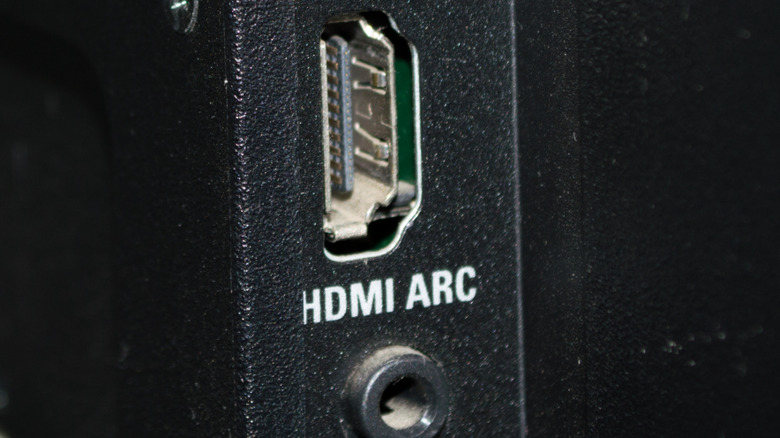
One of the most common HDMI myths is that the port labeled ARC or eARC is meant only for audio equipment and can’t be used for anything else. This misunderstanding comes from the name itself (Audio Return Channel), which may sound like a special, audio-only connection.
ARC was introduced to solve a simple problem of getting audio out of your TV and back to a soundbar or AV receiver. Since many people use built-in TV apps like Netflix, YouTube, or Prime Video, ARC allows the TV to send that audio back through the same HDMI cable connected to your sound system. The eARC (or Enhanced Audio Return Channel) port expands on this by supporting much higher-bitrate formats such as Dolby Atmos and DTS:X with less compression.
What many users don’t realize is that an eARC port is often also an HDMI 2.1 port, making it one of the most capable connections on the TV.
HDMI ports don’t wear out or degrade

HDMI ports absolutely can and do fail over time. These ports are soldered directly to your TV’s mainboard, and repeated plugging and unplugging creates physical stress on those solder joints. Eventually, the connections can crack or weaken, leading to intermittent signal loss, sparkles dancing across your screen, or complete “No Signal” failures even when everything appears properly connected.
Physical damage can quicken port degradation. The pins inside HDMI ports are delicate, and forcing a cable in at an angle or jamming it roughly can bend or break these pins. Frequent unplugging can damage the HDMI chip itself, not just the physical port. Dust accumulation inside unused ports creates connection issues too, and accidental impacts from moving your TV or bumping the cables can crack the port’s solder points.
When an HDMI port fails, repair options are limited and expensive. Replacing a damaged port requires professional soldering work to remove the broken port and install a new one without damaging the TV’s mainboard definitely not a DIY project for most people. Prevention is your best strategy, so be gentle when inserting and removing cables.


