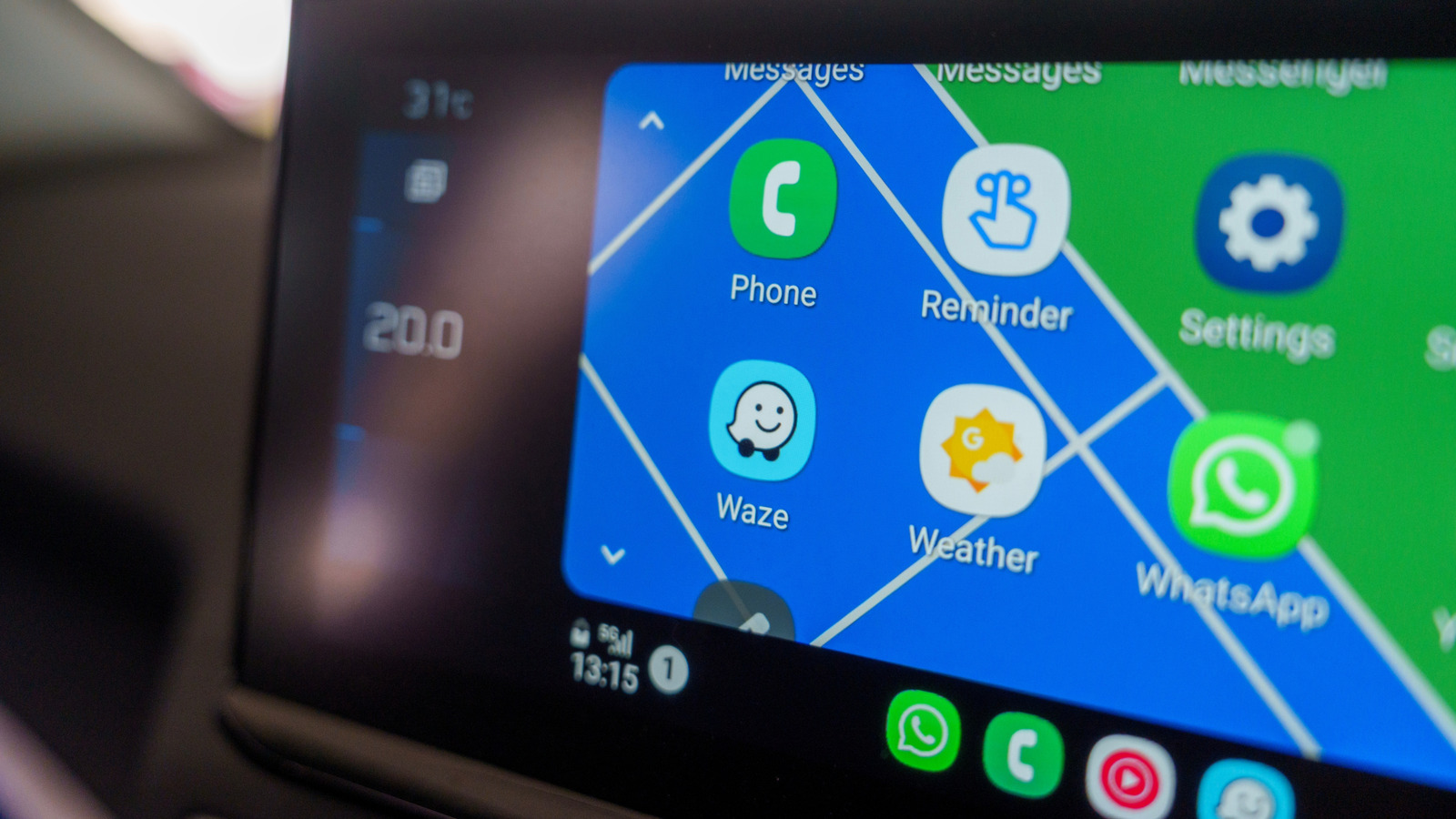
Thanks to its seamless ability to bring your phone’s apps and features to your car’s infotainment system, Android Auto has become one of the most sought-after car features and is supported in nearly all new cars. It reduces your reliance on smartphones while driving and minimizes distraction. With Google Assistant, you could already do a lot with just your voice. However, the recent inclusion of Gemini AI in Android Auto will further enhance your experience with helpful new features. That said, much of what you can achieve with Android Auto depends on the apps you have installed.
While essential Android Auto apps, like Google Maps and Gasbuddy, are a great place to start, there is an extensive selection of apps in the Google Play Store to choose from. So, we have handpicked some of the most useful Android Auto apps that certainly deserve a place on your car’s infotainment screen. More importantly, all our recommendations are free to download and are well-liked among Android Auto users.
AntennaPod
AntennaPod is a must-have for anyone who likes to listen to podcasts while driving. It gives you access to millions of free and paid podcasts and allows you to import your existing libraries from Apple Podcast database, OPML files, RSS feeds, and other sources. When you are using AntennaPod through Android Auto, you get a simple interface with basic playback controls, queue access, and the ability to look through your subscriptions and their episode lists.
It has all the essentials you want from an excellent podcast app, including support for adjustable playback speed, chapters, and password-protected feeds and episodes. You can also mark episodes as favorites, search for specific episodes, and share feeds and episodes via email and social media. Additionally, the app has strong automation controls that allow you to set which feeds, when, and on which data connections are downloaded. Most importantly, this open-source app is not only ad-free but also privacy-friendly.
Fuelio
Fuelio is an excellent companion app for any vehicle owner who likes to keep track of their fuel usage, mileage, and other costs. It supports vehicles with all common fuel types, including electric, flex, and bi-fuel vehicles. You can also add all your vehicles in one place for easy management. With Fuelio, you can accurately measure the real-world efficiency of your vehicles based on fill-ups, get a trip-wise cost, and information about nearby fuel stations, along with average fuel prices.
The app also allows you to store vehicle-related costs, including money spent on servicing, maintenance, registration, parking, washing, tolls, tickets, tuning, and insurance, to get a better idea of your overall ownership cost of the vehicles. Like most Android Auto versions of apps, the Fuelio interface in your car is pretty straightforward and shows nearby fuel stations, and gives you the option for recording trips and refueling data. You can also see the trip and refueling logs in the car itself. The rest of the features are limited to your Android phone.
PlugShare
PlugShare is an essential app for any EV owner. It’s the world’s largest app for finding electric charging stations, with over 70,000 listed in North America alone. It can not only help you find nearby electric chargers but also plan trips accounting for the charging infrastructure. It lists chargers of all popular providers, including Tesla Superchargers, Electrify America, and ChargePoint. You can add your own vehicle details to personalize the experience, and the app will only show relevant stations to your needs.
You can also benefit from check-ins, photos, ratings, and reviews shared by other Plugshare users about specific charging stations and share your own experience with the community. As with any other similar app, Plugshare isn’t perfect, so these community-shared bits of information can come in pretty handy to confirm whether a charger is indeed working as it should or has issues. This helps plan for alternatives. In other features, you can filter charging stations based on speed, available plugs, payment options, food, restrooms, and more. All in all, Plugshare is very useful.
SpotHero
If you live in a major metropolitan area, finding parking can be a big hassle. Fortunately, SpotHero, which is also among our essential apps for a road trip, can help you in this regard. This digital parking marketplace helps you find, reserve, and pay for parking across all major American cities. With it, you can save your precious time and spend it on things that are more important than circling around the streets. You can search for parking lots, garages, and valet services, compare prices and amenities to decide on where you want to park your car.
SpotHero also supports monthly parking needs and even airport parking. Additionally, you can have different profiles for personal and business needs. Notably, the SpotHero Android Auto app doesn’t currently support booking or paying for new parking reservations, and you need to do that on your phone app or the website. However, it can show you the upcoming and active parking reservations and help you navigate to them.
TuneIn Radio
TuneIn Radio can be your entertainment companion on road trips. It’s a popular global service that offers access to over 120,000 live radio stations, including those hosted on the internet or available via AM/FM bands. These radio stations not only include purely entertainment sources, but also news transmissions, the likes of CNN, Fox News Radio, NPR, and BBC, and sports broadcasts. Moreover, millions of podcasts and dedicated non-radio music stations are also available on TuneIn Radio. Thanks to its impressive selection of content to choose from, you’ll never be short on things to listen to as you drive.
Its Android Auto interface is also simplified and includes large, simple menus for easy access. It provides access to your recent stations, favorites, and subscriptions in the car. Plus, you can use Gemini for voice control. If you’re willing to pay for its Premium subscription, you can remove all the ads and get access to over 100,000 audiobooks and live sports events. Ads can also be removed with a one-time purchase of the TuneIn Radio Pro version.
How we chose these applications
While picking up apps to use with Android Auto, we focused on applications that solve real problems or enhance the experience of using a vehicle. Our picks are free to use, and even if they have a premium subscription, they offer essential features in their free versions. All our recommendations are also widely loved by Android owners and have received an average rating of over 4.3 from thousands of reviews on the Google Play Store.