We may receive a commission on purchases made from links.
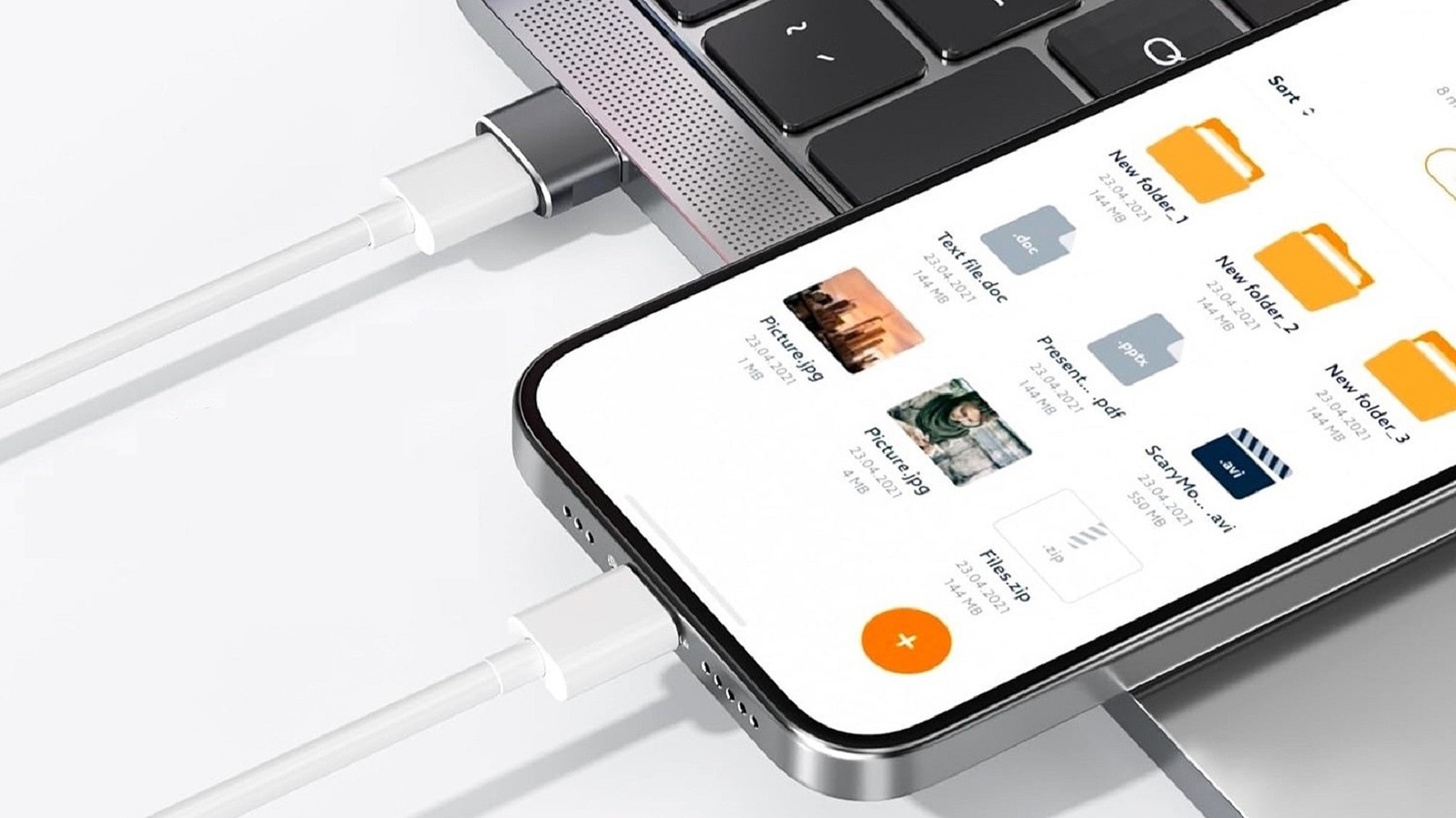
Many newer devices come with a single USB-C port, which is primarily used for charging and data transfers. Devices like tablets, phones, and the Steam Deck are great examples of this. If you need to connect them to a standard USB Type-A port, like on a computer, or in a vehicle, you can use a USB-A to USB-C cable. But, if you only have a USB-C to USB-C cable, you can use a USB adapter, like the Basesailor USB to USB-C Adapter, which is pretty cheap at only $8. It has a 4.6 rating with over 115,000 reviews, and it comes in a three-pack, so you get multiple adapters.
It has a USB-A male connector to plug into a regular USB Type-A port on one side, and a USB-C female port on the other, allowing you to plug in a USB-C cable. The Basesailor adapter is a quick and easy way to connect your devices without having to buy new cables.
You should note, however, that the USB ports you plug into will matter, especially for charging times and transfer speeds. USB-C ports are fundamentally different because they offer much faster transfer speeds for data and higher power delivery for electricity compared to older USB Type-A ports. Plugging in an adapter like the Basesailor will work fine, but it will limit data transfers and charging speeds to whatever standard the USB Type-A port is.
How much different are the data and power capabilities?
Using an adapter like the Type-A to Type-C from Basesailor is great in a pinch, but you may not want to make it a permanent solution if you can avoid it. That’s because, while ‘USB’ stands for Universal Serial Bus, and it’s a universal port, there are various generations that support different speeds and features. Most USB-A ports are either USB 2.0 or USB 3.0. Data transfers are capped at 480 Megabits per second for USB 2.0, 5 Gigabits per second for USB 3.0, and 10 Gigabits per second for USB 3.1. USB-C can hit transfer speeds of up to 40 Gigabits per second.
For power, USB 2.0 offers a maximum of 2.5 watts, while USB 3.0 and USB 3.1 provide up to 15 watts of power. Compare this to the USB-C 3.1 standard, which can deliver up to 100 watts of power. That means transfer speeds and charging are way faster for USB-C.
What you’re doing when you plug in an adapter like this is locking your device into the lower standard, meaning you get the lower speeds and the lower power delivery threshold. It works the same as when you plug a USB 2.0 cable into a USB 3.1 port; you’re immediately restricted by the lower speeds of the USB 2.0 port and the lower power capacity. Moreover, USB-C supports the PD (Power Delivery) standard for fast charging, which can offer up to 240 watts of power to charge all but the most power-hungry laptops.