![5 Best AI YouTube Thumbnail Makers to Boost CTR ([current_date format=’Y’] Review) |](https://bulk.ly/wp-content/uploads/2025/12/AI-YouTube-Thumbnail-Makers.png "5 Best AI YouTube Thumbnail Makers to Boost CTR ([current_date format=’Y’] Review) |")
The digital content landscape now prioritizes the thumbnail, which acts as a primary, split-second micro-advertisement to drive clicks. High-quality video alone is insufficient; the Click-Through Rate (CTR) is critical.
AI has revolutionized this process, turning manual design into a data-driven workflow that analyzes, predicts, and optimizes for “clickability.”
This article rigorously analyzes five leading AI-powered thumbnail platforms—WayinVideo, 1of10, Canva, Adobe Express, and Simplified—assessing their functional depth, efficiency, and output quality to show how they leverage machine learning to solve the CTR problem.
1. WayinVideo: The Promptless AI Thumbnail Generator
WayinVideo YouTube thumbnail maker positions itself as a specialized “growth engine” for YouTube creators. It distinguishes itself by removing the need for complex text prompts. The system uses the video file itself as the primary source of truth. It is designed to replace traditional editing workflows with a streamlined, automated process.
Product and Functionality Introduction
Video-to-Thumbnail Conversion
The core functionality revolves around direct video analysis. Users upload a video file (MP4, MOV, WEBM, AVI) or paste a YouTube URL directly into the interface. The AI does not simply grab random screenshots. It scans the footage to identify “key scenes” based on visual saliency and emotional markers.
Deep Semantic Analysis
The underlying computer vision algorithms analyze the narrative flow of the video. The system identifies moments of high tension, turning points, or strong emotional reactions. It understands context, ensuring that the selected frames represent the video’s actual value proposition.1 This reduces the dissonance often caused by misleading thumbnails.
Smart Portrait Integration
Creators can upload a separate selfie or portrait to the system. The AI automatically performs background removal to isolate the subject. It then adjusts the lighting of the portrait to match the mood and ambient light of the generated background. This integration prevents the “sticker effect” where subjects look artificially pasted onto a scene.
AI Style Cloning
This feature allows users to upload a reference image from a successful video in their niche. The AI analyzes the composition, contrast, and layout logic of the reference. It then reconstructs the user’s own footage to match this high-performing structure.1 This effectively democratizes professional design layouts.
Standout Highlights
Promptless Workflow
The most significant innovation is the elimination of text prompting. Users do not need to describe a scene or learn “prompt engineering.” The AI infers the necessary visual elements directly from the video content and uploaded references. This dramatically lowers the cognitive load for the creator.
CTR-Focused Optimization
The tool explicitly targets “Click-Through Rate” as its primary metric. It claims to help creators triple their CTR by using trend-optimized designs. The generated covers follow algorithmic best practices by default. This includes high contrast and emotional signaling.
Safe Zone Compliance
The system automatically adheres to YouTube’s interface constraints. It ensures that text and faces are placed within “safe zones.” This prevents crucial elements from being obscured by timestamps or hover buttons on mobile and desktop feeds.
Variation Generation
A single upload generates multiple distinct variations. These variations offer different emotional tones and compositional structures.1 This provides immediate assets for A/B testing. Creators can select the winner without needing to manually redesign the canvas.
Pros and Cons
Pros
● Accessibility: The tool is free to use initially without requiring a credit card or sign-up.
● Context Awareness: It generates thumbnails that are contextually accurate to the video, reducing clickbait accusations.
● Platform Agnosticism: It supports aspect ratio switching for Shorts (9:16), Instagram (1:1), and other feeds.
● Efficiency: It generates multiple high-definition options in seconds, significantly faster than manual editing.
Cons
● Storage Limits: The free and lower-tier plans have aggressive storage expiration policies (3 to 15 days).
● Credit Dependency: Advanced features and higher resolutions are locked behind a credit consumption model.
Pricing
WayinVideo operates on a credit-based subscription model with tiered benefits.
| Plan | Price | Monthly Credits | Key Limits |
|---|---|---|---|
| Free | $0 | 200 (One-time for new users) | 720p export, No local upload, 3-day storage. |
| Standard | ~$9.99/mo | 1,500 | 1080p export, 10GB upload limit, 15-day storage. |
| Pro | ~$26.99/mo | 3,500 | 2K export, 30GB upload limit, 30-day storage. |
| Pro+ | ~$139.99/mo | 20,000 | 4K export, 150GB storage, Business speed. |
Annual plans offer significant discounts, up to 65% off the monthly rate. The free plan serves primarily as a trial due to the inability to process raw video files.
2. 1of10: The Data-Driven Analyst
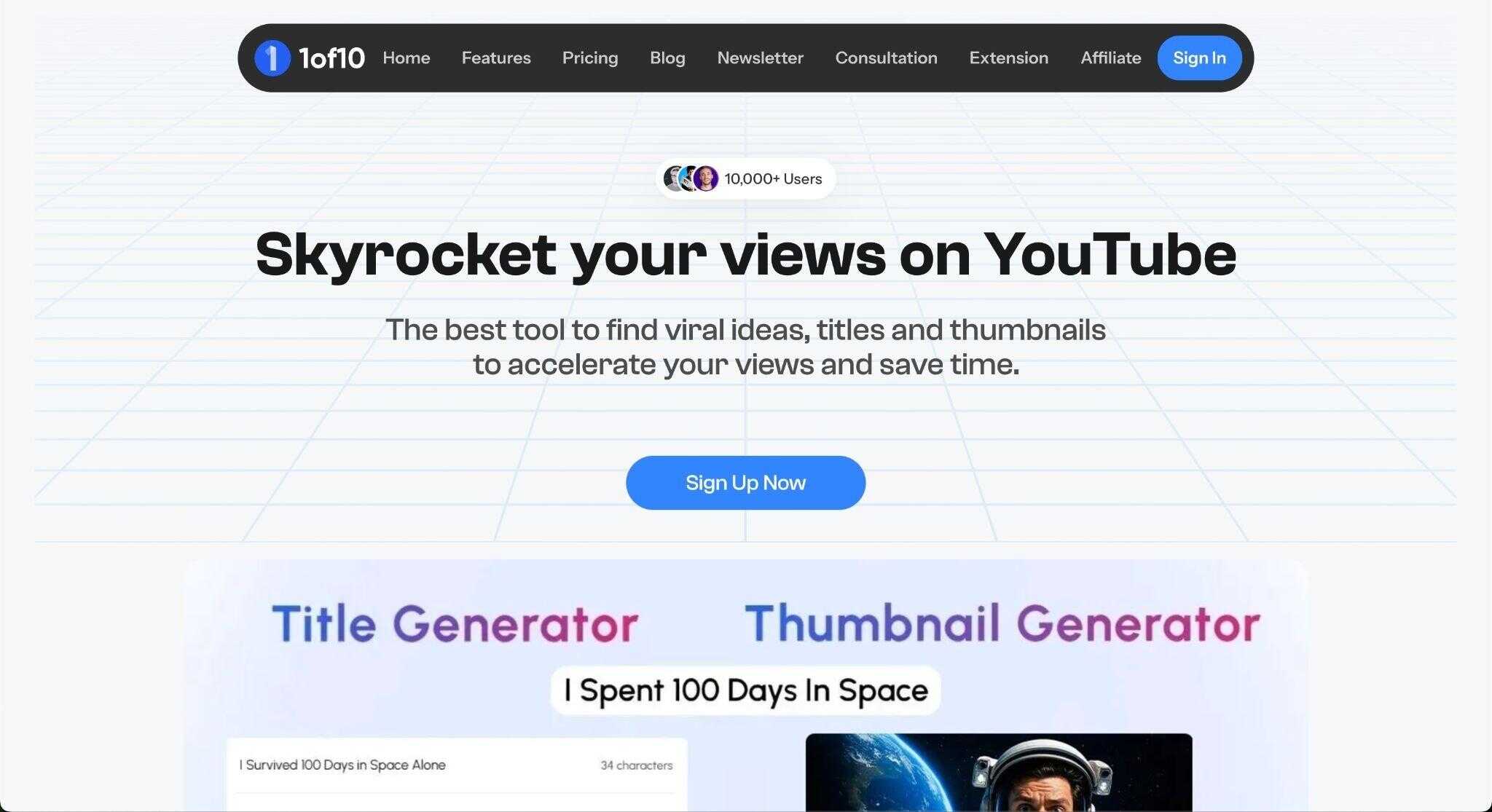
1of10 represents a shift from “creative design” to “analytical engineering.” It is built on the premise of “Outlier Detection.” The tool identifies videos that statistically outperform a channel’s average and reverse-engineers their packaging.
Product and Functionality Introduction
Outlier Finder
The platform scans millions of YouTube videos to find statistical anomalies. It looks for videos with view counts that vastly exceed the channel’s subscriber base. This metric indicates that the packaging successfully attracted a broad, “cold” audience.
Generative AI Design
The thumbnail generator uses this performance data to create concepts. Users input a title and a concept, and the AI references high-performing outliers in that niche. It generates designs based on proven click-drivers rather than just aesthetic preferences.
Face Analysis and Optimization
The tool analyzes specific facial expressions that drive clicks in different niches. It can identify if a “shocked” face works better than a “happy” face for a specific topic. It enhances subtle cues like eyebrow lifts or gaze direction to guide viewer attention.
Niche Explorer
Creators can drill down into specific sub-genres using the Niche Explorer. The AI understands that the visual language of “Minecraft Hardcore” differs from “Minecraft Tutorial”. It tailors the generative output to match the specific visual dialect of the sub-niche.
Standout Highlights
Data-Backed Frameworks
The generated designs are not random; they are based on empirical success. The tool answers the question, “What is working right now?”. This reduces the risk of uploading a thumbnail that looks good but fails to convert.
Competitor Tracking
Users can monitor specific competitor channels for breakout hits. The system alerts the user when a competitor has an outlier video. This allows for rapid “trend-jacking” or format adaptation before the trend fades.
Title-Thumbnail Synergy
The platform includes a Title Generator that works in tandem with the visual designer. It ensures the text on the thumbnail matches the linguistic hooks of the video title. This creates a cohesive “click promise” that improves viewer satisfaction.
Gamified Workflow
The tool is named after the YouTube Studio ranking metric (1 out of 10). Its entire user experience is designed to help creators achieve that specific rank. It focuses on the metrics that matter most to professional YouTubers.
Pros and Cons
Pros
● Strategic Value: It solves the ideation problem, not just the design problem.
● High ROI Potential: A single viral video generated by the tool can cover the subscription cost.
● Proven Styles: It can mimic the styles of top creators like MrBeast or Veritasium accurately.
● Efficiency: It removes the guesswork from the design process by providing data-backed templates.
Cons
● Homogenization: Widespread use could lead to similar-looking thumbnails across a niche.
● Price: It is significantly more expensive than standard design tools.
● Learning Curve: Users must understand data concepts like “outliers” to get full value.
● No Free Generator: The core generative features are locked behind a paywall.
Pricing
1of10 positions itself as a premium B2B tool for serious creators.
| Plan | Price | Key Features |
|---|---|---|
| Basic | $29/mo | Outlier tracking, Niche Explorer, Bookmarks. |
| Pro | $49/mo | AI Thumbnail Generator access, Advanced filters. |
| Yearly | ~$349/yr (Basic) | significant discount for annual commitment. |
The pricing reflects its status as a business intelligence tool. There is no free tier for the generative features, emphasizing its professional target audience.
3. Canva (Magic Design): The Democratized Designer
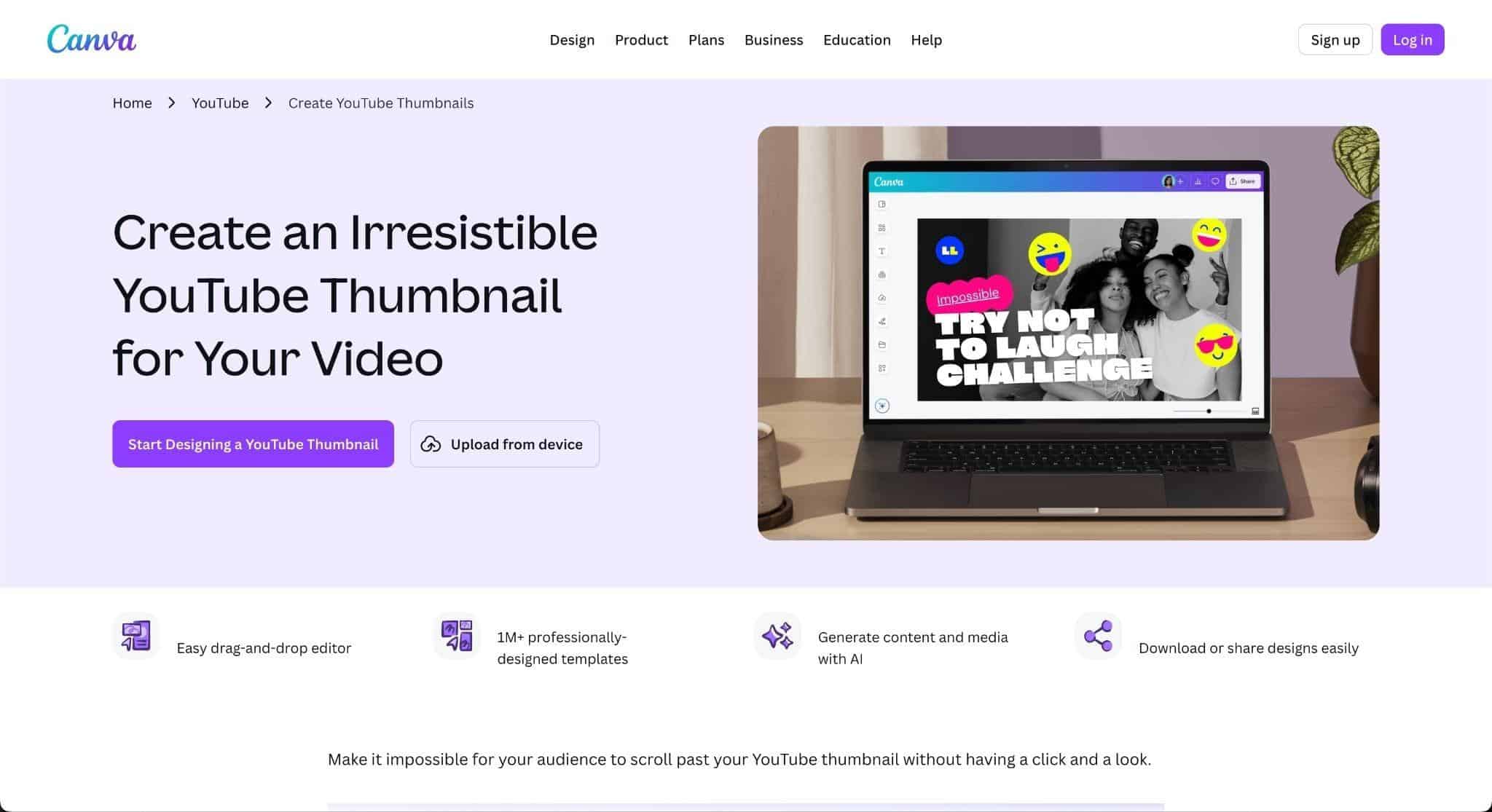
Canva is the ubiquitous giant of digital design. With the introduction of “Magic Studio,” it has integrated powerful generative AI into its accessible platform. It appeals to generalist creators who need a complete suite of visual tools.
Product and Functionality Introduction
Magic Design
Canva’s Magic Design allows users to upload a reference image or type a prompt. The system generates a suite of fully editable templates based on the input. Unlike pixel-based generators, Canva outputs layered designs where text and elements remain separate.
Magic Media
This feature is powered by models like Stable Diffusion. It allows for text-to-image generation directly within the editor. Users can generate specific assets, such as backgrounds or characters, without leaving the canvas.
Magic Grab and Edit
Magic Grab allows a user to select a subject in a flat photo and separate them from the background. The subject becomes a movable layer. Magic Edit allows users to brush over an area and swap objects using text prompts.
Magic Switch
This feature uses AI to resize and reformat designs for different platforms. A YouTube thumbnail can be instantly converted into an Instagram Story. The AI rearranges the elements to fit the new aspect ratio automatically.
Standout Highlights
Ecosystem Integration
The thumbnail maker is connected to Canva’s massive asset library. AI generations can be embellished with millions of pre-licensed stock photos and fonts. This provides a depth of resources that standalone AI tools cannot match.
Layered Generation
The ability to generate editable templates is a massive technical advantage. Most AI tools output a flattened image that is hard to edit. Canva outputs a workspace that can be tweaked indefinitely.
Brand Kit Compliance
For teams, the AI respects the defined Brand Kit. It ensures that generated variations use the correct fonts, colors, and logos. This maintains brand consistency across all visual assets.
Real-Time Collaboration
Canva supports simultaneous multiplayer editing. A designer, a writer, and a channel manager can work on the same thumbnail at once. This feature is critical for agency workflows.
Pros and Cons
Pros
● Versatility: It is a complete design suite, not just a thumbnail maker.
● Ease of Use: The interface is extremely polished and requires almost no learning curve.
● Value: The Pro subscription includes massive stock libraries, offering high value.
● Collaboration: It is the industry standard for team-based design workflows.
Cons
● Generic Aesthetic: Thumbnails can sometimes look “Made in Canva” due to template popularity.
● Shallow AI Logic: The AI optimizes for design balance, not specifically for YouTube CTR.
● Paywalled Features: The most powerful AI tools (Magic Grab, Eraser) require a paid subscription.
● Prompt Precision: The generative model can struggle with complex, multi-subject prompts compared to specialized tools.
Pricing
Canva operates on a Freemium model with a very capable free tier.
| Plan | Price | Key Features |
|---|---|---|
| Free | $0 | 250k+ templates, 5GB storage, Basic AI. |
| Pro | ~$15/mo | 1TB storage, Magic Studio (Grab, Edit), Brand Kit. |
| Teams | ~$10/user/mo | Team collaboration, shared folders, admin controls. |
The annual Pro plan costs approximately $120/year, making it an affordable option for the breadth of features offered.
4. Adobe Express: The Professional’s Choice
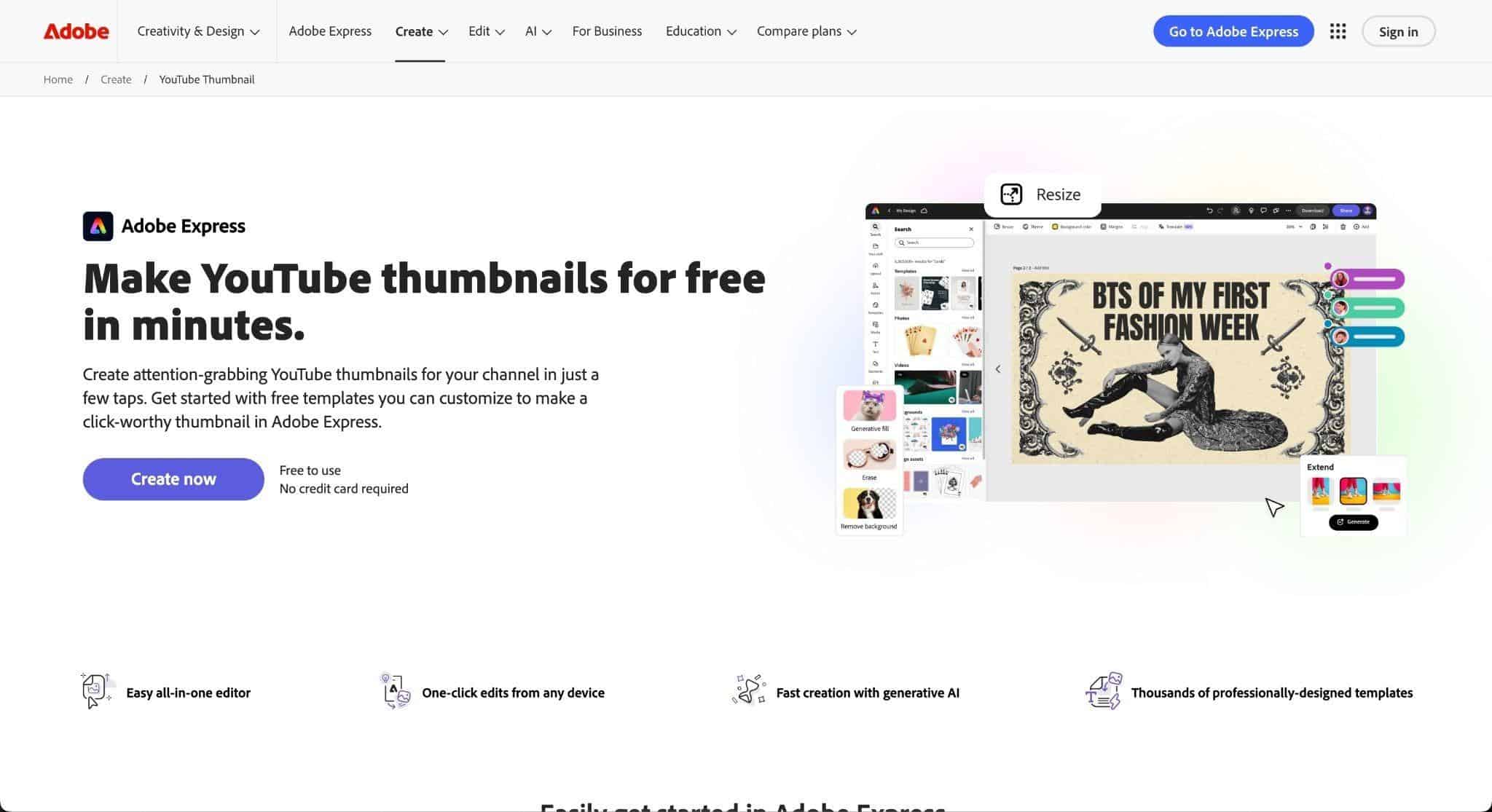
Adobe Express brings the power of the Firefly generative engine to a web-based interface. It bridges the gap between casual design apps and professional software like Photoshop. It emphasizes high-fidelity output and commercial safety.
Product and Functionality Introduction
Adobe Firefly Engine
At the core is Adobe Firefly, a generative model trained on Adobe Stock and public domain content. This ensures that all generated imagery is commercially safe. It avoids the copyright gray areas associated with models trained on scraped web data.
Generative Fill
This feature allows users to insert, remove, or replace objects with high precision. Users can brush over an area and type a prompt to add an object. The system matches the lighting, perspective, and shadows of the existing image automatically.
Text Effects
Adobe Express offers unique AI-powered text effects. Users can generate typography with complex textures, such as “letters made of dripping slime” or “gold balloons.” This is particularly useful for creating standout title treatments in thumbnails.
Photoshop Integration
The platform integrates tightly with the broader Adobe ecosystem. “Linked Assets” allow users to create elements in Photoshop and have them update in Express. This supports a workflow where professional designers feed assets to social managers.
Standout Highlights
Commercial Safety
The Firefly model is designed to be safe for commercial use. Creators can monetize their videos without fear of copyright claims. This is a major selling point for enterprise creators and brands.
Photorealistic Manipulation
The Generative Fill feature offers superior realism compared to many competitors. It handles complex lighting interactions and perspective shifts well. This allows for high-concept thumbnails that look authentic rather than synthesized.
Typography Control
The text tools are best-in-class, leveraging Adobe’s font expertise. The ability to apply generative textures to text creates unique branding opportunities. It allows for titles that pop off the screen.
Free Tier Generosity
The free plan includes a surprising amount of core functionality. It offers access to basic generative credits and thousands of templates. This makes it accessible to new creators with zero budget.
Pros and Cons
Pros
● Image Quality: Firefly produces high-fidelity, photorealistic results.
● Safety: The commercial indemnification offers peace of mind for businesses.
● Ecosystem: It connects seamlessly with Photoshop and Illustrator workflows.
● Text Tools: The generative text effects are unique and highly creative.
Cons
● Performance: The web interface can be slower and heavier than competitors.
● Template Variety: The library is smaller than Canva’s and can feel more “corporate”.
● Credit Caps: Heavy use of generative features consumes credits quickly.
● Learning Curve: It is slightly more complex than purely casual tools.
Pricing
Adobe Express uses a “Generative Credit” system for its AI features.
| Plan | Price | Key Features |
|---|---|---|
| Free | $0 | 25 generative credits/mo, Basic editing. |
| Premium | $9.99/mo | 250 generative credits/mo, Premium templates. |
| Creative Cloud | Included | Included with full CC subscription ($54.99/mo). |
For existing Creative Cloud subscribers, Express is effectively a free add-on. The standalone price is competitive with other market leaders.
5. Simplified: The All-in-One Automator
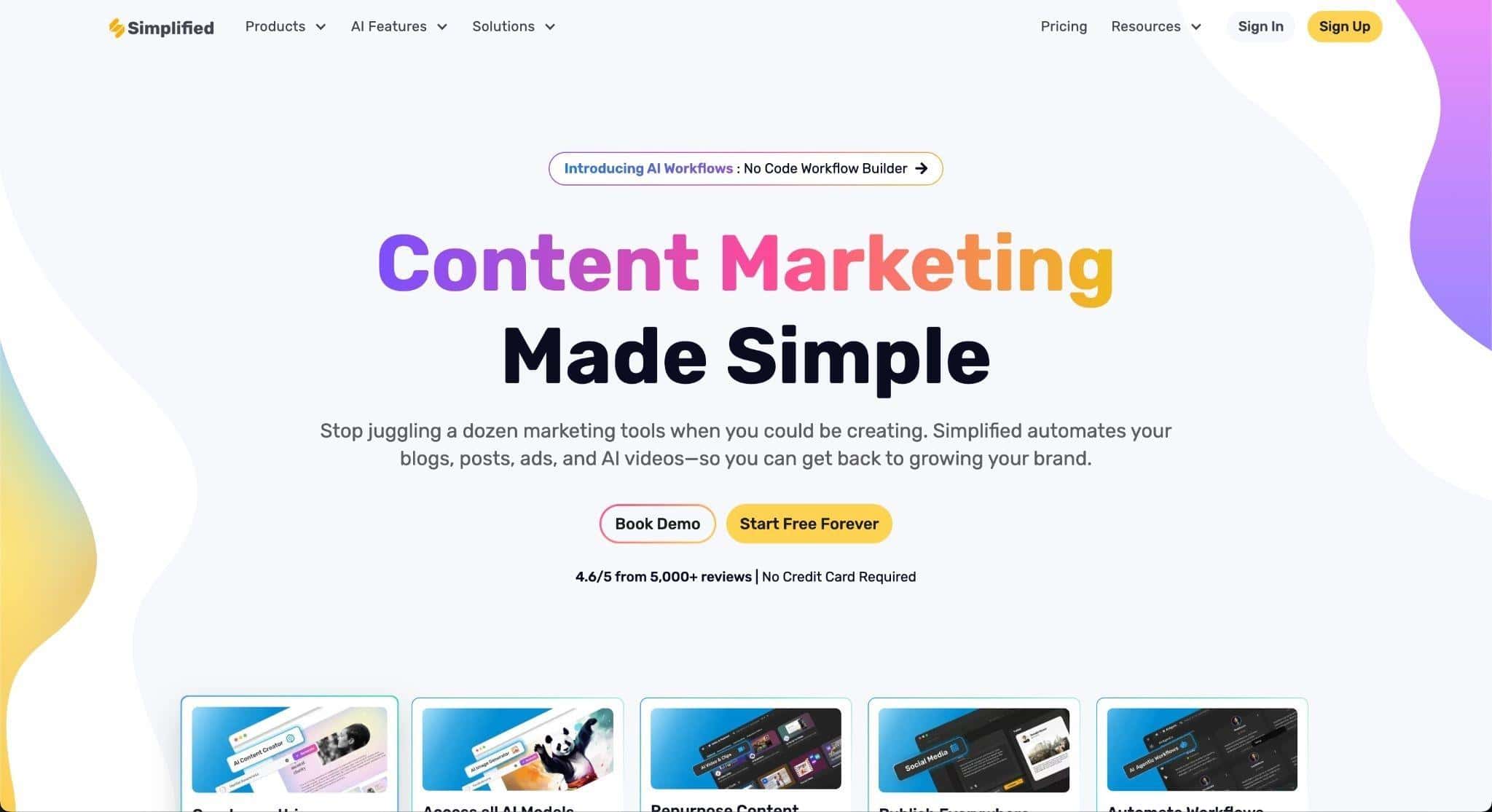
Simplified attempts to consolidate the entire content creation workflow into one tab. It combines an AI writer, designer, video editor, and social scheduler. It is designed for creators who want speed and integration above all else.
Product and Functionality Introduction
AI-Powered Design
Simplified’s thumbnail maker integrates DALL-E and Stable Diffusion models. Users can generate images from text prompts directly on the canvas. The workflow often starts with the AI Writer generating a title, which then informs the image generation.
Integrated AI Writer
The platform includes a robust AI copywriting assistant. It helps users generate catchy titles and hook text for their thumbnails. This solves the “writer’s block” that often stalls the design process.
Bulk Generation
The tool supports bulk creation of assets. A user can generate multiple variations of a text overlay in seconds. This allows for rapid testing of different value propositions without manual redesign.
Social Scheduling
A unique feature is the built-in social media scheduler. Once a thumbnail is designed, it can be scheduled for publication to social platforms immediately. This streamlines the promotion workflow for the video.
Standout Highlights
Unified Workflow
The ability to write, design, and schedule in one interface is a major productivity booster. It reduces context switching between different apps. This is ideal for solo creators managing multiple channels.
Copywriting Synergy
The integration of text and design AI is seamless. The tool understands that the text on a thumbnail is as important as the image. It provides suggestions for punchy, short copy that fits the design.
Collaboration Tools
Simplified offers shared workspaces for teams. A copywriter can draft the text while a designer adjusts the visuals. Client approval tools are also integrated to streamline sign-offs.
Background Remover
The tool includes a one-click background remover for images. This is essential for creating the standard “YouTuber” thumbnail style. It works quickly to isolate subjects for composite images.
Pros and Cons
Pros
● Speed: The tool is designed for high-volume content production.
● Cost Efficiency: It replaces multiple subscriptions (writing, design, scheduling).
● Integration: The flow from idea to publish is unbroken.
● User Friendly: The interface is intuitive for non-designers.
Cons
● Depth: By doing everything, it lacks the depth of specialized tools.
● Generic Outputs: The AI images can look like standard stock photos without careful prompting.
● Stability: Users have reported interface clutter and occasional instability.
● Credit Limits: The free plan has restrictive limits on AI generation credits.
Pricing
Simplified offers a modular pricing structure based on usage needs.
| Plan | Price | Key Features |
|---|---|---|
| Free Forever | $0 | Unlimited design projects, basic AI limits. |
| Pro | ~$19/mo | More AI credits, social scheduling integration. |
| Business | ~$49/mo | 100k AI words, extensive team collaboration. |
The Free Forever plan is generous for basic design tasks. Active creators will likely need the Pro plan for sufficient AI credits.
Comprehensive Comparison
Feature Availability Matrix
The following table compares the presence of critical features across all five platforms.
| Feature | WayinVideo | 1of10 | Canva | Adobe Express | Simplified |
|---|---|---|---|---|---|
| Input Type | Video File/URL | Title/Keyword | Text Prompt | Text Prompt | Script/Text |
| CTR Priority | Yes (Core) | Yes (Core) | No | No | No |
| Face Analysis | Yes | Yes | No | No | No |
| Generative Fill | No | No | Yes (Magic Edit) | Yes (Firefly) | Yes |
| Social Schedule | No | No | Yes (Pro) | Yes (Pro) | Yes (Core) |
| Free Tier | Good | No | Excellent | Good | Good |
| Best For | Video Creators | Data Strategists | Generalists | Designers | Managers |
Pricing Comparison (Monthly Equivalent)
This table standardizes the monthly cost for the “Pro” or equivalent tier, essential for serious work.
| Tool | Monthly Cost | Annual Savings | Primary Value Driver |
|---|---|---|---|
| WayinVideo | ~$13.99 | High (~65%) | Speed of video-to-image conversion. |
| 1of10 | $49.00 | Moderate | Viral potential and data insights. |
| Canva | $15.00 | Standard | Massive asset library and ease of use. |
| Adobe Express | $9.99 | Standard | High-end generative quality and safety. |
| Simplified | $19.00 | Standard | All-in-one workflow consolidation. |
Conclusion and Verdict
The landscape of AI thumbnail makers is diverse, catering to different creator philosophies. There is no single “best” tool, but rather the right tool for a specific workflow.
WayinVideo is the clear winner for video-first creators. If you want to extract the best possible frame from your footage without learning design, this is the solution. It saves hours of scrubbing through timelines.
1of10 is the essential choice for analytic creators. If you view YouTube as a numbers game and want to optimize every pixel for CTR, the data-driven insights are worth the premium price. It acts as a consultant, not just a tool.
Canva remains the best option for generalist creators. If you need to design thumbnails, banners, and social posts in one place, its versatility is unmatched. The Magic Studio features are powerful enough for 90% of users.
Adobe Express is the professional’s choice. For those who prioritize image fidelity, typography, and commercial safety, Firefly offers the best raw output. It is the bridge to professional graphic design.
Simplified is the efficiency expert. For solo entrepreneurs or small teams managing multiple channels, the ability to write, design, and schedule in one tab provides incredible value.
The future of thumbnails lies in the intersection of data and design. Tools that can not only generate images but also predict their performance will likely dominate the next generation of creator software.