By using this site, you agree to the Privacy Policy and Terms of Use.
Accept
World of SoftwareWorld of SoftwareWorld of Software
  • News
  • Software
  • Mobile
  • Computing
  • Gaming
  • Videos
  • More
    • Gadget
    • Web Stories
    • Trending
    • Press Release
Search
  • Privacy
  • Terms
  • Advertise
  • Contact
Copyright © All Rights Reserved. World of Software.
Reading: iOS 26 has three new iPhone features I’ve been really loving – 9to5Mac
Share
Sign In
Notification Show More
Font ResizerAa
World of SoftwareWorld of Software
Font ResizerAa
  • Software
  • Mobile
  • Computing
  • Gadget
  • Gaming
  • Videos
Search
  • News
  • Software
  • Mobile
  • Computing
  • Gaming
  • Videos
  • More
    • Gadget
    • Web Stories
    • Trending
    • Press Release
Have an existing account? Sign In
Follow US
  • Privacy
  • Terms
  • Advertise
  • Contact
Copyright © All Rights Reserved. World of Software.
World of Software > News > iOS 26 has three new iPhone features I’ve been really loving – 9to5Mac
News

iOS 26 has three new iPhone features I’ve been really loving – 9to5Mac

News Room
Last updated: 2025/12/29 at 4:30 PM
News Room Published 29 December 2025
Share
iOS 26 has three new iPhone features I’ve been really loving – 9to5Mac
SHARE

iOS 26 was a huge update for iPhone, not just because of Liquid Glass but also thanks to many new features across the OS. Here are three new iOS 26 features I’ve been especially loving on my iPhone.

#1: Systemwide AutoFill for credit cards

Apple Pay is quick and convenient, but it’s not accepted in all situations. Fairly often, I still need to pay for things on iPhone by entering my credit card details.

In iOS 26, that has gotten way easier thanks to a key change: systemwide access to saved credit cards via AutoFill.

Prior versions of iOS would sometimes suggest credit cards via the keyboard row, but in many situations, those suggestions didn’t appear. Not every web form follows Apple’s expected standards, unsurprisingly.

Thankfully, you can now access your card details right from the systemwide AutoFill menu—regardless of the form you’re viewing.

In any text field across iOS, you can tap the cursor to see AutoFill as a menu option. In iOS 26, Apple added a ‘Credit Cards’ section to that menu. This provides instant access to card details you can copy/paste with ease.

#2: Visited Places in Apple Maps

ios 26 apple maps visited places

One of the handful of Apple Maps changes in iOS 26 is Visited Places.

Visited Places is opt-in, so it’s not on by default. But if you choose to enable it, the Maps app will automatically keep a record of locations you’ve visited.

Here’s how Apple explains it:

With Visited Places, users can allow iPhone to intelligently detect the places they visit and spend time in — like restaurants or shops — and they’ll automatically be saved to Maps. Users can search for places they’ve visited, and easily share them with family and friends. Visited Places are built with privacy in mind; they’re protected with end-to-end encryption, cannot be accessed by Apple, and can be easily removed with just a swipe.

That last line is clearly very important, otherwise Visited Places could be a privacy nightmare. But secured by end-to-end encryption, Visited Places has proven very convenient for me.

You can always manually pull up the list of places you’ve been. But one of the surprise benefits of the feature for me has been its impact on search results.

Now, when you’re performing a search, Maps will mark places you’ve been with a ‘Visited’ tag. I’ve found this especially helpful when I’m searching for a restaurant, coffee shop, or store that has multiple locations. Rather than needing to remember its address to find the right spot, Maps will help me identify my sought-for location by highlighting it as previously visited.

#3: Pinned music in Apple Music

Apple Music provides access to over 100 million songs, and offers several ways to access that music, but one iOS 26 addition is a standout favorite.

You can now pin music to the top of your Library in the Music app for easy access.

Up to six titles can be pinned, and these can be playlists, artists, albums, or even individual songs.

Though I hope Apple eventually expands the maximum number of pins, I’ve still loved getting quick, convenient access to my go-to music.

I’m using pins in Apple Music to not only save my favorites, but also to remind me of music I’ve been recommended and want to listen to later.

What are your favorite iOS 26 features so far? Let us know in the comments.

Best iPhone accessories

Add 9to5Mac as a preferred source on Google

FTC: We use income earning auto affiliate links. More.
Sign Up For Daily Newsletter

Be keep up! Get the latest breaking news delivered straight to your inbox.
By signing up, you agree to our Terms of Use and acknowledge the data practices in our Privacy Policy. You may unsubscribe at any time.
Share This Article
Facebook Twitter Email Print
Share
What do you think?
Love0
Sad0
Happy0
Sleepy0
Angry0
Dead0
Wink0
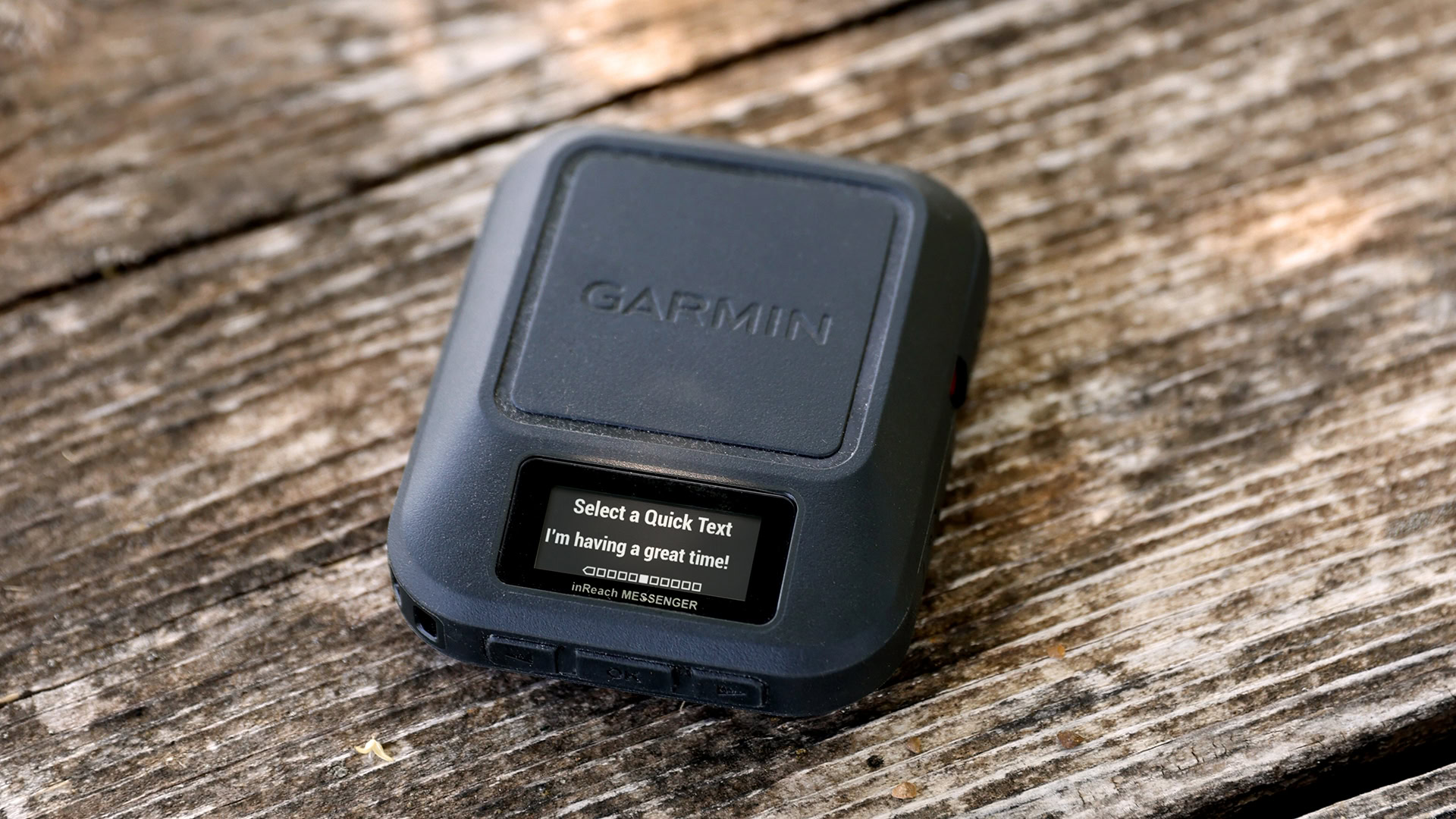
Previous Article Hot deal: Garmin inReach Messenger Satellite Communicator cheaper than ever! Hot deal: Garmin inReach Messenger Satellite Communicator cheaper than ever!
Next Article Atos will sell its divisions in Latin America to the Brazilian Semantix Atos will sell its divisions in Latin America to the Brazilian Semantix
Leave a comment

Leave a Reply Cancel reply

Your email address will not be published. Required fields are marked *

Stay Connected

248.1k Like
69.1k Follow
134k Pin
54.3k Follow

Latest News

One UI 8 on the Galaxy Watch 4 Classic is turning a fan favorite into a frustrating mess
News
SQD Network Just Killed Token Emissions. Here’s What  Billion in DeFi TVL Pays Instead | HackerNoon
SQD Network Just Killed Token Emissions. Here’s What $16 Billion in DeFi TVL Pays Instead | HackerNoon
Computing
This New Year's Eve Movie By Kathryn Bigelow is Peak Cyberpunk
News
Trump’s “Made in USA” phone actually made in China, Purism CEO alleges · TechNode
Computing

You Might also Like

One UI 8 on the Galaxy Watch 4 Classic is turning a fan favorite into a frustrating mess
News

One UI 8 on the Galaxy Watch 4 Classic is turning a fan favorite into a frustrating mess

3 Min Read
This New Year's Eve Movie By Kathryn Bigelow is Peak Cyberpunk
News

This New Year's Eve Movie By Kathryn Bigelow is Peak Cyberpunk

6 Min Read
‘Why should we pay these criminals?’: the hidden world of ransomware negotiations
News

‘Why should we pay these criminals?’: the hidden world of ransomware negotiations

8 Min Read
Despite Lawsuit Over iOS 26 Leaks, YouTuber Posts Foldable iPhone Renders
News

Despite Lawsuit Over iOS 26 Leaks, YouTuber Posts Foldable iPhone Renders

5 Min Read
//

World of Software is your one-stop website for the latest tech news and updates, follow us now to get the news that matters to you.

Quick Link

  • Privacy Policy
  • Terms of use
  • Advertise
  • Contact

Topics

  • Computing
  • Software
  • Press Release
  • Trending

Sign Up for Our Newsletter

Subscribe to our newsletter to get our newest articles instantly!

World of SoftwareWorld of Software
Follow US
Copyright © All Rights Reserved. World of Software.
Welcome Back!

Sign in to your account

Lost your password?