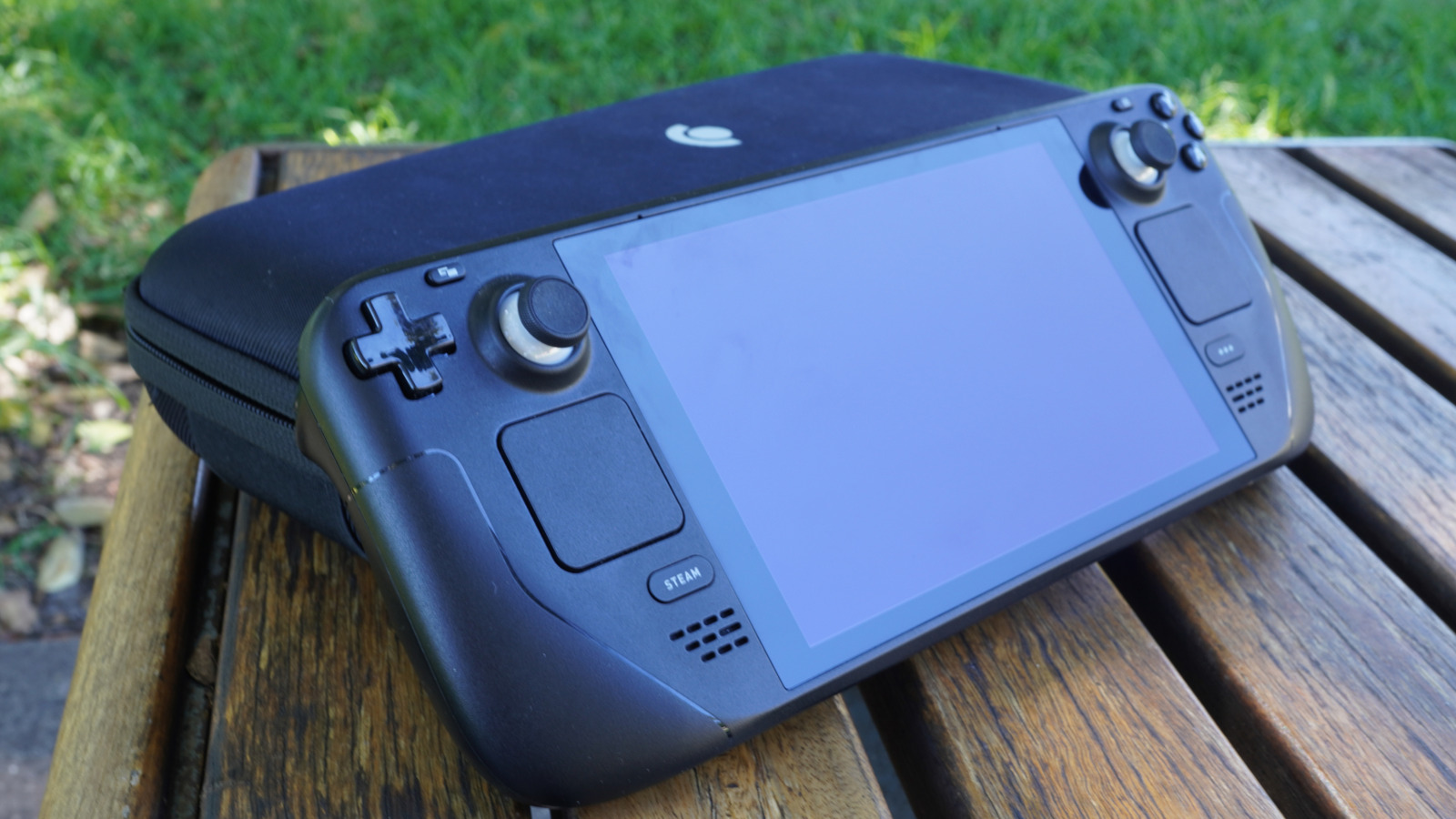
Since its release in 2022, Steam Deck changed how many players on PC could play their games, considering that it can be played on a portable device. Despite there being some other handheld PCs out there at that time, their costs were much higher than today, so the Valve gadget became a good entry point for those who want a portable console, but aren’t attracted to the Nintendo Switch 2 hardware proposition. However, despite the Steam Deck offering good accessibility, it also comes with problems, since the console came with some limited specs to cut costs and be sold at a cheaper price.
You can’t swap out the Steam Deck’s GPU or processor, but storage is a different story, and a surprisingly easy fix. With modern AAA titles eating up massive amounts of drive space, the base 64GB model can often struggle to hold even a single title. That way, expanding your memory isn’t just a luxury; it’s essential if you want to keep a healthy library on hand without the constant headache of redownloading files.
Thankfully, Steam Deck users have some options to do cheap and easy upgrades to their consoles, since the handheld PC made by Valve is compatible with two different upgrades. This way, it’s possible to choose what better suits your needs and stop the need to do storage management on your console.
Replacing the SSD is a cheap and easy upgrade
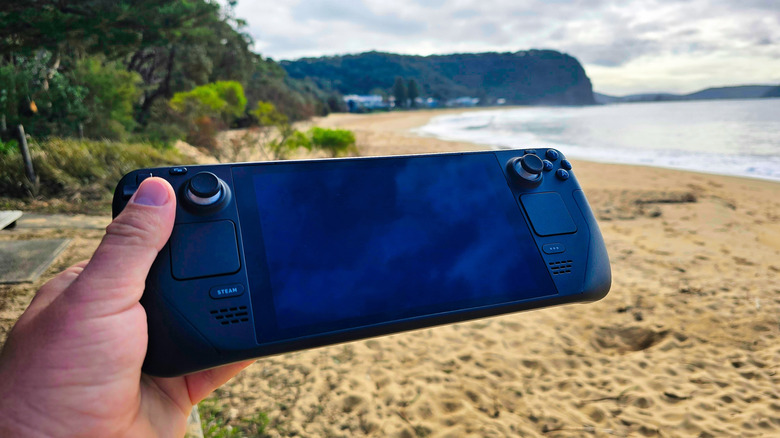
For those who bought a 64GB model before it was discontinued, the handheld doesn’t have an SSD as its main storage, so one of the best upgrades that can be done is installing one on the handheld. In addition to achieving a greater capacity to store games, it’s also possible to see some small performance upgrades in some titles, like faster loading speeds. If you’re also interested in playing some modern AAA releases, this upgrade is even more important, since some of them require an SSD.
Just be careful before opening your Steam Deck. Always remove your microSD card and disconnect the battery to avoid accidental damage while you’re installing an SSD. Once the swap is made, managing your library becomes easier. Since modern PC ports demand significantly more room than older games or indies, an SSD upgrade makes a difference. After the process is done, it will be much easier to install more games in the internal storage on the Steam Deck.
MicroSD cards offer the easiest storage expansion
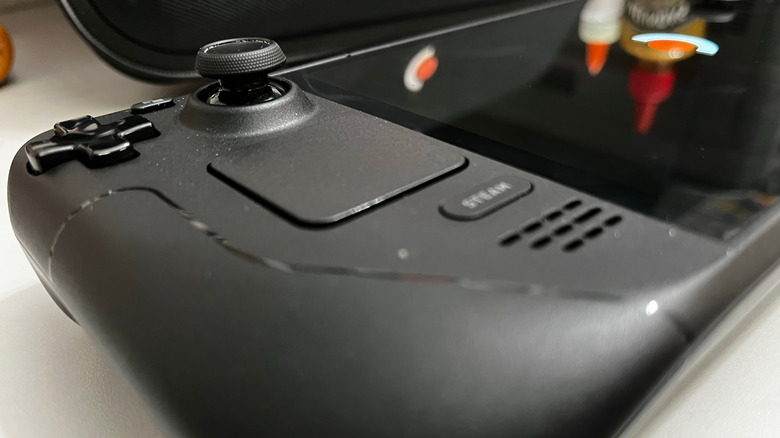
If you aren’t interested in upgrading the Steam Deck with an SSD or your console already comes with one, another option is to use microSD cards instead. While they don’t have the same reading speed as the other alternative, they’re cheaper to buy and easy to use, and since they follow a plug-and-play approach, users don’t need to open the handheld to install them.
Despite some games having better loading times on an SSD, the performance differences are often negligible for other titles, especially if you plan to put older games on a microSD card. Additionally, modern options, like those with an A2 rating, are capable of handling data fast enough that load times for indies and emulation tasks are the same as if you have them on the internal storage. In the end, it can be a good solution for many games in your library.
Beyond the price tag, microSD cards also bring back the versatility of old-school cartridges, thanks to hot-swapping. So, you can organize your library across multiple cards and switch them out on the fly. If the idea of unscrewing your Steam Deck sounds terrifying, or you aren’t interested in the faster reading speed from SSDs, this is hands-down the cheapest and least intrusive way to upgrade your setup.