Android devices offer a range of accessibility features, including magnification, TalkBack, hearing aid support, Voice Access, and more. Among these features is Select to Speak, which reads selected text aloud and describes on-screen elements. It’s a tool that can be helpful for individuals who experience challenges with dyslexia, low vision, reading comprehension, and other conditions. This feature has recently been experiencing issues, but it looks like a fix could come soon.
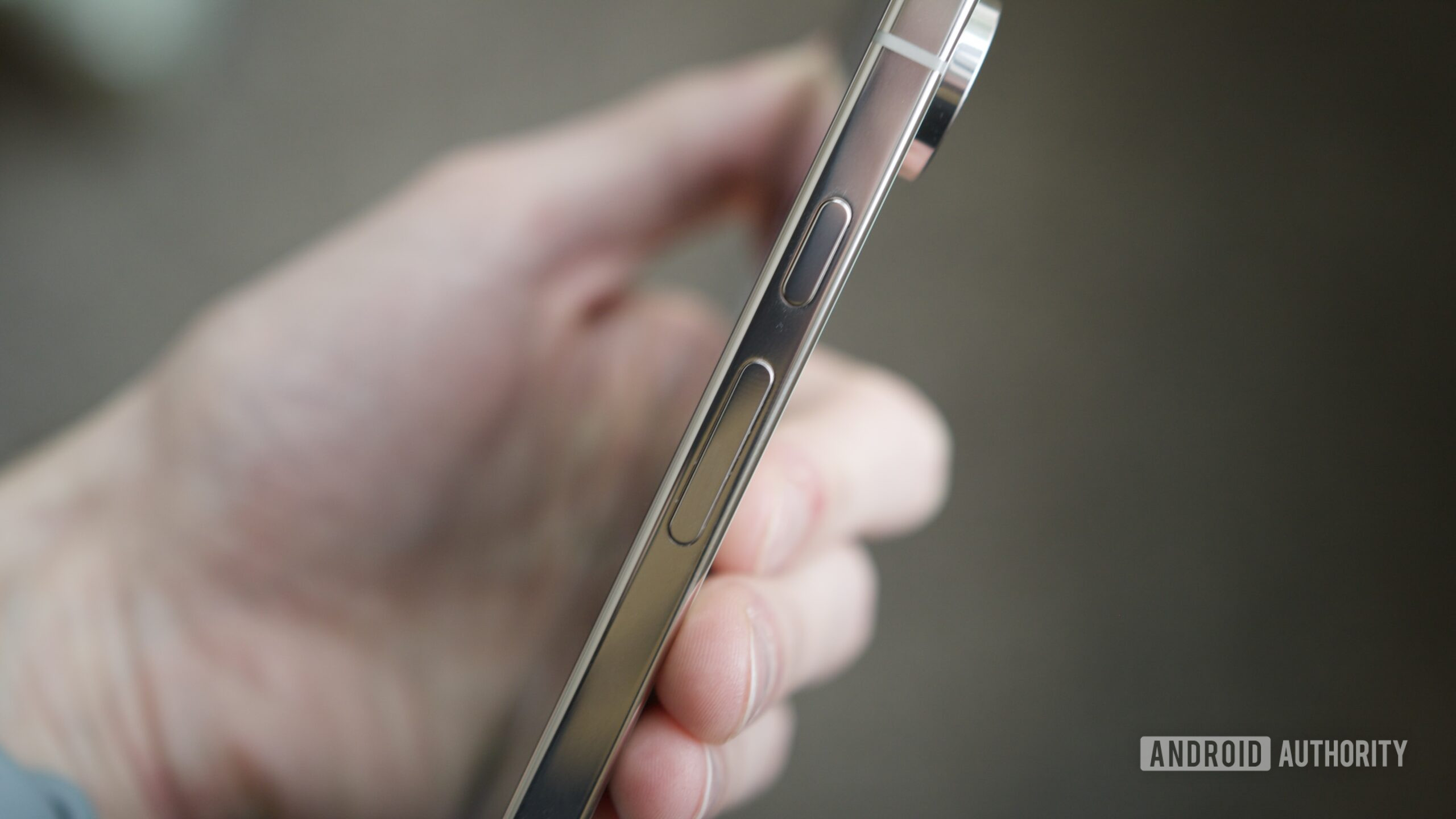
Android users have been sending in reports of a bug affecting Select to Speak. It appears that the problem is causing the volume keys on Android devices to malfunction. For example, trying to adjust the media volume by using the physical volume keys may instead adjust the phone’s Accessibility volume.
Over on its support site, Google has acknowledged the bug and says it is working on a fix. The company did not provide a time frame for when to expect the fix to arrive. Until the fix rolls out, Google suggests disabling the feature as a workaround. You can disable Select to Speak by going to Settings > Accessibility > Select to Speak.