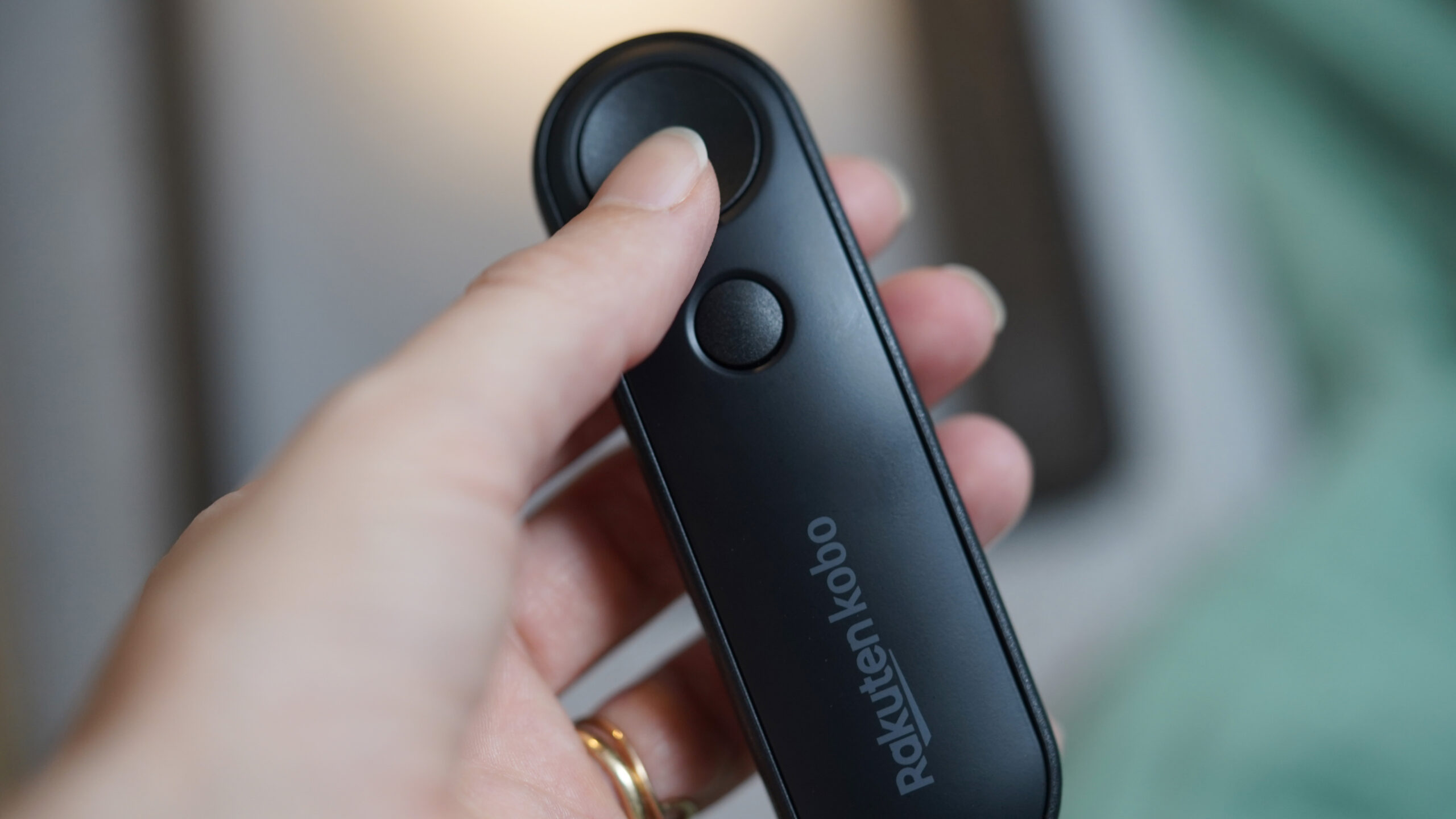
The Kobo Remote is a tiny, two-button accessory that makes it easier to keep reading cozy. Though not entirely a necessity, it’s an oddly delightful tool for turning pages without hands on your Kobo e-reader.
I live in aggressively air-conditioned spaces, which is largely my partner’s fault. Despite moving to Hawaii so I’d never experience winter again, I’m still always freezing, just now with palm trees outside the window. And that’s exactly where the Kobo Remote comes in.
With the remote in hand, I can finally turn pages on my e-reader without reaching outside of my blanket cocoon. It’s cozy, slightly indulgent, and, unexpectedly, and a win for household harmony, but is this quite niche accessory really worth it for most people? Let’s find out.
A small but mighty upgrade

Kaitlyn Cimino / Android Authority
To be clear, the Kobo Remote isn’t going to revolutionize your e-reading experience. It won’t make subpar books any better or long books any faster. However, once you accept that you’re considering buying a remote for reading, it’s a great little gadget.
To start, the Kobo Remote is as straightforward as it gets. There are two buttons, one to move forward and one to go back, and that’s the entire feature set. That simplicity is part of its appeal. There’s no customization or extra shortcuts, just very basic page management. In line with that simplicity, pairing the remote is also straightforward. I held down a button, enabled Bluetooth on my Kobo, and it connected almost immediately. It behaves exactly like I’d expect a first-party Kobo accessory to work: without friction.
Physically, the plastic remote is lightweight, subtly curved, and comfortable enough to disappear in my hand during long reading sessions. It’s also genuinely pocketable, measuring just under 4 inches and weighing ~36 grams. The buttons are easy to press without being stiff, and after a while, I stopped thinking about it entirely, which is exactly what I want six chapters deep. It has a very slight “clicky” sound to it, which can be jarring if you rest your hand inches from your partner’s head in bed (whoops), but otherwise it’s not distracting. The remote runs on a single, replaceable AAA battery, which means I don’t have to manage a charging cable or low-battery anxiety.
The Kobo Remote is small, simple, and surprisingly useful for the right types of readers.
Where the remote really shines is in oddly specific but very real scenarios. Reading under a blanket is one. Wrapped up like a burrito, I can lie sideways with my Libra Colour leaning on a pillow and stow my hands under the covers. I can also position my arms naturally instead of trying to adjust my shoulders to keep my hands from falling asleep.
Snacking while reading is another great use case. Greasy fingers, cookie crumbs, none of it matters when your device is propped, one hand is on the clicker, and the other is free for shoveling chips into your own mouth. Using a remote instead of tapping a screen means I can fully embrace all the unattractive habits I’m accidentally admitting to in this review.
Kobo remote review: The verdict

Kaitlyn Cimino / Android Authority
At $30, this is a small indulgence rather than a necessity. You don’t need it, and plenty of people will be perfectly happy turning pages the old-fashioned way. But if you already love your Kobo and enjoy small upgrades that smooth out everyday habits, it’s an easy one to justify. It’s a thoughtfully designed little accessory that makes reading more comfortable, a bit more fun, and, in my case, marginally less likely to spark a thermostat-related argument, which is more than I expected from a two-button remote.
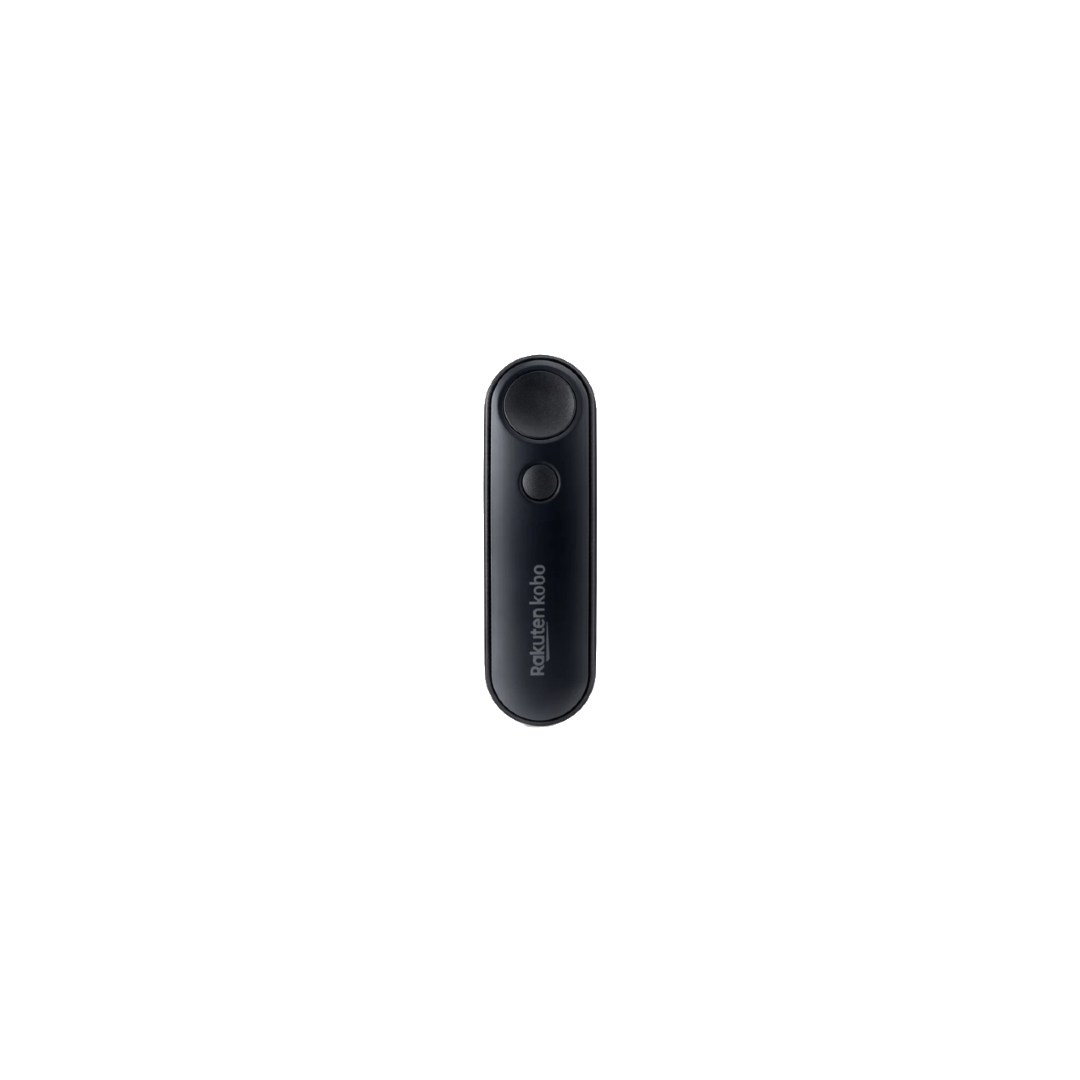

Cozier reading • Bluetooth enabled • Replaceable battery
MSRP: $29.99
The Kobo Remote is a tiny, two-button accessory that makes reading cozier, lazier, and oddly more enjoyable by letting you turn pages without touching your e-reader.
Positives
- Simple, two-button design
- Native, seamless pairing
- Lightweight and pocketable
- Genuinely useful for niche reading scenarios
Cons
- Strictly limited functionality
- Slightly clicky buttons
- Only useful if you own a Kobo e-reader
Thank you for being part of our community. Read our Comment Policy before posting.