We may receive a commission on purchases made from links.
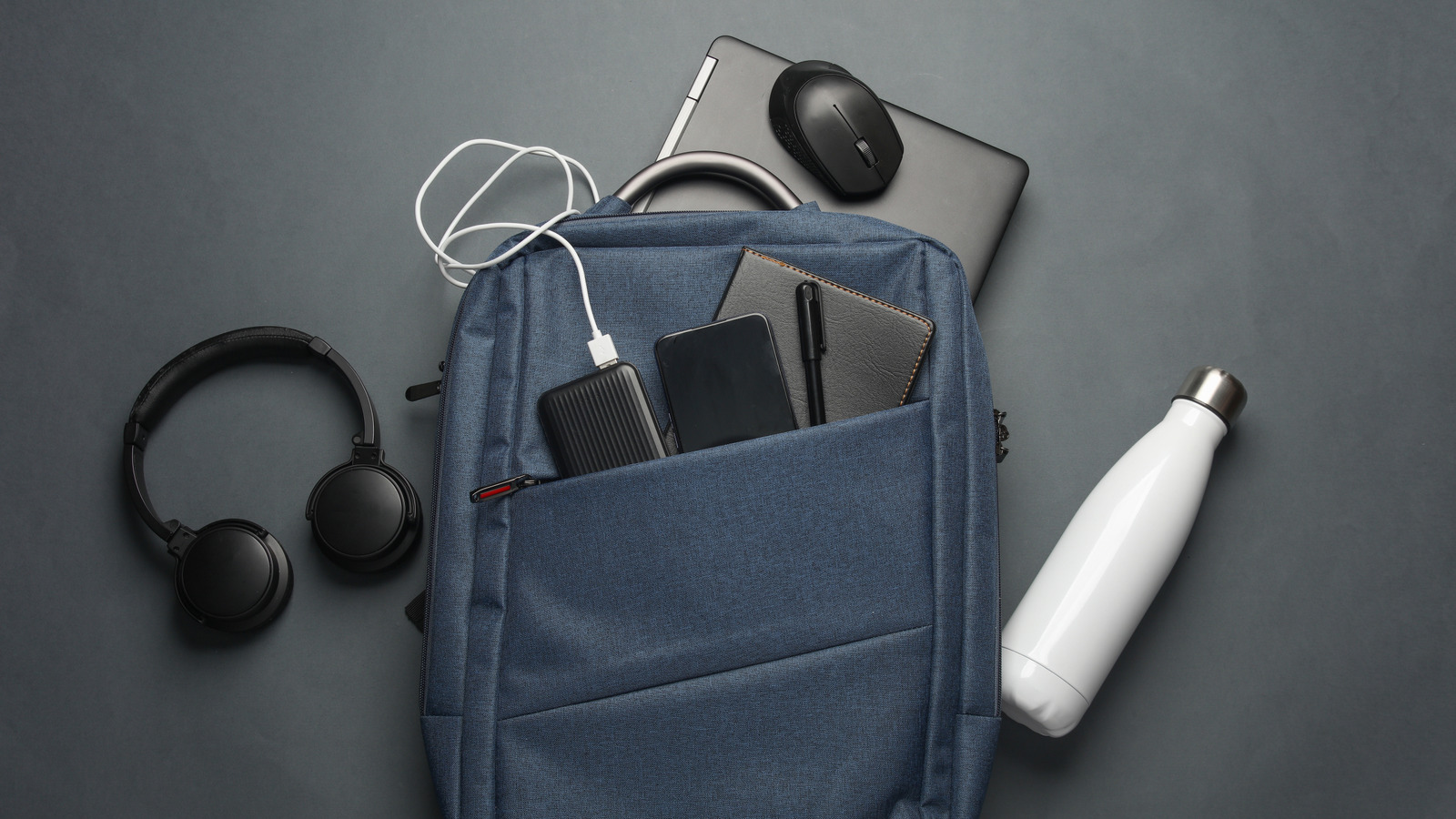
Whether to coffee shops, client offices, home workspaces, airport lounges, or hotel rooms, working on your laptop can take you just about anywhere. The mobility common to laptops makes them appealing to professionals, students, and creatives. But even if you have one of the best laptops on the market, you may still be short on the full laptop experience. The accessories you keep in your laptop bag can add all kinds of functionality to your computer, and there are a lot of USB gadgets to consider.
You can find anything from cheap, gimmicky USB accessories to bulky, specialized equipment that isn’t likely to appeal to many users. Here we want to focus on some of the middle ground. We’ve given ourselves a budget of $50 per product, and have tracked down USB gadgets we feel are worth keeping in your laptop bag. Whether you have multiple devices you need to connect to your laptop, a hard drive without enough storage space, or a need for better lighting when you’re on the go, these USB gadgets offer practical value and affordability for laptop users of all kinds.
Anker 7-in-1 USB-C hub
Modern laptops often sacrifice connection versatility for thin designs, which can leave users with limited options for connecting external devices. The Anker 7-in-1 USB-C hub expands a single USB-C port into seven functional connections. It has two USB-A ports, SD and microSD card slots, HDMI output that supports 4K displays, a USB-C data port, and a USB-C power delivery port. Additionally, the USB-C power delivery port supports charging at up to 85W, which can help power up your laptop even while utilizing other ports.
One thing about utilizing USB hubs is that they can sometimes feel a little cluttered. Connecting multiple devices to your laptop is going to require several cables, and there’s just no easy way to keep that setup from feeling a little messy. But if you have a need for more connection ports, there’s really no other way to go about it — and the Anker 7-in-1 USB-C hub costs just $26. It’s not a major investment and offers solid functionality. Bonus: It won’t take up much space in your laptop bag.
Hioume USB laptop monitor light bar
The Hioume USB laptop monitor light bar provides a lot of value for laptop users who find themselves constantly doing their work on the go. Whether that’s in a coffee shop, a hotel room, or even a poorly lit office, in most scenarios you aren’t going to have much control over the lighting. This monitor light bar clips directly on the top of laptop screens and illuminates your workspace without creating glare or reflections on the display. Three different color temperature settings are available, as well as 10 different brightness levels.
Hioume has done a good job of keeping this monitor light bar compact and portable, but it can present a little bit of a hassle for users who are constantly closing their laptop and moving from one space to another. But the gains of having convenient lighting around can far outweigh such a small inconvenience. The Hioume laptop monitor light bar connects to your laptop via a USB-A connection, which also powers the device while you’re using it. It’s priced at just $20, making it the perfect USB gadget for laptop users who want to improve their setup on a budget.
Lexar 2-in-1 USB flash drive
Backing up your files or transferring them from one device to another typically requires an external hard drive or SSD. But you can skip the bulk and need to carry cables by adding a USB flash drive to your laptop bag. The Lexar 2-in-1 USB flash drive comes in 64GB, 128GB, and 256GB options, with the mid-range 128GB version going for just $20. It has a unique design that allows you to flip from USB-C connectivity to USB-A connectivity. This allows you to connect it to newer laptop models that may only have USB-C ports, as well as laptops with an older USB connection.
Storage capacity will be the limitation of this device. The 256GB version may not be enough for some users, particularly those who work with large media files. The Lexar 2-in-1 USB flash drive, however, is a convenient file storage and transfer option that’s small enough to fit in your pocket. It can reach transfer speeds of up to 100Mb/s, and is even compatible with smartphones and tablets that have a USB-C port.
Anker HDMI switch
Laptop owners who connect to external displays often need to share that screen with other devices. Whether that’s streaming devices, gaming consoles, or other laptops around the workplace, this Anker HDMI switch makes a convenient way to connect. It eliminates the need to unplug and swap cables behind the display when switching between input devices, allowing you to do so with the touch of a button. It supports 4K resolution at 60Hz, along with HDR and Dolby audio formats — and it’s priced at just $16.
This device can also come in handy for travelers, especially if you watch a lot of content on your laptop. The Anker HDMI switch lets you connect both your laptop and the hotel’s cable box to the TV without having to dismantle the current setup. The standalone product doesn’t come with any HDMI cables to help you get your setup started (though a bundle is available), but it’s a gadget that can come in handy in a number of ways for both working professionals and those who use their laptop primarily for entertainment.
How we selected these USB gadgets
We set a strict $50 budget ceiling for each of the USB gadgets we selected. Each product listed above comes in well under that threshold, making it easy to add multiple items to your laptop bag without breaking the bank. When considering laptop accessories, portability is also a major factor. We focused on USB gadgets that travel well, yet still provide plenty of functionality. File storage and transfer, lighting issues, and connectivity are all common concerns when working on the go, and we made our selections in hopes of providing inexpensive solutions.