Joe Maring / Android Authority
TL;DR
- Google is extending Personal Intelligence from Gemini to AI Mode in Search.
- AI Mode in Search now blends public web results with your private context from Gmail and Photos to deliver answers tailored to you.
- Personal Intelligence is fully opt-in, with clear controls to connect or disconnect Gmail and Photos at any time.
Last week, we saw Google finally tackle the context packing problem by bringing Personal Intelligence to the Gemini app, allowing the AI to actually remember details about your life instead of just fetching single files. Now, Google is bringing that same memory upgrade to the search bar.
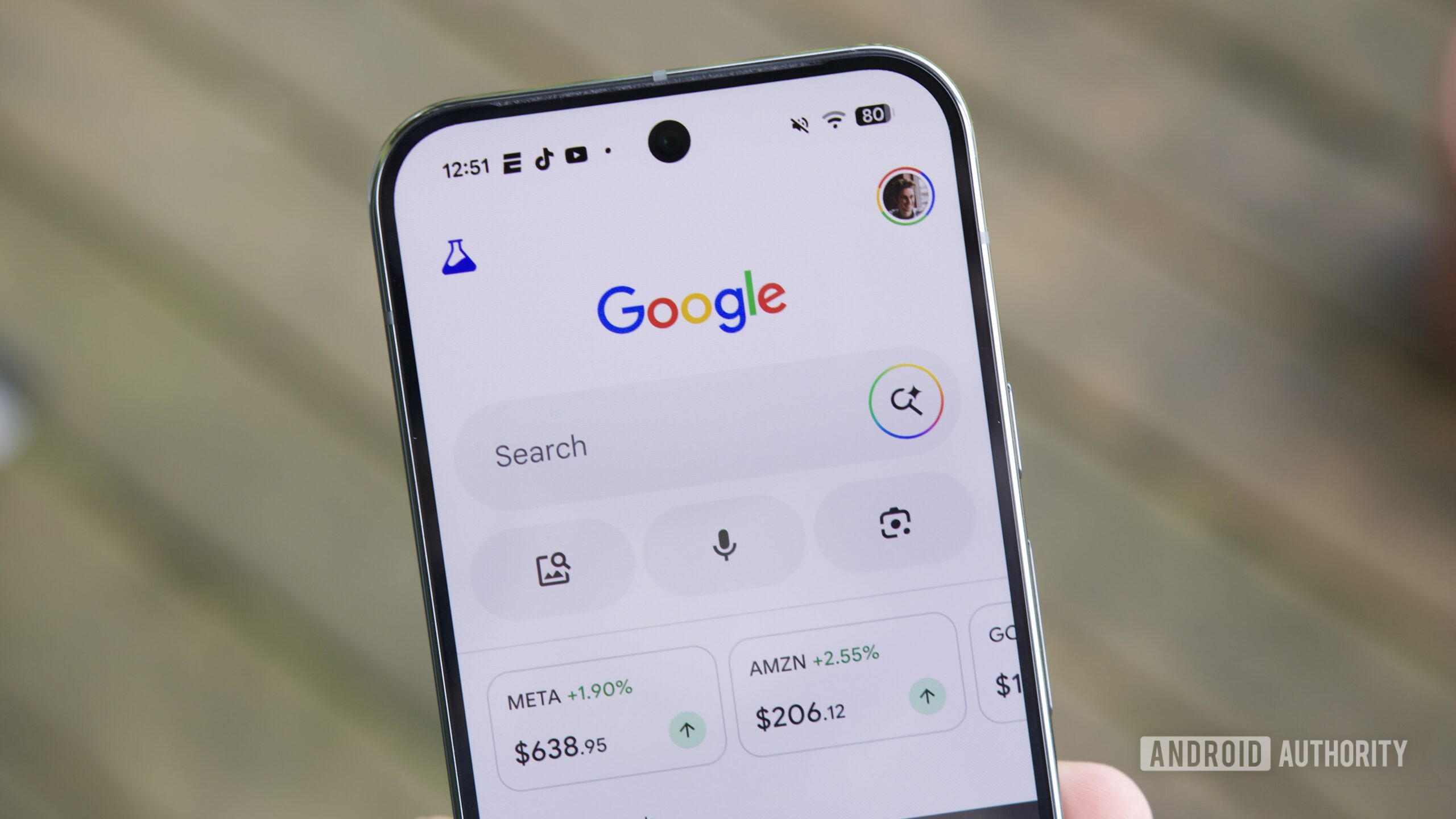
Starting today, Google is expanding Personal Intelligence to AI Mode in Search. Search used to focus on indexing the world’s information, but now it can understand your own information. It combines public web results with your private data to give you answers that fit you.
Like the recent Gemini rollout, this integration runs on Gemini 3. Google uses context packing, a system that picks out only the most relevant emails or photos and sends them to the model when needed to answer your question.
Don’t want to miss the best from Android Authority?


Google also says the AI does not train directly on your private Gmail or Photos data. Instead, training is limited to your specific prompts and the model’s responses.
With this update, search feels more than just a basic catalog. For example, if you’re planning a weekend trip, instead of just showing a generic list of “Top 10 things to do in Philadelphia,” AI Mode can look at your hotel booking in Gmail and your travel photos in Google Photos.
This feature also helps with shopping and fun questions. If you’re searching for a new coat, AI Mode can check your Gmail for flight details and suggest items that match your favorite brands and style.
For now, this is a Labs feature rolling out over the next few days. To use it, you need to be a Google AI Pro or AI Ultra subscriber. It’s only available to English-speaking users in the US with personal Google accounts. Workspace business and education accounts can’t use it yet.
This feature is opt-in. Google says it won’t access your data without your permission. You decide when to connect these apps, and you can turn them off at any time. To start, open Search, tap your profile, select “Search personalization,” then choose “Connected Content Apps” to link your accounts.
Like with the Gemini app, you might notice some early bugs as the system is still learning. Google says it could sometimes mix up topics or misunderstand personal relationships. If a suggestion doesn’t seem right, you can give feedback with a “thumbs down” or explain what you meant with a follow-up in AI Mode.
Thank you for being part of our community. Read our Comment Policy before posting.