By using this site, you agree to the Privacy Policy and Terms of Use.
Accept
World of SoftwareWorld of SoftwareWorld of Software
  • News
  • Software
  • Mobile
  • Computing
  • Gaming
  • Videos
  • More
    • Gadget
    • Web Stories
    • Trending
    • Press Release
Search
  • Privacy
  • Terms
  • Advertise
  • Contact
Copyright © All Rights Reserved. World of Software.
Reading: 5 quick ways to make your iPhone act more like it used to, before Apple’s iOS 26 update
Share
Sign In
Notification Show More
Font ResizerAa
World of SoftwareWorld of Software
Font ResizerAa
  • Software
  • Mobile
  • Computing
  • Gadget
  • Gaming
  • Videos
Search
  • News
  • Software
  • Mobile
  • Computing
  • Gaming
  • Videos
  • More
    • Gadget
    • Web Stories
    • Trending
    • Press Release
Have an existing account? Sign In
Follow US
  • Privacy
  • Terms
  • Advertise
  • Contact
Copyright © All Rights Reserved. World of Software.
World of Software > Software > 5 quick ways to make your iPhone act more like it used to, before Apple’s iOS 26 update
Software

5 quick ways to make your iPhone act more like it used to, before Apple’s iOS 26 update

News Room
Last updated: 2026/01/24 at 5:35 AM
News Room Published 24 January 2026
Share
5 quick ways to make your iPhone act more like it used to, before Apple’s iOS 26 update
SHARE

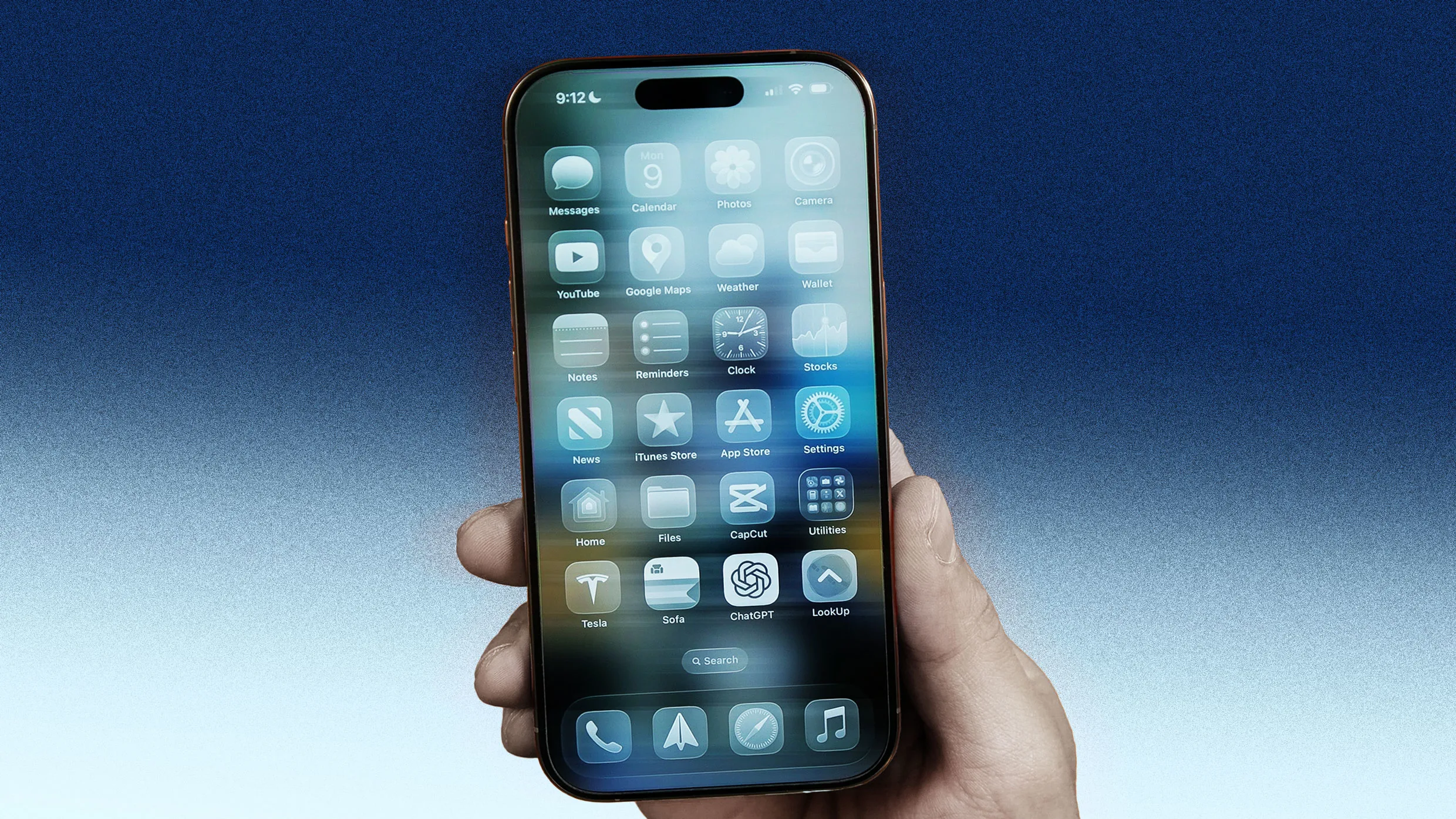
Apple’s iOS 26 has been available for nearly six months now, but it’s still one of the company’s least well-received software updates for the iPhone.

Primarily, people have criticized the new Liquid Glass user interface design, which Apple now lets you tone down. But iOS 26 also changed the way many apps function on the iPhone, disrupting a user’s muscle memory and expectations, leading to many to pine for the way the iPhone functioned on iOS 18.

Yet while you can’t revert to iOS 18 once you’ve upgraded to iOS 26, you can make some simple tweaks that will make your iOS 26 iPhone function as it did before. Here’s how.

1. Give Safari the layout it used to have, before iOS 26

After Liquid Glass, one of the most frequent complaints I’ve heard about iOS 26 relates to the Safari app. In iOS 26, Apple changed Safari’s default interface, giving it a new “compact” design that hides important buttons, including bookmarks and tabs.

In iOS 26, you now have to tap a new three-dots button next to the new compact URL bar to reveal the buttons that let you access your bookmarks, tabs, and other functions. This change both disrupts muscle memory and requires you to tap more just to access the browser’s basic features.

Thankfully, you can ditch the new iOS 26 Safari layout and revert to the layout Safari had in iOS 18 by doing the following:

  1. Open the Settings app.
  2. Tap Apps.
  3. Tap Safari.
  4. Under the “Tabs” section, tap Bottom.

Doing this again places the important bookmarks and tabs buttons directly on a toolbar at the bottom of Safari.

Sign Up For Daily Newsletter

Be keep up! Get the latest breaking news delivered straight to your inbox.
By signing up, you agree to our Terms of Use and acknowledge the data practices in our Privacy Policy. You may unsubscribe at any time.
Share This Article
Facebook Twitter Email Print
Share
What do you think?
Love0
Sad0
Happy0
Sleepy0
Angry0
Dead0
Wink0
Previous Article TikTok Is Now Collecting Even More Data About Its Users. Here Are the 3 Biggest Changes TikTok Is Now Collecting Even More Data About Its Users. Here Are the 3 Biggest Changes
Next Article The Best Smart Rings We’ve Tested for 2026 The Best Smart Rings We’ve Tested for 2026
Leave a comment

Leave a Reply Cancel reply

Your email address will not be published. Required fields are marked *

Stay Connected

248.1k Like
69.1k Follow
134k Pin
54.3k Follow

Latest News

Best 65-inch+ TVs 2026: Which TV to buy for watching sports, movies, more
News
European Parliament asks the European Commission to reduce dependence on US technology companies
Mobile
Netflix just added all 26 Bond movies — here’s each 007’s best film
News
The Beats App On Android Has A Major Feature Apple Desperately Needs To Bring To AirPods – BGR
News

You Might also Like

How to Escape the Multi-Billion Software Trap
Software

How to Escape the Multi-Billion Software Trap

4 Min Read
Say goodbye to monthly cloud fees and hello to 100TB of lifetime storage
Software

Say goodbye to monthly cloud fees and hello to 100TB of lifetime storage

3 Min Read
AI easier to deal with if accepted as a ‘wicked problem’
Software

AI easier to deal with if accepted as a ‘wicked problem’

4 Min Read
Student group chats a ‘blind spot’ in learning support
Software

Student group chats a ‘blind spot’ in learning support

3 Min Read
//

World of Software is your one-stop website for the latest tech news and updates, follow us now to get the news that matters to you.

Quick Link

  • Privacy Policy
  • Terms of use
  • Advertise
  • Contact

Topics

  • Computing
  • Software
  • Press Release
  • Trending

Sign Up for Our Newsletter

Subscribe to our newsletter to get our newest articles instantly!

World of SoftwareWorld of Software
Follow US
Copyright © All Rights Reserved. World of Software.
Welcome Back!

Sign in to your account

Lost your password?