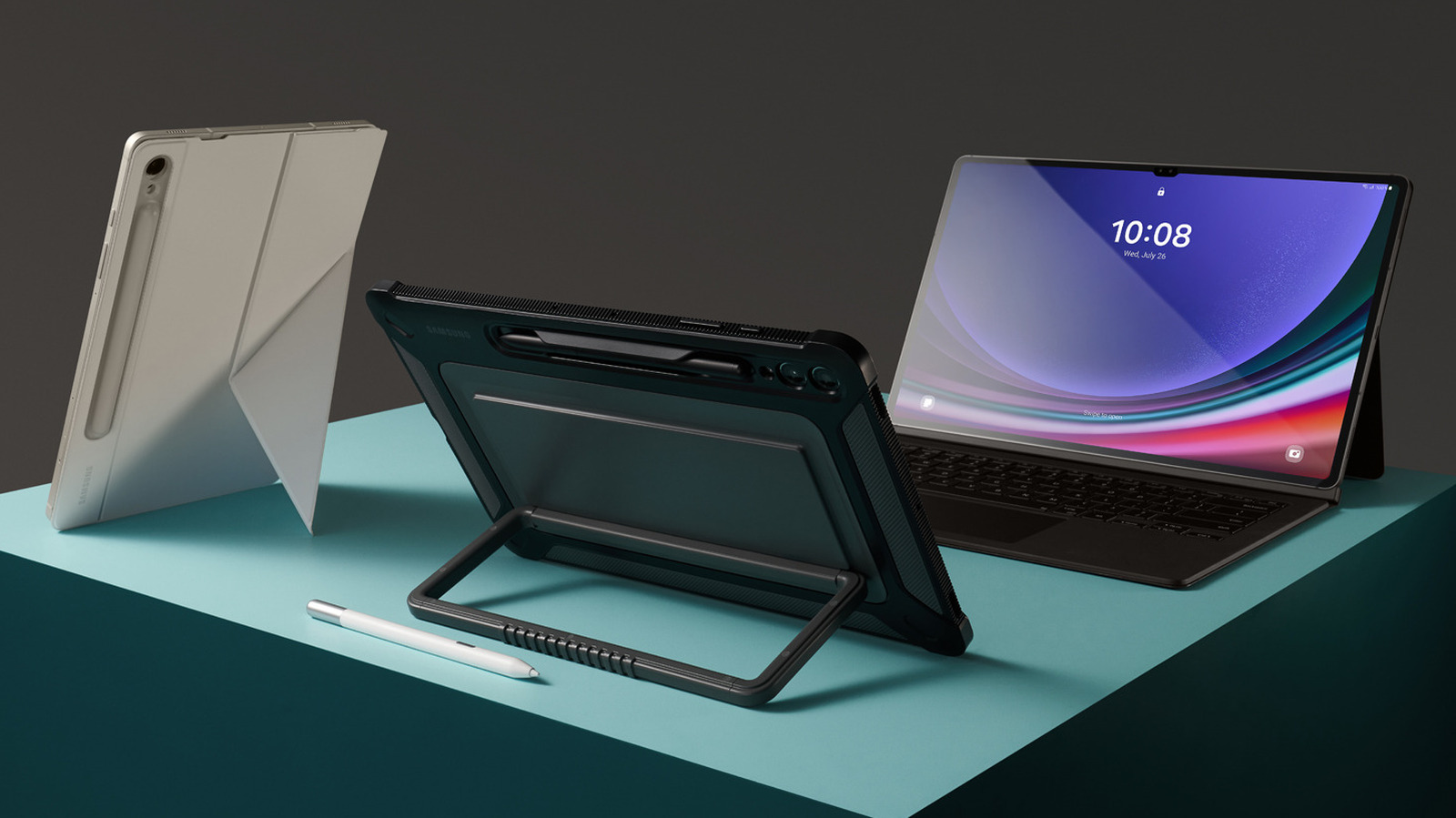
Android tablets vary greatly in build quality, price, and processing power, much more so than iPads. Answering how long Android tablets last isn’t as simple as claiming a definitive timeline. A lot depends on your specific tablet model and how you maintain your device. However, to give a ballpark estimate, most Android tablets typically last between two and five years, with some premium models lasting seven years or more. Still, that doesn’t mean your tablet is going to simply shut off the moment you hit the 5-year mark.
Some budget models begin declining in performance after just a couple of years, and even the best Android tablets can fall victim to issues like low battery life, slowdowns caused by low storage, malware or viruses, and physical damage. One major factor that determines the lifespan of your Android tablet is your manufacturer’s operating system support. OS updates help your device run smoothly, keeping it compatible with new apps and security upgrades. OS support is important because even if your tablet is in great physical shape and has a healthy battery life, if it can’t support any modern apps, it’s basically a paperweight.
Many mid-range Android tablets only offer OS support for three years, so after that, your device may fall behind or develop serious performance issues. Although some tablets live a short life due to cracked screens or malware attacks, most simply age out and become obsolete.
Android tablets vs. iPad lifespan
In general, iPads last slightly longer than most Android tablets, although this varies based on model. Apple usually offers at least five years of iPadOS updates for new iPads, and according to Android Police, certain models like the Apple M3 iPad Air can get OS updates for up to eight years. Apple also has high build quality across all iPad models, while Android tablets tend to vary more. Apple generally outperforms Android tablets in terms of processing power, lending itself to a higher tablet lifespan. You can expect an iPad to last anywhere from four to seven years or more.
In contrast, most mid-level and cheaper Android tablets don’t exceed three to five years of OS updates. While seven-year OS support is common for Android phones, it’s not very common with Android tablets. For example, according to Google, Pixel Tablets receive at least three years of software updates and five years of security updates. However, some Samsung tablets are eligible for OS updates for seven years, including the S10 series of Samsung Galaxy tablets.
While battery life and storage capabilities are relatively comparable between iPads and Android tablets, Apple products are usually more protected against malware, which can also lead to longer lifespans. However, iPads aren’t impervious to viruses. “Because Apple reviews every App Store release, iOS apps containing malicious code are rare — but they do occasionally slip through the screening process,” said Norton cybersecurity writer Emily Nemchick.
How to give your Android tablet a longer lifespan
If you already own an Android tablet and you want to get the most out of it, a little bit of maintenance goes a long way. While there are some lifespan factors you can’t control, like OS updates or your device’s processing power, there are a few basic tasks you can do to make sure your tablet lasts as long as possible. For starters, protect your Android tablet with a durable case and a screen protector. These will help keep your tablet safe from physical damage.
Another helpful trick is to free up internal storage space on your device by storing photos and videos on cloud storage platforms like Google Drive, Dropbox, and Apple iCloud. This will help your tablet run faster without getting bogged down. Avoid bad charging habits for Android tablets, like charging all the way to 100%, charging overnight, or inflicting deep discharge damage from leaving lithium-ion batteries “dead” for weeks. We recommend keeping your tablet battery between 20% and 80% at all times.
Also, be sure to keep your tablet out of direct sunlight to prevent battery damage. According to Apple, exposure to temperatures over 95 degrees Fahrenheit can permanently damage tablet battery life. With these few changes, you can give your tablet a fighting chance at beating the odds and lasting long after the OS updates stop.