

By using this site, you agree to the Privacy Policy and Terms of Use.
Accept
World of SoftwareWorld of SoftwareWorld of Software
  • News
  • Software
  • Mobile
  • Computing
  • Gaming
  • Videos
  • More
    • Gadget
    • Web Stories
    • Trending
    • Press Release
Search
  • Privacy
  • Terms
  • Advertise
  • Contact
Copyright © All Rights Reserved. World of Software.
Reading: What Happens To Your Amazon Fire TV Stick If You Leave It Plugged In All The Time? – BGR
Share
Sign In
Notification Show More
Font ResizerAa
World of SoftwareWorld of Software
Font ResizerAa
  • Software
  • Mobile
  • Computing
  • Gadget
  • Gaming
  • Videos
Search
  • News
  • Software
  • Mobile
  • Computing
  • Gaming
  • Videos
  • More
    • Gadget
    • Web Stories
    • Trending
    • Press Release
Have an existing account? Sign In
Follow US
  • Privacy
  • Terms
  • Advertise
  • Contact
Copyright © All Rights Reserved. World of Software.
World of Software > News > What Happens To Your Amazon Fire TV Stick If You Leave It Plugged In All The Time? – BGR
News

What Happens To Your Amazon Fire TV Stick If You Leave It Plugged In All The Time? – BGR

News Room
Last updated: 2026/01/25 at 2:11 PM
News Room Published 25 January 2026
Share
What Happens To Your Amazon Fire TV Stick If You Leave It Plugged In All The Time? – BGR
SHARE


mundissima/Shutterstock

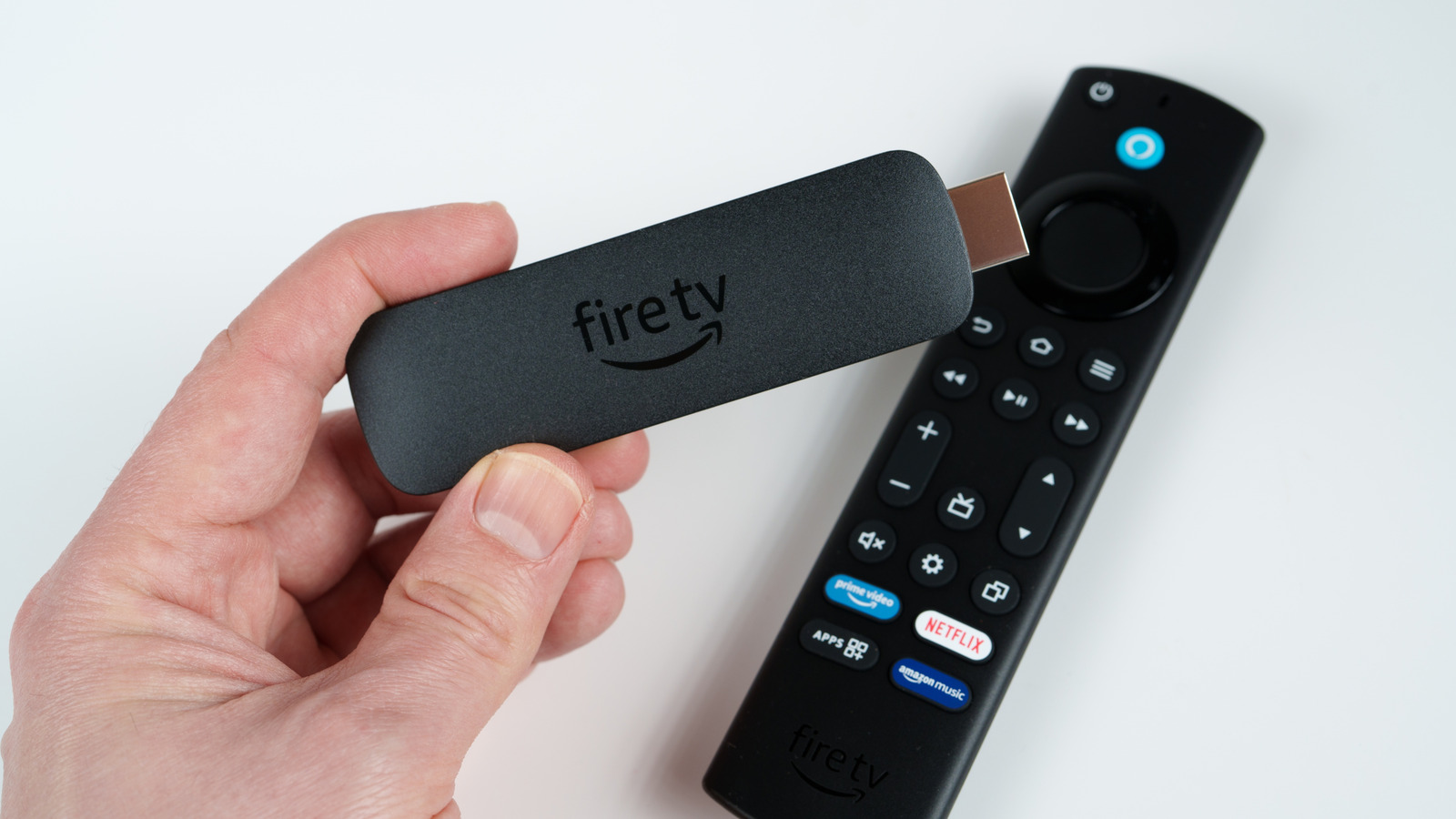
Consumer tech continues to evolve at a rapid pace, but sometimes the troubles of yesteryear stick around longer than we’d like to see. A great example would be the Amazon Fire TV Stick: This popular, budget-friendly streaming device has made it easy to enjoy apps like Netflix, Prime Video, and Disney+ without breaking the bank, but one thing you should know before buying a Fire TV Stick is that it’s not designed to turn off. After several minutes of inactivity, a Fire TV Stick will enter Low Power Mode, a reduced energy state that puts a pause on some of the device’s CPU activity. 

Even though all Fire TV Sticks utilize Low Power Mode to conserve energy, as long as the hardware is plugged into a power adapter (or one of your TV’s USB ports), it’s never truly off. But what actually happens to a Fire TV Stick that stays plugged in all the time? The short answer is that the device’s internal temperature stays warm to hot, and heat is no friend to electronics. 

Fortunately, the Fire TV Stick has a built-in heat sensor that issues an onscreen warning when your streamer gets too toasty, which should protect it from a catastrophic failure. However, it’s still a good idea to unplug your Amazon device now and then, especially if you’ll be away from home for a day or two. This allows your Fire TV Stick to completely cool down, giving you the extra peace of mind that a $30 streaming device isn’t going to start a fire while you’re on a Disney vacation. 

A few settings changes can help cool your Fire TV Stick down
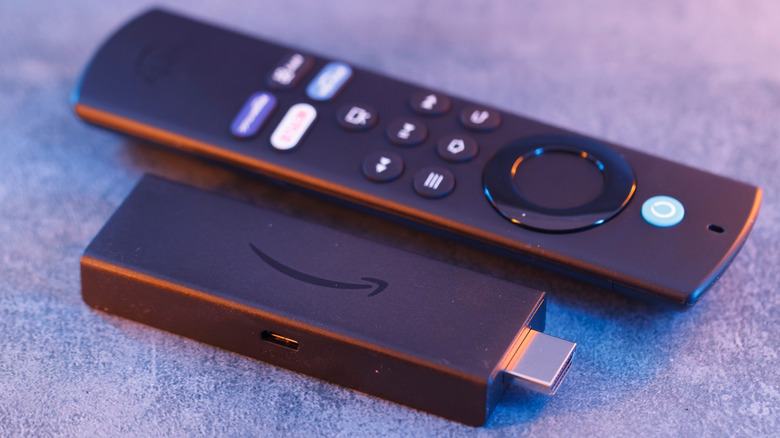

An Amazon Fire TV Stick placed next to its remote.
Cesare Andrea Ferrari/Shutterstock

Leaving your TV turned on all the time is arguably a bigger deal than leaving a Fire TV Stick plugged in for days and weeks on end. Still, there’s no denying the heat these streamers can produce. That’s why it’s a good idea to lighten the system load if possible. Deleting unused apps and ensuring your Fire TV software is up to date can help to optimize device performance. You may also want to try clearing the cache for any frequently-used apps on your Fire TV Stick. 

You can do so by heading to Settings > Applications > Manage Installed Applications. Choose an app, then select Clear Cache. You could also try disabling the streamer’s data tracking to improve performance (Settings > Preferences > Privacy Settings, then disable Device Usage Data, Collect App Usage Data, and Interest-Based Ads). This may not result in night and day changes, but preventing your streamer from tracking and personalizing your Fire TV experience is a decent load off the processor, which might result in a cooler-running Fire TV Stick. 

Of course, no streaming device or smart TV will last forever. Check out our feature on when an old Roku Stick should be replaced if you’re worried yours might. A few of those telltale signs — which includes overheating and laggy performance — are relevant to just about any streaming tech, including the Fire TV Stick.


Sign Up For Daily Newsletter

Be keep up! Get the latest breaking news delivered straight to your inbox.
By signing up, you agree to our Terms of Use and acknowledge the data practices in our Privacy Policy. You may unsubscribe at any time.
Share This Article
Facebook Twitter Email Print
Share
What do you think?
Love0
Sad0
Happy0
Sleepy0
Angry0
Dead0
Wink0
Previous Article LACT 0.8.4 Brings Improved Overclocking UI For GPUs On Linux LACT 0.8.4 Brings Improved Overclocking UI For GPUs On Linux
Next Article Best TV deal: Save 60% on the TCL QM8K Mini LED QLED 4K TV Best TV deal: Save 60% on the TCL QM8K Mini LED QLED 4K TV
Leave a comment

Leave a Reply Cancel reply

Your email address will not be published. Required fields are marked *

Stay Connected

248.1k Like
69.1k Follow
134k Pin
54.3k Follow

Latest News

Today's NYT Connections Hints, Answers for Jan. 26 #960
News
How to watch Rams vs Seahawks: NFC Championship Game 2026 free streams,
News
Report: Microsoft Hands Over Keys for BitLocker-Encrypted Data to FBI
News
Best power station deal: Save 47% on the Jackery HomePower 3000 with solar panels
News

You Might also Like

Today's NYT Connections Hints, Answers for Jan. 26 #960
News

Today's NYT Connections Hints, Answers for Jan. 26 #960

3 Min Read
How to watch Rams vs Seahawks: NFC Championship Game 2026 free streams,
News

How to watch Rams vs Seahawks: NFC Championship Game 2026 free streams,

10 Min Read
Report: Microsoft Hands Over Keys for BitLocker-Encrypted Data to FBI
News

Report: Microsoft Hands Over Keys for BitLocker-Encrypted Data to FBI

6 Min Read
Best power station deal: Save 47% on the Jackery HomePower 3000 with solar panels
News

Best power station deal: Save 47% on the Jackery HomePower 3000 with solar panels

3 Min Read
//

World of Software is your one-stop website for the latest tech news and updates, follow us now to get the news that matters to you.

Quick Link

  • Privacy Policy
  • Terms of use
  • Advertise
  • Contact

Topics

  • Computing
  • Software
  • Press Release
  • Trending

Sign Up for Our Newsletter

Subscribe to our newsletter to get our newest articles instantly!

World of SoftwareWorld of Software
Follow US
Copyright © All Rights Reserved. World of Software.
Welcome Back!

Sign in to your account

Lost your password?