A laptop is a sizable investment, whether it’s for personal purposes or professional work. As with any personal computer, it’s understandable to get attached to your laptop and want to keep using it for as long as you possibly can. Unfortunately, as with other computers, laptops can’t last forever. While some smart habits and upkeep will help you maximize its lifespan, your laptop will probably only last around two to five years, after which you will likely need to get a new one.
As the years go by, laptops experience wear and tear from daily use. Internal components are exposed to high heat levels, junk data gradually accumulates as read and write speeds slow, and GPUs and other key components age out of the current standard of features and functions. Precisely how many years you can expect to get out of your laptop will depend on a multitude of factors, from how often you use it to what you use it for, as well as the lengths to which you go to preserve its functions. No matter what you do, though, it is only a matter of time until the laptop simply becomes too old to do its job properly, and you have no other choice but to upgrade to something new and better.
Most laptops can last anywhere from two to five years

Generally speaking, experts say you can expect a laptop from most major brands to last two to five years of consistent usage. There are a multitude of factors that can determine exactly how long your laptop can operate at optimal efficiency, but the big one is the condition and longevity of components.
PC components are tough, but they’re not indestructible. As they endure wear and tear, they can exhibit annoying or problematic glitches; fans become loud and clunky, random crashes and freezes become more common, and overall performance becomes noticeably slower. Even if your laptop isn’t exhibiting overt problems, the rapid pace of tech and software development means that its components could become obsolete in a few years, leaving them incapable of handling newer and better programs, features, and games.
The precise length of time you can expect to get out of your laptop can depend heavily on what you’re doing with it. If you’re performing strenuous work, like video rendering or playing demanding games, your laptop will likely last shorter. Newer, more high-spec games, for instance, may be completely incapable of running on your laptop’s GPU, which could force an upgrade even if it’s technically still functioning. But if all you’re doing with your laptop is simple tasks like checking your email, typing documents, and using light software, it can last longer, as the system doesn’t need to push itself as hard or endure as much heat. It will eventually become slower than you’d like, but not as quickly. It may also not get slow enough to warrant the hefty investment that comes with a replacement.
Smart habits can help your laptop last a little longer
While two to five years doesn’t sound like very long to use something as vital and expensive as a laptop, if you can at least get it to the longer side of that estimate, you won’t need to worry about replacing it as quickly. If your laptop has been slowed beyond the point of usability, there’s not much you can do about it, but if it’s still mostly functional and serving your needs, you may be able to squeeze a little more functionality out of it with some smart habits.
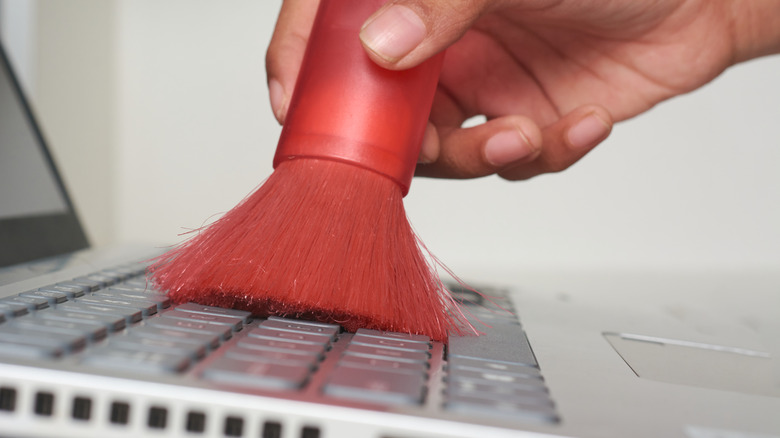
You should regularly dust and clean your laptop’s ports and vents. Dust accumulation is every PC’s mortal enemy, as clogged vents increase heat retention and worsen the wear caused by hot conditions. Regularly cleaning the dust out with compressed air will keep the flow clean and vent out excess heat. You can also use a cooling pad to help further offset heat. Additionally, on the software side, make sure to consistently update your laptop’s operating system, as new updates include optimizations and feature improvements that can help reduce the overall operating load. Similarly, you should also clean out old, unused files so your laptop has more internal space to do its business.
Depending on your laptop’s model, you may be able to prolong its life with occasional minor repairs or by buying newer and better laptop replacement parts. However, compared to PC towers, doing this with a laptop can be more difficult and expensive. If you keep having to replace parts, you’ll eventually end up with an entirely new laptop anyway, so you might as well just get a new one.