By using this site, you agree to the Privacy Policy and Terms of Use.
Accept
World of SoftwareWorld of SoftwareWorld of Software
  • News
  • Software
  • Mobile
  • Computing
  • Gaming
  • Videos
  • More
    • Gadget
    • Web Stories
    • Trending
    • Press Release
Search
  • Privacy
  • Terms
  • Advertise
  • Contact
Copyright © All Rights Reserved. World of Software.
Reading: Microsoft is experimenting with a top menu bar for Windows 11
Share
Sign In
Notification Show More
Font ResizerAa
World of SoftwareWorld of Software
Font ResizerAa
  • Software
  • Mobile
  • Computing
  • Gadget
  • Gaming
  • Videos
Search
  • News
  • Software
  • Mobile
  • Computing
  • Gaming
  • Videos
  • More
    • Gadget
    • Web Stories
    • Trending
    • Press Release
Have an existing account? Sign In
Follow US
  • Privacy
  • Terms
  • Advertise
  • Contact
Copyright © All Rights Reserved. World of Software.
World of Software > News > Microsoft is experimenting with a top menu bar for Windows 11
News

Microsoft is experimenting with a top menu bar for Windows 11

News Room
Last updated: 2026/01/30 at 6:59 AM
News Room Published 30 January 2026
Share
Microsoft is experimenting with a top menu bar for Windows 11
SHARE

Microsoft’s PowerToys team is contemplating building a top menu bar for Windows 11, much like Linux, macOS, or older versions of Windows. The menu bar, or Command Palette Dock as Microsoft calls it, would be a new optional UI that provides quick access to tools, monitoring of system resources, and much more.

Microsoft has provided concept images of what it’s looking to build, and is soliciting feedback on whether Windows users would use a PowerToy like this. “The dock is designed to be highly configurable,” explains Niels Laute, a senior product manager at Microsoft. “It can be positioned on the top, left, right, or bottom edge of the screen, and extensions can be pinned to three distinct regions of the dock: start, center, and end.”

If Microsoft does go ahead and build this dock, it will also include customization options to change the background, styling, and overall theme. You’ll also be able to easily reorder extensions between the different dock regions and pin them freely.

This dock is designed to complement Microsoft’s existing work with its Command Palette launcher that the company launched last year. Command Palette is similar to Apple’s Spotlight in macOS, allowing you to quickly access commands, apps, and development tools.

Microsoft is currently soliciting feedback on this proposal, and developers can experiment with an early version of it by importing a project from Microsoft’s PowerToys GitHub repository into Visual Studio.

Sign Up For Daily Newsletter

Be keep up! Get the latest breaking news delivered straight to your inbox.
By signing up, you agree to our Terms of Use and acknowledge the data practices in our Privacy Policy. You may unsubscribe at any time.
Share This Article
Facebook Twitter Email Print
Share
What do you think?
Love0
Sad0
Happy0
Sleepy0
Angry0
Dead0
Wink0
Previous Article Badges, Bytes and Blackmail Badges, Bytes and Blackmail
Next Article Strabo founder: When to launch your startup – UKTN Strabo founder: When to launch your startup – UKTN
Leave a comment

Leave a Reply Cancel reply

Your email address will not be published. Required fields are marked *

Stay Connected

248.1k Like
69.1k Follow
134k Pin
54.3k Follow

Latest News

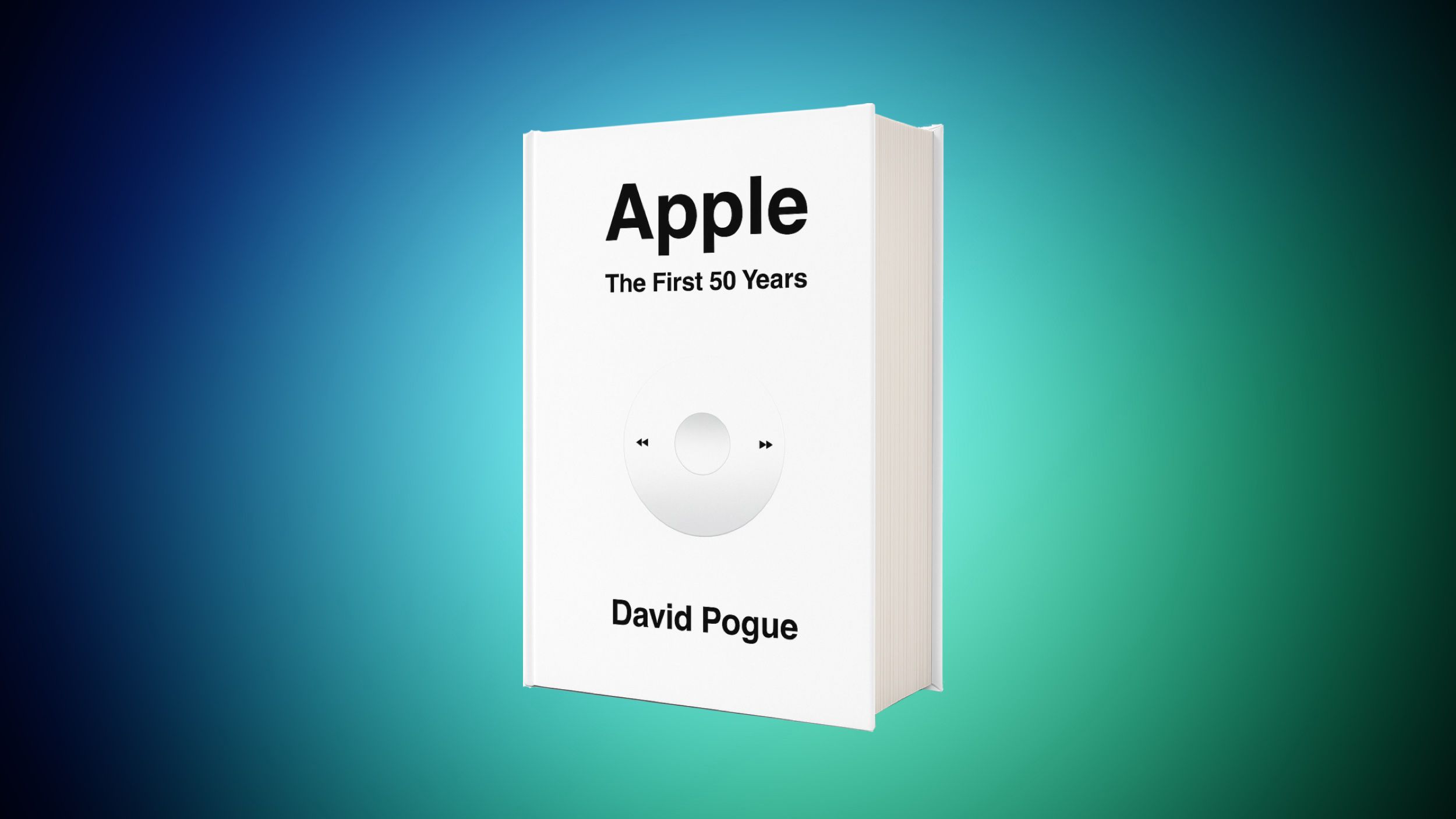
Get the New Book ‘Apple: The First 50 Years’ for 30% Off on Amazon
News
The Hidden Perks Of Upgrading To Fiber Internet – BGR
News
QD-OLED Vs OLED: What’s The Difference? – BGR
News
Cooler Master MasterFrame 360 Stage LCD Review: All This PC’s World Is a Stage
News

You Might also Like

Get the New Book ‘Apple: The First 50 Years’ for 30% Off on Amazon
News

Get the New Book ‘Apple: The First 50 Years’ for 30% Off on Amazon

3 Min Read
The Hidden Perks Of Upgrading To Fiber Internet – BGR
News

The Hidden Perks Of Upgrading To Fiber Internet – BGR

4 Min Read
QD-OLED Vs OLED: What’s The Difference? – BGR
News

QD-OLED Vs OLED: What’s The Difference? – BGR

4 Min Read
Cooler Master MasterFrame 360 Stage LCD Review: All This PC’s World Is a Stage
News

Cooler Master MasterFrame 360 Stage LCD Review: All This PC’s World Is a Stage

9 Min Read
//

World of Software is your one-stop website for the latest tech news and updates, follow us now to get the news that matters to you.

Quick Link

  • Privacy Policy
  • Terms of use
  • Advertise
  • Contact

Topics

  • Computing
  • Software
  • Press Release
  • Trending

Sign Up for Our Newsletter

Subscribe to our newsletter to get our newest articles instantly!

World of SoftwareWorld of Software
Follow US
Copyright © All Rights Reserved. World of Software.
Welcome Back!

Sign in to your account

Lost your password?