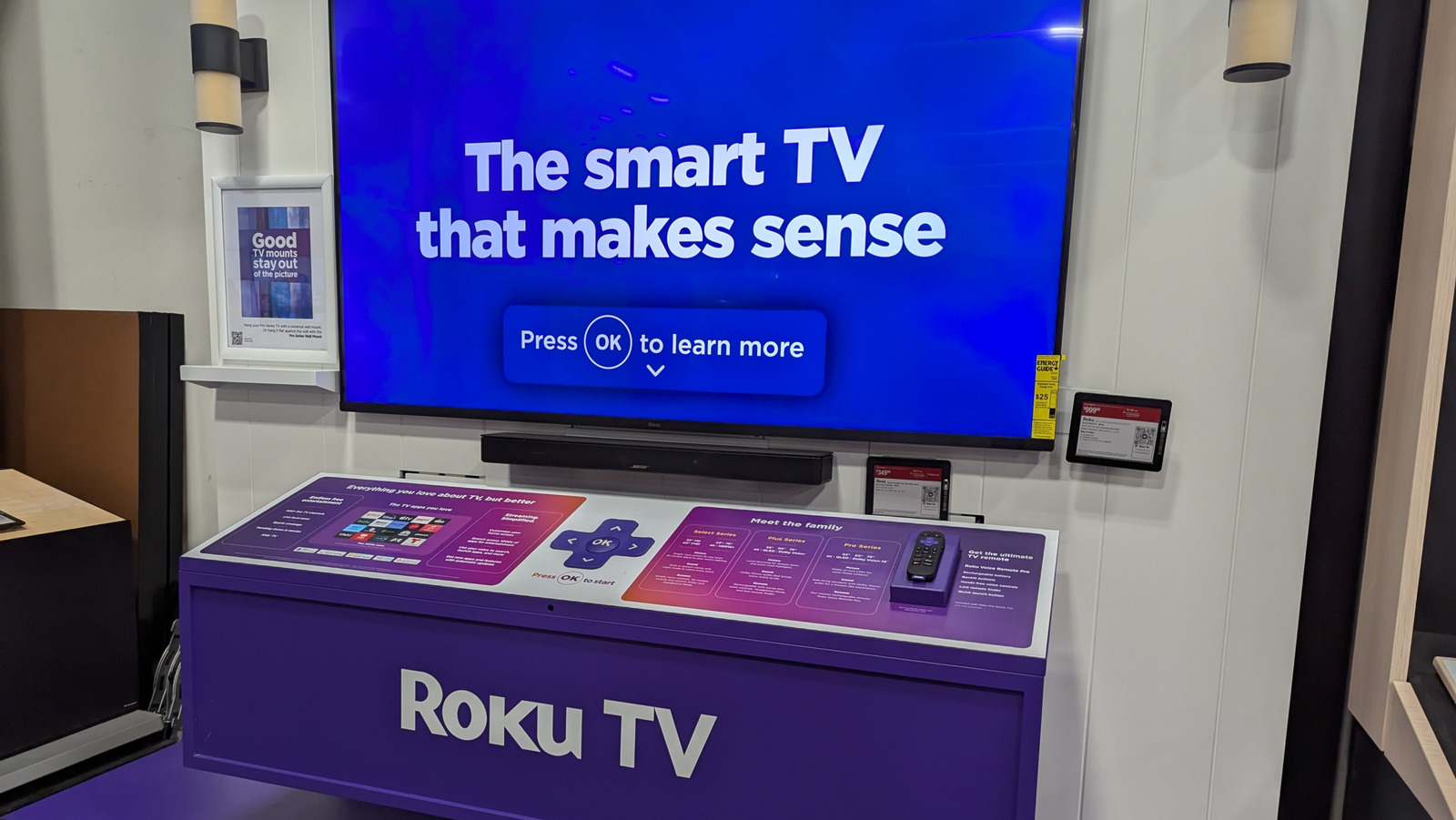
Smart TVs are gradually becoming a dominant piece of living-room tech as streaming apps continue to replace traditional cable packages. Many of the more popular smart TV brands feature Roku TV, which has risen to a place of prominence alongside the likes of Amazon Fire TV and Google TV thanks to some genuinely good features and benefits. For all of its popularity, however, Roku-enabled TVs do have some noteworthy drawbacks for the average user, from a lack of support for certain apps to some troubling data-gathering policies.
Choosing a smart TV for your home isn’t just about picking the cheapest model, or the one with the highest resolution: It’s also about selecting an operating system. While TVs playing host to Roku’s OS offer the same broad functions as many other TVs in the market, there are a few considerations you need to make before purchasing one over those put forth by competitors. If these elements concern you at all, you might want to consider using a TV with a different operating system.
Some apps and shows are not available on Roku TV
The primary streaming app or service that the Roku brand owns is the Roku Channel (including its Howdy product, nested within). Most other streaming services available on Roku TV, such as Netflix, Disney+, or Prime Video, are offered in conjunction with said services’ parent companies. Because the use of these streaming platforms specifically requires partnership, if Roku hasn’t fostered a partnership with a particular company, you won’t be able to watch that company’s streaming service on a Roku TV.
Roku TVs do have access to most of the major streaming services, though some smaller or regional apps may not be available. One user on the Roku forums reported that a movie-streaming app they liked, Movieland, was unceremoniously deleted from the Roku app store, which cost them access to a variety of movies. Some Roku TV users have also noted that, depending on where you live, your Roku TV may not be able to access even the popular streaming services. Another Roku forums user who originally made their Roku account in the EU found they couldn’t access any app besides Netflix on their Roku TV in the United States, and had to make an entirely new account to access everything.
Not all apps are consistently updated
Even if a Roku TV provides access to a particular app and streaming service, that doesn’t necessarily mean the app in question is being carefully maintained. Roku may have partnerships with most of the major streaming services to platform their respective apps, but some of these apps can go for long stretches without receiving substantial patches or stability updates. This can result in sub-optimal performance, including buggy menus and laggy video streaming.
For example, users on the Roku subreddit have complained about the lack of stability in the HBO Max app, which is rated lower than other major streaming apps in the Roku app store. These users report consistent problems with trying to navigate the app using their Roku remotes, as well as annoying glitches like skipping episodes in a series. As one user in this thread puts it, there is little Roku itself can do to remedy this problem. The burden is entirely on HBO Max, per that user’s claim, and if HBO doesn’t update or overhaul the app, users are unfortunately left without recourse.
Roku TV’s interface is ad-heavy
One of the major differentiating factors between Roku’s streaming business model and that of its contemporaries is that it doesn’t offer paid tiers for its services, whether on the Roku Channel streaming app or the Roku TV interface. This is, unfortunately, a bit of a double-edged sword for users. You don’t need to pay to use your Roku TV’s features or access the Roku Channel, but in exchange, you’re consistently bombarded with ads. Roku has to pay the bills somehow, and if it’s not through subscriptions, it’s going to be through ads.
Users on the Roku subreddit have reported a gradual increase in ad breaks while watching content on the Roku Channel, pegged at around 4-5 breaks per episode of TV. Additionally, there are banner ads present on the home screen, which means you’ll be seeing ads even before you select a streaming app to watch. Early in 2025, Roku actually ran a new test on its devices in which an ad was served to users as soon as they turned their Roku TV or streaming stick on, even before the Home menu loaded up. In a statement to Mashable on this matter, Roku said this test was its latest attempt to “explore new ways to showcase brands and programming while still providing a delightful and simple user experience.”
Roku TV collects and shares your data
In order to facilitate the aforementioned stream of ads on a Roku TV and the Roku Channel, the use of a Roku TV requires access to your personal information. When you first activate a Roku TV, you will be asked to make a Roku account if you don’t already have one. This means sharing identifying personal information with the Roku company, including your name, address, phone number, and geographical location. You cannot use the online functions of a Roku TV without a Roku account, which means if you’re uncomfortable with sharing these particulars, you will be locked out of much of the device’s functionality. In addition to basic account data, Roku also records your usage data, such as verbal commands made using the Roku Voice Remote and the kinds of streaming apps you regularly use.
Roku doesn’t just harvest this personal data, it also shares and sells it to third-party vendors and advertising partners. This results in targeted advertising on your home screen, as well as ads served by the Roku Channel. It is possible to stop your Roku device from tracking you, as well as limit how much of your data the company shares, but you cannot disable targeted advertising completely. Using a Roku TV effectively means nonverbally consenting to at least some degree of marketing observation by Roku and its partners.