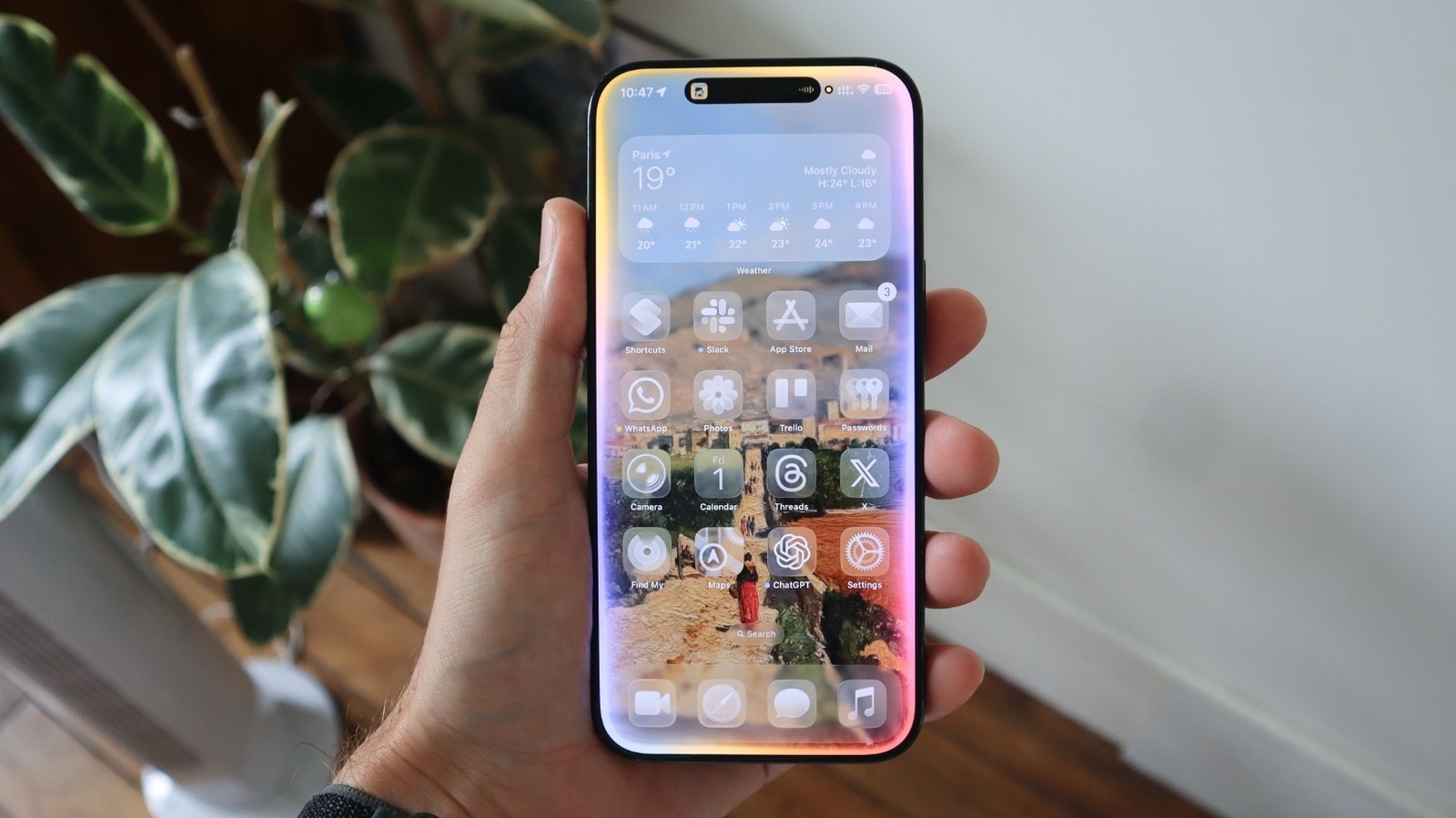
During Apple’s earnings call for the fiscal 2026 first quarter, the company’s CEO Tim Cook said iPhone users have been really taking advantage of Apple Intelligence, the company’s AI platform released in October 2024. According to Cook, the most popular AI features in this quarter have been Writing Tools, Clean Up, Visual Intelligence, and Live Translation.
While I’d have thought that Apple’s heavily promoted Genmoji would be a big Apple Intelligence feature, Tim Cook pointed out that Visual Intelligence is the main one, as it helps users learn more about what’s on their iPhone screen while taking action or answering questions about their apps.
Cook also said that most users opt to have Apple Intelligence on their iPhones. Currently, the main requirement to run Apple’s AI platform is having an iPhone 15 Pro or newer, as these devices have at least 8GB of RAM. With more changes expected at Apple’s Worldwide Developers Conference 2026, here’s how to take advantage of the current most popular Apple Intelligence features.
Writing Tools: the basic done locally
Writing Tools is one of the original Apple Intelligence features. With it, Apple’s models can help you improve your text, whether it’s a message to your boss, an essay you’re working on for college, changing the tone from what you wrote, or summarizing a text.
Writing Tools can proofread text, rewrite it, and make it friendlier, more professional, or concise. If you have a long message or need to organize what you’ve written, you can use Writing Tools to show key points, create a list, or make a table. Finally, Writing Tools also lets you describe the change you want Apple Intelligence to make to that text, all using Apple’s local models.
When you need more, you can use Compose, an Apple Intelligence feature that relies on ChatGPT, to improve your text. This way, you send that information to OpenAI’s servers to receive more options on how to write and improve your message according to what you need. No wonder it’s one of the most important Apple Intelligence features.
Clean Up tool: removing objects from your image
One of the most interesting yet controversial Apple Intelligence features is the Clean Up tool. More than once, Apple addressed why this functionality hasn’t been as good as what Google and Samsung offer. Basically, this feature allows users to remove objects from a picture, but it can’t recreate something from scratch. For example, if your face is half-covered in a photo, using the Clean Up tool won’t magically recreate the hidden part.
On the other hand, if you want to remove a vehicle, a person in the background, or even a water bottle, it’s possible. According to Apple’s top executive, Craig Federighi, in an interview with The Wall Street Journal, the company doesn’t want to fundamentally change the meaning of what was happening. “The demand for people to want to clean up what seem like extraneous details to the photo that don’t fundamentally change the meaning of what happened has been very, very high, so we’ve been willing to take that small step.”
What makes the Clean Up tool so interesting is that Apple uses local models to power the feature. Still, when you go to the Photos app, tap Edit, and select this feature, be aware that it’s only good for small tweaks, and it will probably mess up your photo with challenging objects.
Visual Intelligence: Apple’s take on Google’s Circle to Search
Visual Intelligence was, at first, an iPhone 16 exclusive feature. With the release of the iPhone 16e, Apple expanded Visual Intelligence to the iPhone 15 Pro and the 16e model by letting this feature be activated from the Action button instead of the Camera Control. According to Apple, this feature helps you learn about places and objects around you, as you can quickly add information from a flyer to your calendar, call a business, check a coffee shop website, and so on.
With iOS 26, Apple superpowered Visual Intelligence with a new screenshot search. Now, every time you take a screenshot, Apple Intelligence will suggest actions, like translating text, adding an event to your calendar, or reading text aloud. If you circle a part of that image, you’ll be able to see Google or Etsy search results, which can be very helpful if you’re trying to shop for something and don’t know where to start.
Besides that, you can also ask questions to Apple Intelligence or ChatGPT based on the object you have highlighted. It makes sense why Tim Cook said it was one of the most used Apple Intelligence features, as it’s really handy, and the process of using it is very straightforward.
Live Translation is also making a splash
During the earnings call, Tim Cook also mentioned that Live Translation is helping users “communicate seamlessly across languages.” With this feature available for AirPods 4, AirPods Pro 2, and AirPods Pro 3, I have also been using it more in Paris, as I’m still a long way from mastering the French language.
By pressing and holding the stem of my AirPods Pro 3, I automatically enter the Live Translation mode. After downloading the dictionaries of the languages I will speak or hear, everything works seamlessly.
At CES 2026, I wondered why most companies weren’t using their live translation devices to showcase their own technology, but I found Apple’s initiative very useful and precise. Almost instantly, I can hear translations in my ears and reply with an answer in another language on my iPhone screen. By using it on regular calls, I also get a translation fast enough, while the other person also gets my message in a language they understand. Even though it might require users to give it a shot, as it took me a while to get used to it, I’m still really impressed by this feature, and I’m sure it has been changing other people’s lives, too.