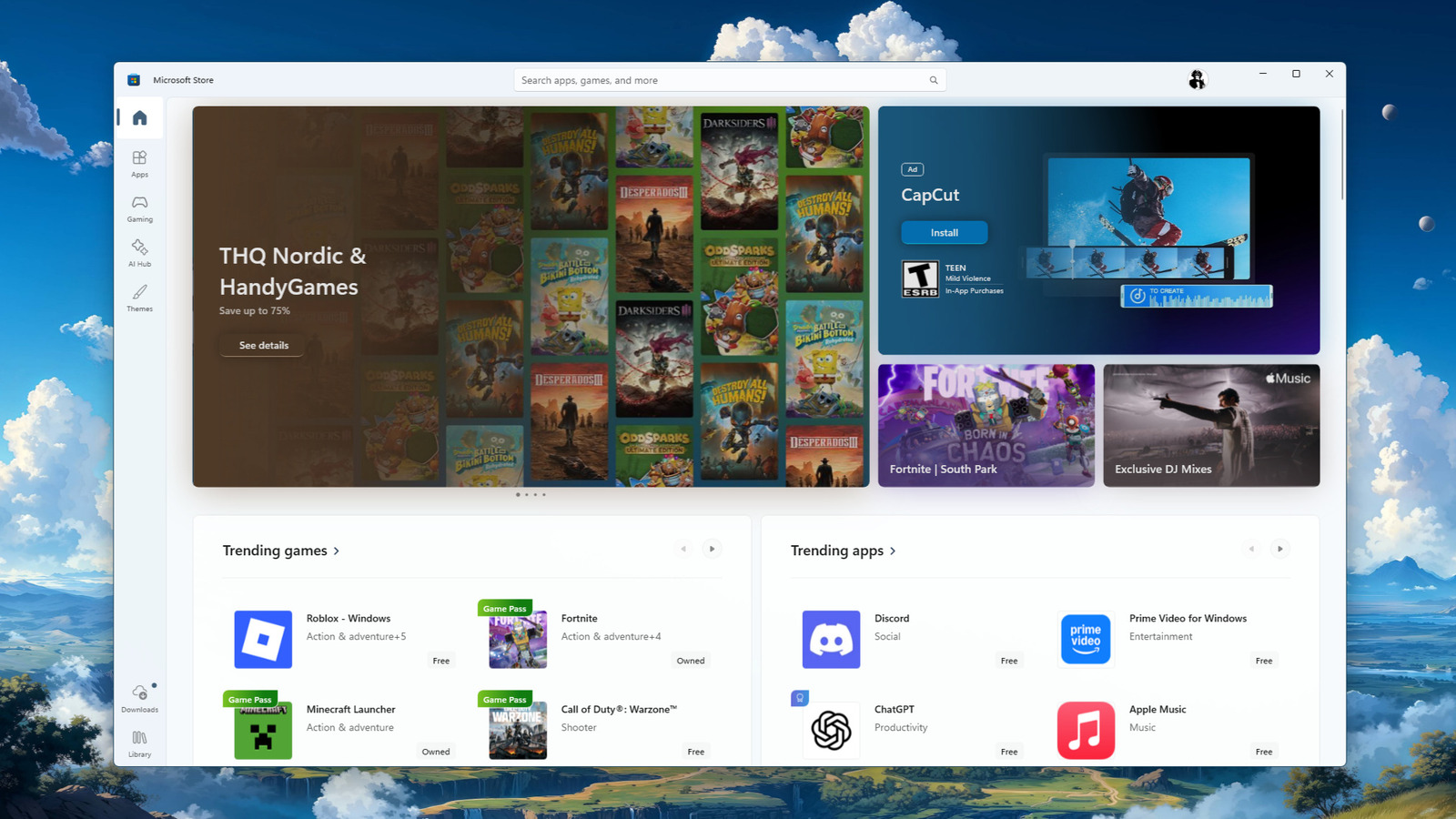
Much like mobile operating systems, Microsoft offers a unified store to easily install Windows apps, known as the Microsoft Store. While it wasn’t that great at first, over the years, many of the core Windows apps we’ve been using, like VLC, Foobar2000, and even browsers such as Firefox and Brave, have made their way to the store. But some essential apps are still missing, and you can’t install them on your computer without downloading their installers directly from their respective websites, much like the old days. In fact, Microsoft itself discontinued support for Office installed via the Microsoft Store. This is a reflection of how poorly Microsoft has handled the store since its launch with Windows 8. Microsoft thought it wise to force a new app standard on developers with the UWP platform, but it proved to be a failure when few developers wanted to rewrite their apps.
But now that the Win32 app format is allowed on the Microsoft Store, many more applications have been added. However, for many developers, this move may have come much too late, especially when “last updated” support for Win32 apps only just landed in 2025. So if you’ve been wondering what’s missing from your Windows sessions by installing apps only from the official Microsoft Store, this roundup is for you. Whether you are into gaming, taking notes, storing e-books, downloading large files, or simply editing images, you won’t find these five essential free apps on the Microsoft Store, and if you’re not using them, you could be missing out.
Steam
A major reason Valve started investing in Linux gaming while building out space for products like the Steam Deck and Steam Machine is that the company is a direct competitor to Microsoft in the PC gaming space. This is a big part of the reason why you won’t find the Steam launcher on the Microsoft Store (though rumors suggest it could happen one day). While the Steam app for PC is certainly free to install, you’ll have to snag the official installer directly from Valve. Considering Steam’s active user base is somewhere beyond 140 million, it’s safe to say Steam is easily one of the most essential free Windows apps currently not available on the Microsoft Store.
Of course, Microsoft has been working on better gaming support on Windows over the last couple of years, even going so far as to collaborate with Asus on the ROG Xbox Ally and its Xbox Full Screen Experience. Heck, Microsoft even updated its Xbox PC app to support launching Steam games, illustrating just how important Steam and its giant userbase are to Microsoft’s Windows gaming ecosystem. Hopefully, these two companies will collaborate more to ensure PC gaming is the best it can be for all gamers, but until then, expect Valve to continue its open-source Linux journey, building a PC gaming future that isn’t dependent on Microsoft’s buggy, AI-filled OS.
Notepad++
For many years, Windows has offered the Notepad app on Windows — a simple, no-frills text editor. Not only has Microsoft added unnecessary formatting options, bringing the once simple app more in line with heavier, richer editing apps like Word, but the company has also added AI to the app (even going so far as to require a Microsoft account to use it), further bloating what was once a very simple but useful tool. The good news is that there is a much better option out there, one that has proven its worthiness over the past 23 years of its existence.
It’s called Notepad++, and for many Windows users, it’s one of the very first apps they install on a new system. Notepad++ is not only a seasoned text editor, but it’s also a competent code editor that offers an abundance of plugins. This way, you can start with a free, unbloated, and intuitive text editor, and then further dial in your experience with whatever plugins suit your specific needs. Compared to Microsoft’s bloated app, Notepad++ is a fantastic option that remains lean. However, you will have to snag it from the official website, as the app is not available on the Microsoft Store.
Calibre
Unless you use ebook apps for avid readers, you may not have heard of Calibre. Essentially, Calibre is an open-source e-book manager that lets you store your files in one place for easy syncing. However, it can also convert books into a wide selection of formats while allowing you to add metadata so they look nice on any e-reader. Calibre also supports a wide selection of plugins – many of which are from the community.
While it’s a trusted app across operating systems and can be vetted anytime since it is open source, the direct download model for all supported platforms hasn’t changed since the app launched in 2006. After nineteen years, Calibre is still going strong as the preferred database manager of e-book enthusiasts. While competitors like Epubor and Alfa eBooks Manager have their place, Calibre still comes out ahead thanks to its robust interface that remains free for all.
qBittorrent
Thanks to the prevalence of high-speed internet across our homes, offices, and mobile devices, dedicated download management apps have either fallen to the wayside or evolved. Out of all the download managers out there, torrent clients still have their place. From Linux ISO downloads to snagging files from The Internet Archive, there are a few good (and legal) reasons to use a torrent client. While there are certainly a few available on the Microsoft Store, one of the best isn’t. Known as qBittorrent, this client is built with C++ and the Qt toolkit and is both free and open source. qBittorrent is considered one of the best torrent clients around, thanks to its clean UI and wide selection of plugins.
The app is also fast and lightweight and offers a plethora of options to dial in your torrents, such as setting VPN binding for anonymity or its built-in search engine. Really, there isn’t much missing from the qBittorrent experience beyond a mobile companion app, but third-party options like qBitController fill the role perfectly well. Since qBittorrent is missing from the Microsoft Store, several copycats have mushroomed, so make sure to only download the qBittorrent installer directly from the official website.
Paint.net
Technically, Paint.net is available from the developer on the Microsoft Store, and as one of the top options for a simple paint app for Windows, it should be. But here’s the rub. Paint.net isn’t free on the Microsoft Store. It’s a paid app that’ll set you back $14.99. This is part of the developer’s monetization strategy, as it’s a good way to support the developer. But if you’re curious about the app and don’t have the money to spare just to test it out, it’s also completely free if you snag an official download from the developer’s website.
Paint.net may look simple, but it’s a lot more robust than it appears. For starters, it supports layers, which is a non-destructive way to edit your files. Second, the app offers unlimited undo — once again, leaning into being non-destructive. Basically, Paint.net is the app you open when you need to do more than what Microsoft Paint allows, but less than what Adobe Photoshop can do. It’s lightweight, but also robust, a perfect middle ground for the majority of image editing needs.