By using this site, you agree to the Privacy Policy and Terms of Use.
Accept
World of SoftwareWorld of SoftwareWorld of Software
  • News
  • Software
  • Mobile
  • Computing
  • Gaming
  • Videos
  • More
    • Gadget
    • Web Stories
    • Trending
    • Press Release
Search
  • Privacy
  • Terms
  • Advertise
  • Contact
Copyright © All Rights Reserved. World of Software.
Reading: Google is finally fixing one of Pixel’s biggest connectivity headaches in Android 16
Share
Sign In
Notification Show More
Font ResizerAa
World of SoftwareWorld of Software
Font ResizerAa
  • Software
  • Mobile
  • Computing
  • Gadget
  • Gaming
  • Videos
Search
  • News
  • Software
  • Mobile
  • Computing
  • Gaming
  • Videos
  • More
    • Gadget
    • Web Stories
    • Trending
    • Press Release
Have an existing account? Sign In
Follow US
  • Privacy
  • Terms
  • Advertise
  • Contact
Copyright © All Rights Reserved. World of Software.
World of Software > News > Google is finally fixing one of Pixel’s biggest connectivity headaches in Android 16
News

Google is finally fixing one of Pixel’s biggest connectivity headaches in Android 16

News Room
Last updated: 2026/02/03 at 10:21 AM
News Room Published 3 February 2026
Share
Google is finally fixing one of Pixel’s biggest connectivity headaches in Android 16
SHARE

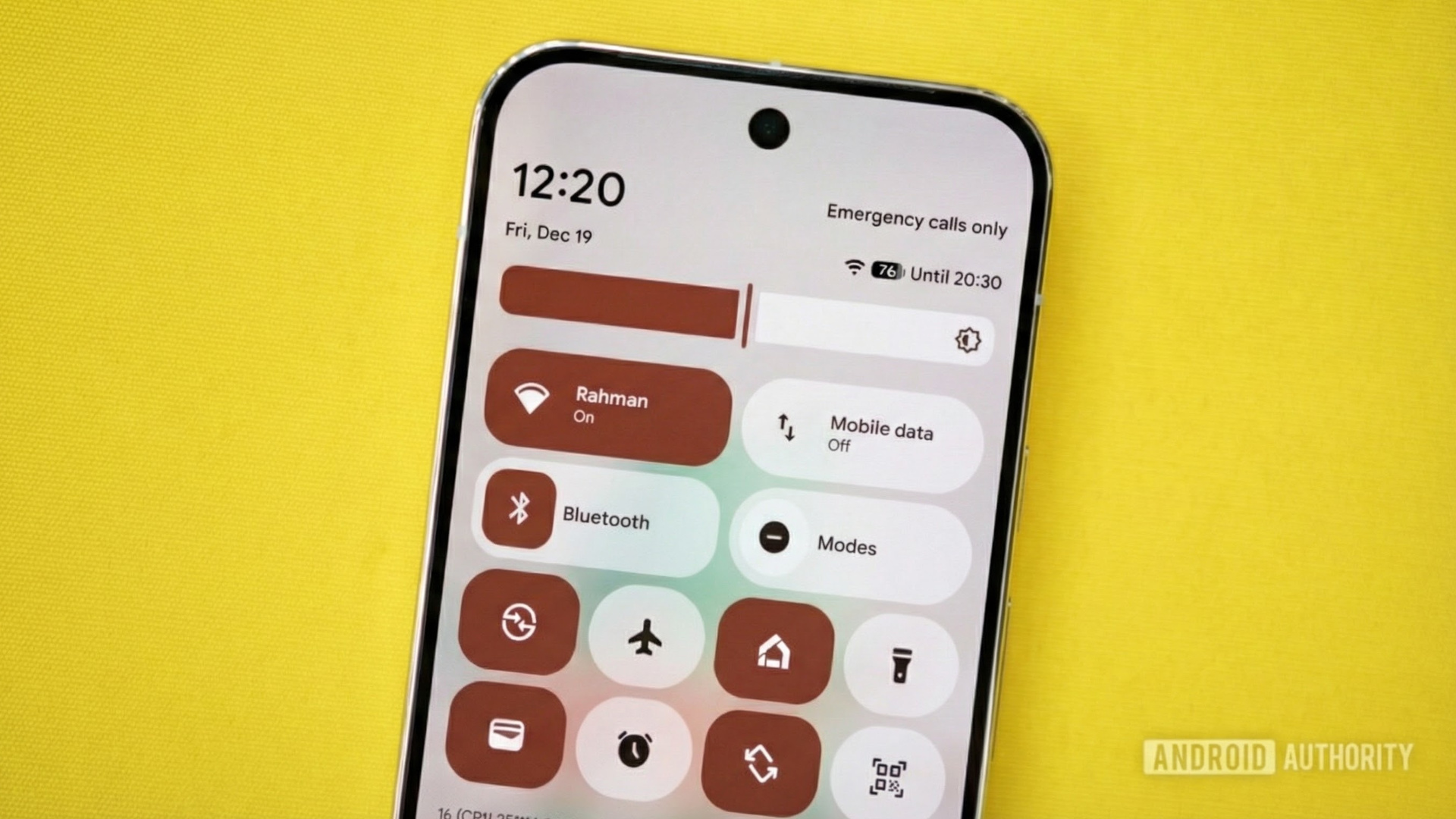
Image of a Pixel phone with Android’s Quick Settings on it. Original photo by Joe Maring. Gemini Nano Banana Pro was used to modify the photo and place the screenshot on the screen.

TL;DR

  • Google is updating Pixel’s vague Adaptive Connectivity with clearer controls in Android 16 QPR3 Beta 2.
  • There’s a new “Auto-switch to mobile network” toggle that keeps you online when Wi-Fi is weak, but may use more data.
  • The “Optimize network for battery life” toggle prioritizes efficiency to help extend battery life.

Finding the right balance between a strong connection and a battery that lasts all day has always been tricky for smartphones. For years, Google’s Adaptive Connectivity was a simple switch that worked in the background, but it didn’t explain what it was doing. Now, with the latest Android 16 QPR3 Beta 2 update, Pixel phones are getting a more detailed version of that feature.

The main change is that instead of a single on/off switch for Adaptive Connectivity, there are now two separate toggles, each with its own purpose. Both are turned on by default, as a Reddit user noticed (via 9to5Google).

Don’t want to miss the best from Android Authority?

google preferred source badge light@2xgoogle preferred source badge dark@2x

Before, Adaptive Connectivity claimed to extend battery life and improve performance “by automatically managing your network connections,” and this was true in the stable Android 16 QPR2 release. In reality, it was just a single switch. You turned it on and hoped your phone would choose the best balance between speed and battery life.

With QPR3 Beta 2, Google has split this into two options: “Auto-switch to mobile network” and “Optimize network for battery life.” The first toggle helps if your Wi-Fi is weak by switching to mobile data to keep you connected. This is great for avoiding dropped connections, but it can use up your data, so you can turn it off if you prefer to stay on Wi-Fi.

The second toggle looks for the most efficient connection that uses less power, whether that means a stable Wi-Fi signal or a more efficient mobile connection. Both toggles show up under Settings > Network & internet > Adaptive Connectivity.

This update might not seem exciting at first since it’s just a tweak for battery and connection quality, but it addresses a common complaint. Pixel phones often search for the best connection, and before QPR3, you couldn’t see what was happening. Now, you can choose if you want reliability (even if it uses more mobile data) or efficiency, which is a choice many Android users will appreciate.

At the moment, this change is only available in the beta channel. Google usually releases one more QPR3 beta before the full stable version, which is expected in March.

Thank you for being part of our community. Read our Comment Policy before posting.

Sign Up For Daily Newsletter

Be keep up! Get the latest breaking news delivered straight to your inbox.
By signing up, you agree to our Terms of Use and acknowledge the data practices in our Privacy Policy. You may unsubscribe at any time.
Share This Article
Facebook Twitter Email Print
Share
What do you think?
Love0
Sad0
Happy0
Sleepy0
Angry0
Dead0
Wink0
Previous Article Intel Panther Lake Shows Strong Linux CPU Performance & Power Efficiency With Core Ultra X7 358H Benchmarks Review Intel Panther Lake Shows Strong Linux CPU Performance & Power Efficiency With Core Ultra X7 358H Benchmarks Review
Next Article Dyson Clean+Wash Hygiene Review Dyson Clean+Wash Hygiene Review
Leave a comment

Leave a Reply Cancel reply

Your email address will not be published. Required fields are marked *

Stay Connected

248.1k Like
69.1k Follow
134k Pin
54.3k Follow

Latest News

Google Meet’s universal translator looks like it’s getting ready to go mobile
News
Social media in financial services: Tips, examples, and 2026 data
Computing
Apple’s tiny but mighty iPad Mini is 0 off in every storage configuration
Apple’s tiny but mighty iPad Mini is $100 off in every storage configuration
News
Sony’s touchscreen controller patent could be a game-changer
Gadget

You Might also Like

Google Meet’s universal translator looks like it’s getting ready to go mobile
News

Google Meet’s universal translator looks like it’s getting ready to go mobile

4 Min Read
Apple’s tiny but mighty iPad Mini is 0 off in every storage configuration
News

Apple’s tiny but mighty iPad Mini is $100 off in every storage configuration

2 Min Read
Terrifying ancient ‘vampire stars’ that feed off companions to stay young solved
News

Terrifying ancient ‘vampire stars’ that feed off companions to stay young solved

4 Min Read
Boost your vibe coding with AI agents in Apple's new Xcode 26.3
News

Boost your vibe coding with AI agents in Apple's new Xcode 26.3

1 Min Read
//

World of Software is your one-stop website for the latest tech news and updates, follow us now to get the news that matters to you.

Quick Link

  • Privacy Policy
  • Terms of use
  • Advertise
  • Contact

Topics

  • Computing
  • Software
  • Press Release
  • Trending

Sign Up for Our Newsletter

Subscribe to our newsletter to get our newest articles instantly!

World of SoftwareWorld of Software
Follow US
Copyright © All Rights Reserved. World of Software.
Welcome Back!

Sign in to your account

Lost your password?