We may receive a commission on purchases made from links.
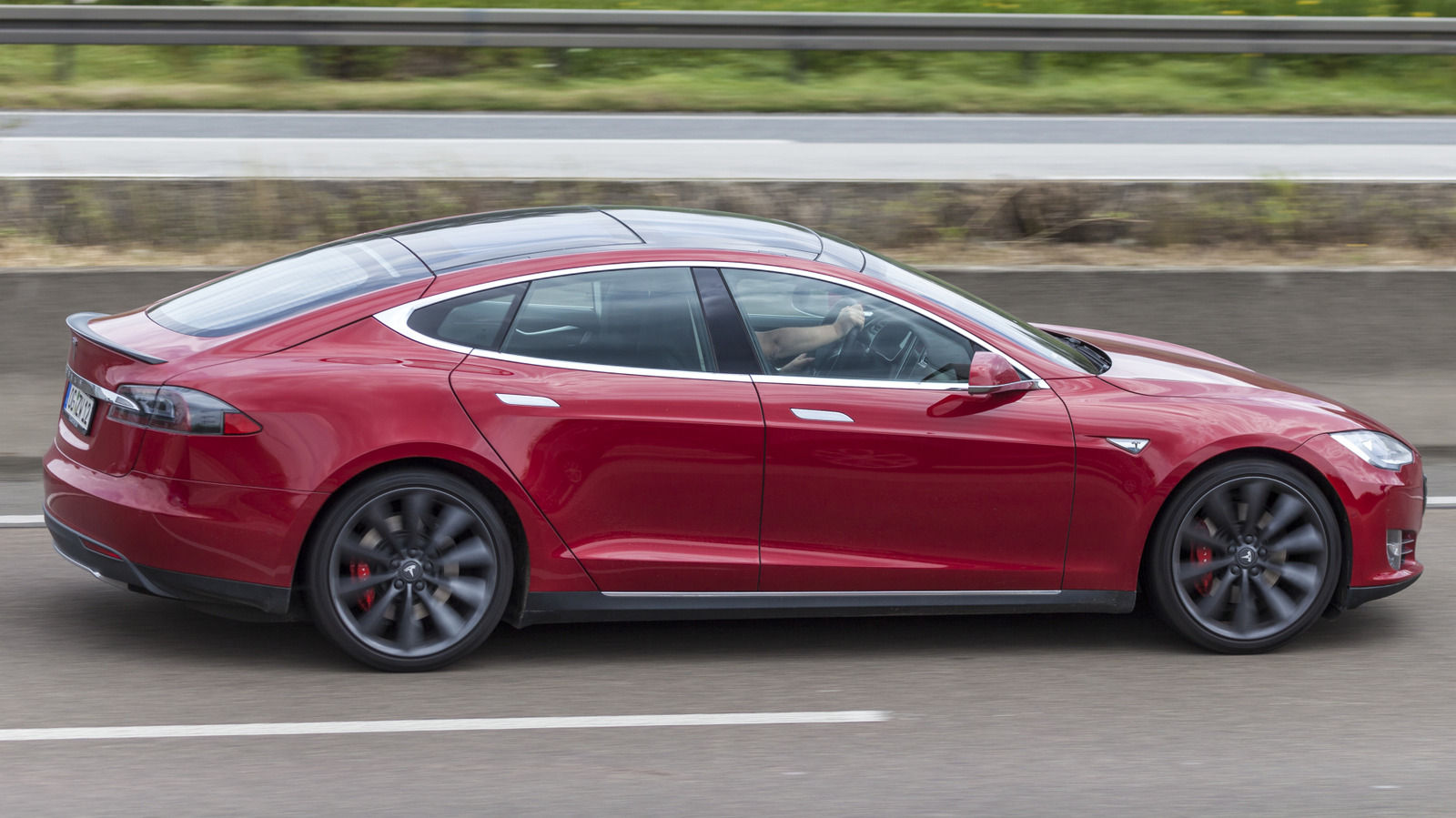
Tesla cars have a lot to like, from being standout EVs for reliability to the convenient Supercharger network. The company’s Model 3 and Model Y are among the most satisfying electric vehicles to own, according to users. The Model Y is also one of the EVs that owners actually love, per Consumer Reports. However, like every other car, Teslas can get old and dated. So, if your Tesla has some years under its belt, you may be itching to freshen things up and give it a new lease on life.
While major upgrades, such as the move from Hardware 3 to Hardware 4, may take a bit of effort and money, there are several small changes you can make with accessories and gadgets to make your Tesla feel brand new. After going through buyer reviews to confirm reliability and vehicle compatibility, we have found some good options on this front. Here are four of our top gadgets that you can add to your old (or even new) Tesla to shake things up.
Junsun 4-Way Screen Swivel Mount
This screen swivel mount from Junsun is a nifty little gadget that converts your Tesla’s fixed display into one that can be rotated in multiple directions to get the perfect viewing angle. It currently has variants for the Model 3 (2024-2025) and the Model Y (2019-2024), and comes with everything you need for installation. Buyers note that installation is relatively easy. However, it’s important to be careful and not damage any cables or connections in the process, as that can potentially brick your screen, as one Amazon shopper unfortunately experienced.
Junsun’s Tesla swivel mount is priced at $70 and has received an average buyer rating of 4.5 stars on Amazon. Shoppers like its build quality, the absence of any rattles or other noise, and that it doesn’t reduce the height of the display, a problem faced by some other screen swivel mounts. However, some owners note that the included plastic cover feels a bit cheap, and think the company could have offered better instructions.
Ugreen MagSafe iPhone Holder
While Teslas support a Bluetooth connection with your smartphone for hands-free calling and media playback, Android Auto and Apple CarPlay are not currently available. So, if you’re someone who wants their phone in front of them for using apps like Google Maps turn-by-turn navigation, the Ugreen MagSafe Phone Holder is a good option. It hooks onto the Tesla’s built-in center display and holds your iPhone in place with a ring of N52 magnets.
Designed to work with the Tesla Model 3 and Model Y, the mount supports adjustments to the phone orientation for better visibility. Reasonably priced at $25, this Ugreen gadget is also well-liked among Amazon buyers, with an average rating of 4.5 stars. Buyers appreciate the holder’s easy attachment and removal mechanism, ability to handle heavy phones, and good build quality. The only notable complaints are around the fact that you can’t mount some phones horizontally and the lack of charging support.
Anker USB 3.0 Data Hub
If you have a Tesla Model 3 or Model Y made after 2021, you may only have one data-capable USB port in the entire car, which is also used to save the feed from the car’s built-in cameras. So, if you want to play music stored on a USB flash drive or an external hard drive through the car speakers, you have to remove the plugged-in camera drive.
Fortunately, there is a way to solve this USB port crisis with the Anker USB 3.0 Data Hub that converts that one USB port into four. The Anker USB hub is confirmed to work with Tesla cars, as stated by dozens of buyers on Amazon. It comes in two cable lengths and costs $15 at the most. It doesn’t require additional power to operate and supports USB 3.0 speeds.
Anker’s hub has received favorable reviews, with an average rating of 4.7. Folks are happy with its build quality and how it can seamlessly operate with up to four USB devices. The only complaints are from people who are trying to use it to charge their phones, even though it’s not designed to do so.
Osemall Rear Display
If the lack of a backseat screen in an older Tesla Model 3 or Model Y is something you have been looking to rectify, the Osemall Rear Display can help. This aftermarket unit costs $330 and completely replaces the existing air vents and USB port setup with its own system featuring an 8.66-inch LCD screen, air vents, and USB ports.
The infotainment part is powered by an octa-core processor and runs on Android 13, giving you access to a wide range of apps. It works with both Model 3 and Model Y variants that don’t have a factory-installed rear display. You can use the Osemall screen for rear-seat HVAC control, volume control, seat heating, and more.
It can also run Apple CarPlay and Android Auto. The installation is said to be easy, and the company supplies everything you need. This high-tech gadget has garnered a solid average rating of 4.4 stars on Amazon, thanks to its decent performance, good display quality, and factory-level finish. That said, some buyers note that it’s not the fastest, and that the air vent control could be better.
How we selected these gadgets
While choosing gadgets to make old Teslas feel new, we looked for products that are easy to install. We also sought out gadgets that add new and useful functionality to the cars, or bring features that are missing from older models but available in new ones. Plus, we looked at buyer reviews and chose only those accessories that are confirmed to work with Teslas and have received an average buyer rating of at least 4.4 stars.