By using this site, you agree to the Privacy Policy and Terms of Use.
Accept
World of SoftwareWorld of SoftwareWorld of Software
  • News
  • Software
  • Mobile
  • Computing
  • Gaming
  • Videos
  • More
    • Gadget
    • Web Stories
    • Trending
    • Press Release
Search
  • Privacy
  • Terms
  • Advertise
  • Contact
Copyright © All Rights Reserved. World of Software.
Reading: Renting Your Router Is A Waste Of Money – Here’s What To Do Instead – BGR
Share
Sign In
Notification Show More
Font ResizerAa
World of SoftwareWorld of Software
Font ResizerAa
  • Software
  • Mobile
  • Computing
  • Gadget
  • Gaming
  • Videos
Search
  • News
  • Software
  • Mobile
  • Computing
  • Gaming
  • Videos
  • More
    • Gadget
    • Web Stories
    • Trending
    • Press Release
Have an existing account? Sign In
Follow US
  • Privacy
  • Terms
  • Advertise
  • Contact
Copyright © All Rights Reserved. World of Software.
World of Software > News > Renting Your Router Is A Waste Of Money – Here’s What To Do Instead – BGR
News

Renting Your Router Is A Waste Of Money – Here’s What To Do Instead – BGR

News Room
Last updated: 2026/02/10 at 12:58 AM
News Room Published 10 February 2026
Share
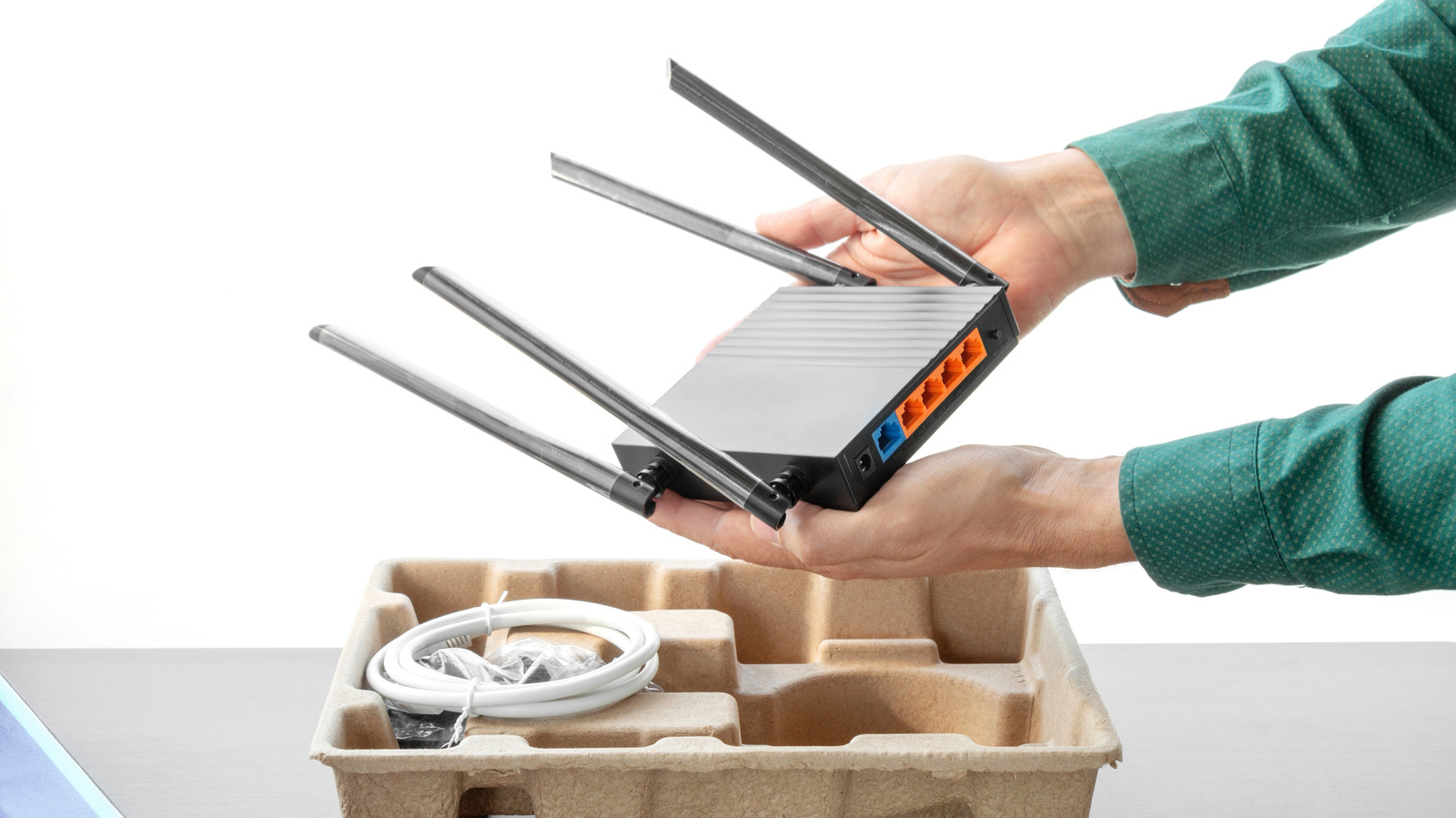
Renting Your Router Is A Waste Of Money – Here’s What To Do Instead – BGR
SHARE


AlexanDior/Shutterstock

We may receive a commission on purchases made from links.

When you sign up for an internet service plan with one of the major providers like Xfinity or Spectrum, you’ll usually receive a rental router that allows you to actually connect to the internet. These rental routers may come with a monthly rental fee, which you’ll continue to pay as long as the router is in your possession. While these fees aren’t that high, they can add up over time. If you’re looking for a way to save some cash on your internet usage in the long-run, there are a couple of tricks you can try, such as providing your own router or going with wholly physical connections.

Renting a router from your ISP isn’t a bad option, as it helps ensure you always have current hardware that can be swapped out for no additional cost. However, that does mean you’re completely beholden to whatever hardware your ISP feels like giving you, and depending on how it’s configured, it may not produce internet speeds that meet your standards. If that doesn’t work with your particular internet needs, going for a custom setup may get you more in line with what you’re in the market for while shaving that rental fee off of your monthly expenses.

Buy and set up your own router of choice
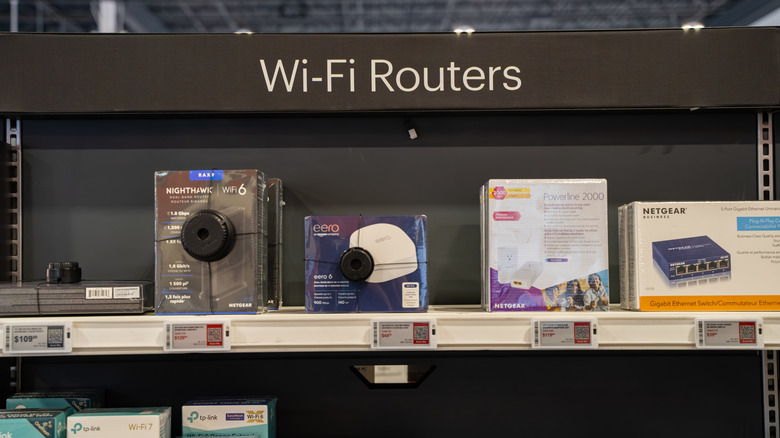

Routers for sale in an electronics store.
Erman Gunes/Shutterstock

If you don’t want to rent a router from your ISP or already have a router that you like, you don’t necessarily need to take one. While most ISPs would probably prefer you take the rental, several major ISPs do let you provide your own router instead. With Xfinity, for example, you can check a list of approved third-party routers when you’re first making your account. As long as the router is on the list, it should work with the internet plan you’re subscribing to. You will be on your own for setting it up, but once it’s up and running, it should work just as well as any rental router.

The only catch here is that the router in question must be wholly compatible with your ISP’s particular network framework. Citing Xfinity again, the brand’s network model of choice is DOCSIS 3.1. If your router is too old and doesn’t support that particular framework, you won’t be able to use it to connect to Xfinity’s service. Similarly, your router must be certified for whatever internet speed you’re subscribed to. If you wanted to use Xfinity’s Gigabit internet, for example, your router must be able to meet and output that speed. If it can’t, it won’t work.

If you live in a smaller space, just use ethernet cables
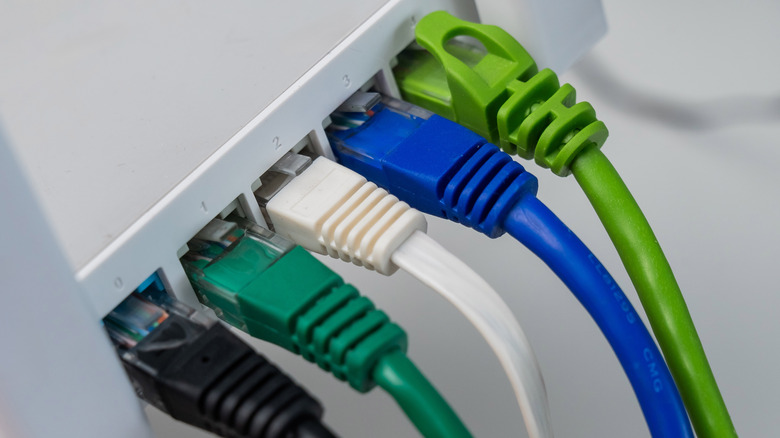

Several ethernet cables plugged into ports.
Reshetnikov_art/Shutterstock

According to a 2025 Parks Associates report, around 71% of United States households get their internet via a rented router. That’s not particularly surprising; Wi-Fi makes it easier to connect to the internet, after all, more so if you live in a larger home. However, Wi-Fi is not the only means by which you can connect to the internet. If you don’t want to use a rented router, you could always forgo the Wi-Fi entirely and go for exclusively wired connections, arguably a simpler option that saves you the trouble of finding a good spot for a router.

Rather than renting a router, you could purchase a MoCA adapter from Amazon, like the goCoax MoCA 2.5 adapter, connect it directly to your home’s internet via a coaxial cable, then connect Ethernet cables from that to your device of choice. Your internet setup does need to be MoCA-compatible for this approach to work, but if it is, you can get quick, hearty internet more or less immediately.

Of course, there are obvious drawbacks to this approach: not using Wi-Fi at all means you can’t connect with any device that lacks an Ethernet port, like a smartphone. Additionally, connecting directly to the internet through your coax does present security risks that a router would normally protect you against. Finally, you may need to snake however many Ethernet cables you’re using around your home, which could be a major tripping hazard. You could have them installed directly into the walls, but this is costly and time-consuming, and probably not an option if you live in a rented property like an apartment.



Sign Up For Daily Newsletter

Be keep up! Get the latest breaking news delivered straight to your inbox.
By signing up, you agree to our Terms of Use and acknowledge the data practices in our Privacy Policy. You may unsubscribe at any time.
Share This Article
Facebook Twitter Email Print
Share
What do you think?
Love0
Sad0
Happy0
Sleepy0
Angry0
Dead0
Wink0
Previous Article Alibaba launches Sora-like video generation framework Tora, highlights trajectory-oriented ability · TechNode Alibaba launches Sora-like video generation framework Tora, highlights trajectory-oriented ability · TechNode
Next Article Apple’s Regent Street Store Reopening Soon After One-Month Closure Apple’s Regent Street Store Reopening Soon After One-Month Closure
Leave a comment

Leave a Reply Cancel reply

Your email address will not be published. Required fields are marked *

Stay Connected

248.1k Like
69.1k Follow
134k Pin
54.3k Follow

Latest News

This is how you’ll be able to trigger and experience Gemini on Aluminium OS
News
Tencent announces September launch for Delta Force: Hawk Ops, a tactical first-person shooter game · TechNode
Computing
‘Vibe Coding’ inventor Andrej Karpathy has a new term for AI coding
News
Jakarta EE 12 Milestone 2: Advent of the Data Age Along with Consistency and Configuration
News

You Might also Like

This is how you’ll be able to trigger and experience Gemini on Aluminium OS
News

This is how you’ll be able to trigger and experience Gemini on Aluminium OS

3 Min Read
‘Vibe Coding’ inventor Andrej Karpathy has a new term for AI coding
News

‘Vibe Coding’ inventor Andrej Karpathy has a new term for AI coding

4 Min Read
Jakarta EE 12 Milestone 2: Advent of the Data Age Along with Consistency and Configuration
News

Jakarta EE 12 Milestone 2: Advent of the Data Age Along with Consistency and Configuration

22 Min Read
Meta AI gearing up to finally rival OpenAI and Gemini
News

Meta AI gearing up to finally rival OpenAI and Gemini

4 Min Read
//

World of Software is your one-stop website for the latest tech news and updates, follow us now to get the news that matters to you.

Quick Link

  • Privacy Policy
  • Terms of use
  • Advertise
  • Contact

Topics

  • Computing
  • Software
  • Press Release
  • Trending

Sign Up for Our Newsletter

Subscribe to our newsletter to get our newest articles instantly!

World of SoftwareWorld of Software
Follow US
Copyright © All Rights Reserved. World of Software.
Welcome Back!

Sign in to your account

Lost your password?