

By using this site, you agree to the Privacy Policy and Terms of Use.
Accept
World of SoftwareWorld of SoftwareWorld of Software
  • News
  • Software
  • Mobile
  • Computing
  • Gaming
  • Videos
  • More
    • Gadget
    • Web Stories
    • Trending
    • Press Release
Search
  • Privacy
  • Terms
  • Advertise
  • Contact
Copyright © All Rights Reserved. World of Software.
Reading: This One ChatGPT Prompt Will Save You Time And Energy – BGR
Share
Sign In
Notification Show More
Font ResizerAa
World of SoftwareWorld of Software
Font ResizerAa
  • Software
  • Mobile
  • Computing
  • Gadget
  • Gaming
  • Videos
Search
  • News
  • Software
  • Mobile
  • Computing
  • Gaming
  • Videos
  • More
    • Gadget
    • Web Stories
    • Trending
    • Press Release
Have an existing account? Sign In
Follow US
  • Privacy
  • Terms
  • Advertise
  • Contact
Copyright © All Rights Reserved. World of Software.
World of Software > News > This One ChatGPT Prompt Will Save You Time And Energy – BGR
News

This One ChatGPT Prompt Will Save You Time And Energy – BGR

News Room
Last updated: 2026/02/14 at 4:30 PM
News Room Published 14 February 2026
Share
This One ChatGPT Prompt Will Save You Time And Energy – BGR
SHARE


José Adorno/BGR

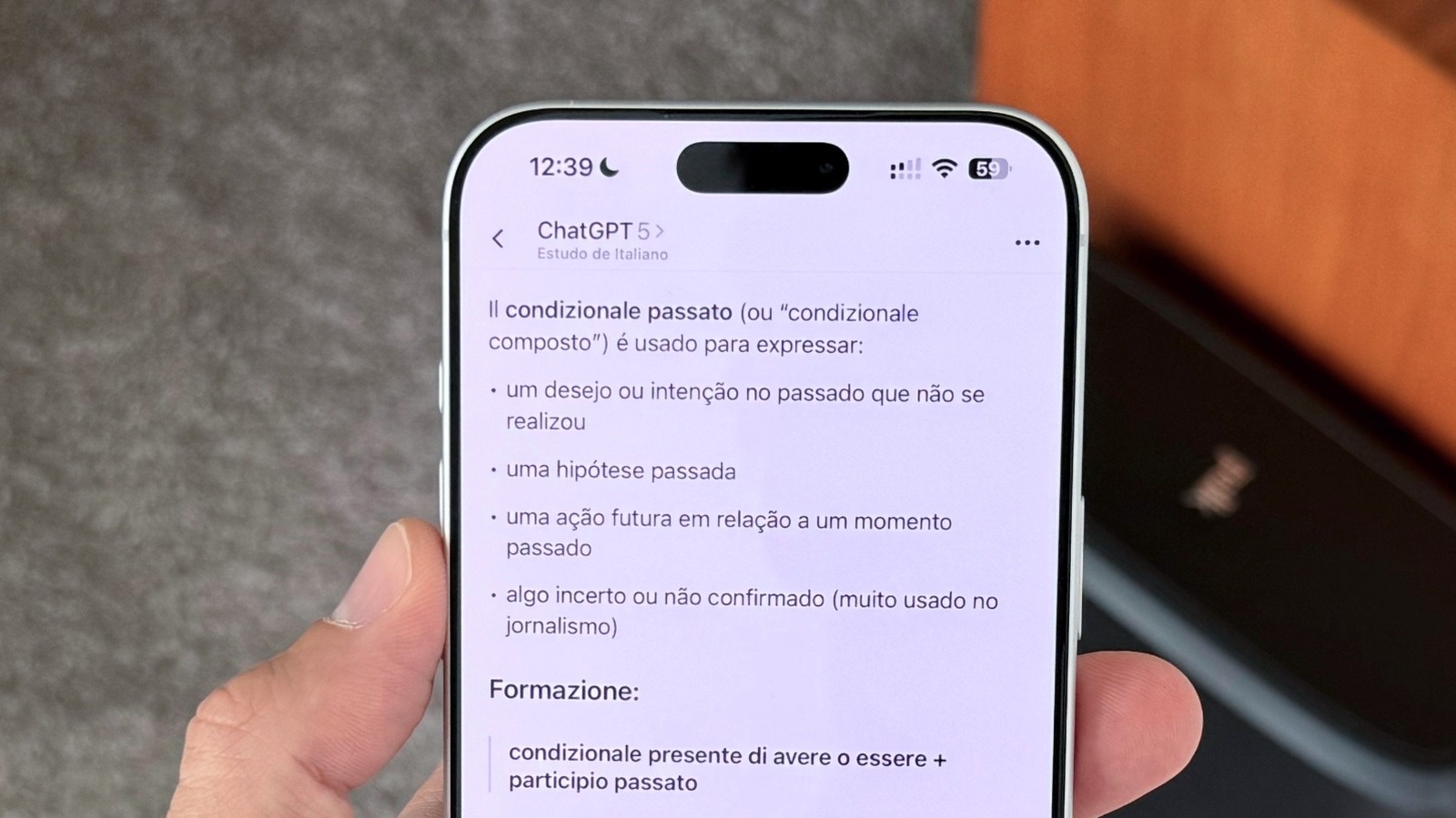
If you’re like me and ChatGPT has been your go-to app for basic searches and other time-saving things it can do for you like writing emails, taking meeting notes, or organizing your thoughts, you’ve probably noticed some of its limitations. Specifically, you likely already know how stressful it can be when the AI is just endorsing everything you say, even when it’s bad. But what if there was a way you could generate a prompt and, with a single word, reset the algorithm and make it work for you? 

As pointed out by Tom’s Guide but also elsewhere, you can use the so-called “Potato Prompt” to make ChatGPT be less like a helper and more like a critical thinker. Using this strategy is is easy and straightforward. At the beginning of your next ChatGPT session, you can list an initial instruction similar to the following: “If I write ‘potato’ at the beginning of a prompt, you need to be direct and use no hedging or compliments while responding to that prompt. Find possible weaknesses in my argument, fact-check everything, and offer perspectives I haven’t considered.”

This strategy isn’t brand new, but it’s still an important reminder of how to take the most out of this tech. Previously, I wrote about how you I use specific prompts to narrow down answers and get more precise data when using ChatGPT. However, when you customize the AI’s personality with a directed prompt like this, I’ve found that you can save a lot of time and energy by not having to explain everything over and over. 

How to get the most out of the potato prompt
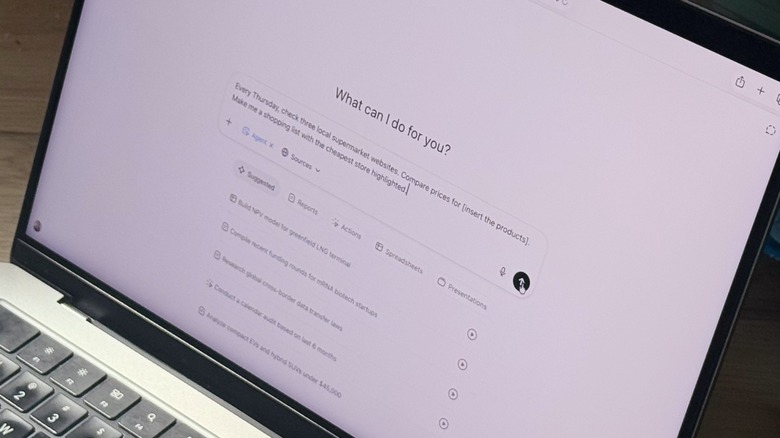

ChatGPT Agentic Mode on a MacBook Pro.
José Adorno/BGR

You don’t need to specifically use the word “Potato,” of course — you can designate any word or phrase you want such as “Editor Mode,” or something similar. You don’t even have to include the instructions more than one. Thanks to ChatGPT’s little-known Custom Instructions feature, you can add your prompt there and the AI will remember the prompt going forward. Once you do that, you just need to start a new chat with your preferred word or phrase and you’ll get a more straightforward answer.

This prompt can be good when you’re pitching a project at work, brainstorming new ideas for something you’re planning to do, or even trying to understand why you’re still stuck on a specific issue. For example, I usually take advantage of this prompt when I’m writing short novels. With that, I can have another perspective of where my character is going, if I left anything confusing behind, and even how to move forward from where I’m stuck.

After a few years of using ChatGPT, I’ve realized that less is more with the AI, as it usually talks a lot without actually saying much. That said, the more you can narrow your prompts, and the more direct you are about how the AI should respond to those prompts, the better ChatGPT will be when it comes to collecting, organizing, and explaining data to you. Otherwise, it’ll give you a wide, far-reaching answer to a subject when you wanted a more specific one.



Sign Up For Daily Newsletter

Be keep up! Get the latest breaking news delivered straight to your inbox.
By signing up, you agree to our Terms of Use and acknowledge the data practices in our Privacy Policy. You may unsubscribe at any time.
Share This Article
Facebook Twitter Email Print
Share
What do you think?
Love0
Sad0
Happy0
Sleepy0
Angry0
Dead0
Wink0
Previous Article How to Schedule Pins on Pinterest: I Batched 90 in One Afternoon How to Schedule Pins on Pinterest: I Batched 90 in One Afternoon
Next Article OnePlus to debut MediaTek’s Dimensity 9400e gaming chip next week with Ace 5 Ultimate Edition · TechNode OnePlus to debut MediaTek’s Dimensity 9400e gaming chip next week with Ace 5 Ultimate Edition · TechNode
Leave a comment

Leave a Reply Cancel reply

Your email address will not be published. Required fields are marked *

Stay Connected

248.1k Like
69.1k Follow
134k Pin
54.3k Follow

Latest News

Homeland Security reportedly sent hundreds of subpoenas seeking to unmask anti-ICE accounts |  News
Homeland Security reportedly sent hundreds of subpoenas seeking to unmask anti-ICE accounts | News
News
The Pocket VERT is the ultimate handheld for Game Boy fanatics like me
News
How to Change A Pinterest Board Cover
Computing
Today's NYT Connections: Sports Edition Hints, Answers for Feb. 15 #510
News

You Might also Like

Homeland Security reportedly sent hundreds of subpoenas seeking to unmask anti-ICE accounts |  News
News

Homeland Security reportedly sent hundreds of subpoenas seeking to unmask anti-ICE accounts | News

1 Min Read
The Pocket VERT is the ultimate handheld for Game Boy fanatics like me
News

The Pocket VERT is the ultimate handheld for Game Boy fanatics like me

12 Min Read
Today's NYT Connections: Sports Edition Hints, Answers for Feb. 15 #510
News

Today's NYT Connections: Sports Edition Hints, Answers for Feb. 15 #510

3 Min Read
I Fired Up MSI’s ,090 GeForce RTX 5090 Card. It’s Absolutely Unhinged
News

I Fired Up MSI’s $5,090 GeForce RTX 5090 Card. It’s Absolutely Unhinged

38 Min Read
//

World of Software is your one-stop website for the latest tech news and updates, follow us now to get the news that matters to you.

Quick Link

  • Privacy Policy
  • Terms of use
  • Advertise
  • Contact

Topics

  • Computing
  • Software
  • Press Release
  • Trending

Sign Up for Our Newsletter

Subscribe to our newsletter to get our newest articles instantly!

World of SoftwareWorld of Software
Follow US
Copyright © All Rights Reserved. World of Software.
Welcome Back!

Sign in to your account

Lost your password?