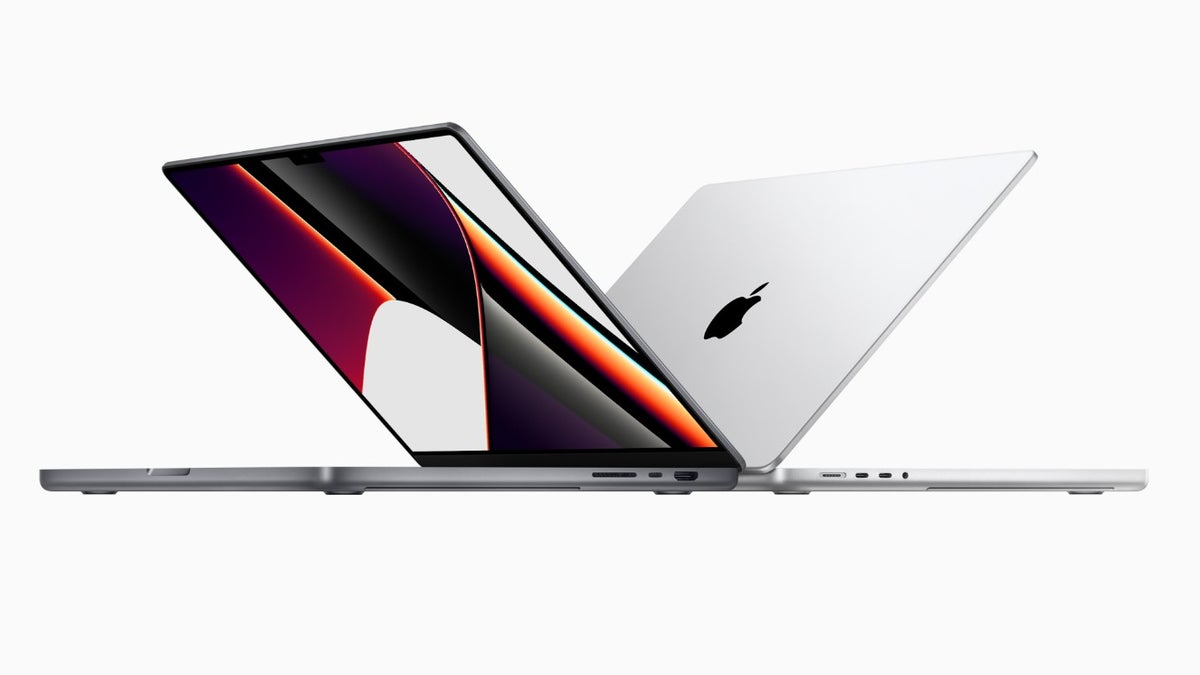
Apple MacBook Pro. | Image by Apple
iPhones may not have batteries as big as the 10,000 mAh battery of the Honor Power 2, but they do come with an incredible battery health management feature. I’m talking about Charge Limit, which allows you to set the maximum charge level of your device. Until now, the feature was exclusive to iPhones and iPads, but Apple is now introducing it for MacBooks as well.
Control how much you want your MacBook to charge
In 2023, along with unveiling the iPhone 15 series, Apple also introduced a new Charge Limit setting. It was an opt-in feature that allowed you to limit iPhone charging to 80%. Then, with the release of iOS 18, Apple updated this functionality by letting you set a battery charge limit of 80%, 85%, 90%, 95%, or 100%.
All that said, the battery health management feature is now coming to MacBooks as well. It is currently available in the macOS 26.4 beta update and can be enabled by opening the Settings app, selecting the Battery option, and clicking the info icon next to Charging.
Keep the device battery healthy for a long time
The Charge Limit feature is definitely a great addition to macOS. You don’t get any similar charge-limiting option on macOS’s direct rival, Windows OS. Certain brands like Dell and Asus do allow you to configure your Windows laptop to stop charging at a particular level through their dedicated apps, but Windows doesn’t officially offer any such built-in option.
As aforementioned, the new feature is available in the beta update. The issue with beta updates, however, is that they might be unstable. So, if you really want to give it a try on your MacBook, you can download the beta update. Otherwise, I would recommend waiting until the macOS 26.4 stable build is released, which, if I have to guess, could happen in late March or early April.