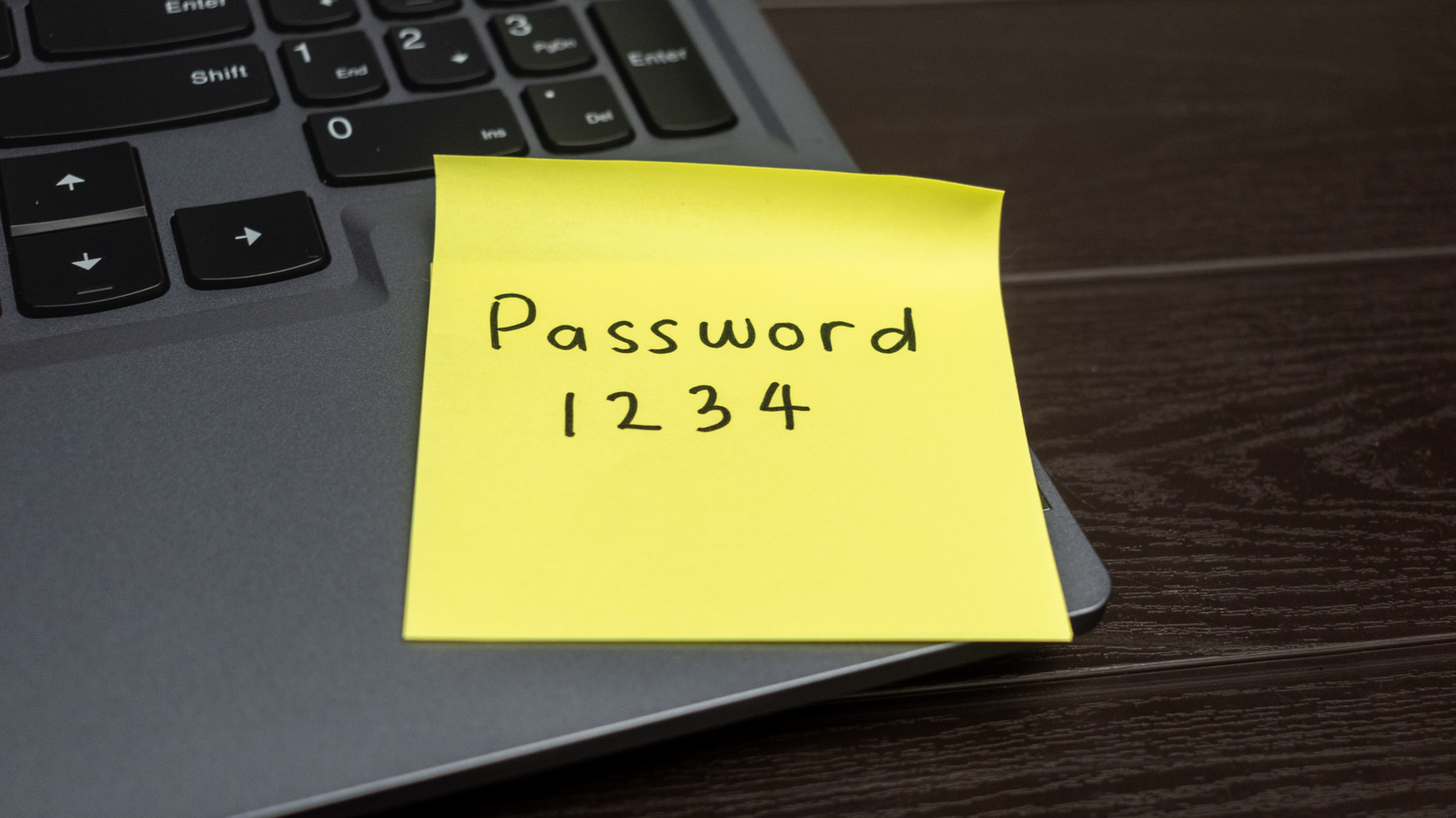
In today’s day and age, we all have accounts with dozens upon dozens of apps, services, and websites — meaning we’re expected to keep track of dozens upon dozens of passwords. That is, unless you use the same password for everything, which puts you at serious risk of data breaches and even identity theft. Short of making sure you don’t use the most common passwords, what’s the best way to diversify your password repertoire while not getting locked out of the services you use? Enter the password manager.
You may think it’s worthwhile to pay for a dedicated password management service, but these days, there’s really no need. That’s because most devices and operating systems feature their own password managers, whether you’re using a Windows PC, the Apple ecosystem, or a Google device. You could also use your device’s biometric or passkey functionalities, which can serve as easier and more secure authentication methods than just passwords. Let’s get into how the average user can use all these different access tools.
Password managers are already baked into most devices
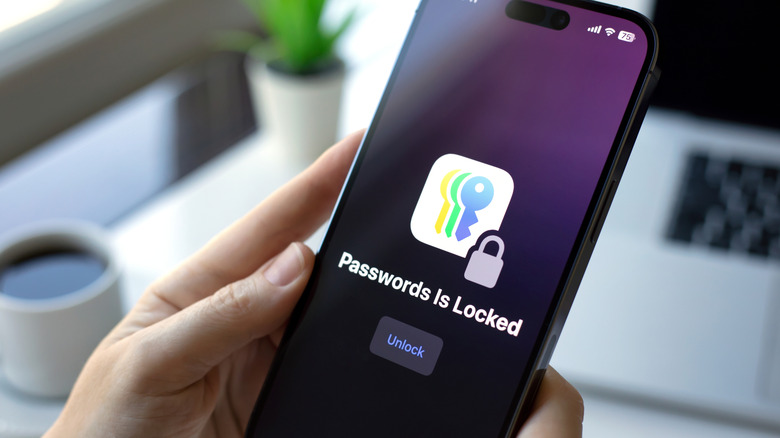
If you’re keen on using a password manager, there are a number of great ones that users swear by. But generally speaking, you don’t need to seek one out — most operating systems come with password-saving features. For instance, Apple has a password manager called iCloud Keychain that keeps all your passwords saved and encrypted on the cloud. You can access Keychain on Mac, iPhone, iPad, and even Apple Vision Pro. On iOS, you can run Keychain in the form of iOS’s built-in password manager app called Passwords. Because Keychain auto-populates your usernames, passwords, and even credit card numbers into form fields, you never have to enter your credentials manually.
What if you aren’t an Apple user, though? Well, Windows has its own version of Keychain called Credential Manager. It works much in the same way as Apple’s system does, but it’s a bit simpler. If you want a password manager that’s more platform-agnostic, consider looking into Google’s Password Manager. This service is tied to your Google account, meaning it’s accessible on Chrome, several Android devices, and any phone that runs Google services.
One drawback of OS-based first-party password managers is their relative lack of cross-platform functionality. If you use iCloud Keychain, you won’t automatically be able to fill in credentials on non-Apple browsers and devices. The keyword here is “automatically,” though — there are ways to get Keychain access up and running outside the Apple ecosystem. Conversely, Credential Manager only works on Windows 10 and 11. While it can be inconvenient to configure OS-specific password tools on other systems and devices, those who don’t require cross-compatibility should take advantage of first-party password managers for their convenience, accessibility, and cost-effectiveness.
Passkeys and biometrics are also effective alternatives

Opting for built-in password managers is one solution. However, in some cases, you can bypass using passwords in the first place. Take an iPhone or iPad, for example — if you’ve set up Keychain to be unlocked using Face ID or Touch ID, then you can effectively use biometric scanning to log in to saved websites using Safari. Many Android and iPhone apps also support biometric login through your device’s native facial identification and fingerprint scanning features, which can be far more convenient than using a password.
Then there are passkeys. When a website or service allows you to use a passkey to authenticate yourself, it eliminates the need for a password. Passkeys work by generating what is, in essence, a local “fingerprint” of your identity that’s linked to the device you signed up with. This could be the actual fingerprint reader on your device or even a separate USB device. Instead of a password, a service can ask for the specific passkey you created when signing up. If your passkey token matches what the service has on its end, you’re in — no password needed.
New technologies like IBM Verify even use artificial intelligence for identity and access management (IAM) purposes. Such services use AI and agentic systems to manage user access while protecting against phishing and hacking attempts. This tech currently has limited applications for consumer use, so you may not be seeing it in password management products anytime soon. But it’s certainly slated to be an exciting development in the burgeoning AI space.