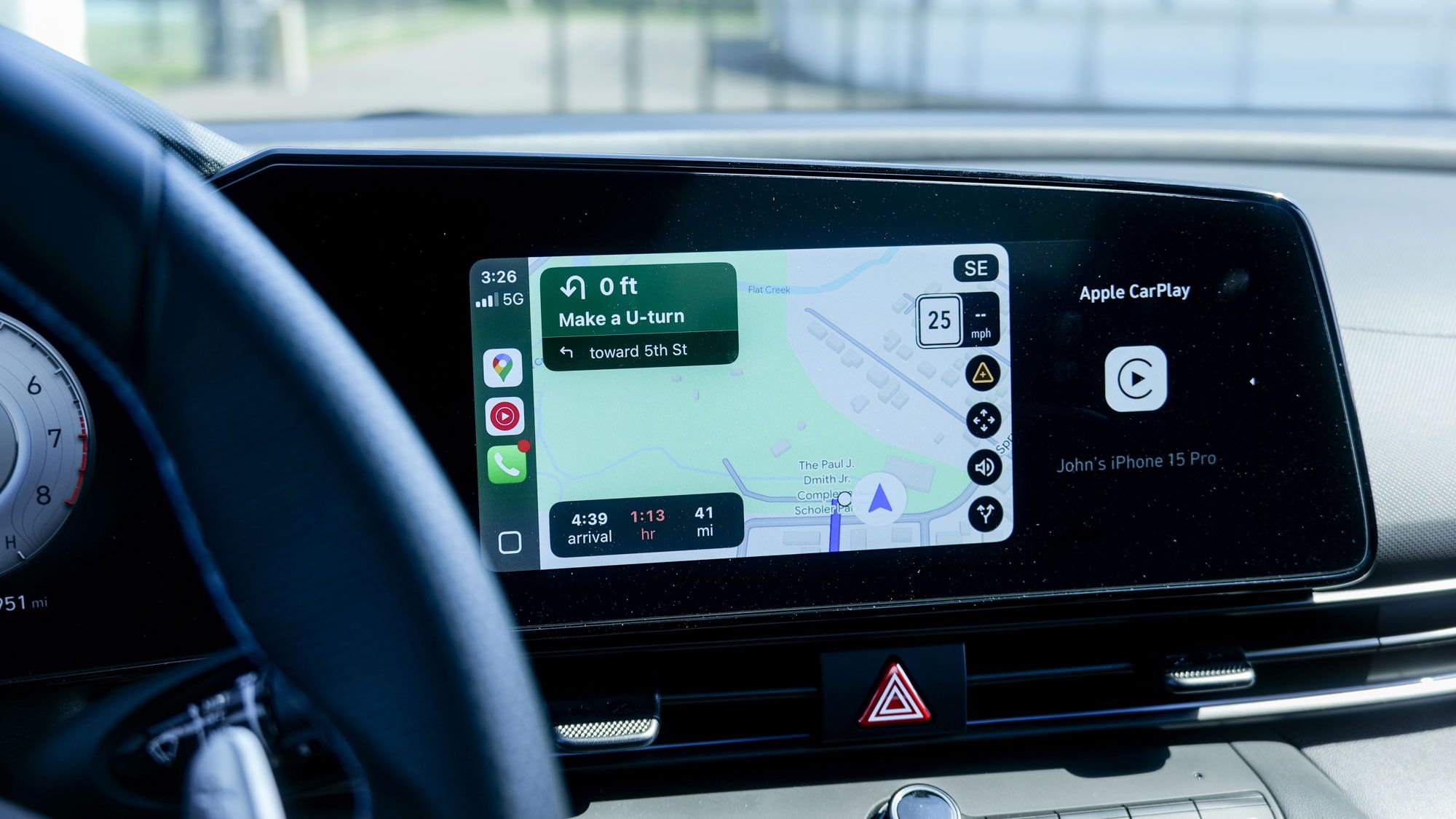
It happens to all of us. When you drive the same routes for work, you can get into the habit of falling back on taking the same roads. But it’s a pitfall to avoid, and drivers need to be reminded about this mistake.
If you’re like me and use Android Auto or CarPlay practically every time you drive, there’s one thing I always recommend doing before you set off. Whether it’s commuting to work, or running a simple errand like heading to the grocery store a couple of miles away, I always recommend that you start up Google Maps before anything else.
After testing the best electric cars for nearly two years, this one innocuous piece of advice will save you the heartache of the unpredictable nature of the road. Here’s why.
Up-to-date traffic conditions
Google Maps is proof of the power of data. With so many active users, it offers some of the most accurate traffic alerts available — the number one reason I recommend it over other apps. In my Apple Maps vs. Google Maps face-off, I highlighted the superior navigation performance of Google Maps during rush hour.
Its ability to detect slowdowns and reroute me accordingly is why I always activate Google Maps whenever I drive. I know exactly which routes to take to and from work, but I still turn it on because it’s proactively looking for the fastest path.
In the past, I would just drive home without a second thought because I knew the way. But this is the mistake I mentioned earlier. On the New Jersey Turnpike, my natural inclination has always been to take the cars-only lanes — but there have been several times when Google Maps directed me to the truck lanes instead to avoid a backup.
Another example occurred during Christmas week while I was heading to Best Buy. The store is only about three miles from my house, but I felt compelled to put in the directions into Google Maps. It’s a good thing I did because the app took me on a roundabout way that avoided all the holiday congestion on my usual route.
Speed trap alerts

Secondly, Google Maps users (often in combination with Waze users) provide data on speed traps and police alerts. While these alerts are dynamically changing, I’ve found them helpful for being more cognizant of other drivers who slam on their brakes after seeing a police car in the median. At the same time, it allows me to better anticipate slower traffic movement in those areas.
I should note that Waze also does an excellent job of this, but since Google Maps now integrates it directly into the CarPlay and Android Auto experience, I have less need for other navigation apps. Apple Maps offers similar alerts, but I don’t find them to be nearly as reliable as Google Maps — and I can say the same for TomTom after testing it out.
Set it to full-screen mode
Image 1 of 2


Another thing I’m guilty of doing when using Google Maps with CarPlay or Android Auto is forgetting to keep the app in full-screen mode. While I like how the dashboard views condense the layout of my active apps, it prevents me from seeing detailed notifications from Google Maps.
When it’s on the home screen, I don’t see the same traffic and speed trap alerts as I do in full-screen mode. Sure, I can still rely on audio cues, but I recommend keeping Google Maps in full-screen to see exactly where on your route these alerts appear.
No matter where you’re going, you really should always run Google Maps with CarPlay or Android Auto. Don’t fall into the habit of overlooking this simple step because I can attest that it will cut down on your driving time, while potentially saving you the headache of dealing with annoying traffic.

Follow Tom’s Guide on Google News and add us as a preferred source to get our up-to-date news, analysis, and reviews in your feeds.