We may receive a commission on purchases made from links.
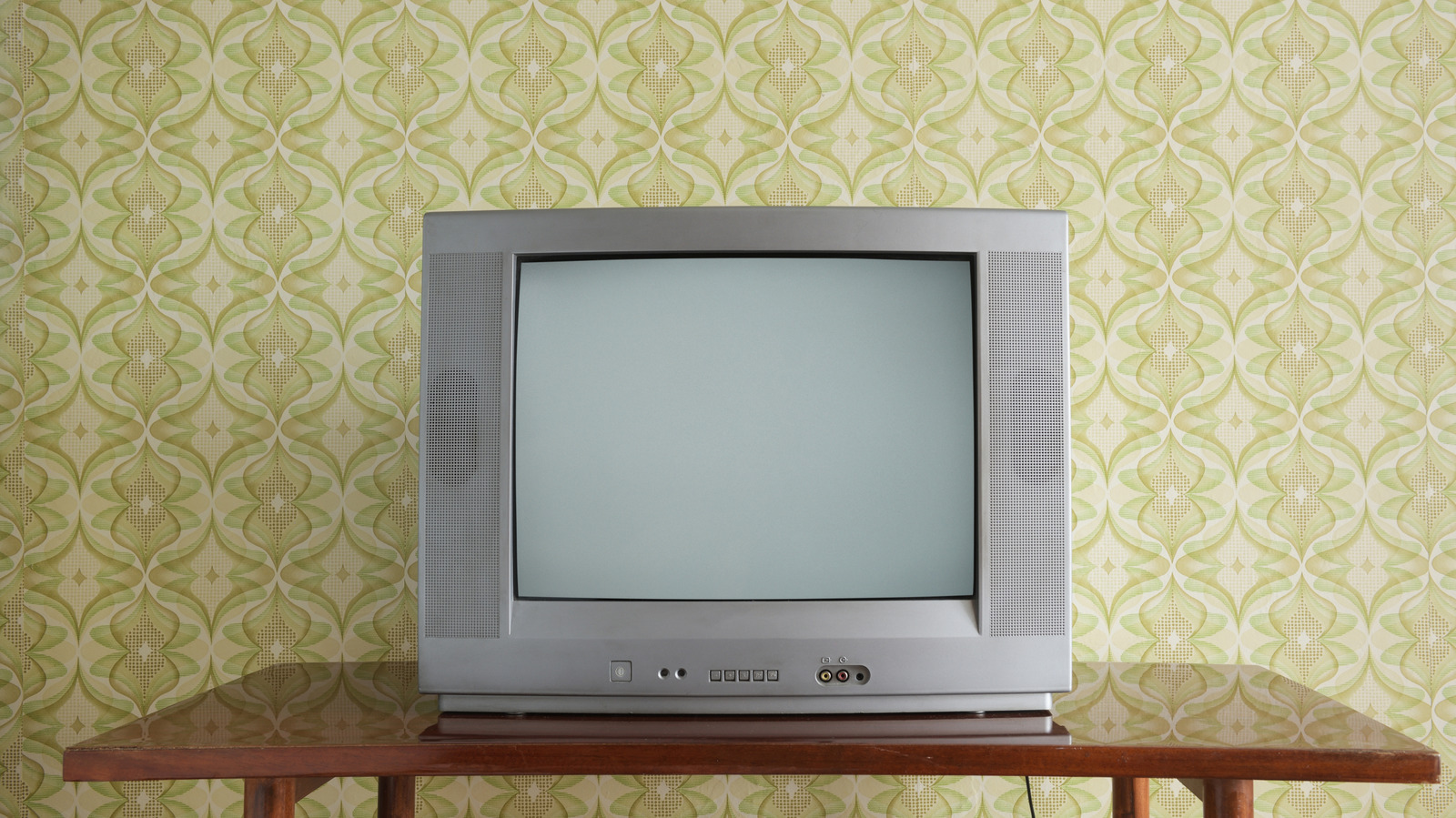
Believe it or not, vintage TVs are fairly popular, especially when it comes to retro gaming. There’s just something rather magical about the way 8-bit and 16-bit characters and environments appear on older CRT displays. As you can imagine, getting your hands on old analog TVs is a bit more challenging than shopping for a brand-new TV, with most enthusiasts relying on third-party sites and sellers. Owning an old TV also gives you a front-row seat to a world of pre-HDMI connections.
The digital era has done away with many of these AV ports of yesteryear, with most modern TVs leaning on HDMI, USB, and digital optical for sending and receiving audio and video signals. That said, we thought we’d take a trip down memory lane to observe and reflect on a few once-popular TV ports that aren’t around as much anymore. As the song goes: Video killed the radio star, and HDMI killed composite RCA (or something like that).
Composite video (also known as RCA)
First stop on this historical tour is a connection called composite video. This used to be one of the primary ways you’d hook up a VCR, DVD player, game console, or even early streaming devices to an analog TV. Composite consolidates all luminance and chrominance info into one signal, which was passed from Device A to Device B using Radio Corporation of America (RCA) connectors.
We’re willing to bet most of our readers can recall circular red, white, and yellow ports on the back of older TVs and AV components; the red and white connectors would transmit stereo audio, and the yellow connector would take care of the video signal. Most of the time, composite cables were sold as red-white-yellow sets, but you could also run a single, yellow RCA lead if you just wanted to transmit video.
You can actually still purchase composite RCA wires, and TV companies like Hisense and TCL will sometimes let you use a composite RCA adapter (often sold separately) to connect your older equipment to new TVs. One thing to keep in mind is that composite cables are limited to standard definition resolutions and won’t transmit any type of HD video.
S-video
Next up is a unique successor to composite video known as S-video. Whereas composite video combined all luminance and chrominance data into a single connection, S-video used a four-pin mini-DIN connector to separate luma and chroma data. This typically resulted in improved picture quality over composite video, and also helped to eliminate visual artifacts like dot crawl.
S-video cables featured a large, circular connector that housed all four pins, and S-video ports on older TVs and AV components featured a multi-pin receptacle. Fun fact: the very first AV device to separate luma and chroma data was actually the Atari 800, released in 1979. That said, the S-video connection didn’t hit the mainstream until the rollout of JVC’s S-VHS format in 1987.
Nowadays, S-video has all but fallen by the wayside. The connection started losing steam in the late aughts and would eventually be replaced by component video and HDMI.
Component video
An ancestor to HDMI and one of the first connections to pass true HD video, albeit limited to 720p/1080i is the component video. Component video also reverted back to RCA-style connectors (like the ones used for composite video), but instead of passing all video info through one wire, component broke the signal up into red, green, and blue color channels (also referred to as YPbPr). Doing so resulted in a sharper image than that produced by both composite and S-video.
When shopping for component video cables, you’d usually have the option of purchasing either just the red-green-blue set or the RGB set, plus red and white for stereo audio. Component video was a common connection for devices like VCRs, DVD players, and sixth-generation game consoles like the PlayStation 2, Xbox, and Gamecube. Even a few of the earliest Blu-ray players would sometimes include component outputs alongside HDMI, as the latter was still in its infancy and not as widely used.
If you’re building out a retro gaming corner, and plan on hooking up all your sixth-generation consoles to a hulking Sony Trinitron, component video is one of your best options for picture quality… unless you’re willing to dive down the upscaling rabbit hole (we’ve heard rumors that no one has ever returned).
Video Graphics Array (VGA), or PC
Your trip down memory lane is almost over, but not without a stop at the final exhibit on this tour: Video Graphics Array (VGA), which is sometimes labeled as PC. In use since the late ’80s, VGA is a 15-pin connection that only transmits analog video data from Device one to Device two. You’d be more inclined to find VGA ports on the backs of older computers and monitors, but many leading TVs of yesteryear also included it.
Technically, VGA is able to achieve 1080p resolution and beyond, but anything in that “beyond” realm can start to show signs of signal degradation, like washed-out colors and fuzzy-looking imagery. VGA also doesn’t carry any type of audio data, forcing many a PC owner to invest in external speakers or headphones.
You can still easily purchase VGA cables from a number of reliable manufacturers, and the analog connection is still commonly found on hardware like business projectors.