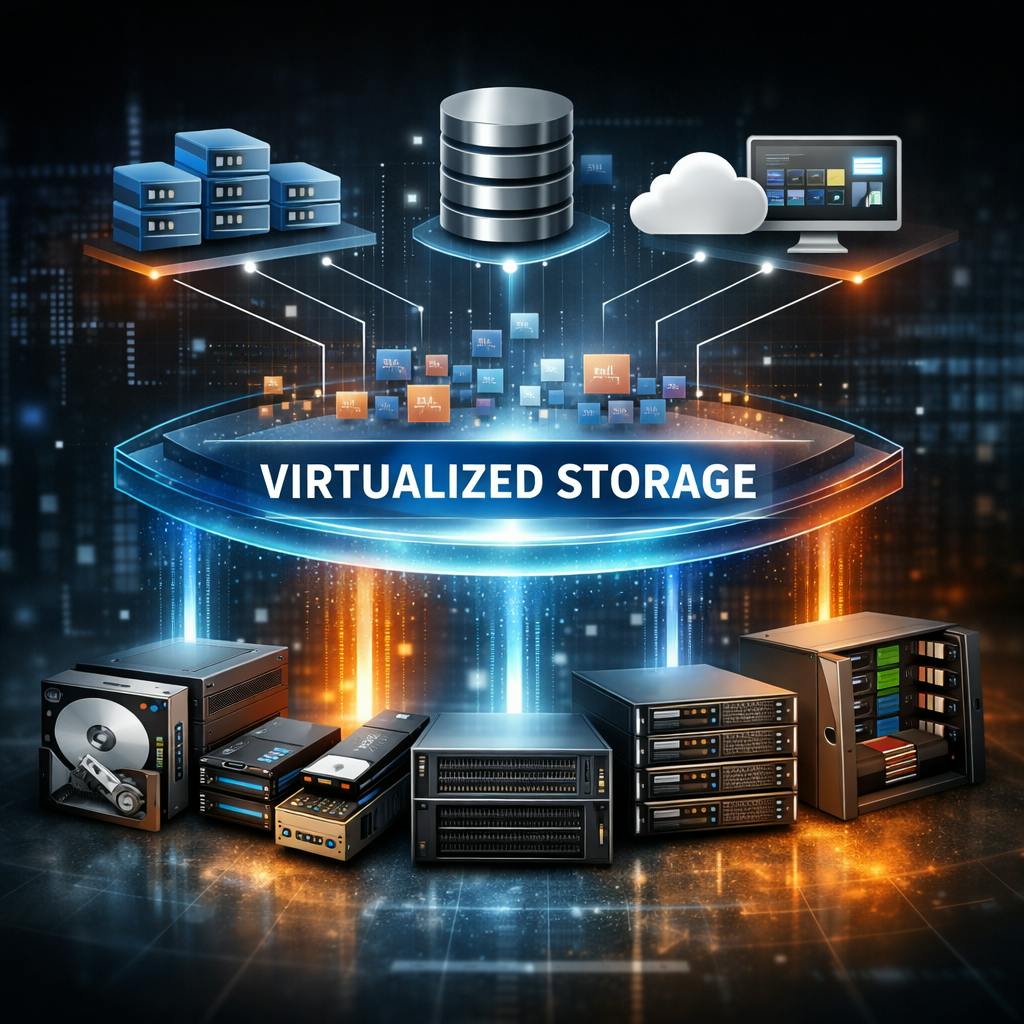
After 35 years of multivendor storage work, I have learned that the real value is not slicing one box into smaller boxes. The real value is putting an intelligent control layer between applications and hardware so the business is no longer trapped by whichever vendor sold them the last shiny frame.
Every few years, somebody asks a version of the same question: Is storage virtualization basically like VMware, where you take one piece of hardware and carve more logical storage out of it?
It is not a foolish question. It is just incomplete.
The comparison works at the highest level because both ideas rely on abstraction. VMware abstracts compute resources from physical servers. Storage virtualization abstracts storage services and usable capacity from the underlying storage hardware. That family resemblance is real. Where the analogy falls apart is in the scale and purpose of the abstraction.
In compute virtualization, the usual starting point is one physical server hosting multiple virtual machines. In storage virtualization, the usual starting point is the opposite problem. I often have multiple storage systems, often from different vendors and built on different media, and I need them to behave like a single manageable pool. That is the practical heart of storage virtualization. It is not just about carving up one device. It is about pooling, presenting, protecting, and managing capacity from many devices through one logical control layer.
That distinction matters because it gets to the economic reason these products exist in the first place. Storage virtualization is not a science fair trick. It is an operational and financial strategy. It allows me to buy the right hardware for the right problem without rewriting the entire architecture every time performance shifts, retention requirements change, or one vendor decides that next year’s model will only be sold in bundles assembled by people who clearly dislike customers.
In my world, the appeal has always been straightforward. If I can put a virtualization layer over a mixed storage environment, then I can use faster media where speed matters, cheaper media where capacity matters, and different vendors where pricing or supply conditions demand it. I can move workloads, apply common data services, and extend the life of perfectly serviceable hardware without treating every refresh like a migration-driven hostage negotiation.
That is what storage virtualization really buys: control, flexibility, and insulation from unnecessary dependency.
What storage virtualization actually does
At a technical level, storage virtualization creates a logical layer between hosts and physical storage resources. That layer presents storage to servers or applications in a way that is simpler and more consistent than the mess underneath it.
The mess underneath is usually real. It may include different arrays from different generations, a mix of hard disk drives, solid-state drives, and Non-Volatile Memory Express media, and sometimes additional archive tiers that sit outside the main performance path. Left unmanaged, every one of those devices arrives with its own tools, its own vocabulary, its own upgrade path, and its own opinions about how much of my time it deserves.
Storage virtualization reduces that chaos by doing several things at once.
It pools capacity so that multiple storage resources can be managed as one logical estate. It presents logical volumes or services to hosts without requiring those hosts to understand the physical layout. It applies data services such as snapshots, thin provisioning, replication, mirroring, migration, and sometimes tiering at the virtualization layer rather than tying those capabilities to one hardware platform. It also makes it easier to move data between platforms because the control plane has already abstracted the host-facing view from the physical back end.
That is why the better comparison is not “more storage carved from one box.” The better comparison is this:
Compute virtualization abstracts servers from hardware. Storage virtualization abstracts storage services from storage hardware.
The storage side is usually more complicated because the data has gravity, the latency matters, and the consequences of getting clever in the wrong place tend to show up at three in the morning.
The controller question, answered directly
The second question is the one that usually reveals whether somebody wants the real explanation or the brochure version:
Does the controller sit between front-end ports and back-end ports in all storage systems, or do different architectures handle this differently, with some systems using specialized chips for different purposes?
The clean answer is that the general model is common, but the architecture absolutely varies.
In many traditional storage arrays, there is indeed a controller layer sitting between the hosts and the physical storage. The front-end side talks to the servers using host-facing protocols such as Fibre Channel, Internet Small Computer Systems Interface, or Ethernet-based storage protocols. The back-end side talks to the disk shelves, flash media, expansion loops, or sometimes even to other arrays being virtualized behind the controller.
That model is common because it is useful. The controller layer handles functions such as mapping logical storage to physical media, write ordering, caching, failover, snapshots, replication, and data protection logic. It acts as the traffic cop, translator, accountant, and emergency response team for the storage system.
So yes, in a great many designs, something intelligent absolutely sits between the front-end ports and the back-end ports.
What changes is how that intelligence is packaged.
In classic dual-controller arrays, the controller function is concentrated in one or two hardware heads. In external storage virtualization appliances, the controller may exist in dedicated nodes that sit in front of subordinate arrays. In software-defined storage and hyperconverged systems, the controller logic is often distributed across multiple clustered servers. In object storage, the metadata path, control services, and raw capacity nodes may be separated even further.
The function remains. The packaging changes.
That is the part people often miss. They look for one universal storage diagram that explains everything. There is no such diagram. There is only a set of recurring functions implemented in different ways.
Do some storage systems use specialized chips
Yes. Some do.
Not every storage system handles everything in software running on general-purpose processors. Some platforms use Application-Specific Integrated Circuits, Field-Programmable Gate Arrays, dedicated RAID acceleration hardware, compression offload logic, encryption engines, or non-volatile memory structures designed to accelerate or protect particular parts of the data path.
This is not new. Storage vendors have been using specialized hardware for decades where they believed it improved latency, reduced CPU overhead, or made write behavior safer and more predictable. RAID calculations, cache protection, protocol handling, encryption, and compression are all examples of functions that can be accelerated in hardware.
That said, dedicated silicon is not automatically superior just because the vendor says it with a confident expression and a glossy slide deck. Sometimes it is a real advantage. Sometimes it is mostly an implementation choice. A well-designed software stack on commodity processors can be extremely capable. A poorly designed hardware-heavy controller can still be a mess under load, during rebuild, or in degraded mode.
The serious evaluation is never “does it have custom chips.” The serious evaluation is “how does it behave under real workload, real failure conditions, and real recovery events.”
That is where architecture starts to separate from marketing.
Not all media participate the same way
This is the point where I usually add one important clarification.
People often say storage virtualization lets you put hard disk drives, solid-state drives, Non-Volatile Memory Express, tape, and anything else into one big managed environment. Broadly speaking, the spirit of that statement is fine. The implementation is more nuanced.
Block storage virtualization is most straightforward when dealing with block-addressable disk and flash resources. Tape usually participates differently. Tape is commonly virtualized through virtual tape library designs, archive software, or Hierarchical Storage Management workflows rather than acting like just another low-latency back-end disk tier. Tape is still absolutely part of the broader storage architecture in many enterprises, but it usually lives in a different performance and operational context.
That matters because not all storage problems are the same problem wearing different shoes.
If I am designing for transactional databases, virtual machine farms, or clustered application platforms, I care about latency, queue depth, write acknowledgment, failover behavior, and deterministic performance under stress. If I am designing for archive, compliance retention, or deep preservation, I care about power at rest, media longevity, cost per terabyte, retrieval time, integrity verification, and operational chain of custody.
Storage virtualization helps me manage across those worlds more coherently, but it does not erase the laws of physics. The abstraction layer gives me better control. It does not make slow media fast, cheap media elegant, or bad architecture harmless.
Why storage virtualization mattered then and still matters now
When products like DataCore gained attention, the real appeal was not novelty. It was relief.
Many enterprises were already dealing with mixed-vendor storage environments, rising data growth, pressure to improve uptime, and budget constraints that did not care whether the infrastructure team was tired. A virtualization layer offered a practical way to centralize control and reduce dependence on individual hardware platforms. It gave organizations a way to standardize services even when the hardware underneath was inconsistent.
That remains relevant today.
The names of the products have changed. The transport protocols have evolved. Flash has taken over large parts of the performance tier. Object storage has become mainstream. Hyperconverged systems have rearranged where the controller logic lives. Cloud has inserted itself into every discussion whether invited or not. Yet the core architectural problem has not changed nearly as much as the industry likes to pretend.
I still need to balance cost, performance, resilience, growth, procurement reality, and operational simplicity.
I still need to avoid being pinned to one vendor’s roadmap, one vendor’s shortages, or one vendor’s view of what my budget should endure.
I still need the ability to migrate, protect, replicate, and present data without rebuilding the universe every time a storage frame ages out.
That is why storage virtualization remains a serious idea rather than a historical curiosity. It addresses a permanent enterprise problem: physical infrastructure changes constantly, while the business expects continuity.
The simplest accurate explanation
After 35 years in multivendor storage, this is the plainest explanation I know how to give without insulting either the reader or the subject.
Storage virtualization is the architectural layer that separates storage services and logical presentation from specific physical hardware, allowing multiple storage resources to be pooled, managed, protected, and presented as one logical system.
And this is the plain answer to the controller question:
Yes, many storage systems place controller logic between host-facing front-end ports and media-facing back-end ports, but not all architectures package that logic the same way, and some systems do use specialized hardware for selected functions.
That is the real answer. Not the cartoon version. Not the three-word slogan. Not the cheerful fiction that every storage architecture works the same way under a different paint job.
Storage virtualization is not “VMware for disks.” It is more consequential than that. It is a control strategy for dealing with heterogeneous infrastructure in a world where capacity grows, budgets tighten, vendors posture, and the applications still expect the storage team to deliver calm competence on demand.
That is not glamorous, but then again neither is getting paged because somebody believed a brochure instead of an architecture.