By using this site, you agree to the Privacy Policy and Terms of Use.
Accept
World of SoftwareWorld of SoftwareWorld of Software
  • News
  • Software
  • Mobile
  • Computing
  • Gaming
  • Videos
  • More
    • Gadget
    • Web Stories
    • Trending
    • Press Release
Search
  • Privacy
  • Terms
  • Advertise
  • Contact
Copyright © All Rights Reserved. World of Software.
Reading: You Can Use Dolby Atmos On Bluetooth Headphones And Speakers – Here’s How – BGR
Share
Sign In
Notification Show More
Font ResizerAa
World of SoftwareWorld of Software
Font ResizerAa
  • Software
  • Mobile
  • Computing
  • Gadget
  • Gaming
  • Videos
Search
  • News
  • Software
  • Mobile
  • Computing
  • Gaming
  • Videos
  • More
    • Gadget
    • Web Stories
    • Trending
    • Press Release
Have an existing account? Sign In
Follow US
  • Privacy
  • Terms
  • Advertise
  • Contact
Copyright © All Rights Reserved. World of Software.
World of Software > News > You Can Use Dolby Atmos On Bluetooth Headphones And Speakers – Here’s How – BGR
News

You Can Use Dolby Atmos On Bluetooth Headphones And Speakers – Here’s How – BGR

News Room
Last updated: 2026/03/04 at 5:38 AM
News Room Published 4 March 2026
Share
You Can Use Dolby Atmos On Bluetooth Headphones And Speakers – Here’s How – BGR
SHARE


José Adorno/BGR

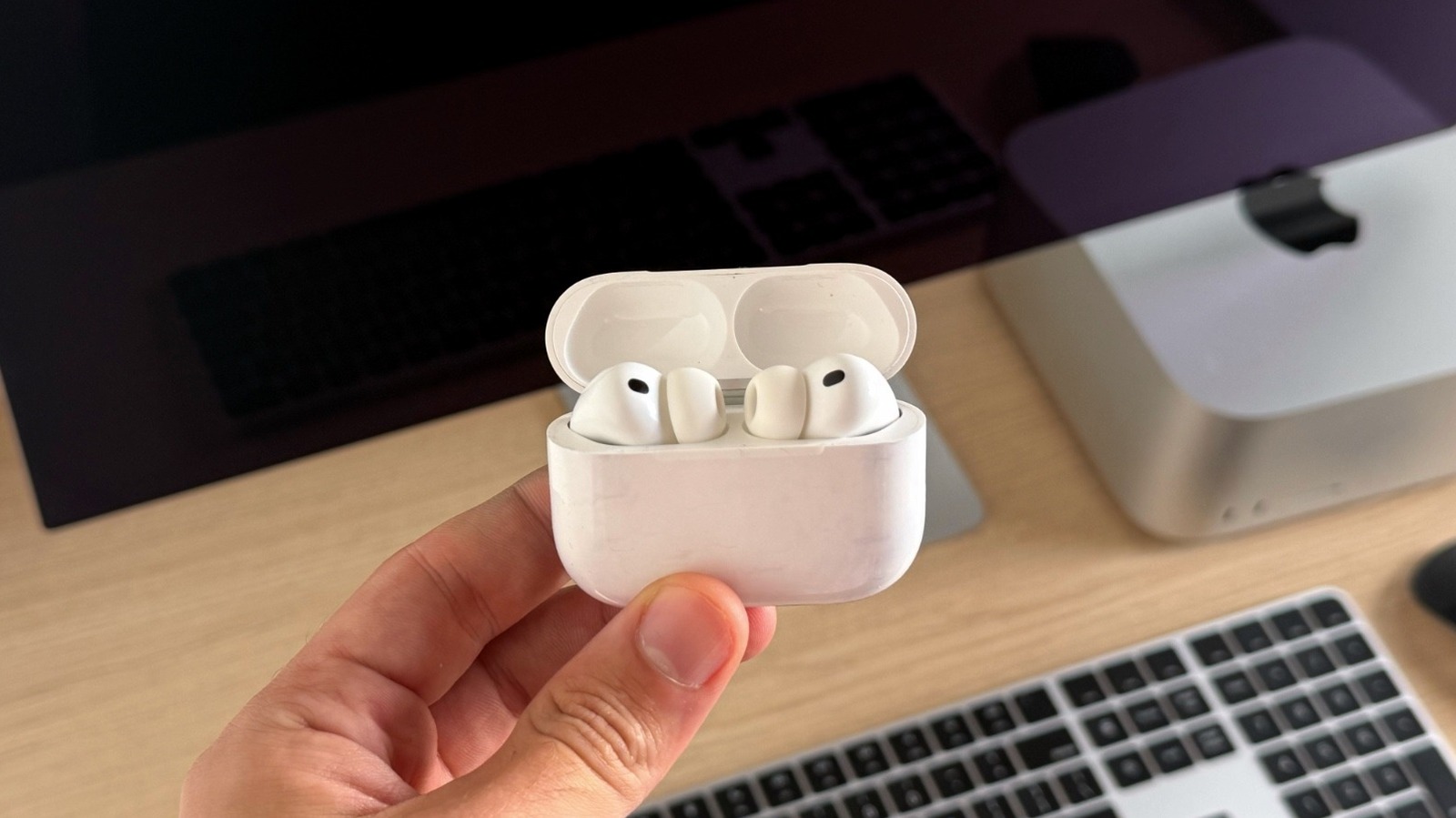
Dolby Atmos is Dolby’s proprietary audio technology bringing 360-degree spatial sound to your environment. This technology works across a wide range of devices and configurations, and the most interesting thing is that a Dolby Atmos setup can be as expensive as a professional music studio, where engineers use multiple speakers and subwoofers to get this live band-like experience, or as personal as wearing Apple’s AirPods models, which cost around $100.

All you need is to make sure your device supports Dolby Atmos decoding — such as an iPhone, Apple TV, Xbox, Windows PC, or TV — alongside Bluetooth headphones or speakers. If Dolby Atmos isn’t enabled by default, you might need to go through your device’s audio settings, then play content labeled Dolby Atmos in a supported app.

Dolby says Atmos technology is perfect to immerse you in movies, TV shows, gaming, or even songs. After all, sound comes from everywhere, so when you hear gunshots from behind you, a helicopter flying overhead, or dialogue moving left to right, that’s Dolby Atmos at work. When describing music, the company says Atmos feels like you’re standing in the middle of a concert, as you can hear where the bass player is, the guitarist, the main singer, and so on. Dolby Atmos experiences are available using several Bluetooth headphones and speakers, as listed below.

These are some of the Dolby Atmos-enabled devices that Dolby recommends
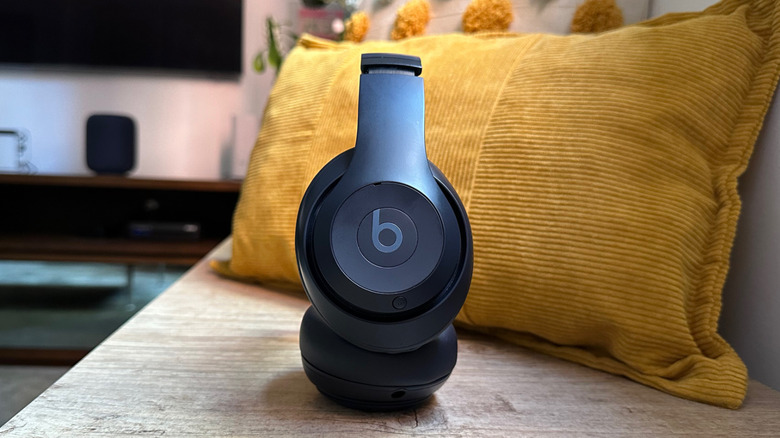

Beats Studio Pro on a bench with some cushions behind the headphones
José Adorno/BGR

There are many Dolby Atmos-enabled devices, and Dolby recommends some of them. BGR tested a few over the years, including Apple’s AirPods Max and Beats’ new Studio Pro headphones. In the case of these Apple headphones, Dolby says that AirPods Max users can enjoy “clearer, richer sounds” that work for music or to immerse yourself in TV shows like “Stranger Things.” For Beats Studio Pro, Dolby says that they’re great for richer bass experiences, especially when listening to anything from pop to hip hop.

Dolby also recommends the RIG 800 Pro Series and Corsair Virtuoso RGB Wireless XT for serious gamers, as the Dolby Atmos capabilities put you in the center of the action when playing “Call of Duty,” “Counter Strike,” “Fortnite,” and other games where every step you might hear can put you closer to victory.

Lastly, Dolby also talks about LG TONE Free 90Q, in-ear wireless earbuds that perform as well as many over-ear headphones. Additionally, the Dolby Head Tracking feature means that the songs follow your movement, so as you move your head, you might hear some instruments or backing vocals more clearly. For speakers, Dolby Atmos can range from smart speakers like Apple’s HomePod to full home theater systems such as 5.1.2 or 7.1.4 configurations.

Dolby Atmos also requires supported content
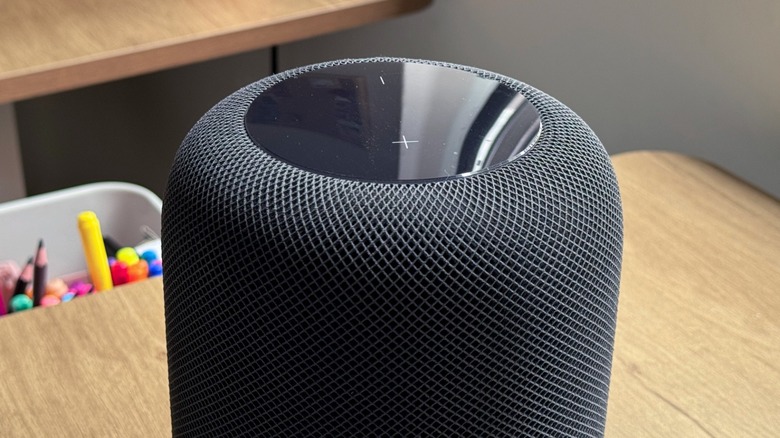

Apple's HomePod on a desk
José Adorno/BGR

While the Dolby Atmos experience is widely available, users need to know how to best utilize the technology. Besides an Atmos-capable device, users wanting to enjoy this feature with music will need a service like Apple Music, Amazon Music, or TIDAL. All these services offer an ever-growing library of Dolby Atmos songs, from new releases to remasters of classics. So, you’ll need Dolby Atmos-capable headphones or speakers, and a device that can decode this technology, like an iPhone, Mac, Android device, Windows PC, or compatible TV.

For film lovers and TV show aficionados, Dolby Atmos is available in a wide range of services like Apple TV, Amazon Prime Video, Disney+, Netflix, HBO Max, Paramount+, and VUDU. That said, a TV or audio system that supports Dolby Atmos passthrough or decoding, along with a compatible speaker system, is needed to take full advantage of it.

Last but not least, PCs and Xbox consoles also support Dolby Atmos, and some titles have been made for it, including “Forza Horizon 5,” “Battlefield 2042,” “Call of Duty: Warzone,” and other titles you can check at Dolby’s page here. As of 2023, PS5 consoles also offer Atmos support, although it requires some manual configuration.


Sign Up For Daily Newsletter

Be keep up! Get the latest breaking news delivered straight to your inbox.
By signing up, you agree to our Terms of Use and acknowledge the data practices in our Privacy Policy. You may unsubscribe at any time.
Share This Article
Facebook Twitter Email Print
Share
What do you think?
Love0
Sad0
Happy0
Sleepy0
Angry0
Dead0
Wink0
Previous Article Is Your Home Covered in Secret Stains? This Robot Vacuum Will Find Them Is Your Home Covered in Secret Stains? This Robot Vacuum Will Find Them
Next Article Alibaba’s Qwen tech lead steps down after major AI push |  News Alibaba’s Qwen tech lead steps down after major AI push | News
Leave a comment

Leave a Reply Cancel reply

Your email address will not be published. Required fields are marked *

Stay Connected

248.1k Like
69.1k Follow
134k Pin
54.3k Follow

Latest News

4 Clever Uses For A USB-C To HDMI Adapter Cable – BGR
News
Nvidia and UK Wealth Fund invest in British autonomous driving startup Oxa
Software
Linux Preps IBPB-On-Entry Feature For AMD SEV-SNP Guest VMs
Computing
Samsung shows off Privacy Display tech that could make the Galaxy S27 even better (Updated: Clarification)
News

You Might also Like

4 Clever Uses For A USB-C To HDMI Adapter Cable – BGR
News

4 Clever Uses For A USB-C To HDMI Adapter Cable – BGR

7 Min Read
Samsung shows off Privacy Display tech that could make the Galaxy S27 even better (Updated: Clarification)
News

Samsung shows off Privacy Display tech that could make the Galaxy S27 even better (Updated: Clarification)

6 Min Read
3 new to Netflix exclusive movies and shows you need to stream this week (March 4-10)
News

3 new to Netflix exclusive movies and shows you need to stream this week (March 4-10)

5 Min Read
What I Wish I Knew When I Started with Green IT
News

What I Wish I Knew When I Started with Green IT

33 Min Read
//

World of Software is your one-stop website for the latest tech news and updates, follow us now to get the news that matters to you.

Quick Link

  • Privacy Policy
  • Terms of use
  • Advertise
  • Contact

Topics

  • Computing
  • Software
  • Press Release
  • Trending

Sign Up for Our Newsletter

Subscribe to our newsletter to get our newest articles instantly!

World of SoftwareWorld of Software
Follow US
Copyright © All Rights Reserved. World of Software.
Welcome Back!

Sign in to your account

Lost your password?