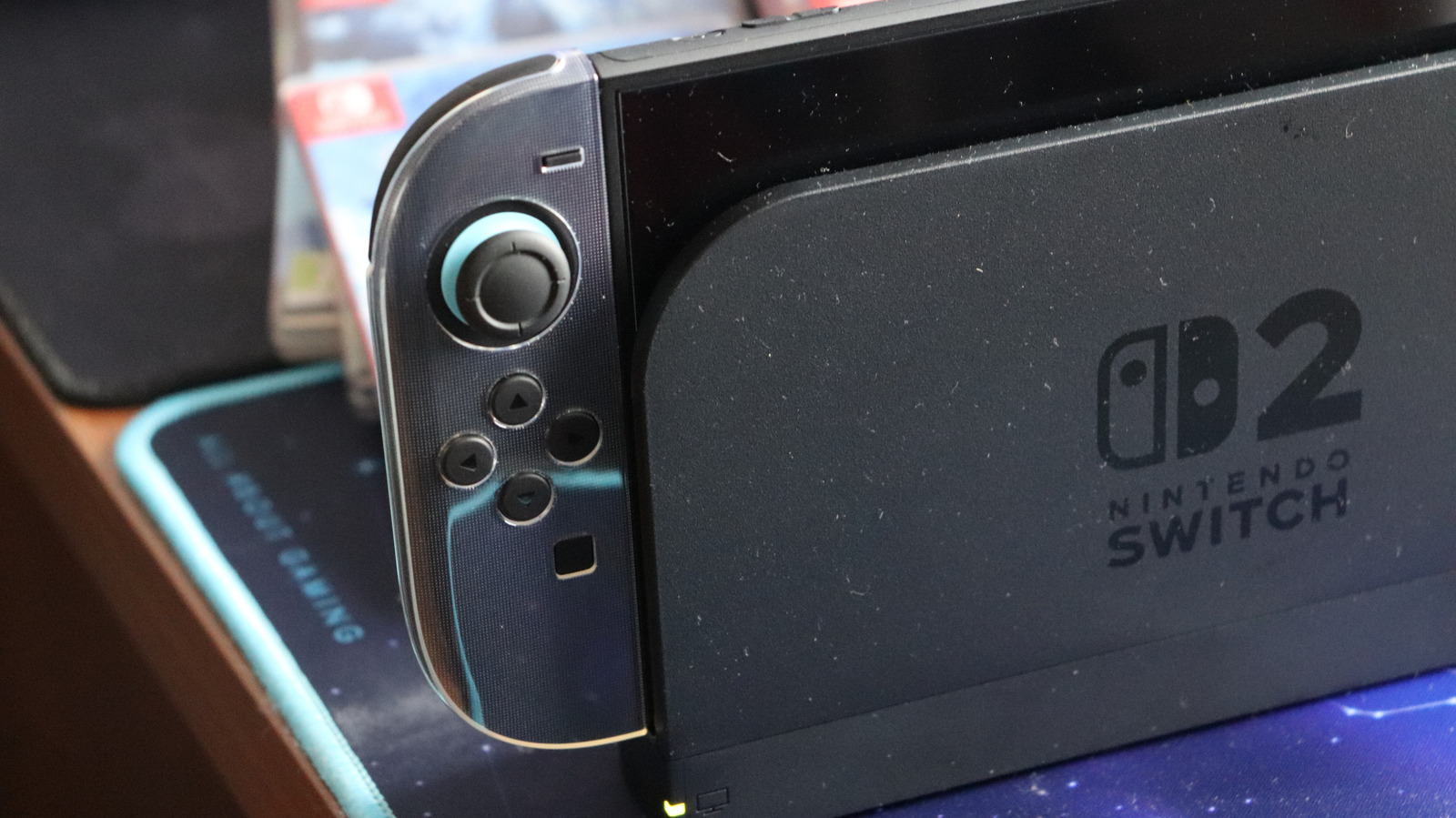
Depending on the games you play and the features you use, the Switch 2 can last anywhere between two to six-and-a-half hours, so you might be tempted to only use the console when it’s plugged in. But what if you go on a business trip and bring your laptop, but forget your Switch 2 charger? If your laptop charges using a USB-C cable, such as MacBook Air and Pro laptops, can you use it in a pinch? It depends on the adapter.
According to the official Nintendo support website, many USB AC cables work with the Switch 2, but the wattage determines their efficiency. If you are only using the console in handheld mode, a charger that matches the original Switch’s cable (39W) will be enough, but if you want to charge the Switch 2 while it is docked and/or use it in TV mode, the laptop charger must meet or exceed 54W.
However, just because you can use a USB-C laptop charger doesn’t mean that you should. Nintendo’s support website states that the AC adapter and dock packed in with the Switch prevent overcharging (i.e., they don’t provide additional current after the battery is at max capacity), thus preventing the battery from being damaged or overheating. The same cannot be said for all chargers. It is a known fact that many cheaper phone chargers lack overcharge protection functionality, and depending on the laptop charger, you might run into similar issues with the Nintendo Switch 2.
Use older chargers at your own risk
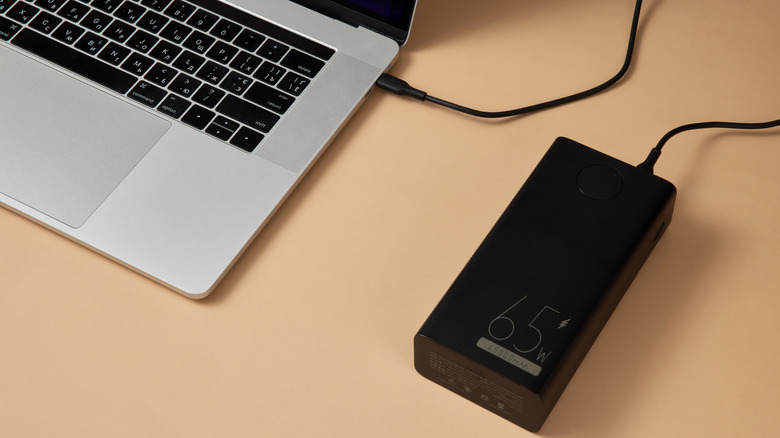
More and more chargers are relying on USB-C cables, which seemingly means they are interchangeable – the “U” in “USB” stands for “universal,” after all. However, this mass adoption belies a hidden issue: variable power output. The Switch 2’s new adapter, while smaller than the original Switch’s cable, is much more advanced as it utilizes Power Delivery (PD) 3.0 functionality, which varies voltage control depending on the connected device.
This feature is why the Switch 2’s adapter can’t overcharge the console, but if a laptop charger with USB-C doesn’t have PD 3.0, then it won’t work as efficiently and could introduce voltages and power transfer rates that could potentially damage the Switch 2’s battery. If you do all your research beforehand and buy a laptop charger that matches all the Switch 2’s power requirements (and is ideally PD 3.0 compliant), then you should be fine.
But if you want to use a laptop charger as an emergency solution — such as forgetting to pack the Switch 2’s AC cable — you are better off just waiting until you get back or just buying a new one. A Switch 2’s battery has little life as it is. Why would you want to risk damaging the battery by using a charging cable that wasn’t designed with it in mind?