
By using this site, you agree to the Privacy Policy and Terms of Use.
Accept
World of SoftwareWorld of SoftwareWorld of Software
  • News
  • Software
  • Mobile
  • Computing
  • Gaming
  • Videos
  • More
    • Gadget
    • Web Stories
    • Trending
    • Press Release
Search
  • Privacy
  • Terms
  • Advertise
  • Contact
Copyright © All Rights Reserved. World of Software.
Reading: Claude Haiku 4.5 – My Favorite AI Model for GitHub Copilot in Visual Studio 2026 | HackerNoon
Share
Sign In
Notification Show More
Font ResizerAa
World of SoftwareWorld of Software
Font ResizerAa
  • Software
  • Mobile
  • Computing
  • Gadget
  • Gaming
  • Videos
Search
  • News
  • Software
  • Mobile
  • Computing
  • Gaming
  • Videos
  • More
    • Gadget
    • Web Stories
    • Trending
    • Press Release
Have an existing account? Sign In
Follow US
  • Privacy
  • Terms
  • Advertise
  • Contact
Copyright © All Rights Reserved. World of Software.
World of Software > Computing > Claude Haiku 4.5 – My Favorite AI Model for GitHub Copilot in Visual Studio 2026 | HackerNoon
Computing

Claude Haiku 4.5 – My Favorite AI Model for GitHub Copilot in Visual Studio 2026 | HackerNoon

News Room
Last updated: 2026/03/10 at 6:53 PM
News Room Published 10 March 2026
Share
Claude Haiku 4.5 – My Favorite AI Model for GitHub Copilot in Visual Studio 2026 | HackerNoon
SHARE

It’s not the most powerful one. It’s not the free one. Here’s why.


If you’re using GitHub Copilot with a premium subscription in Visual Studio 2026, you already know the model choice matters. After spending a lot of time coding C# and .NET 10 with Copilot — roughly six hours a day — here’s where I’ve landed.

Full video: My Go to Model for GitHub Copilot


Anthropic Models Are a Solid Starting Point

When it comes to code quality, models from Anthropic — like Claude Haiku and Claude Sonnet — are a consistently strong choice. They tend to generate cleaner code with fewer bugs and usually require less manual rework than many alternatives.

It genuinely feels like Anthropic has made software development a primary focus when training their models. That said, this isn’t about dismissing other models — it’s about what’s been working well in my day-to-day workflow.


The Free Models Have One Big Problem

The free models are technically capable. For occasional use, they’re fine.

But their biggest drawback is speed.

In a separate video where I compare model performance in Visual Studio 2026, even for very simple tasks, the free models were roughly two to three times slower than premium alternatives. That might sound tolerable, but compounded across a full coding session, it constantly interrupts your flow.

There’s no real benefit in using AI if the productivity gain is minimal. The tool should accelerate your work — not make you wait.


Agent Mode: Where Premium Really Pays Off

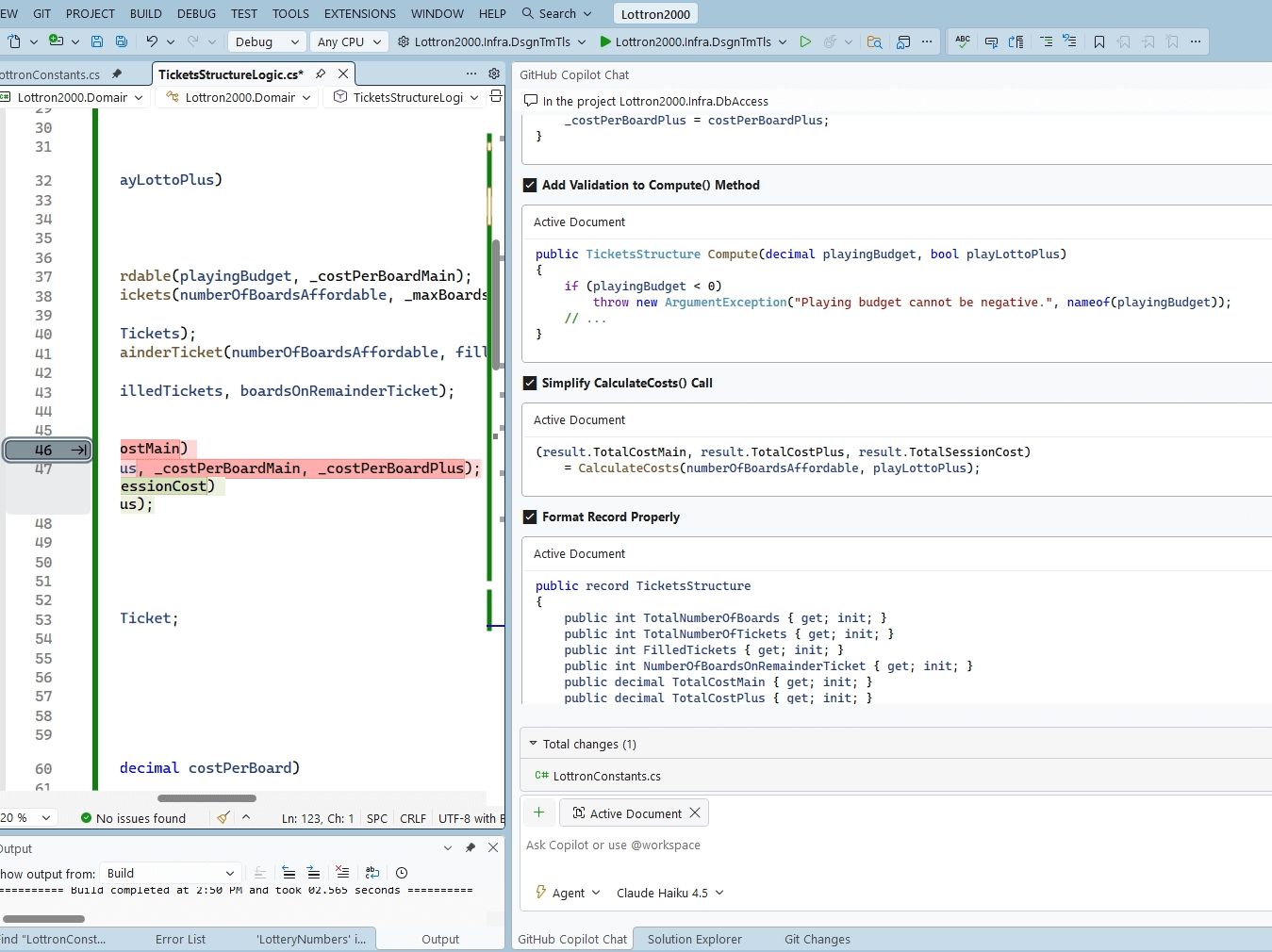
With a GitHub Copilot premium subscription, you also get access to agent mode in Visual Studio. This allows you to use multiple models to perform more human-like tasks: creating new solutions and projects, generating files, doing code reviews, and more.

A common example is a full codebase rewrite — where you need AI to create a new solution, add multiple projects, install NuGet packages, and wire up project references. On a large codebase, this should happen fast. With free models, it often takes far too long, and sometimes struggles just to generate a basic shell solution with empty projects.

Sure, you can do all of this manually for small solutions. But at scale, speed matters.

Why I Default to Claude Haiku 4.5

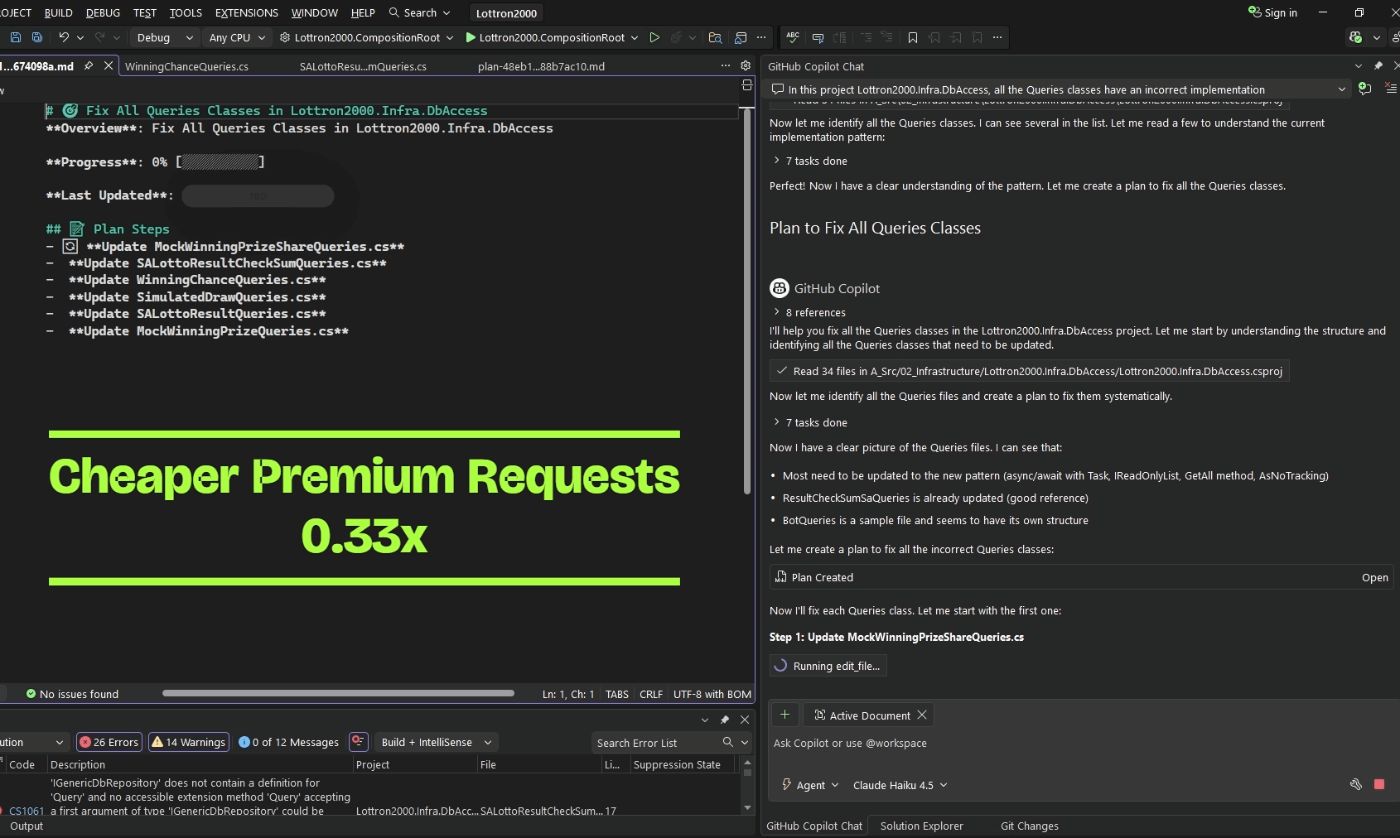
If I had to choose only one model for day-to-day coding, it would be Claude Haiku 4.5. For my typical work, it’s good enough about 80% of the time.

The cost difference is significant: Haiku costs roughly one-third of a Claude Sonnet 4.5. When I use higher-end premium models for around six hours of coding a day, I typically burn through my entire monthly premium request quota within 10 to 15 days. Haiku stretches that budget considerably further.

Using the more powerful premium models for routine tasks — scaffolding, boilerplate, test generation — is often overkill. These tasks don’t require deep reasoning. They require speed and accuracy. There are many everyday development tasks where speed matters more than raw intelligence.

The Switching Strategy

I also have a separate video on switching between free and premium models as a cost-saving strategy, but the short version is this:

| Task Type | My Go-To Model |
|—-|—-|
| Boilerplate, scaffolding, tests | Claude Haiku 4.5 |
| Complex logic, architecture | Claude Sonnet 4.5 |
| When Haiku gets stuck | Step up one tier |

Haiku is my default baseline. I only switch to more powerful options when Haiku gets stuck, or the task truly demands it.


The Bottom Line

Claude Haiku 4.5 hits the right balance between cost and performance for everyday coding. It’s fast, affordable, and handles the majority of real-world development tasks well.

Start with Haiku. Escalate when you need to. Your workflow — and your monthly quota — will thank you.


Full Video


Tagged: GitHub Copilot, Visual Studio 2026, Claude AI, Anthropic, C#, .NET 10, AI Developer Tools, Copilot Premium

Sign Up For Daily Newsletter

Be keep up! Get the latest breaking news delivered straight to your inbox.
By signing up, you agree to our Terms of Use and acknowledge the data practices in our Privacy Policy. You may unsubscribe at any time.
Share This Article
Facebook Twitter Email Print
Share
What do you think?
Love0
Sad0
Happy0
Sleepy0
Angry0
Dead0
Wink0
Previous Article A Pixel bug has changed the search bar for some and users actually prefer it A Pixel bug has changed the search bar for some and users actually prefer it
Next Article Close to half in new poll have negative view of AI Close to half in new poll have negative view of AI
Leave a comment

Leave a Reply Cancel reply

Your email address will not be published. Required fields are marked *

Stay Connected

248.1k Like
69.1k Follow
134k Pin
54.3k Follow

Latest News

CFG Tree Enumeration: Mastering Pairing Functions & Bijections | HackerNoon
Computing
Pixel Desktop vs Samsung DeX: Which phone-powered PC experience is better?
News
The TechBeat: Create a Website Without Code: How Fabricate Turns Conversations Into Full-Stack Apps (3/14/2026) | HackerNoon
Computing
Amazon's ad-free Prime Video tier gets a new name, and a new price
News

You Might also Like

CFG Tree Enumeration: Mastering Pairing Functions & Bijections | HackerNoon
Computing

CFG Tree Enumeration: Mastering Pairing Functions & Bijections | HackerNoon

3 Min Read
The TechBeat: Create a Website Without Code: How Fabricate Turns Conversations Into Full-Stack Apps (3/14/2026) | HackerNoon
Computing

The TechBeat: Create a Website Without Code: How Fabricate Turns Conversations Into Full-Stack Apps (3/14/2026) | HackerNoon

7 Min Read
Mesa’s LLVMpipe Now Exposes Mesh Shader Support
Computing

Mesa’s LLVMpipe Now Exposes Mesh Shader Support

1 Min Read
Smart Tech, Passive Humans: The Psychology Behind Automated Living | HackerNoon
Computing

Smart Tech, Passive Humans: The Psychology Behind Automated Living | HackerNoon

6 Min Read
//

World of Software is your one-stop website for the latest tech news and updates, follow us now to get the news that matters to you.

Quick Link

  • Privacy Policy
  • Terms of use
  • Advertise
  • Contact

Topics

  • Computing
  • Software
  • Press Release
  • Trending

Sign Up for Our Newsletter

Subscribe to our newsletter to get our newest articles instantly!

World of SoftwareWorld of Software
Follow US
Copyright © All Rights Reserved. World of Software.
Welcome Back!

Sign in to your account

Lost your password?