By using this site, you agree to the Privacy Policy and Terms of Use.
Accept
World of SoftwareWorld of SoftwareWorld of Software
  • News
  • Software
  • Mobile
  • Computing
  • Gaming
  • Videos
  • More
    • Gadget
    • Web Stories
    • Trending
    • Press Release
Search
  • Privacy
  • Terms
  • Advertise
  • Contact
Copyright © All Rights Reserved. World of Software.
Reading: A Single USB Stick Can Save Your PC – Here’s How – BGR
Share
Sign In
Notification Show More
Font ResizerAa
World of SoftwareWorld of Software
Font ResizerAa
  • Software
  • Mobile
  • Computing
  • Gadget
  • Gaming
  • Videos
Search
  • News
  • Software
  • Mobile
  • Computing
  • Gaming
  • Videos
  • More
    • Gadget
    • Web Stories
    • Trending
    • Press Release
Have an existing account? Sign In
Follow US
  • Privacy
  • Terms
  • Advertise
  • Contact
Copyright © All Rights Reserved. World of Software.
World of Software > News > A Single USB Stick Can Save Your PC – Here’s How – BGR
News

A Single USB Stick Can Save Your PC – Here’s How – BGR

News Room
Last updated: 2026/03/15 at 1:10 PM
News Room Published 15 March 2026
Share
A Single USB Stick Can Save Your PC – Here’s How – BGR
SHARE


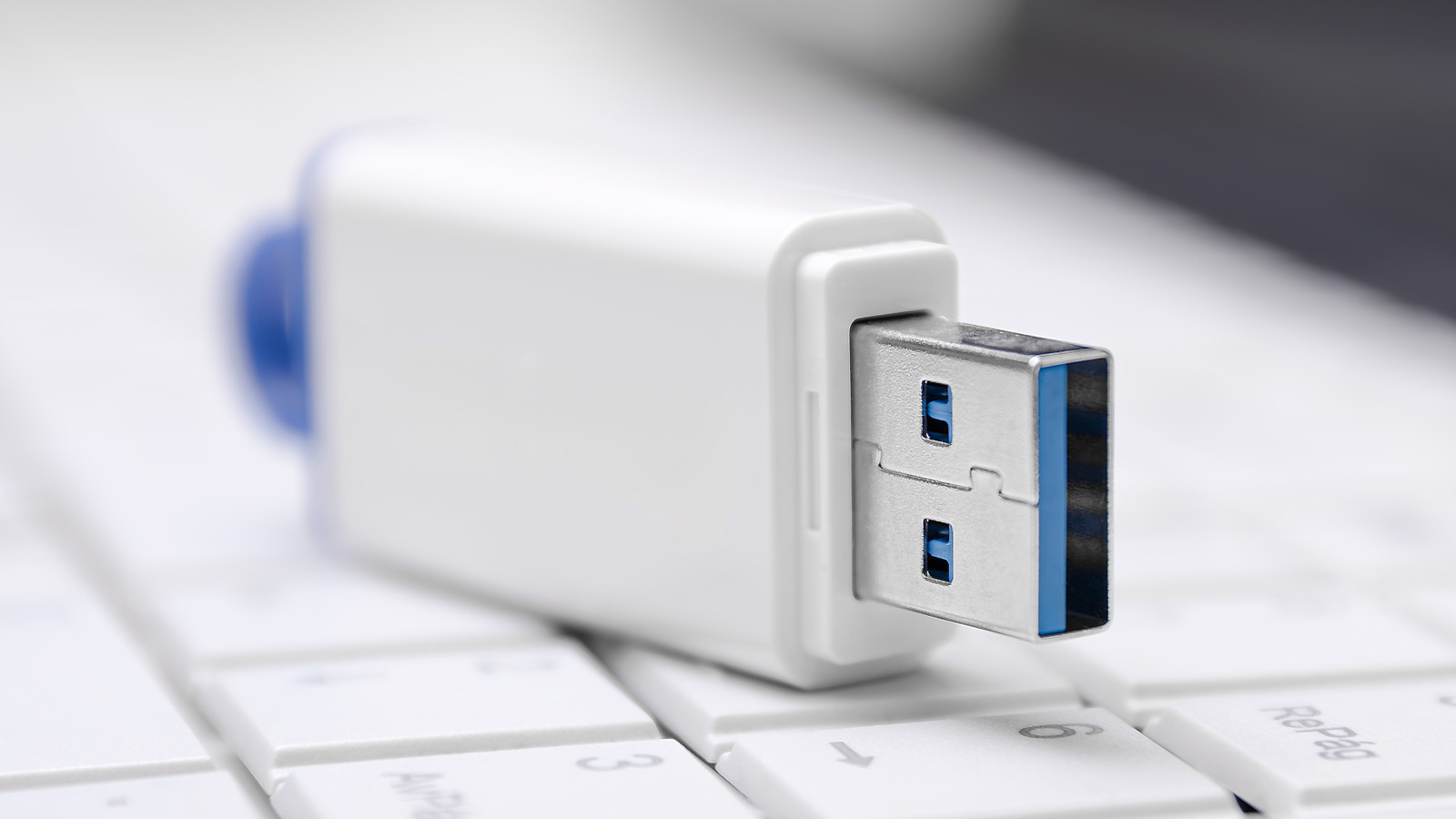
fotofrancis/Shutterstock

USB flash drives were once the best to move files between devices. However, flash drives have largely been made obsolete by the rise of cloud backups and portable SSDs that get the job done much faster. Plus, computer manufacturers are increasingly moving from USB-A to USB-C ports, leaving many existing flash drives incompatible with newer computers.

Still, there are some uses for USB sticks in 2026 that everyone should know about. An old or new flash drive can be turned into a recovery drive that, in the event of hardware failure or another serious computer issue, can restore your device to its factory settings. Your recovery drive will contain the Windows Recovery Environment, a toolset used for troubleshooting problems that prevent Windows from opening properly, as well as important Windows files and any installed updates. 

Creating a recovery drive is pretty simple, and having one might allow you to save your computer from future issues.

How to turn a USB flash drive into a recovery drive

Before going over how to turn your USB stick into a Windows recovery drive, it’s important to note that your drive isn’t a backup of personal files. Those, along with any downloaded apps, will be wiped if you use the recovery drive. You’ll also need a stick with at least 16 GB of storage, preferably an empty one, as any existing data will be wiped during the process. Fortunately, flash drives that size will only set you back around $15, with many available for even cheaper.

Here’s how to set up your USB stick as a recovery drive:

  1. Search for “Recovery Drive” in the Start menu, or use the command “recoverydrive.exe” to open the tool.
  2. Make sure “Back up system files to the recovery drive” and press “Next.”
  3. Connect the USB drive you want to use, select it, and click “Next.”
  4. Select “Create.”

Once that’s done, Windows will copy all the necessary files onto the drive, which could take a while depending on your USB device’s speed. Microsoft recommends repeating this process annually so your drive contains the latest updates.

Using your recovery drive is also pretty simple in the event of an issue. Here’s what to do:

  1. Start the device using the created recovery drive. If you run into any problems, check your USB stick’s manual, as specifics can vary between manufacturers.
  2. Select “Recover from a drive” from the Windows Recovery Environment.
  3. Pick either “Just remove my files” or “Fully clean the drive” depending on whether you intend to use the device again.
  4. Click “Recover.”

This will start the recovery process, allowing you to reinstall Windows and, hopefully, resume using your computer as usual.



Sign Up For Daily Newsletter

Be keep up! Get the latest breaking news delivered straight to your inbox.
By signing up, you agree to our Terms of Use and acknowledge the data practices in our Privacy Policy. You may unsubscribe at any time.
Share This Article
Facebook Twitter Email Print
Share
What do you think?
Love0
Sad0
Happy0
Sleepy0
Angry0
Dead0
Wink0
Previous Article HDR TV Formats Explained HDR TV Formats Explained
Next Article News Mobility: Travis Kalanick’s return proves it really is 2016 again |  News News Mobility: Travis Kalanick’s return proves it really is 2016 again | News
Leave a comment

Leave a Reply Cancel reply

Your email address will not be published. Required fields are marked *

Stay Connected

248.1k Like
69.1k Follow
134k Pin
54.3k Follow

Latest News

Google Maps Just Got a Major AI Upgrade. Here’s How ‘Ask Maps’ Will Work
News
5 Of The Coolest Gadgets For Your Steam Deck – BGR
News
Apple insider claims iOS 27 will finally give you more control over this one iPhone feature
News
5 laptops with a longer battery life than the MacBook Pro
News

You Might also Like

Google Maps Just Got a Major AI Upgrade. Here’s How ‘Ask Maps’ Will Work
News

Google Maps Just Got a Major AI Upgrade. Here’s How ‘Ask Maps’ Will Work

6 Min Read
5 Of The Coolest Gadgets For Your Steam Deck – BGR
News

5 Of The Coolest Gadgets For Your Steam Deck – BGR

10 Min Read
Apple insider claims iOS 27 will finally give you more control over this one iPhone feature
News

Apple insider claims iOS 27 will finally give you more control over this one iPhone feature

4 Min Read
5 laptops with a longer battery life than the MacBook Pro
News

5 laptops with a longer battery life than the MacBook Pro

12 Min Read
//

World of Software is your one-stop website for the latest tech news and updates, follow us now to get the news that matters to you.

Quick Link

  • Privacy Policy
  • Terms of use
  • Advertise
  • Contact

Topics

  • Computing
  • Software
  • Press Release
  • Trending

Sign Up for Our Newsletter

Subscribe to our newsletter to get our newest articles instantly!

World of SoftwareWorld of Software
Follow US
Copyright © All Rights Reserved. World of Software.
Welcome Back!

Sign in to your account

Lost your password?