
In this heavily connected day and age, the mere notion of powering down your phone must sound absolutely inconceivable. After all, what if you miss an important call or text, or a notification from your socials? Unpleasant as that notion may sound, you should power down your Android phone every once in a while, because if you don’t, it could experience even more unpleasant problems like memory leaks and security issues. Disregarding regular shutdowns is one of the things you absolutely shouldn’t do with your Android phone.
An Android smartphone is ostensibly supposed to be on 24/7, keeping you connected to your news, socials, and whatever else. Much like the other electronics in your home, though, and especially your PC, an Android phone is kind of like a living thing. It needs periodic rest to clear out old data and shore itself up against the potential of attacks. Your phone can go for days on end without needing to power down entirely, yes, but if you remember to give it a solid break at least once a week, you may find your phone performs a little more steadily. The occasional power-cycling may also help to ensure your phone’s overall longevity.
Staying powered can lead to memory leaks and security risks

When you push the power button on your Android phone, rather than powering it down, it just goes to sleep, turning off its screen while still being receptive to notifications and inputs from you. Nobody would blame you for just putting your phone to sleep during the day or at night; you’d need to hold the power button down for a few seconds or open the quick settings bar just to get the option on your Android to restart or power down, functions that are not readily apparent if you’re new to phone ownership.
Unfortunately, disregarding the power settings on your phone can have some problematic long-term impacts, chief among them being memory usage problems. When you open apps on your phone, they may not always free up the RAM they were using when they don’t need it anymore, leading to compounding memory leaks that can severely slow your phone’s processes and put an intense strain on its battery. Not only that, but leaving your phone on all the time could potentially open the door to attacks from hackers gradually working their way into your phone’s system.
A common mobile device attack involves slowly bypassing its systems, starting with a simple call or text message and working through the surface-level files until the hacker reaches valuable core data. Powering down would normally reset these data access points, stopping that kind of attack, but if your phone is always on, a hacker just has to follow the laid-out path while you’re not looking.
Powering down at least once a week is optimal
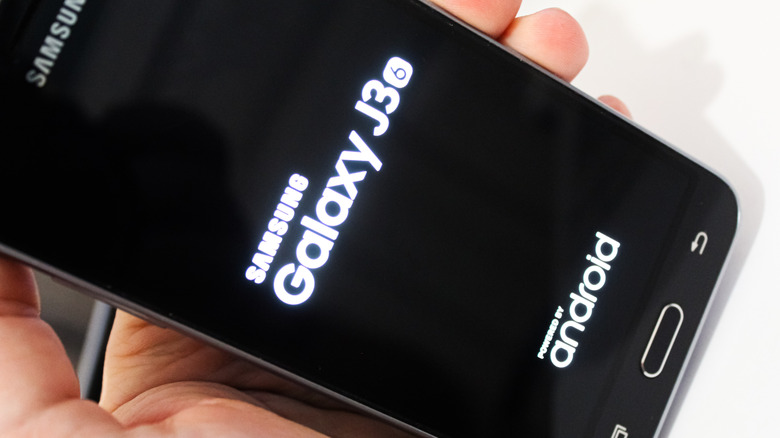
While powering your phone down is a good way to ensure its health and safety, it’s understandably unreasonable to ask anyone to constantly turn their devices off and on throughout the day. It doesn’t matter how safe your phone is if you never get the chance to use it, after all. With that in mind, the key to consider here is one of consistency. You don’t need to turn your Android phone off every single day; one proper power-down per week will suffice.
When you power your phone down entirely, then boot it back up after a few minutes of cooldown, the device cleans and refreshes itself, ready for a new day. App processes are stopped, closing those pesky memory leaks, cached files are cleared out to free up space and processing power, and data paths are reloaded, scuttling any bright ideas a bad actor may have had. Freshening everything up will also help to reduce the load on the phone’s battery, which will help to extend its overall life.