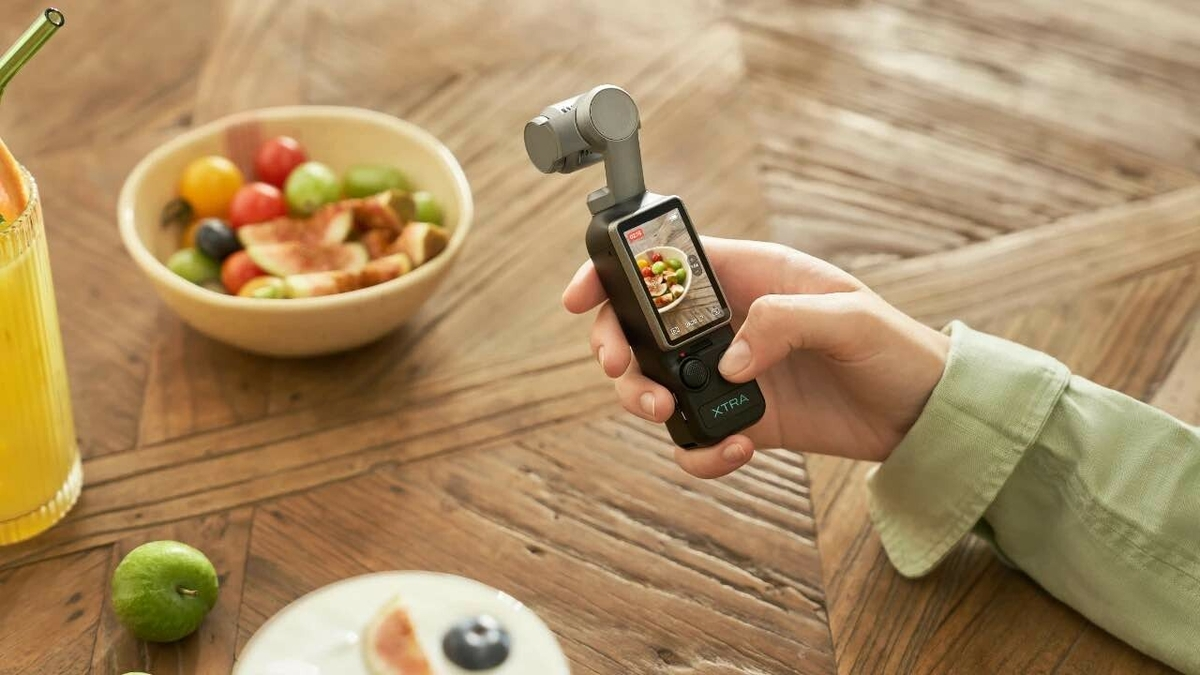
The good (or bad, depending on how you look at it) news is that the iPhone still has the edge. I’ve now tested some of the best camera phones, including the Samsung Galaxy S25 and the Google Pixel 9 Pro XL. But none can compete with the 16 Pro when it comes to video quality. The main lens shots are stunning, offering the kind of crisp details, accurate colors and smooth transitions usually associated with specialist camera equipment.
Newer models like the iPhone 17 Pro raise the bar even higher: three 48-megapixel cameras, a new telephoto lens with 8x optical zoom up to 200 mm and ProRes RAW with log encoding make it one of the strongest smartphone camera systems on the current market, according to independent tests.
Anyron Copeman / Foundry
Although most Android phones offer good video functionality, if you don’t want to use your phone just for casual use, the iPhone is still the first choice.
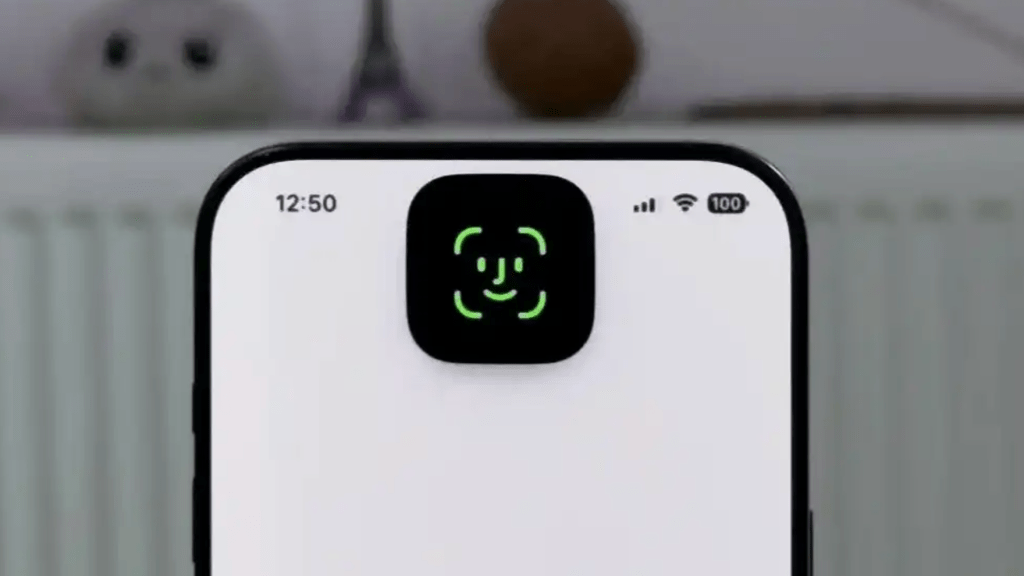
Awesome facial recognition
Recently, some Android phone manufacturers have finally started catching up with Apple’s Face ID. In particular, Google’s Pixel models and Honor Magic devices allow you to use your face to authenticate payments and log in to banking apps.
Apple has had Face ID on the iPhone since 2017, and it shows. On the 16 Pro, it’s just a bit faster and more reliable than all Android competitors. It works in virtually all lighting conditions and can easily be set to unlock while wearing glasses or a mask.
The crucial technical difference: Apple’s Face ID works with a 3D depth sensor that projects thousands of invisible points onto the face. Most Android solutions, on the other hand, only use the front camera and, in the worst case, can be fooled with a photo. This doesn’t work on the iPhone.
Foundry
An under-display fingerprint sensor would be nice, but the fact that I didn’t miss it at all speaks volumes. Face ID is another thing that Apple has gotten absolutely perfect.
Unfortunately, iMessage is better
Before I upgraded to the 16 Pro, I became increasingly annoyed with Apple’s flagship messaging app. Why don’t iPhone users just use WhatsApp? Why did it take Apple so long to improve Android SMS with RCS? And why does the blue bubble/green bubble even exist?
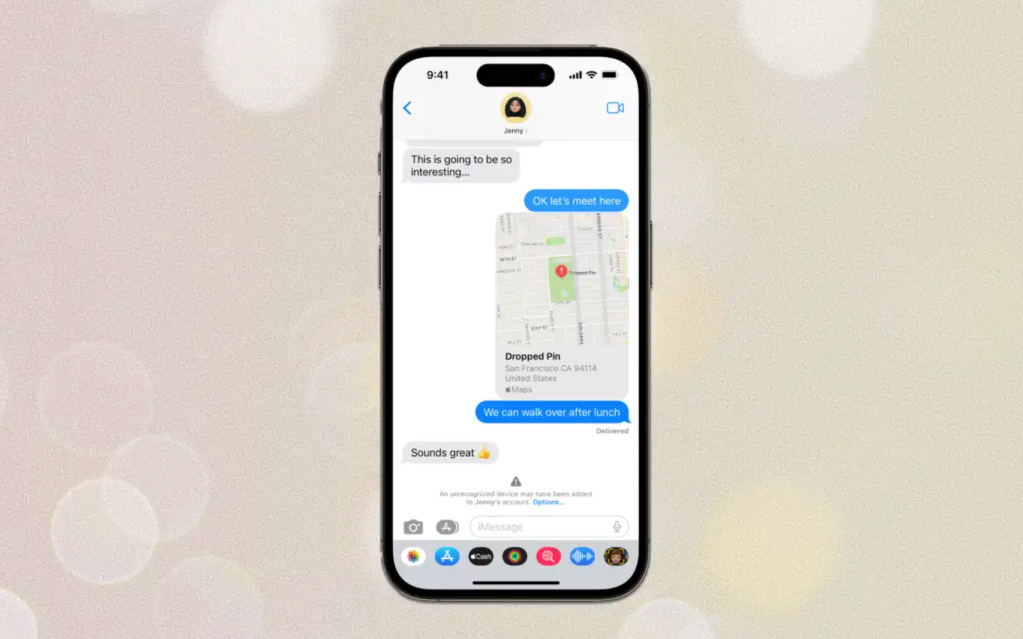
Then I started using iMessage. iMessage (or officially just ‘Messages’ as it’s called on the iPhone) is undoubtedly the best all-round messaging app on any smartphone.
It integrates SMS, MMS and iMessages in one app and makes it easy to see everything at a glance. You can also set it to automatically delete all text verification codes once they have been used.
And even if you don’t have an internet connection, you can still text with all the context of the same conversation. When you get back online, everything will be automatically backed up and available on all your Apple devices.
Apple
Replies to messages are handled better than WhatsApp because a thread is created instead of cluttering up the chat. You can also seamlessly switch to a Facetime call, which usually offers better quality than a WhatsApp call.
Apple’s library of reactions, stickers and animations is second to none, and links to video and audio content play directly in the app.
In iMessage, it’s this collection of little touches that make the experience just that little bit better. I never thought I’d say this, but I might like it better than Whatsapp.
Notifications nightmare
My biggest gripe with the iPhone is the way it handles notifications. I’m not saying Android is perfect when it comes to notifications, but it feels light years ahead of iOS.
For some reason Apple seems to think that notifications permanently in the notification center should be displayed. When you unlock your phone, all notifications disappear from the lock screen and require a half-swipe up to access them. This just makes things unnecessarily complicated.
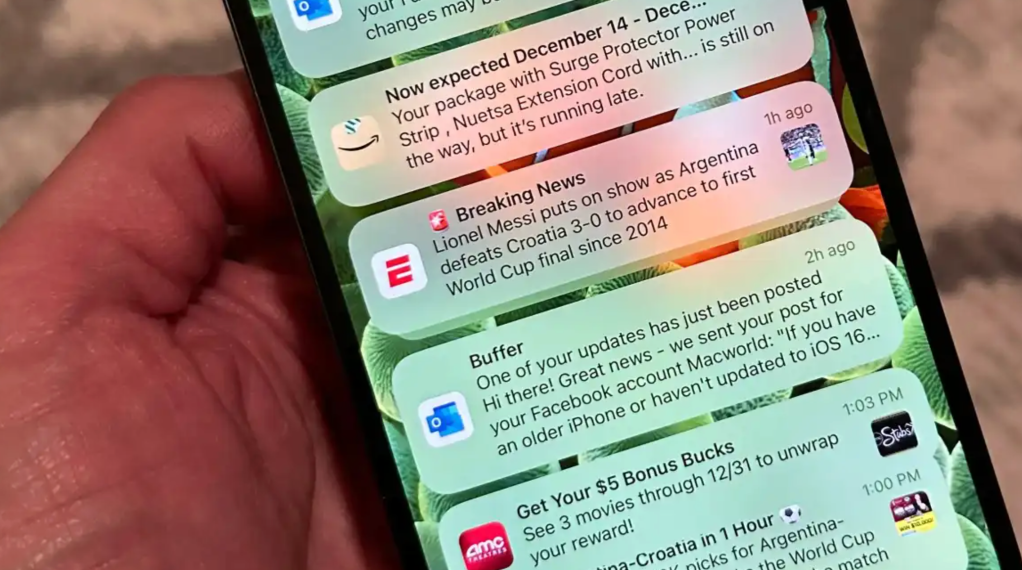
Foundry
Android makes the process much easier. All your notifications appear continuously on the lock screen (if there are too many, their icons appear at the bottom of the screen), from where you can simply tap one to open or swipe away.
I’m also not a fan of the way iOS groups notifications from the same app into “batches.” Sure, it reduces the clutter, but I always have to expand the list to see the contents of the notifications anyway. On Android, a useful preview is right in front of me.
I’m not saying Android is perfect when it comes to notifications, but it feels light years better than iOS
Not much control in the Control Center
Using the iOS Control Center also took some getting used to. Think of Control Center like Android’s Quick Settings menu, only…worse.
The design isn’t a problem, nor is the fact that you have to swipe down from the top right corner of the screen (which Samsung has now copied). Instead, my biggest problem is that tapping any of the icons doesn’t do what you expect.
For example, I want to turn off the WiFi at least once a day. Usually when I’m on my way out. But on the iPhone 16 Pro, the Wi-Fi cannot be permanently deactivated by tapping the icon. Instead, the message “Nearby Wi-Fi will be disconnected until tomorrow” appears. The device will automatically reconnect the next day. The same applies to Bluetooth.
Does Apple really not trust me to remember to reactivate the WLAN? Call me old fashioned, but I would like to be able to control this myself using the ‘Control Center’.
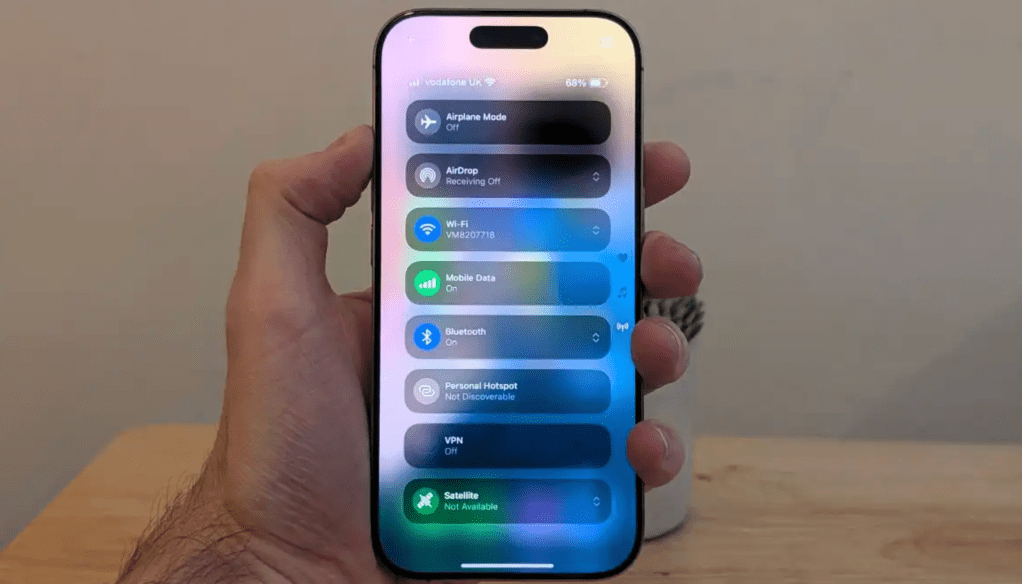
Anyron Copeman / Foundry
Painfully long charging
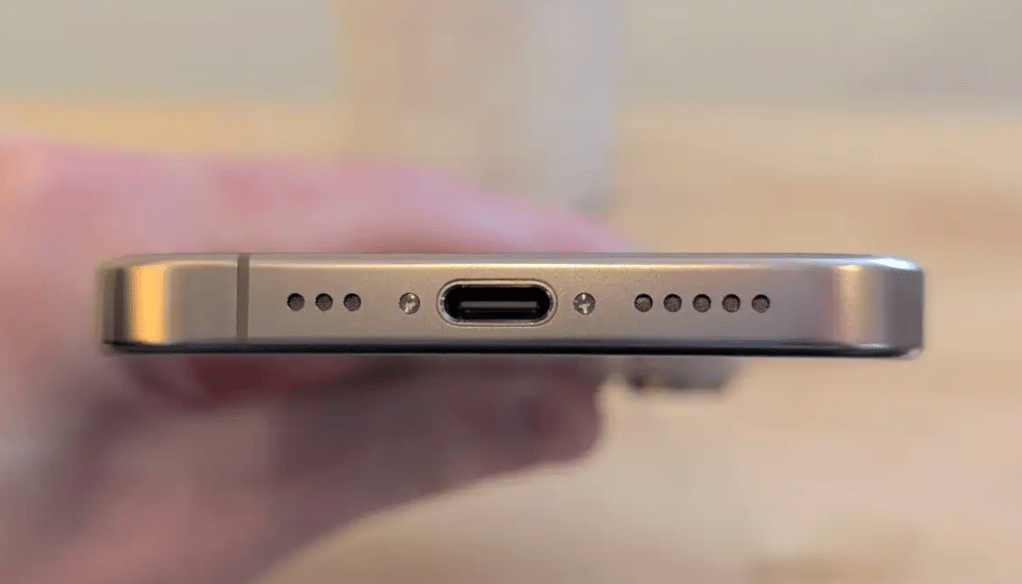
This isn’t a problem unique to the iPhone, but it was quite a shock when I switched. The iPhone 16 Pro is a flagship cell phone that cost at least 1,199 euros when it was launched, but unfortunately can only be charged with up to 25 watts.
If you’ve ever experienced the joys of true fast charging, you know how frustrating it is. Even if you find a compatible power adapter (there isn’t one included), charging takes forever.
Anyron Copeman / Foundry
Apple has made improvements to the iPhone 17 Pro: its maximum charging speed is 40 watts. Apple promises 50 percent in 20 minutes with a suitable power supply, which is significantly more than its predecessor (but still a long way from what Android flagships offer with 80 or 100 watts).
My verdict on the iPhone
Switching to the iPhone 16 Pro brought more surprises than I expected… for better or worse.
Although they’re more similar than ever, iOS and Android still differ in some fundamental ways. If you’re not familiar with either, there’s a significant learning curve to switching either way.
As someone who tests mobile devices for work and primarily uses Google apps, Android is the better choice for me at the moment. But I do appreciate some of the ways Apple makes the iPhone such a compelling device, especially if you already own the company’s other products.
Despite accusations of lack of innovation, the iPhone has come a hell of a way in the 12 years I’ve been away. The latest models are undoubtedly still some of the best smartphones you can buy.
(PC-Welt)