We may receive a commission on purchases made from links.
Most people make the mistake of thinking they have to use either a smart TV or a streaming player like a Roku or Fire TV Stick to access streaming platforms. For the most part, that’s true if you want a super simple plug-and-play setup, but for power use, there’s a far better option. Instead of going with a streaming device, it makes more sense to add a mini PC or small form factor PC (SFFPC) to your main entertainment center. Another alternative is an HTPC, a Home Theater Personal Computer, designed to be the central entertainment hub for your home theater setup.
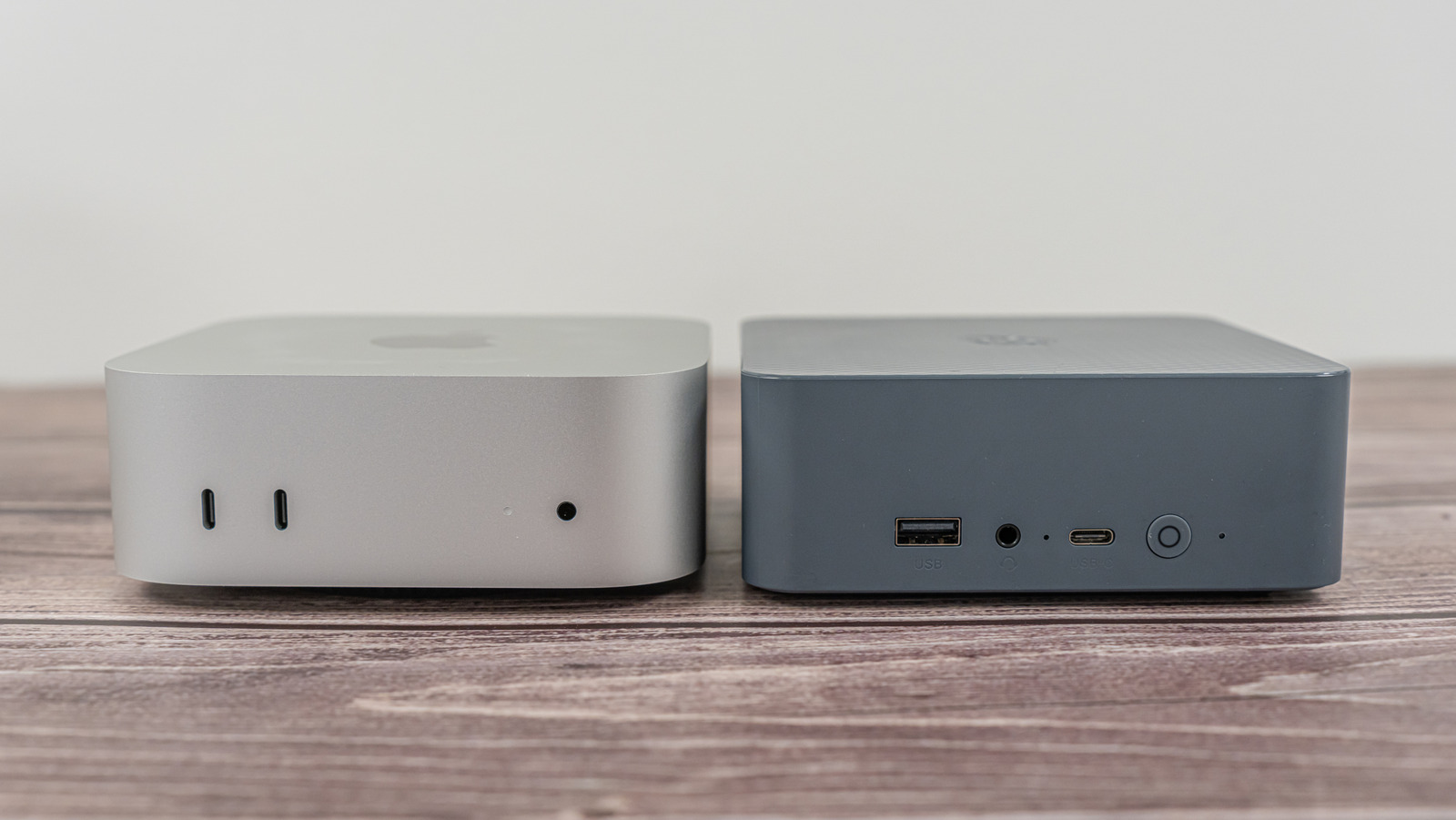
Think of them as smaller computers that act as stand-ins for set-top boxes or streaming players. The biggest difference, of course, is that these are much smaller than a huge tower — and have everything inside a little case or box. The processor, storage, memory or RAM, graphics card, if there is one, Wi-Fi chips, USB controller, all of it tucked inside the mini PC. The most recognizable example of a mini PC is the Apple Mac Mini series. Another popular model is the Beelink Mini S13 Pro or the GEEKOM A8 Mini PC, which packs a crazy amount of power in a compact frame.
Mini PCs can visit streaming websites and sometimes run streaming apps, especially if it’s an Android device. These can also browse the web, play games, run custom media, and much more. That’s why power users might love it, and why it could see more use than your typical Roku or streaming device.
Finding the right mini PC
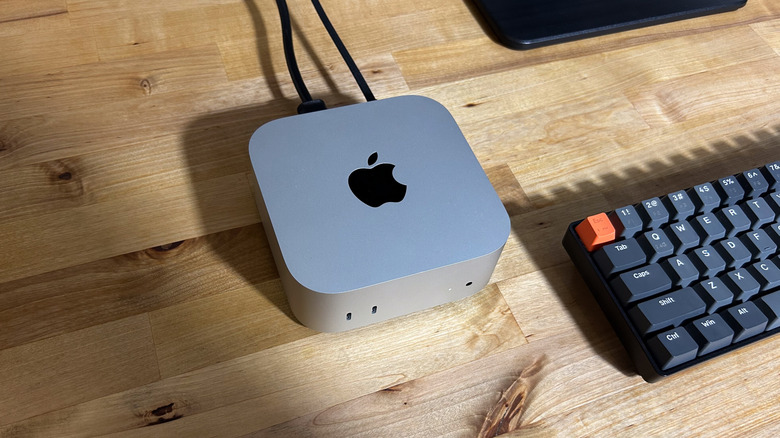
The first step is to choose your Mini PC, of which there are many. There are Windows devices, like the Lenovo IdeaCentre Mini, MSI Cubi NUC 1M, or Geekom A6 Mini. There are also Apple models like the Apple Mac Mini series, as well as Android-powered options. There are even compact gadgets that can turn smart TVs into PCs. It’s really up to you, and at the risk of sounding too enthusiastic, the sky is the limit here. You also don’t necessarily have to stick to traditional Mini PCs; You could build your own, though that might be costly with the RAM and storage shortages, or opt for an SFFPC — a more compact traditional PC with a smaller tower.
Think about what you’ll be using it for most and go from there. If you’re only going to visit websites, stream media, or play less-demanding Android or mobile games, you don’t need something decked out with the most powerful hardware. If you want to run modern games, you will need extra power with a GPU or graphics card. Cheap mini PCs are always great, but if you want more power, an alternative computer or small form factor computer is the way to go.
Also, since you’ll be connecting the PC to your TV, you’ll want to make sure there’s an HDMI output available. Most devices have this, but if they don’t, some adapters can convert DisplayPort to HDMI or USB to HDMI. Though it may just be easier to find a PC option that has an HDMI output already.
B.Y.O.P. (Bring Your Own Peripherals)
Next, you’ll want to think about how you’ll be interacting with the PC. Things are a little different when you’re relaxed and sitting back on your couch versus upright at a desk. Thanks to USB and the fact that it’s essentially a computer, Mini PCs can work with a wide range of devices beyond media remotes. You can use game controllers, full-size keyboards and mice, integrated systems that combine a touchpad and keyboard, you name it. You can get real wild with it if you want.
It’s best to go with something convenient for where you’ll be spending most of your time. For instance, if you’re sitting on a couch and don’t have a lap table handy, it’s going to be quite difficult to use a full-size keyboard and mouse setup. If you prefer the compact design of your average TV remote, there are remotes built specifically for use with PCs and connected media. Some even have the keyboard integrated into the back of the remote, like the Rii Mini i25 Multifunction Remote Control or the Dupad Story Bluetooth Voice Remote. At the end of the day, the right controller makes your Mini PC feel less like a computer and more like a proper streaming setup.