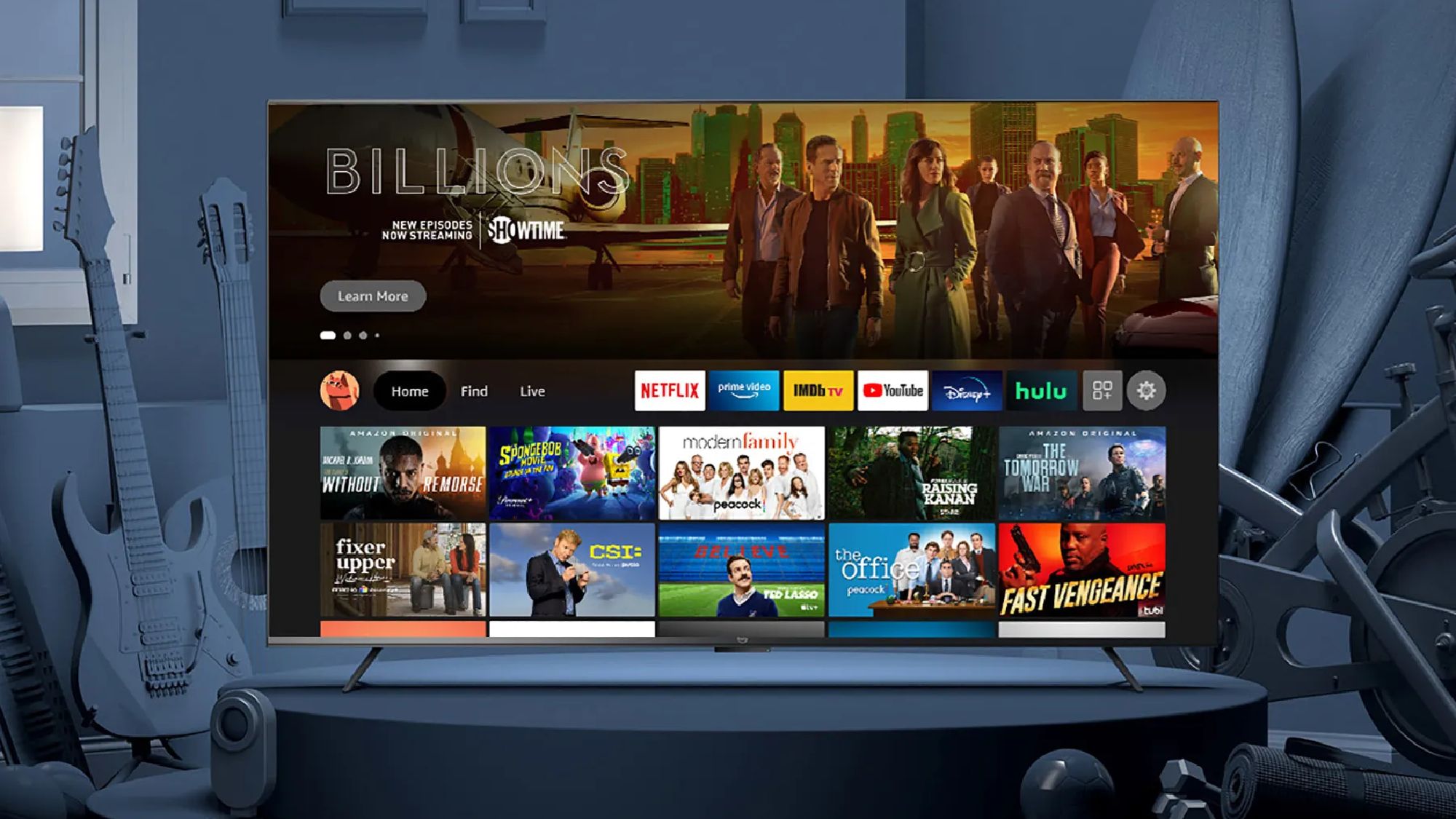
As someone who spends a ton of time streaming movies and shows for work, Amazon’s own streaming software — Fire TV — has never been one of my favorite interfaces. While it offers plenty of streaming apps and Alexa integration, I’ve never been able to warm up to Fire TV. I find the load times to be lengthy and scrolling to be sluggish. The overall layout can be confusing to navigate.
That’s unfortunate because Fire TV can be found across multiple streaming devices (like the Fire TV Stick 4K and the Fire TV Cube) and it’s also the built-in software suite found in a number of popular TVs.
But starting today, Amazon is beginning to roll out an overhaul to the Fire TV operating system across most of the Fire TV lineup. The update — which will eventually reach nearly every streaming stick, box and Amazon-backed smart TV — promises better speeds and an overall visual refresh to the home page. It’s the beginning of a new era for Fire TV, and for some TV owners, it could be a huge improvement.
What’s new about the latest Fire TV update?
Amazon announced that it would be making some pretty significant changes to the Fire TV operating system back in January at CES. The news came alongside the announcement of the brand’s first lifestyle TV, the Ember Artline.
According to Amazon’s announcement, a huge amount of attention has been paid to the software’s coding. As a result, the company has reported “20-30% gains” in speed compared to earlier iterations of the operating system.
“Cleaner, faster, and better organized”
Amazon has also reportedly spruced up the Fire TV’s overall look. In addition to making the platform “cleaner, faster, and better organized,” Amazon has touted “a more modern design” for Fire TV OS, “with improved layouts, rounded corners, redesigned color gradients, updated typography, and more optimized spacing.”
Content organization is a big part of the new Fire TV experience, too. Press and hold the Home button to access your most-used settings, or pin up to 20 favorite apps to the Fire TV home screen (up from six on previous versions of Fire TV).
The update is hitting the Fire TV Stick 4K Plus, Fire TV Stick 4K Max (2nd Gen) and Fire TV Omni Mini-LED Series first, but will soon roll out to additional devices in the coming months. And, if you’re the owner of a smart TV that leverages Fire TV, you could be in line for a huge quality of life improvement.
The new Fire TV experience could make some smart TVs even better
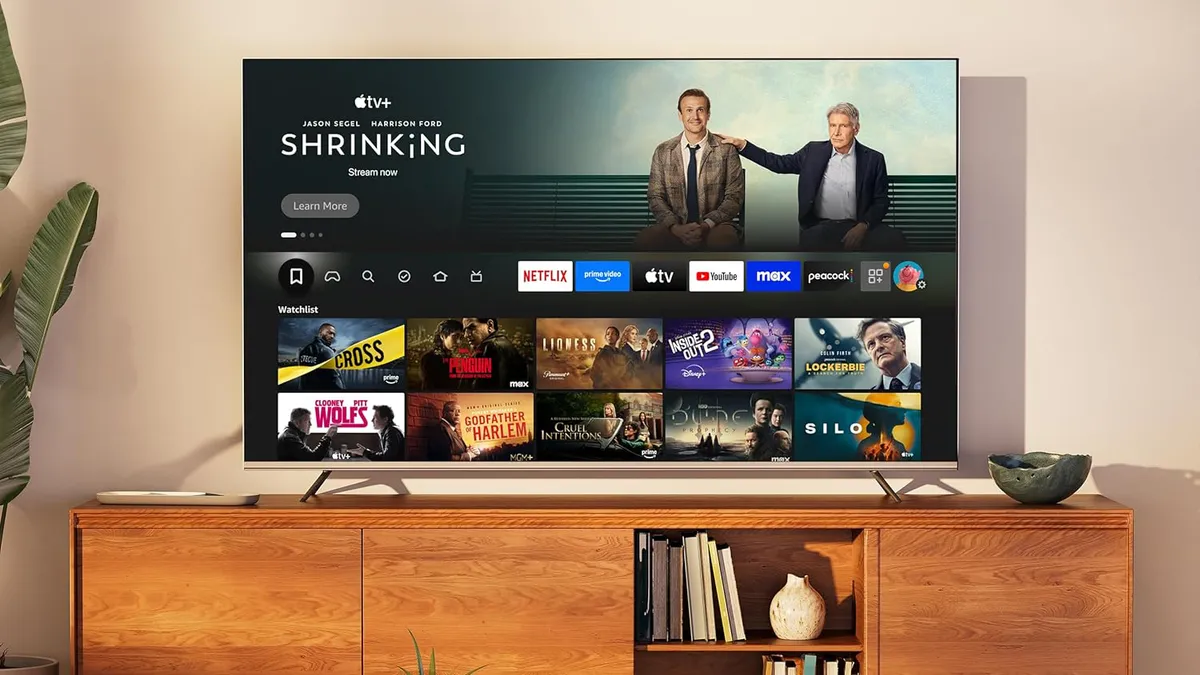
The Hisense U65QF — an entry-level Mini-LED TV — is one of a handful of newly released TVs that leverages Fire TV for all of its built-in streaming features. As we noted in our Hisense U65QF review, the TV’s class-leading brightness, terrific contrast and razor-sharp out-of-the-box color accuracy were undercut somewhat by the presence of Fire TV.
At the time, our reviewer lamented that the Fire TV experience was “less powerful, more difficult to navigate and customize” than a rival software suite like Google TV. With a massive update to Fire TV reportedly on its way to the U65QF, this outlook could change for the better.
The same could be true for Amazon’s in-house TVs like the Amazon Fire TV Omni. Amazon’s own branded TVs have seen significant hardware updates in recent years, but no overhauls to the Fire TV software experience.
There are also high-end TVs saddled with Amazon’s software that could see some quality-of-life improvements, too, like the Panasonic Z95A OLED. Since returning to the US market, Panasonic’s OLED TVs have leaned on Fire TV — something my colleagues and I have spent considerable amount of time grumbling about. With a new-and-improved Fire TV experience reaching the masses, are our grumbling days behind us?
I’m anxious to get my hands on the updated Fire TV to give its new interface a spin. It’s got a long way to go before it replaces Roku OS as my smart platform of choice, but it’s not everyday that a company hears its users’ complaints and sets out to right the ship.

Follow Tom’s Guide on Google News and add us as a preferred source to get our up-to-date news, analysis, and reviews in your feeds.