Dispatch Prompting: How to Write Effective Task Instructions for Claude’s New Computer-Use Agent in 2026

In early 2026, Anthropic revolutionized autonomous AI task execution with the launch of Claude Dispatch, a groundbreaking feature integrated into Claude 3.0. Dispatch enables Claude to directly control your computer environment, autonomously executing complex, multi-step workflows that span applications, web services, and local files. This capability marks a new era for AI agents, transcending traditional conversational boundaries by actively performing tasks on your behalf with minimal supervision.
However, harnessing the full potential of Claude Dispatch requires mastering the art of Dispatch prompting — writing precise, unambiguous, and context-aware instructions that guide Claude’s computer-use agent effectively. This specialized prompting technique is essential for maximizing efficiency, reducing errors, and ensuring your workflows run exactly as intended.
In this guide, we provide a comprehensive walkthrough on crafting high-impact Dispatch prompts for Claude’s 2026 Dispatch feature. We cover everything from understanding Dispatch’s operational model to designing clear task instructions, incorporating conditional logic, and troubleshooting common pitfalls. Whether you are an enterprise user orchestrating complex automation or a power user seeking seamless multi-application workflows, this guide serves as your authoritative resource on Claude Dispatch prompting.
Understanding Claude Dispatch: The Foundation for Effective Prompting
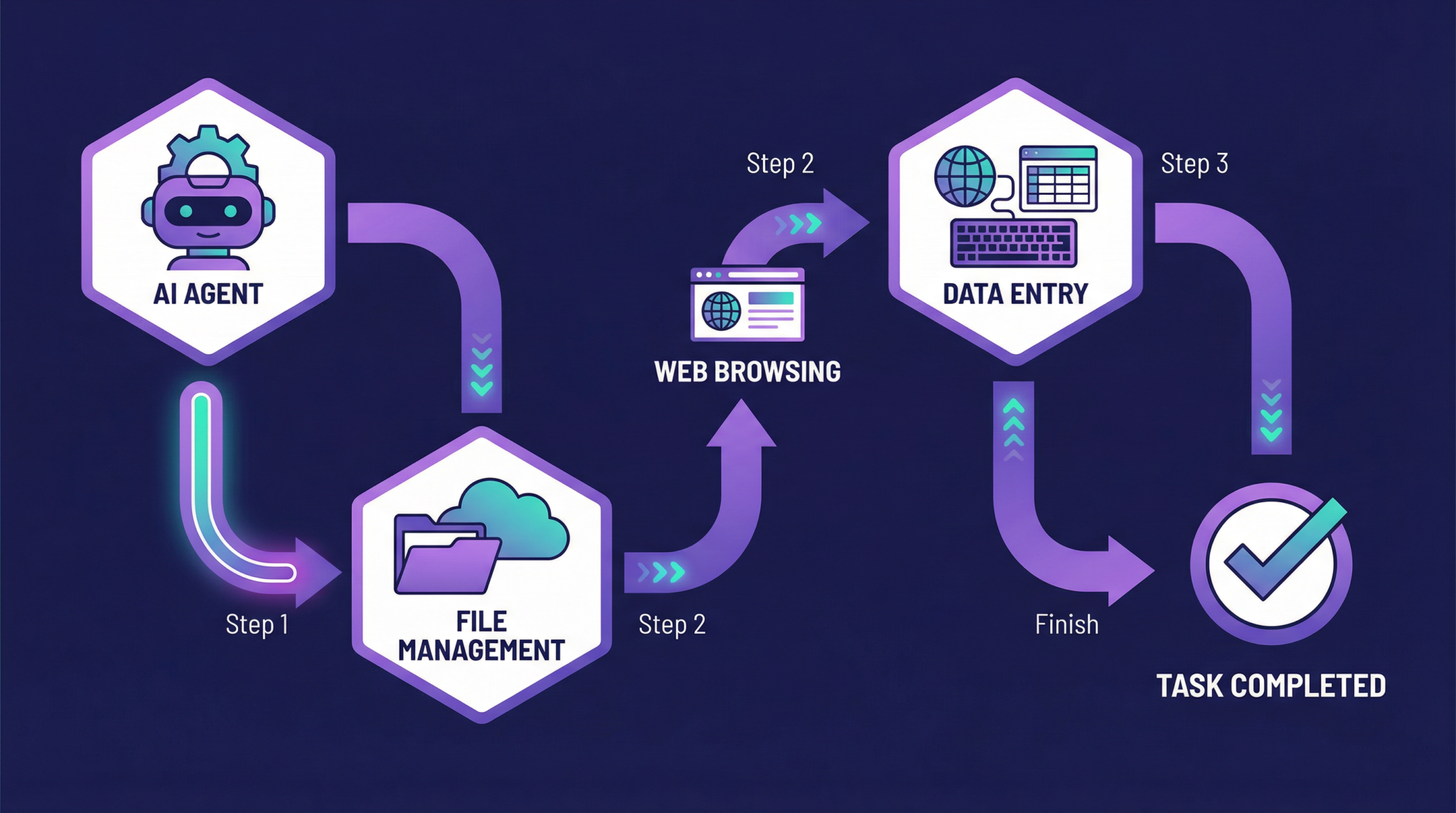
Claude Dispatch, officially released on January 15, 2026, with Anthropic’s Claude 3.0 update, is an AI agent extension that executes multi-step workflows by directly interacting with your computer environment. Unlike previous AI models limited to text output, Dispatch leverages APIs, local scripting interfaces, and sandboxed control layers to open, manipulate, and integrate applications such as browsers, file explorers, email clients, and productivity software.
This architecture supports autonomous decision-making, enabling Claude to:
- Interpret high-level task objectives and decompose them into executable subtasks
- Navigate application interfaces and web pages to retrieve or input information
- Handle conditional logic based on intermediate results or user preferences
- Manage error recovery and retry mechanisms autonomously
Because Dispatch acts as an active agent within your system, the quality of your prompting directly influences task success. A well-crafted Dispatch prompt acts as a detailed blueprint, guiding the AI through specific actions, expected outputs, and fallback strategies.
Dispatch Prompting vs Traditional Chat Prompts
Traditional Claude prompts focus on generating text responses, explanations, or creative content based on user queries. Dispatch prompting, by contrast, involves instructing Claude to perform tangible actions on your device. This shift demands prompts that incorporate:
- Explicit action sequences: Clear, ordered steps that the agent should follow
- Contextual constraints: Application-specific parameters such as file paths, URL patterns, or data formats
- Decision criteria: Conditional branches to handle varied outcomes or errors
- Output expectations: Clear definitions of what constitutes task completion and success
Mastering these elements transforms Dispatch prompting into a robust interface for AI-driven automation beyond conversational limits.
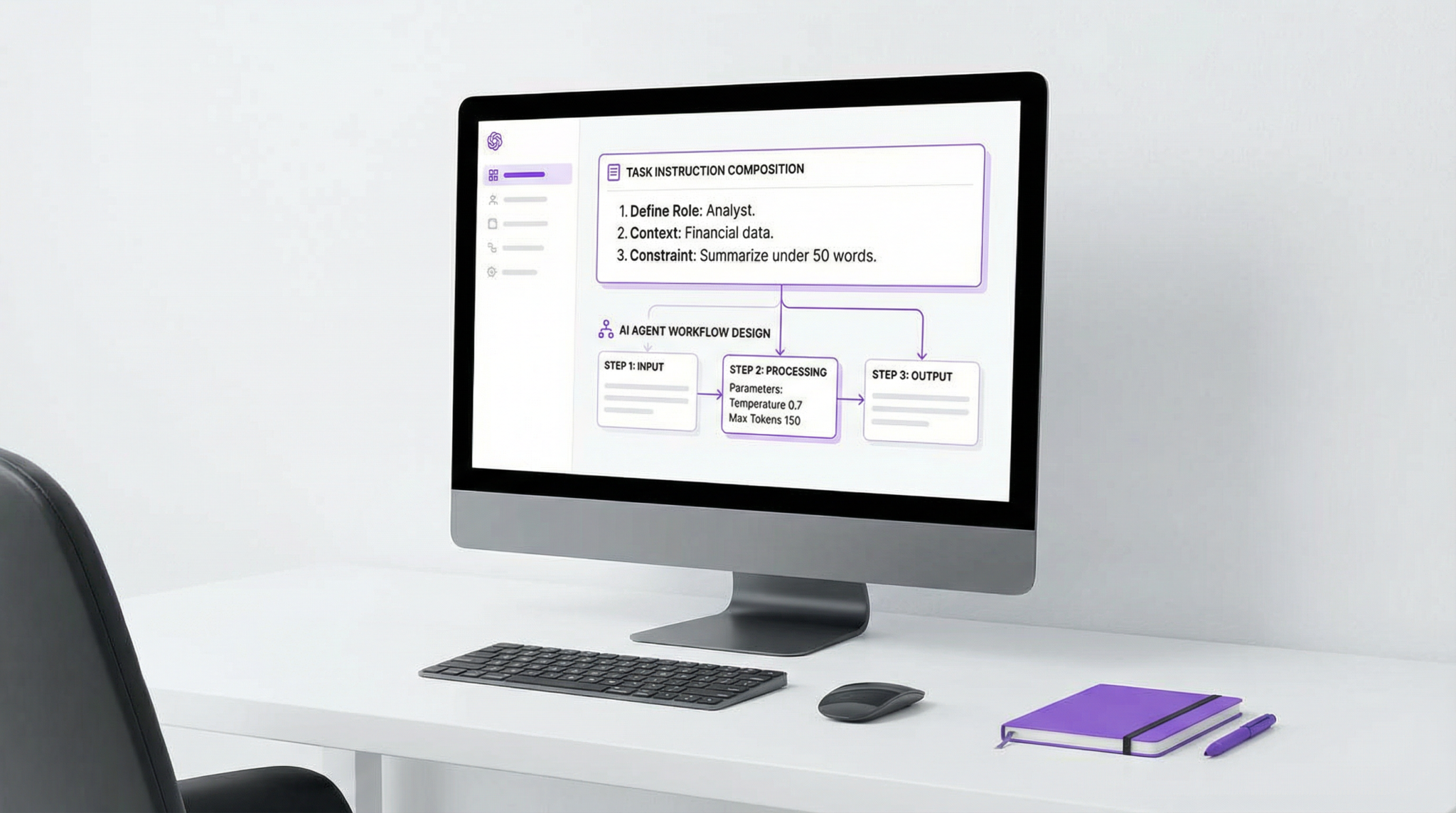
Key Principles for Writing Effective Claude Dispatch Prompts
To maximize the reliability and efficiency of Claude’s Dispatch agent, your prompts should adhere to several foundational principles. These principles ensure clarity, precision, and adaptability in task execution.
1. Define Clear Objectives and Scope
Start your prompt by explicitly stating the overarching goal and the boundaries of the task. For example, instead of “Organize my inbox,” specify “Sort unread emails from the last 7 days in my Outlook inbox into folders by sender domain.” This specificity helps Claude prioritize relevant data and actions.
2. Break Tasks Into Sequential Steps
Dispatch excels at executing stepwise instructions. Use numbered or bulleted lists to break down complex workflows into atomic actions. For instance:
1. Open the Chrome browser and navigate to https://finance.yahoo.com.
2. Search for the latest quarterly report of Company X.
3. Download the PDF report to the 'Documents/Reports' folder.
4. Open the downloaded PDF and extract the revenue figures from page 3.
This approach reduces ambiguity and limits error propagation.
3. Use Explicit Application and File References
Dispatch can interact with specific apps and filesystem locations. Always specify the exact application name, window title, or file path when relevant. For example:
Open 'Microsoft Excel 2021' and load the file located at C:UsersMarkosFinanceQ1_2026.xlsx.This prevents misinterpretation when multiple similar apps or files exist.
4. Incorporate Conditional Logic and Error Handling
Anticipate variable outcomes by embedding conditional instructions. For example:
If the file 'Q1_2026.xlsx' does not exist, create a new spreadsheet with that name and initialize columns 'Date', 'Revenue', 'Expenses'.Adding fallback logic lets Dispatch maintain task continuity despite unexpected conditions.
5. Specify Output Formats and Completion Criteria
Clarify how Claude should deliver results or signals of task completion. For example:
After extracting revenue figures, summarize them in a CSV file named 'Revenue_Summary.csv' in the 'Documents/Reports' folder.Explicit output expectations help verify task success programmatically.
Advanced Dispatch Prompting Techniques
Once comfortable with the basics, consider these advanced methods to optimize Dispatch prompting for complex workflows:
Leveraging Contextual Variables
Dispatch supports dynamic variables that store intermediate results. For example, you can instruct Claude to save a downloaded filename or URL for reuse in later steps:
Download the latest invoice PDF and store its filename as $invoice_file.
Open $invoice_file with Adobe Acrobat Pro and extract the invoice number.
This enables flexible, context-aware task flows adaptable to changing inputs.
Integrating API Calls and External Services
Dispatch can interface with web APIs to extend functionality. Your prompts can include instructions to authenticate with APIs, send requests, and parse JSON responses. For example:
Authenticate to the Slack API using stored credentials.
Post a message to the #finance channel with the summary of today's revenue report.
This capability is essential for cross-platform automation and enterprise integration.
Utilizing Natural Language Constraints
Incorporate natural language instructions for subtasks that require flexibility. For example:
Search the web for recent news articles about Company X and summarize key points in bullet format.Dispatch uses Claude’s language comprehension to interpret such requests dynamically within the broader workflow.
Complete Guide to Building AI-Powered Automation Workflows Using ChatGPT API,…
For users interested in combining Dispatch prompting with OpenAI’s ChatGPT API to orchestrate end-to-end automation pipelines, our coverage of ChatGPT API automation workflows details practical integration strategies and code samples.
Common Challenges and How to Overcome Them
While Claude Dispatch is powerful, users often encounter specific challenges when writing prompts. Understanding these issues and their solutions improves reliability.
Ambiguous Instructions
Vague or open-ended prompts can cause unintended actions. To avoid this, always use precise language, specify target applications, and limit scope. For example, replace “Open the report” with “Open the file ‘Annual_Report_2025.pdf’ in Adobe Acrobat.”
Overly Complex Single Prompts
Long, convoluted instructions increase error risk. Instead, modularize tasks into smaller sub-prompts or iterative Dispatch calls where possible. This enables easier debugging and incremental validation.
Inconsistent State Management
Dispatch workflows involving multiple applications or files require careful state tracking. Use variables and explicit state-reset instructions to maintain consistency. For example, close applications or clear search fields before starting new queries.
Security and Privacy Considerations
Since Dispatch interacts with sensitive data and applications, ensure prompts avoid exposing passwords or personal data explicitly. Anthropic implements sandboxing and permission controls, but users should also adopt best practices for secure prompting.
Claude Code vs OpenAI Codex in 2026: The Definitive Comparison Guide for AI-P…
For insights into how Claude’s code generation and execution capabilities compare with OpenAI Codex, including their respective strengths in handling Dispatch-style workflows, see our Claude Code vs Codex comparison.
Practical Takeaways for Effective Claude Dispatch Prompting
- Be explicit and detailed: Clearly specify every action, application, file, and expected output.
- Structure prompts sequentially: Use ordered steps to guide Claude methodically through workflows.
- Anticipate variability: Include conditional logic and error handling to adapt to changing circumstances.
- Utilize variables and context: Store intermediate results for reference and dynamic decision-making.
- Test iteratively: Validate each step independently before combining into larger workflows.
- Maintain security hygiene: Avoid embedding sensitive credentials or personal data directly in prompts.
By adhering to these principles, you unlock Claude Dispatch’s full potential to automate complex, multi-application tasks with unprecedented autonomy and precision.
The 2026 Enterprise AI Scaling Playbook: From Pilot to Production with ChatGP…
For enterprise professionals looking to deploy Claude Dispatch at scale, our exploration of advanced use cases for Claude Dispatch in enterprise automation offers strategic insights and best practices for successful implementation.
Access 40,000+ AI Prompts for ChatGPT, Claude & Codex — Free!
Subscribe to get instant access to our complete Notion Prompt Library — the largest curated collection of prompts for ChatGPT, Claude, OpenAI Codex, and other leading AI models. Optimized for real-world workflows across coding, research, content creation, and business.
Access Free Prompt Library
Conclusion
Claude Dispatch represents a pivotal advancement in AI autonomy, transforming Claude from a conversational assistant into an active executor of sophisticated computer-based workflows. Mastering Claude Dispatch prompting is essential for leveraging this technology effectively, enabling users to delegate complex tasks safely and efficiently.
As AI integration deepens across industries and personal computing, crafting clear, detailed, and adaptable Dispatch prompts will become a key skill. By following the guidelines and techniques outlined in this article, you can ensure Claude’s Dispatch agent operates with precision, reliability, and the flexibility needed for today’s dynamic digital environments.