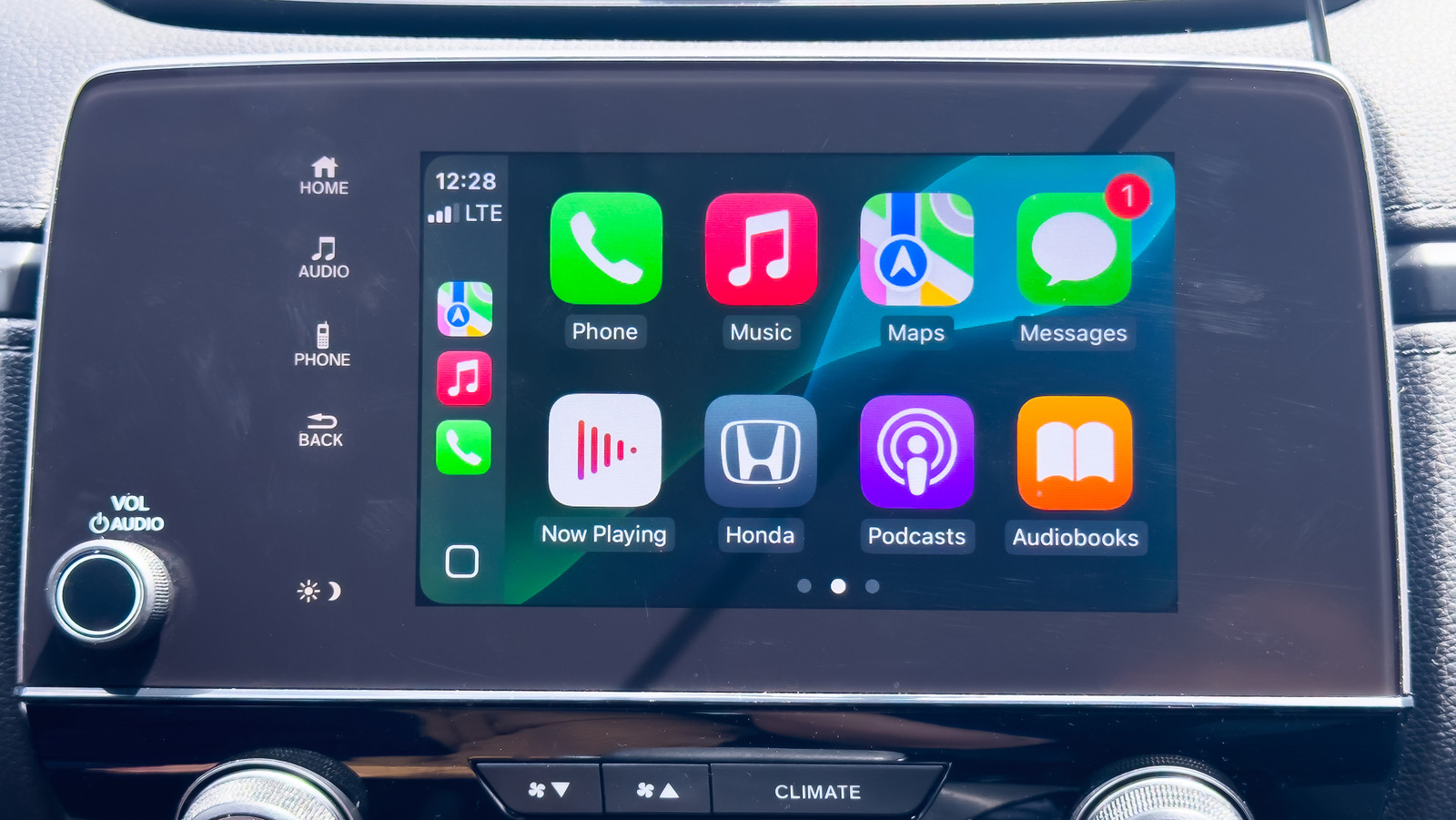
Apple CarPlay is a vehicle infotainment platform that brings many of the best elements of your iPhone to your vehicle’s dashboard. The technology has been around since 2014, and you can use several Apple CarPlay tips and tricks to get the best out of it. But have you ever wondered if CarPlay uses Bluetooth or Wi-Fi to connect to your iPhone? The short answer is both, especially for modern vehicles that support wireless CarPlay connectivity — as opposed to a wired USB connection between your iPhone and the car. When you start a wireless CarPlay session, your iPhone first uses Bluetooth to establish a secure connection and request permission to link up.
Once your vehicle gives iOS the all-clear, Wi-Fi takes over, creating a closed network to handle data syncing and to keep your CarPlay-compatible apps running smoothly as you drive. You’ll also want to make sure cellular data is enabled, since navigation, music streaming, and other connected features rely on it. Some CarPlay-enabled vehicles support both wired and wireless connectivity, while others are exclusively wired. But what if you’re driving one of the first CarPlay vehicles to hit the road, when Bluetooth wasn’t a factor whatsoever? Let’s find out.
Why wired CarPlay still has its advantages
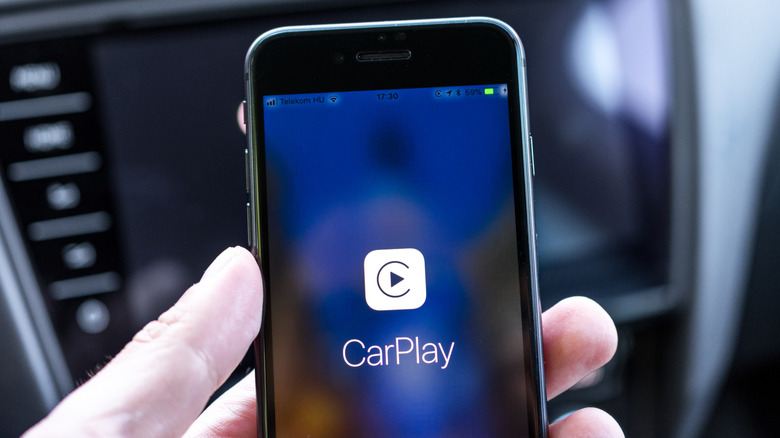
If you’re driving an older vehicle with first-generation CarPlay, a wired USB connection is the only way to link your iPhone to the system, unless you decide to upgrade with a wireless Apple CarPlay adapter. Still, even with a physical cable in play, you’ll need to keep Wi-Fi and cellular data enabled to ensure full functionality for apps, navigation, messaging, and other connected features that rely on an active data connection. There are a couple of benefits to wired-only CarPlay, though.
For starters, that USB cable running between your phone and dashboard is a more reliable connection that doesn’t rely on wireless technology to complete the handshake between your phone and vehicle. You also won’t have to worry about interference from other mobile devices in the car. Additionally, having your iPhone connected via USB ensures the device is always charging — a perk that’s especially convenient when you’re using a navigation app and don’t want to worry about the GPS draining your phone’s battery. That said, if your car doesn’t support CarPlay at all, you can still add CarPlay to older cars.