By using this site, you agree to the Privacy Policy and Terms of Use.
Accept
World of SoftwareWorld of SoftwareWorld of Software
  • News
  • Software
  • Mobile
  • Computing
  • Gaming
  • Videos
  • More
    • Gadget
    • Web Stories
    • Trending
    • Press Release
Search
  • Privacy
  • Terms
  • Advertise
  • Contact
Copyright © All Rights Reserved. World of Software.
Reading: Does Google Photos Keep Your Photos Forever? – BGR
Share
Sign In
Notification Show More
Font ResizerAa
World of SoftwareWorld of Software
Font ResizerAa
  • Software
  • Mobile
  • Computing
  • Gadget
  • Gaming
  • Videos
Search
  • News
  • Software
  • Mobile
  • Computing
  • Gaming
  • Videos
  • More
    • Gadget
    • Web Stories
    • Trending
    • Press Release
Have an existing account? Sign In
Follow US
  • Privacy
  • Terms
  • Advertise
  • Contact
Copyright © All Rights Reserved. World of Software.
World of Software > News > Does Google Photos Keep Your Photos Forever? – BGR
News

Does Google Photos Keep Your Photos Forever? – BGR

News Room
Last updated: 2026/01/19 at 3:14 PM
News Room Published 19 January 2026
Share
Does Google Photos Keep Your Photos Forever? – BGR
SHARE


Bangla press/Shutterstock

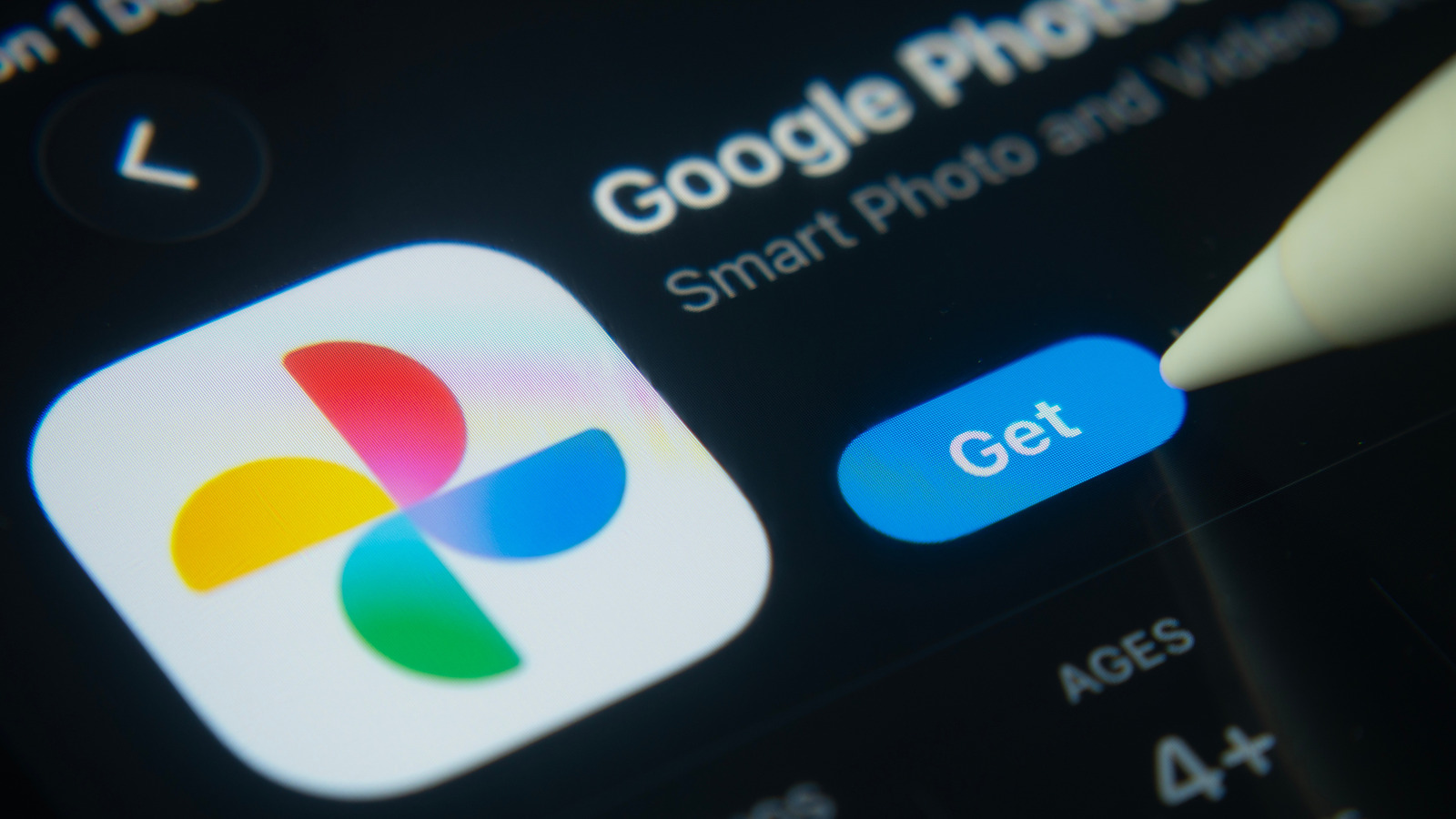
Google Photos isn’t the most intuitive service. The way files are stored locally and in the cloud, navigating the library can be laggy and inefficient. Also, Google does a poor job explaining how the increased storage, advanced editing features, and original-quality backups from Google One subscriptions tie into Google Photos, leaving many to wonder if Google Photos is actually free or a paid service. 

Another nagging question is whether Google Photos will keep your images forever. The short answer is no, it won’t. If an account is inactive for two years or blows past its storage limit, Google may begin deleting its photos and videos three months after sending email warnings. 

To avoid these Google Photos deletions, keep your account active. You can also subscribe to Google One to increase the storage limits. Not only will this let you keep more media files, but your files will remain safe regardless of your subscription model or your account activity. If you’d like to keep your Google Photos account in good standing with the company to prevent it from erasing your photos, here are the best ways to do so.

Keep your Google Photos account active and under its storage limit


Google One storage page showing how much is used
Matthew Sholtz/BGR

Google will only begin deleting photos from your account if you haven’t used it for at least two years or blow past your storage limit. So if you’d like to rest easy without worrying about such deletions, all you have to do is sign in to your Google account and open Google Photos on Android, iOS, or a computer at least once every two years, if you’re keeping your storage under its limit. If you happen to be using a default Google account without any extra Google One storage, you are limited to 15GB, which is pretty easy to fill. 

So, if you notice your storage is reaching its capacity, a few tricks can help cut down on clutter and clear some space. Jump on over to the Google One Storage page, and look to see if you have any large files that can be deleted from Drive or large photos and videos that can be removed from Google Photos. Don’t worry if you don’t pay for a subscription; this is still where you access your Google storage.

Another way to clear extra storage is to log in to Gmail and delete your old emails. Thankfully, Google does a pretty good job surfacing what can potentially be deleted with suggestions on the Google One storage page, taking the guesswork out of what’s eating your storage. Really, it’s this easy to keep your account in active standing and under Google’s deletion limits, but if you find the default 15GB just isn’t enough for your photo storage, paying for a Google One subscription is the solution.

Subscribe to Google One to increase your storage limit


Google One store download on phone screen
mundissima/Shutterstock

Paying for a Google One subscription will let you bypass the two-year activity rule and keep your files. This subscription can be paid either annually or monthly, and even if you leave automatic billing on and don’t sign into your account, Google Photos won’t erase your files. Beyond this, adding extra storage to your account with any subscription tier will ensure you have much more room to store photos before you run out, avoiding deletion due to a lack of storage. If you’re patient, you can even snag a solid deal on a Google One plan.

It’s a simple solution. Plus, the benefits of Google One’s extra storage are hard to ignore, since not only will you be able to store more photos, but you will be able to store more phone backups, more Drive files, and more emails. Plus, it isn’t even a large expense if you go with the $1.99 monthly plan for 100GB. Better yet, if you need a lot of storage, say if you wish to store a lot of your photos at full quality, 2TB is $19.99 a month, and a whopping 30TB is $249.99, which is better suited for photo and video professionals. It’s up to you how much storage you require to keep your account from going over its limit, so dial in your experience to ensure your photos remain safe on your account.


Sign Up For Daily Newsletter

Be keep up! Get the latest breaking news delivered straight to your inbox.
By signing up, you agree to our Terms of Use and acknowledge the data practices in our Privacy Policy. You may unsubscribe at any time.
Share This Article
Facebook Twitter Email Print
Share
What do you think?
Love0
Sad0
Happy0
Sleepy0
Angry0
Dead0
Wink0
Previous Article Voice search in the Google app is leaning hard into the Gemini aesthetic Voice search in the Google app is leaning hard into the Gemini aesthetic
Next Article Xbox is preparing to bring ads to cloud gaming Xbox is preparing to bring ads to cloud gaming
Leave a comment

Leave a Reply Cancel reply

Your email address will not be published. Required fields are marked *

Stay Connected

248.1k Like
69.1k Follow
134k Pin
54.3k Follow

Latest News

Apple AirTag deal: Get a four-pack for .98
Apple AirTag deal: Get a four-pack for $64.98
News
OpenAI reveals its data center capacity tripled to 1.9GW in 2025 –  News
OpenAI reveals its data center capacity tripled to 1.9GW in 2025 – News
News
The Last Of Us Star Kaitlyn Dever Starred In A Perfect Alien Invasion Movie With Almost No Dialogue – BGR
News
New Patches From Valve Bring AMDGPU Power Management Improvements For Old GCN 1.0 GPUs
Computing

You Might also Like

Apple AirTag deal: Get a four-pack for .98
News

Apple AirTag deal: Get a four-pack for $64.98

2 Min Read
OpenAI reveals its data center capacity tripled to 1.9GW in 2025 –  News
News

OpenAI reveals its data center capacity tripled to 1.9GW in 2025 – News

5 Min Read
The Last Of Us Star Kaitlyn Dever Starred In A Perfect Alien Invasion Movie With Almost No Dialogue – BGR
News

The Last Of Us Star Kaitlyn Dever Starred In A Perfect Alien Invasion Movie With Almost No Dialogue – BGR

3 Min Read
You have 20 hours to save  on the Amazon Kindle Colorsoft
News

You have 20 hours to save $50 on the Amazon Kindle Colorsoft

2 Min Read
//

World of Software is your one-stop website for the latest tech news and updates, follow us now to get the news that matters to you.

Quick Link

  • Privacy Policy
  • Terms of use
  • Advertise
  • Contact

Topics

  • Computing
  • Software
  • Press Release
  • Trending

Sign Up for Our Newsletter

Subscribe to our newsletter to get our newest articles instantly!

World of SoftwareWorld of Software
Follow US
Copyright © All Rights Reserved. World of Software.
Welcome Back!

Sign in to your account

Lost your password?