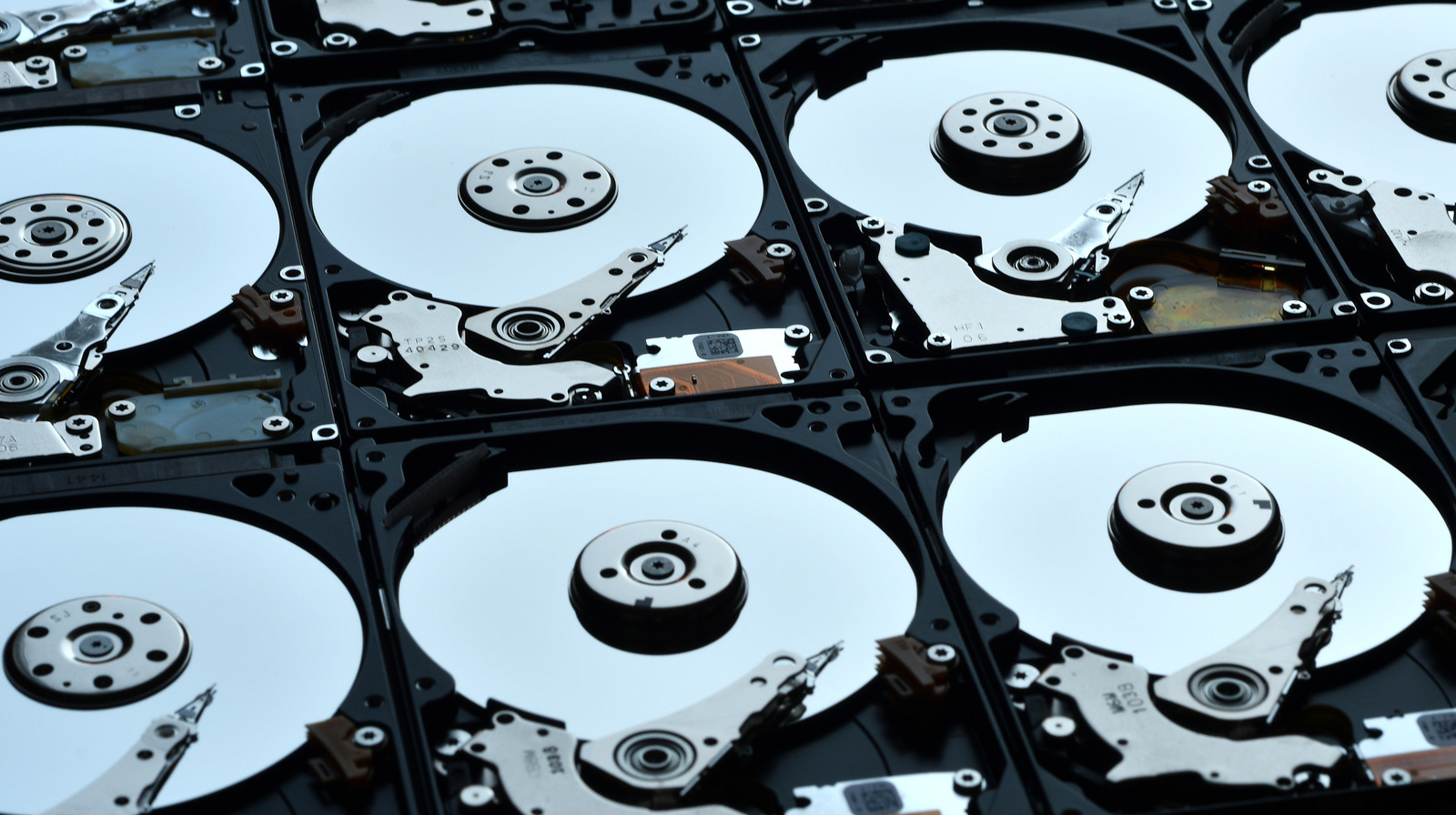
Back in the day, waiting five to 10 minutes for your Windows to boot up or your games to load was completely normal, surprising as it may be today. Having hard drives with mechanical components like spinning magnetic disks meant you had to wait for them to really get going. But things are different now as SSDs call the shots. Still, some tasks are better left to a cheaper hard drive than breaking the bank for a modern SSD.
Although earlier designs of the semi-conductor, flash storage-based SSD technology existed, things changed for good in 2008 with the Intel X25-M: the consumer SSD that started it all. Since then, we have SATA, M.2 NVMe, Gen 4, and even Gen 5 SSDs offering transfer speeds up to a massive 14,000 MB per second today. The rate of progress has been something to behold.
Everybody wants the best for their PC. It wasn’t long before HDDs were abandoned in favor of SSDs: the new, blazing-fast storage champion. The slower hard drives are on the outs these days, but still not totally useless. Keeping a physical backup of important data, installing third-party software, and hoarding your digital memories are all valid reasons to keep them around, so don’t toss your hard drive just yet.
Try something other than Windows for a change
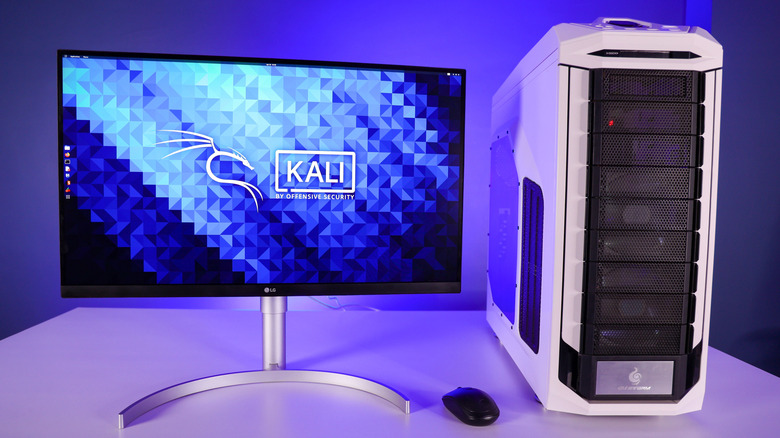
Let’s be honest — Microsoft Windows, although an extremely easy-to-use and customizable operating system for your PC, is not the most stable and lightweight OS. After using SteamOS or other Linux-based operating systems, it’s hard not to see how resource-intensive Windows can be by comparison. And how often have you installed a new update and it bricked your PC?
If, after some unfortunate accidents, you’re contemplating switching to a different operating system, but don’t want to burn all the bridges just yet, this is where your old hard drive comes in. Keeping your SSD as the primary storage for Windows, you can easily install a new OS on an old HDD and take it out for a test drive. Linux-based distros are a good starting point; they’re much more forgiving, both in size and speed requirements.
Lubuntu and Linux Lite for size efficiency, MX Linux and Manjaro for simplicity, and Bazzite for gaming performance are all excellent choices. It will be no SSD, that’s for sure, but for tinkering around, it’s the perfect test subject. Simply install a Linux OS on the HDD, and put it at the top in your boot priority settings in the BIOS. And hey, if you don’t like all these fancy distros and want to stick to Windows, you can always go back and prioritize the primary SSD instead. For more dynamic control, just use a bootloader like GRUB.
Create a backup storage device to go
SSDs are certainly the ruler of the storage world, but they come with a hefty price tag. Coupled with the growing prices of consumer tech like RAMs and SSDs in 2025, thanks to the “AI boom,” wallets all over the world are in peril these days. In these tough times, wouldn’t you rather purchase an SSD for all your Windows needs than a backup storage device for miscellaneous data?
This is another shining moment for your old hard drive. Your bulk data like images, videos, and documents will all be safe on the hard drive. Maybe you like playing older games or have similar files that don’t really benefit from the SSD’s faster speeds. Moving them over will leaving more space on the SSD for your newer games. You made your spare hard drive useful, didn’t have to speed any money, and freed up your SSD; three birds with one stone.
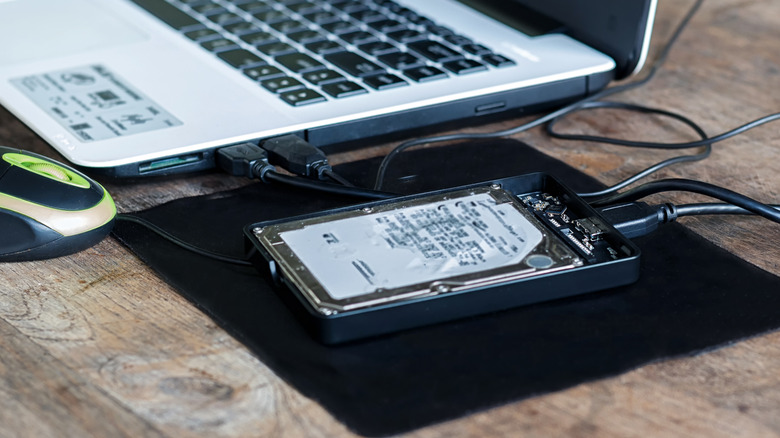
And why limit it to a single PC? With a little modification, you can easily turn your old hard drive into a portable storage device, hopping from PC to PC, carrying your data wherever you go. A simple SATA to USB 3.0 adapter for the 2.5-inch laptop hard drives and an external power adapter for the 3.5-inch PC HDDs is all you need to create an external data backup haven. Whether you decide to keep it for data storage, use it to experiment with third-party software, or even salvage it for parts, your old hard drive still has a purpose that it can’t fulfill if you toss it out.