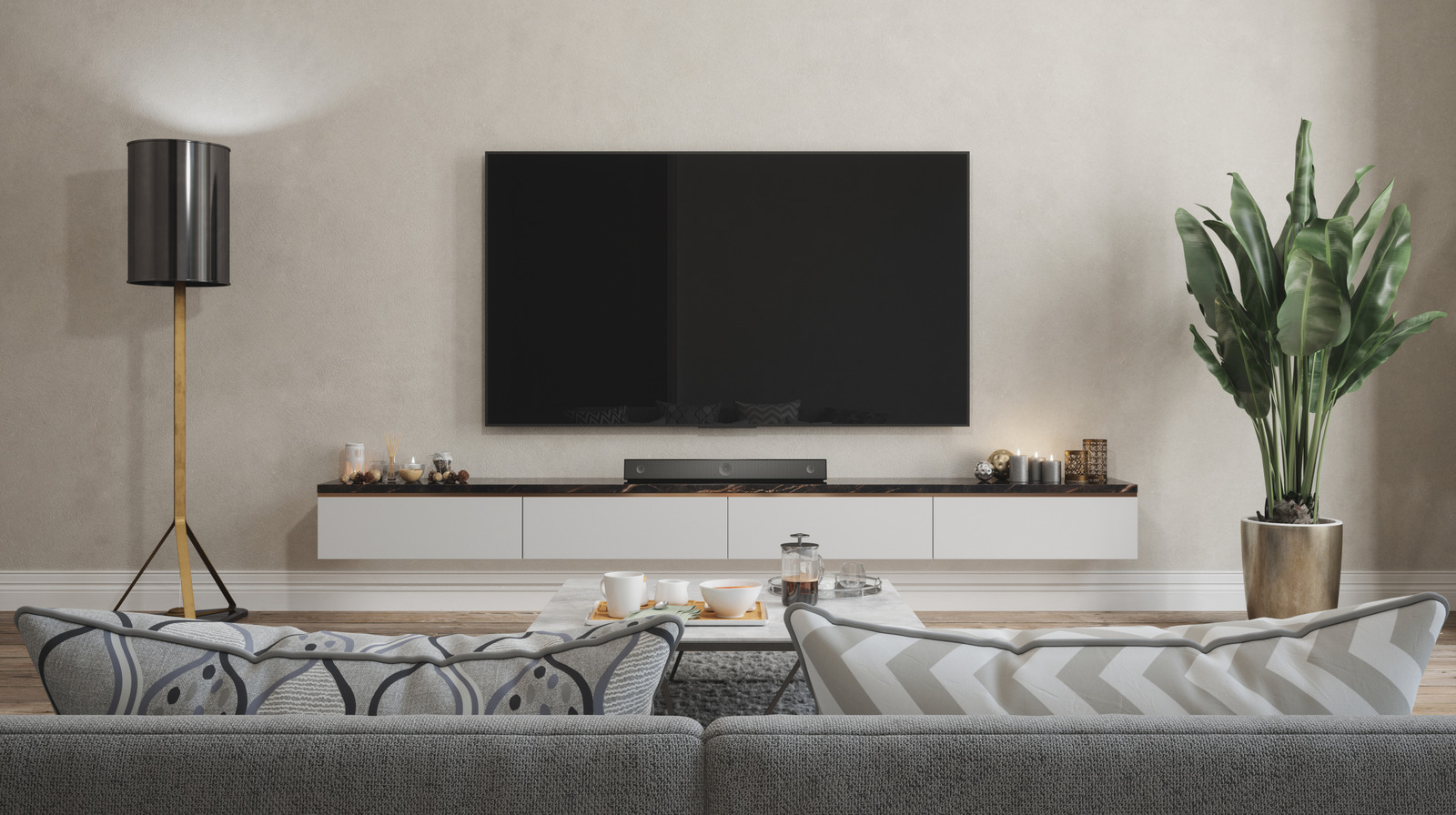
You’ve spotted a large-screen TV for your living room or bedroom and you’re ready to buy it, as there’s a great deal on that (relatively inexpensive) TV. But before you purchase it, you should ensure the TV set you choose is the right size. The TV set may actually be too small for certain rooms, or too big for others, and that’s because of a key measurement that can make or break your TV watching experience: the field of view (FOV), or how much area of your vision the display occupies from where you’re looking at it.
Experts at RTINGS advise buying TVs that hit a sweet spot of roughly 30°to 40° FOV. A field of view of about 30° is great for general TV viewing experiences, which may involve regular TV watching: streaming movies, TV shows, and sports. Increasing the FOV to 40° can improve the immersiveness of your TV experiences, especially for movies and video games. If the TV screen is too small (under 20° FOV), your may have trouble discerning finer details. If the TV screen goes beyond 40° FOV, you’ll struggle to keep up with certain content, including sports and games. The faster the pace of the action, the more difficult it is to follow it. According to RTINGS, this can lead to side-effects, including nausea and headaches.
The FOV can vary. It increases as you are closer to the screen and decreases if you’re sitting farther away. Put differently, if you’re set on a specific TV size, you may want to adjust the position of the couch in the living room. You’ll want to bring it closer to the screen to increase the FOV, or push it back to reduce it. In both cases, you’d be aiming for that 30°to 40° FOV sweet spot.
How to determine the right size for your next TV purchase
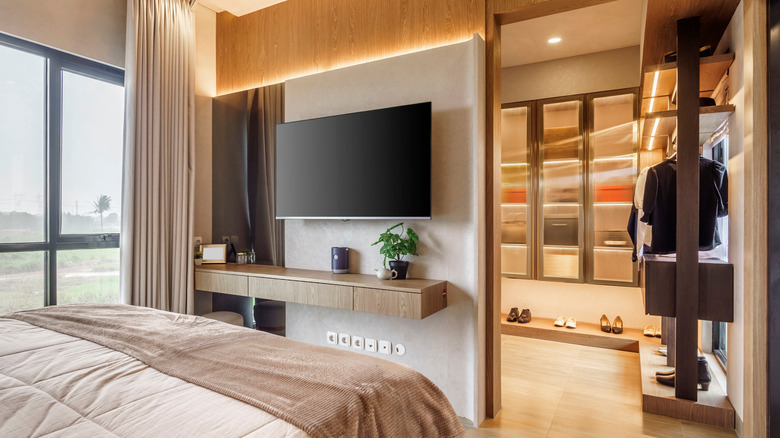
Moving the couch may be impossible in some settings. As for TVs placed in the bedroom, it may be difficult to adjust the viewing distance by moving the TV closer or farther. For those instances, you can use a calculator to determine what TV size you should buy for a specific room. RTINGS explains that the recommendation of watching TV at a distance where the screen fills up at least 30° of your field of vision comes from the Society of Motion Picture and Television Engineers. Also, RTINGS offers examples of recommended viewing distances for a specific TV screen. For example, a 65-inch TV would call for a viewing distance of 8 feet and 10 inches (for 30° FOV) or 6 feet and 6 inches (for 40° FOV).
RTINGS has a calculator you can use to determine the right TV size for a specific room, and a simple formula it’s based on. All you have to do is to divide your TV viewing distance (in inches) by 1.6 to obtain the recommended TV size for a 30° FOV experience. In the example above, dividing the 8 feet and 10 inches distance, or 106 inches, by 1.6 gets you 66.25, which makes a 65-inch TV the correct size. You can buy a slightly larger TV to get closer to a cinematic experience (40° FOV). Put differently, you can multiply the TV size (in inches) by 1.6 to obtain the recommended viewing distance for a 30° FOV experience. This method lets you determine whether your living room or bedroom is big enough for the size of TV you want to buy.
What about TV screen resolution?
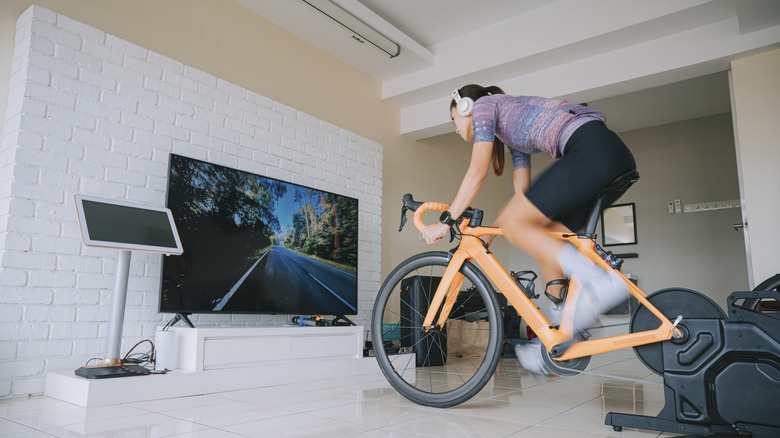
The TV resolution is, arguably, no longer the most significant factor when determining the correct TV size for a specific room. RTINGS explains that most TVs support 4K resolution. A few smaller TVs may only support 1080p resolution. At the other end of the spectrum, a few TVs will support 8K resolution, but there’s hardly any 8K content ready for them at this juncture. However, 4K is the resolution most large-screen TVs will handle, and most of these offer upscaling technology to improve older media formats.
Buyers should also be aware of the angular resolution, or the point at which the eye can determine individual details in an image, like pixels. Sit too close to a TV, and you may see the pixels, especially in a 1080p model. Since most TVs support 4K, you’d have to sit very close to the screen to see individual pixels. Sit too far, and you won’t be able to see the image clearly. That said, FOV — rather than resolution — should be the main factor when determining the correct size for your next TV.