By using this site, you agree to the Privacy Policy and Terms of Use.
Accept
World of SoftwareWorld of SoftwareWorld of Software
  • News
  • Software
  • Mobile
  • Computing
  • Gaming
  • Videos
  • More
    • Gadget
    • Web Stories
    • Trending
    • Press Release
Search
  • Privacy
  • Terms
  • Advertise
  • Contact
Copyright © All Rights Reserved. World of Software.
Reading: Fantastic Google Messages feature is now being tested on the app
Share
Sign In
Notification Show More
Font ResizerAa
World of SoftwareWorld of Software
Font ResizerAa
  • Software
  • Mobile
  • Computing
  • Gadget
  • Gaming
  • Videos
Search
  • News
  • Software
  • Mobile
  • Computing
  • Gaming
  • Videos
  • More
    • Gadget
    • Web Stories
    • Trending
    • Press Release
Have an existing account? Sign In
Follow US
  • Privacy
  • Terms
  • Advertise
  • Contact
Copyright © All Rights Reserved. World of Software.
World of Software > News > Fantastic Google Messages feature is now being tested on the app
News

Fantastic Google Messages feature is now being tested on the app

News Room
Last updated: 2026/03/08 at 4:15 AM
News Room Published 8 March 2026
Share
Fantastic Google Messages feature is now being tested on the app
SHARE
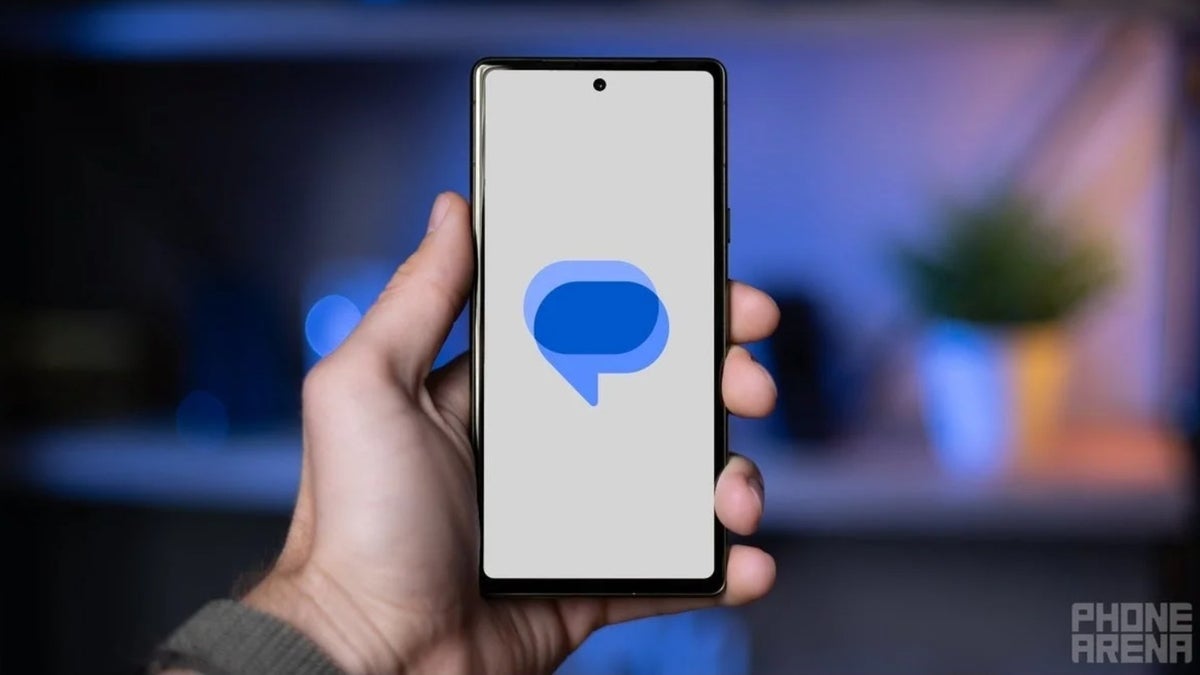
Back in January, we told you that Google was testing a new feature for Google Messages’ Smart Reply. As you might know, Smart Reply uses on-device AI to create responses that are contextually relevant to a message you just received. For example, you might receive a message that asks, “Should I meet you at the Diner at 5 pm?” The Smart Reply options might read, “I’ll be there,” or “I am on my way.” In a single tap, you saved yourself some time and effort.

What the Tap to Send default Smart Reply setting does

When you tap on a Smart Reply, an action known as “Tap to Send” takes over and sends the Smart Reply you selected as a new message. The problem is that the Smart Reply could be sent with a typo or without giving you a chance to add to the response.

With the new update to beta version 20260303_00_RC00 of Google Messages, you can change Tap to Send to Tap to Draft (which was called “Tap to Edit” when tested earlier this year). Using the latter, a Smart Reply you select is sent to your message field so you can edit it before you send it. It also allows you to step back, take a breath, and pause for a beat before sending a Smart Reply. I can tell you that this feature is not on any stable version of Google Messages yet. Because I have the beta version of Google Messages running on my Pixel 6 Pro, the feature is on my phone.

How to enable Tap to Draft

To change how you have Google Messages set up, open the app and tap the profile icon in the right corner of the app. Tap on Messages setting > Suggestions.  The second entry, the one under Smart Reply, will say Tap to Send by default. The toggle switch will be off. If you prefer to have Smart Reply messages you select go to the text field where you can edit it, toggle on the Tap to Send setting, and it will change to Tap to Draft. Whichever one you choose to go with will stay selected when you exit out of the app.

Google is always working on ways to improve certain apps and clearly, Google Messages is one of them.

$5/mo off for 5 years on Visible premium plans

New members get $5/mo off the $35/mo Visible+ plan or $5/mo off the $45/mo Visible+ Pro plan for the first 60 months when they port-in from an eligible carrier. Use code 5OFF5 at checkout to save up to $300.


Buy at Visible

Read the latest from Alan Friedman

Sign Up For Daily Newsletter

Be keep up! Get the latest breaking news delivered straight to your inbox.
By signing up, you agree to our Terms of Use and acknowledge the data practices in our Privacy Policy. You may unsubscribe at any time.
Share This Article
Facebook Twitter Email Print
Share
What do you think?
Love0
Sad0
Happy0
Sleepy0
Angry0
Dead0
Wink0
Previous Article Need a Bit More Juice? 6 Quick Fixes to Extend Your Android Phone’s Battery Life Need a Bit More Juice? 6 Quick Fixes to Extend Your Android Phone’s Battery Life
Next Article What the Fork? Roblox’s AI to Replace Swearing With More ‘Civil’ Language What the Fork? Roblox’s AI to Replace Swearing With More ‘Civil’ Language
Leave a comment

Leave a Reply Cancel reply

Your email address will not be published. Required fields are marked *

Stay Connected

248.1k Like
69.1k Follow
134k Pin
54.3k Follow

Latest News

Investors marvel at Marvell’s solid earnings and revenue beat on AI chip demand –  News
Investors marvel at Marvell’s solid earnings and revenue beat on AI chip demand – News
News
Conan Is Back! How to Watch the 2026 Oscars Live Next Sunday (Even Without Cable)
News
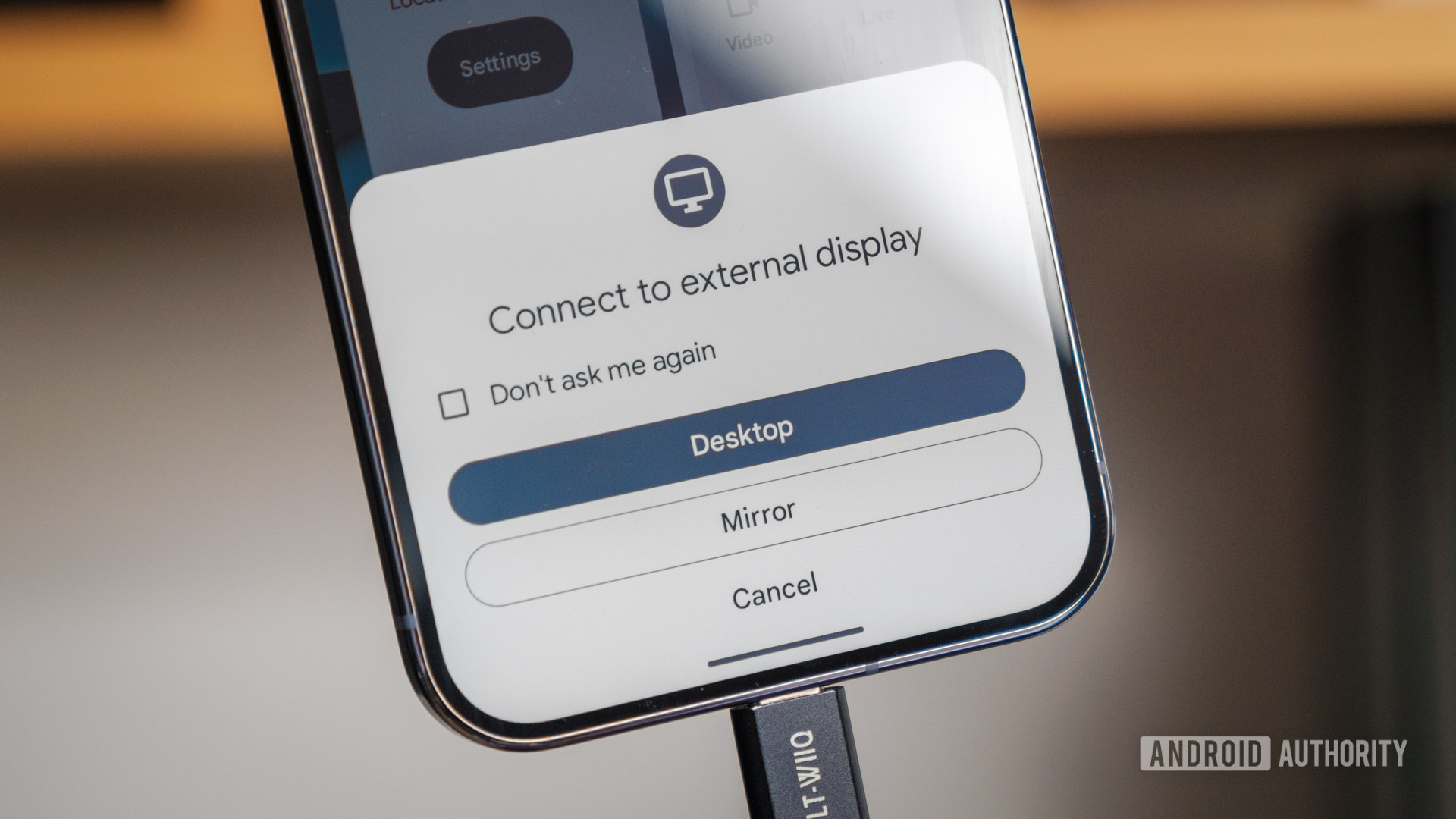
I tried Pixel Desktop Mode — these 8 tips made me an Android PC power user
News
Is it a good time to buy a Samsung Galaxy S26 or will the price drop soon?
Mobile

You Might also Like

Investors marvel at Marvell’s solid earnings and revenue beat on AI chip demand –  News
News

Investors marvel at Marvell’s solid earnings and revenue beat on AI chip demand – News

6 Min Read
Conan Is Back! How to Watch the 2026 Oscars Live Next Sunday (Even Without Cable)
News

Conan Is Back! How to Watch the 2026 Oscars Live Next Sunday (Even Without Cable)

7 Min Read
I tried Pixel Desktop Mode — these 8 tips made me an Android PC power user
News

I tried Pixel Desktop Mode — these 8 tips made me an Android PC power user

17 Min Read
Google Play Store Adds Warnings About Apps That Could Drain Your Battery
News

Google Play Store Adds Warnings About Apps That Could Drain Your Battery

4 Min Read
//

World of Software is your one-stop website for the latest tech news and updates, follow us now to get the news that matters to you.

Quick Link

  • Privacy Policy
  • Terms of use
  • Advertise
  • Contact

Topics

  • Computing
  • Software
  • Press Release
  • Trending

Sign Up for Our Newsletter

Subscribe to our newsletter to get our newest articles instantly!

World of SoftwareWorld of Software
Follow US
Copyright © All Rights Reserved. World of Software.
Welcome Back!

Sign in to your account

Lost your password?