

By using this site, you agree to the Privacy Policy and Terms of Use.
Accept
World of SoftwareWorld of SoftwareWorld of Software
  • News
  • Software
  • Mobile
  • Computing
  • Gaming
  • Videos
  • More
    • Gadget
    • Web Stories
    • Trending
    • Press Release
Search
  • Privacy
  • Terms
  • Advertise
  • Contact
Copyright © All Rights Reserved. World of Software.
Reading: Get Your Aadhaar Card via WhatsApp in Just 10 Easy Steps
Share
Sign In
Notification Show More
Font ResizerAa
World of SoftwareWorld of Software
Font ResizerAa
  • Software
  • Mobile
  • Computing
  • Gadget
  • Gaming
  • Videos
Search
  • News
  • Software
  • Mobile
  • Computing
  • Gaming
  • Videos
  • More
    • Gadget
    • Web Stories
    • Trending
    • Press Release
Have an existing account? Sign In
Follow US
  • Privacy
  • Terms
  • Advertise
  • Contact
Copyright © All Rights Reserved. World of Software.
World of Software > Mobile > Get Your Aadhaar Card via WhatsApp in Just 10 Easy Steps
Mobile

Get Your Aadhaar Card via WhatsApp in Just 10 Easy Steps

News Room
Last updated: 2025/09/23 at 2:43 AM
News Room Published 23 September 2025
Share
Get Your Aadhaar Card via WhatsApp in Just 10 Easy Steps
SHARE

Aadhar Card in India is a unique identity document issued by the Unique Identification Authority of India (UIDAI) to residents of the country. The card is proof that the person is a resident of India. Nevertheless, accessing your Aadhar card becomes tiring sometimes. But with a new method, you can directly download it via WhatsApp.

As the Aadhar Card is considered one of the most important documents for Indian citizens and residents, we will delve into a step-by-step guide on how you can easily and safely download it via WhatsApp.

Here’s How to Download Aadhar Card on WhatsApp

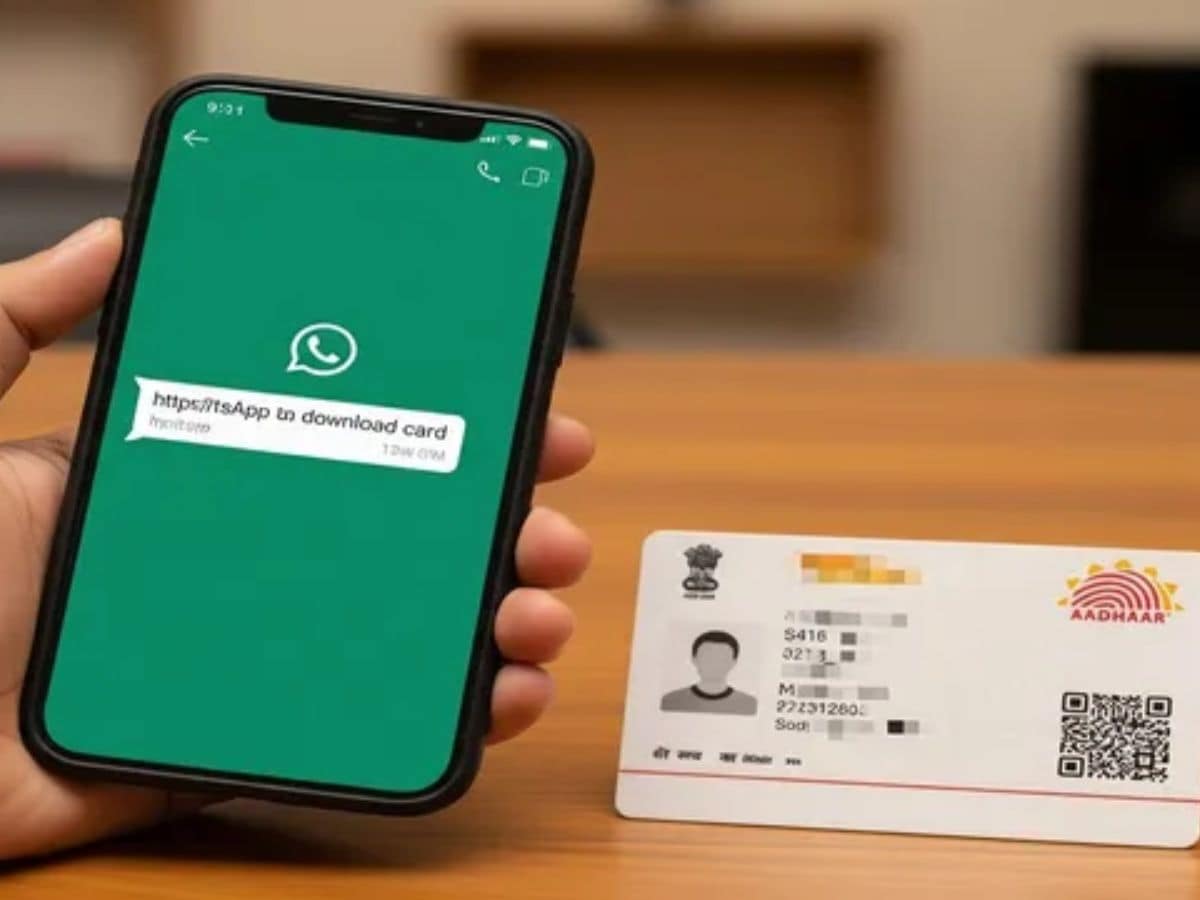
The Government of India has introduced a way to download your Aadhaar card directly via WhatsApp using the MyGov Helpdesk Chatbot. Previously, citizens relied on DigiLocker or the UIDAI portal for digital Aadhaar access. Now, you can retrieve your important document quickly and securely through WhatsApp, that too without installing additional apps.

Check Out the Requirements to Download Aadhaar via WhatsApp

  • A mobile number registered with your Aadhaar.
  • An active DigiLocker account, which can be created via the DigiLocker website or app if you don’t have one.

Step-by-Step Guide to Download Aadhaar from WhatsApp

Step 1: Save +91-9013151515 in your contacts as ‘MyGov Helpdesk.’

Step 2: Open WhatsApp and start a chat with this contact.

Step 3: Type ‘Hi’ or ‘Namaste’ to initiate the conversation.

Step 4: When prompted, select ‘DigiLocker Services.’

Step 5: Confirm whether you already have a DigiLocker account. If not, create one on the DigiLocker platform before proceeding.

Step 6: Enter your 12-digit Aadhaar number to verify your identity.

Step 7: You will receive an OTP on your registered mobile number. Enter this OTP in the chat to authenticate.

Step 8: Once verified, the chatbot will display all documents available in your DigiLocker.

Step 9: Choose Aadhaar from the list by typing the corresponding number.

Step 10: Your Aadhaar card will be delivered in PDF format directly in the WhatsApp chat.

Important Points to Remember

  1. You need to consider several points before heading to downloading your Aadhar Card from WhatsApp
  2. The first is that only one document can be downloaded at a time.
  3. Documents should have already been issued to the person and should be stored in DigiLocker
  4. If your documents are missing, you can update them on DigiLocker before accessing them through WhatsApp


Sign Up For Daily Newsletter

Be keep up! Get the latest breaking news delivered straight to your inbox.
By signing up, you agree to our Terms of Use and acknowledge the data practices in our Privacy Policy. You may unsubscribe at any time.
Share This Article
Facebook Twitter Email Print
Share
What do you think?
Love0
Sad0
Happy0
Sleepy0
Angry0
Dead0
Wink0
Previous Article How to Access .onion Sites (Also Known as Tor Hidden Services) How to Access .onion Sites (Also Known as Tor Hidden Services)
Next Article Pixel 10 Pro XL Review: Google’s Superphone Gets Ai and Magnetic Upgrades Pixel 10 Pro XL Review: Google’s Superphone Gets Ai and Magnetic Upgrades
Leave a comment

Leave a Reply Cancel reply

Your email address will not be published. Required fields are marked *

Stay Connected

248.1k Like
69.1k Follow
134k Pin
54.3k Follow

Latest News

MacBook Air vs. MacBook Pro: Which Apple Laptop Family Is the Better Pick for You?
News
From Amazon to edtech: why universities are ‘ripe’ for innovation
Software
Best TV deal: Save 0 on the Toshiba 55-inch Class C350 Series TV
Best TV deal: Save $200 on the Toshiba 55-inch Class C350 Series TV
News
Report: Johny Srouji contemplating leaving Apple, considering career elsewhere – 9to5Mac
News

You Might also Like

In the search for a supersonic train, China tests a Maglev that will reach 4,000 km/h. The problem will be maintaining it
Mobile

In the search for a supersonic train, China tests a Maglev that will reach 4,000 km/h. The problem will be maintaining it

7 Min Read
Red Hat Enterprise Linux improves support for AI accelerators
Mobile

Red Hat Enterprise Linux improves support for AI accelerators

3 Min Read
Huge battery and low price for Nubia’s new folding smartphone
Mobile

Huge battery and low price for Nubia’s new folding smartphone

3 Min Read
Check The Best Deals Here
Mobile

Check The Best Deals Here

3 Min Read
//

World of Software is your one-stop website for the latest tech news and updates, follow us now to get the news that matters to you.

Quick Link

  • Privacy Policy
  • Terms of use
  • Advertise
  • Contact

Topics

  • Computing
  • Software
  • Press Release
  • Trending

Sign Up for Our Newsletter

Subscribe to our newsletter to get our newest articles instantly!

World of SoftwareWorld of Software
Follow US
Copyright © All Rights Reserved. World of Software.
Welcome Back!

Sign in to your account

Lost your password?