By using this site, you agree to the Privacy Policy and Terms of Use.
Accept
World of SoftwareWorld of SoftwareWorld of Software
  • News
  • Software
  • Mobile
  • Computing
  • Gaming
  • Videos
  • More
    • Gadget
    • Web Stories
    • Trending
    • Press Release
Search
  • Privacy
  • Terms
  • Advertise
  • Contact
Copyright © All Rights Reserved. World of Software.
Reading: Google backports Pixel 10 feature upgrade to Pixel 6 and newer models
Share
Sign In
Notification Show More
Font ResizerAa
World of SoftwareWorld of Software
Font ResizerAa
  • Software
  • Mobile
  • Computing
  • Gadget
  • Gaming
  • Videos
Search
  • News
  • Software
  • Mobile
  • Computing
  • Gaming
  • Videos
  • More
    • Gadget
    • Web Stories
    • Trending
    • Press Release
Have an existing account? Sign In
Follow US
  • Privacy
  • Terms
  • Advertise
  • Contact
Copyright © All Rights Reserved. World of Software.
World of Software > News > Google backports Pixel 10 feature upgrade to Pixel 6 and newer models
News

Google backports Pixel 10 feature upgrade to Pixel 6 and newer models

News Room
Last updated: 2026/04/11 at 7:50 PM
News Room Published 11 April 2026
Share
Google backports Pixel 10 feature upgrade to Pixel 6 and newer models
SHARE
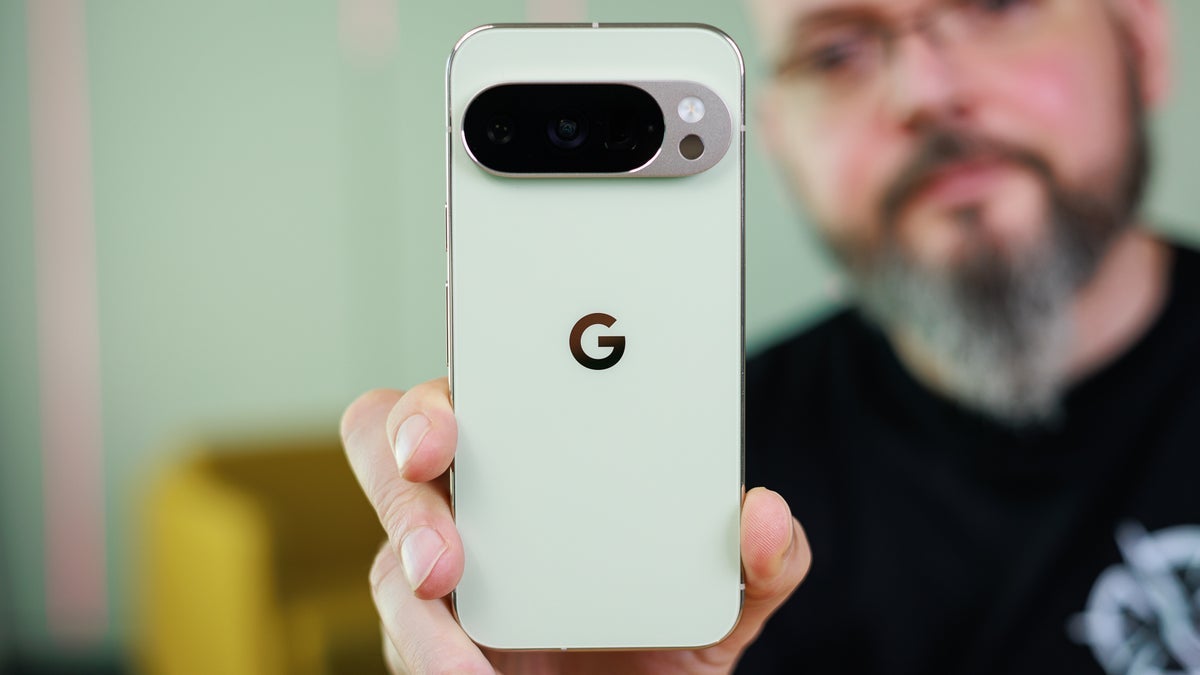
Originally launched on the Pixel 10 series, “Take a Message” is a new take on voicemail. The feature allows you to handle your voicemail as though it were a live conversation. 

Pixel models from the 6 series to the Pixel 10 Series have Take a Message with Custom Greetings.

AI handles your end of this conversation at first, which you get to view as it is taking place in real-time on your Pixel’s screen. This process starts when you decline a call, or fail to pick it up. The real-time transcription, as noted, appears on the display and AI asks who the caller is and why he is calling.

While you can view the transcription of the call as it takes place, you can also listen in to the other person as he answers the questions. If you deem that the call is important from what you hear, pressing the “Answer” button allows you to join the conversation right away.

You can now record your own custom greetings

This feature uses the same engine as the “Call Screen” feature to identify and mark spam calls. As a result, your inbox is protected from getting filled up with such calls.

Originally, “Take a Message” launched with a message to the caller that used the voice of the Google Assistant. However, this week Google pushed out “Custom Greetings” to the feature allowing you to record your own personalized greetings message, up to 60 seconds, instead of the digital voice. You can record multiple custom messages and pick the one you want used as the default greeting.

How to record Custom Greetings with the Take a Message feature. | Images by PhoneArena

While we Pixel users love to criticize Google’s Quality Control because of the number of Pixel bugs, we can praise Google for its backporting prowess. There have been several times that a new feature started off on the latest Pixel model and was subsequently added to my older Pixel handset.

Google tried to add the feature to the non-Tensor powered Pixel 4 and Pixel 5.

Google is now adding “Custom Greetings” to the Take a Message feature on older models, going as far back as the Pixel 6 series. The first time you open the Phone app since the completion of the backport, you will see a notification near the top of the screen that says, “A personal touch on your missed calls,” and a button that reads, “Try it out.”

Pressing that button takes you to a page where you can hear the standard greeting. To record your own, tap the circular button with the microphone icon inside. You will get a 3-2-1 countdown. 

If you don’t get the notification when you open the phone app, or need to change the recording in the future, you can access this page quickly and easily. Open the Phone app and tap the three-line hamburger icon at the left of the search bar at the top of the screen and go to Settings > Take a Message > Manage greetings.

Interestingly, Google originally backported Take a Message to the Pixel 4 and Pixel 5, two non Tensor-powered lines. However, a privacy issue developed with those two models as the on-device AI failed to mute the user’s microphone while the user was talking to a caller.

The Pixel models that now have Take a Message with Custom Greetings include:

What is absolutely amazing is that the backporting of Take a Message brings the same AI-powered feature that uses the Tensor G5 application processor (AP) with the Pixel 10 line to the Pixel 6 series. The latter is powered by the original Tensor AP.

I’d love to see Google backport the Magic Cue to the Pixel 6 line

If possible, I would love to see Google backport the “Magic Cue” feature to the Pixel 6 line. This is the feature that uses AI to figure out what you are looking at on your screen and sends relevant information to you before you ask for it. The goal is to make your phone proactive instead of reactive.

For example, let’s say you need to change your flight for an upcoming trip. The AI sees what is on the screen, figures out what you are trying to accomplish, and sends a “pill” containing pertinent information such as your flight number, date of travel, credit card data, and any other information you’ll need to change your flight.


While I’d love to see this on my Pixel 6 Pro, it is unlikely due to the OG Tensor’s hardware limitations, increasing the likelihood that I will be upgrading to the Pixel 11 Pro XL this summer.

Get Visible as low as $20/mo for 1 year. Limited time offer with code: FRESHSTART

Offer Ends 6.1.2026 at 11.59pm ET. New members get $5/mo off the $25/mg Visible plan, $35/mo Visible+ plan, or $45/mo Visible+ Pro plan for the first 12 months. Promo code FRESHSTART required at checkout.


Buy at Visible

Read the latest from Alan Friedman

Sign Up For Daily Newsletter

Be keep up! Get the latest breaking news delivered straight to your inbox.
By signing up, you agree to our Terms of Use and acknowledge the data practices in our Privacy Policy. You may unsubscribe at any time.
Share This Article
Facebook Twitter Email Print
Share
What do you think?
Love0
Sad0
Happy0
Sleepy0
Angry0
Dead0
Wink0
Previous Article Apple Studio Display (2026) Review: Same Look, Smarter Hookups Apple Studio Display (2026) Review: Same Look, Smarter Hookups
Next Article China targets 28 US entities with export controls due to security concerns · TechNode China targets 28 US entities with export controls due to security concerns · TechNode
Leave a comment

Leave a Reply Cancel reply

Your email address will not be published. Required fields are marked *

Stay Connected

248.1k Like
69.1k Follow
134k Pin
54.3k Follow

Latest News

ByteDance releases Ola Friend, its first AI smart earbuds · TechNode
Computing
Rate the Security Cameras, Video Doorbells, and Smart Locks That Keep Your Home Safe
News
YouTube Premium Receives a Price Increase
News
Here’s How Many Devices The Average Home Router Can Connect To – BGR
News

You Might also Like

Rate the Security Cameras, Video Doorbells, and Smart Locks That Keep Your Home Safe
News

Rate the Security Cameras, Video Doorbells, and Smart Locks That Keep Your Home Safe

23 Min Read
YouTube Premium Receives a Price Increase
News

YouTube Premium Receives a Price Increase

4 Min Read
Here’s How Many Devices The Average Home Router Can Connect To – BGR
News

Here’s How Many Devices The Average Home Router Can Connect To – BGR

5 Min Read
CMF Phone 3 Pro leak hints at some big improvements
News

CMF Phone 3 Pro leak hints at some big improvements

3 Min Read
//

World of Software is your one-stop website for the latest tech news and updates, follow us now to get the news that matters to you.

Quick Link

  • Privacy Policy
  • Terms of use
  • Advertise
  • Contact

Topics

  • Computing
  • Software
  • Press Release
  • Trending

Sign Up for Our Newsletter

Subscribe to our newsletter to get our newest articles instantly!

World of SoftwareWorld of Software
Follow US
Copyright © All Rights Reserved. World of Software.
Welcome Back!

Sign in to your account

Lost your password?