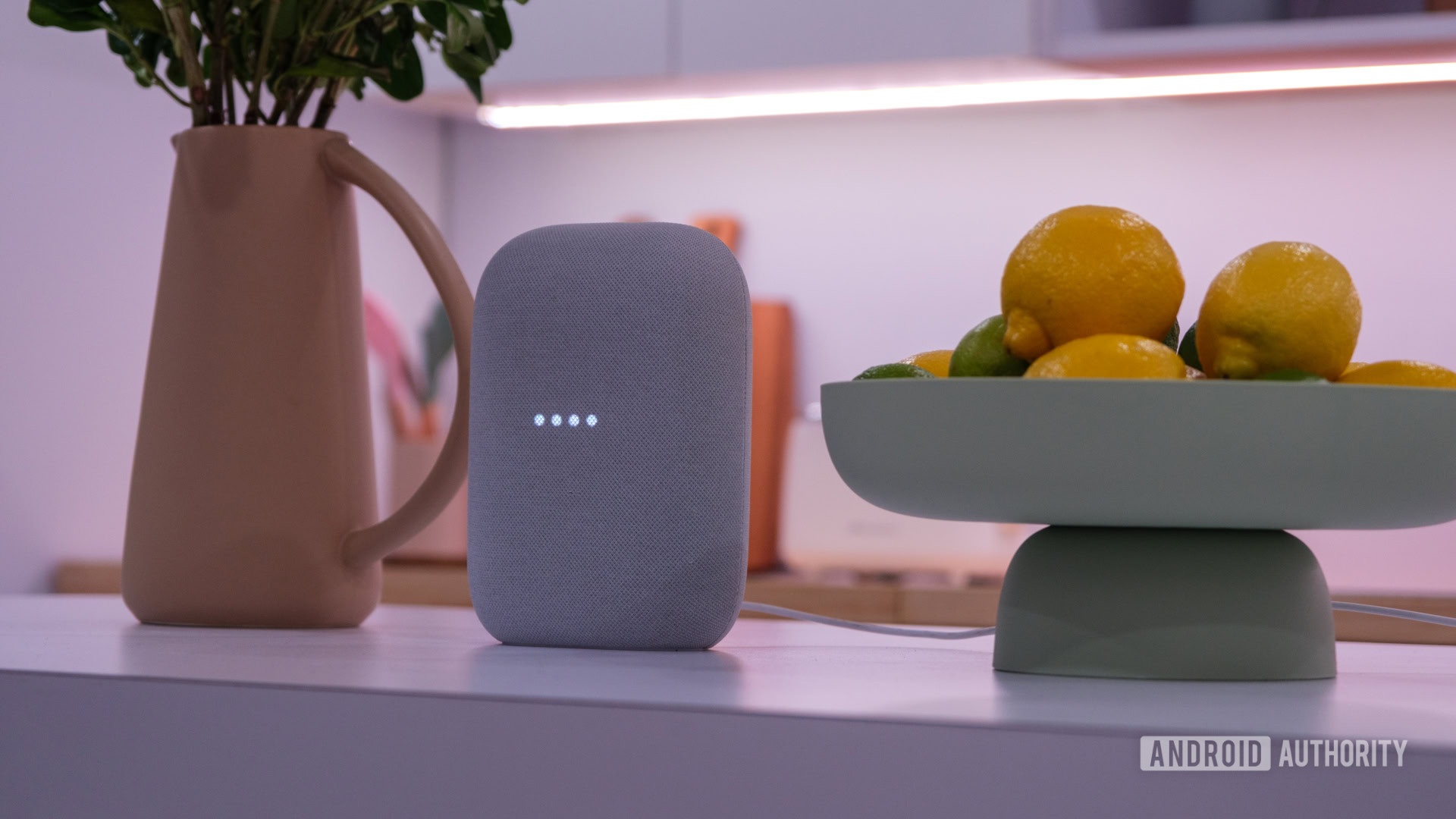
Ryan Haines / Android Authority
TL;DR
- A Reddit user has discovered a trick for force-enabling Gemini on Google Home devices.
- The so-called “hack” may require several attempts to work.
- Some users claim they were able to access Gemini for Home using this trick, but many report they only got Gemini’s voices.
Don’t want to miss the best from Android Authority?


The “hack” is surprisingly simple and requires users to enter the following into Chrome’s address bar and select the option with the globe (second option) next to it.
googlehome://assistant/voice/setup
A few weeks ago, this shortcut only changed the voice on Google Home speakers to Gemini’s voice, but didn’t actually enable full Gemini for Home. However, after multiple attempts for days, the original poster (OP) says they were finally prompted to start a free trial of Google Home Premium, which is required for Gemini’s advanced smart home features. After signing up, they received an email (see below) that looked like the beginning of the full Gemini for Home setup.

Several Reddit users claim that this trick has worked for them, while many report that they only received Gemini’s voice and not the full Gemini for Home experience. Some never received the email that the OP mentioned.
Have you received Gemini on Google Home yet?
1565 votes
Meanwhile, the OP recommends force-stopping and clearing the cache of the Google Home app, then retrying the trick until the Google Home Premium prompt appears. Even then, no one seems fully sure whether the devices will actually update to Gemini for Home. The update may take up to 48 hours to complete if the setup is successful.
For now, this so-called “hack” may help some users trigger the new Gemini voice and possibly the early stages of Gemini for Home, but results are inconsistent, so proceed with patience and low expectations.
Thank you for being part of our community. Read our Comment Policy before posting.