By using this site, you agree to the Privacy Policy and Terms of Use.
Accept
World of SoftwareWorld of SoftwareWorld of Software
  • News
  • Software
  • Mobile
  • Computing
  • Gaming
  • Videos
  • More
    • Gadget
    • Web Stories
    • Trending
    • Press Release
Search
  • Privacy
  • Terms
  • Advertise
  • Contact
Copyright © All Rights Reserved. World of Software.
Reading: Google is giving you a free way to upgrade your PC – here’s how
Share
Sign In
Notification Show More
Font ResizerAa
World of SoftwareWorld of Software
Font ResizerAa
  • Software
  • Mobile
  • Computing
  • Gadget
  • Gaming
  • Videos
Search
  • News
  • Software
  • Mobile
  • Computing
  • Gaming
  • Videos
  • More
    • Gadget
    • Web Stories
    • Trending
    • Press Release
Have an existing account? Sign In
Follow US
  • Privacy
  • Terms
  • Advertise
  • Contact
Copyright © All Rights Reserved. World of Software.
World of Software > Gadget > Google is giving you a free way to upgrade your PC – here’s how
Gadget

Google is giving you a free way to upgrade your PC – here’s how

News Room
Last updated: 2026/04/13 at 1:32 PM
News Room Published 13 April 2026
Share
Google is giving you a free way to upgrade your PC – here’s how
SHARE

If you’ve got an ageing PC but don’t quite have the cash to upgrade, then Google has developed a solution: ChromeOS Flex.

Google promises that ChromeOS Flex is a cost-free way to refresh your old Windows, Linux and even Mac devices, but how does it actually work? Is ChromeOS Flex really free and which computers does it work on?

We explain everything you need to know about ChromeOS Flex below. Keep reading to learn more about the operating system and decide whether or not it’s the right solution for you.

Or if you’d prefer to upgrade, we’ve rounded up the best laptops, best student laptops and best budget laptops instead. 

What is ChromeOS Flex?

ChromeOS Flex is a cloud-based operating system by Google that’s designed to modernise older Windows, Linux and Mac PCs. Having said that, not all device models are certified to run ChromeOS Flex, so it’s advisable to check via Google’s support page.

Advertisement

Google promises Flex sees less than 10-second boot-up times and automatic background upgrades to keep things running smoothly. 

All ChromeOS Flex devices can be managed within the Google Admin console. Security is built-in, and there are IT controls present to protect data loss on misplaced or stolen devices too.

ChromeOS Flex
Image Credit (Google)

What’s the difference between ChromeOS and ChromeOS Flex?

Although ChromeOS and ChromeOS Flex share the same underlying technology and management tools, there are a few key differences to keep in mind.

Firstly, ChromeOS devices include Google’s security chips to help protect the system and check that hardware and OS are trusted, while ChromeOS Flex does not. This also means that ChromeOS Flex doesn’t enable the ChromeOS verified boot procedure. However, you can use ChromeOS Flex’s bootloader to optionally support UEFI Secure boot, which can maintain the same boot security as Windows devices. 

ChromeOS Flex appsChromeOS Flex apps
Image Credit (Google)

Advertisement

In addition, ChromeOS Flex doesn’t offer managed Google Play and Android apps, while ChromeOS does.

Google also disclaims that while you should see performance, power and reliability benefits with ChromeOS Flex, it “cannot guarantee the same performance as ChromeOS devices”.

ChromeOS Flex supported devices

ChromeOS Flex is designed to support the “most common” PCs and Macs from over the last ten years, but only on certified models. Although Google does disclaim that many non-certified devices “might work”, it only guarantees those found on its official list. This list is pretty long, so we’d recommend that you visit it to check if your exact PC is supported.

Otherwise, Google states that you can run ChromeOS Flex on most computers with Intel or AMD processors, however it does not support ARM architecture.

How to download ChromeOS Flex

As mentioned above, there are a couple of ways to download ChromeOS Flex. If you only have one or maybe a few PCs, then it’s recommended to use a ChromeOS Flex USB installer. Once you’ve checked your PC is supported and meets all the conditions, all you’ll need is an 8GB or more USB and potentially a device to create the USB installer, if you need. 

Advertisement

The steps are fairly straightforward. Perhaps the easiest way for most is to download the Chromebook Recovery Utility extension onto your Chrome browser. Once it’s enabled, simply launch the extension, enter your PC’s information and, when prompted, insert your USB. 

For multiple PCs, the easiest way to upgrade is to use ChromeOS Flex remote deployment that allows your managed devices to automatically convert to the OS from anywhere, without requiring any complicated installation. To do this, you’ll need to contact Google.


Sign Up For Daily Newsletter

Be keep up! Get the latest breaking news delivered straight to your inbox.
By signing up, you agree to our Terms of Use and acknowledge the data practices in our Privacy Policy. You may unsubscribe at any time.
Share This Article
Facebook Twitter Email Print
Share
What do you think?
Love0
Sad0
Happy0
Sleepy0
Angry0
Dead0
Wink0
Previous Article Finally, Cloud Storage That Doesn’t Charge Monthly — Lifetime Access to Koofr Is Now 80% Off Finally, Cloud Storage That Doesn’t Charge Monthly — Lifetime Access to Koofr Is Now 80% Off
Next Article how did France Travail let bogus training pass? how did France Travail let bogus training pass?
Leave a comment

Leave a Reply Cancel reply

Your email address will not be published. Required fields are marked *

Stay Connected

248.1k Like
69.1k Follow
134k Pin
54.3k Follow

Latest News

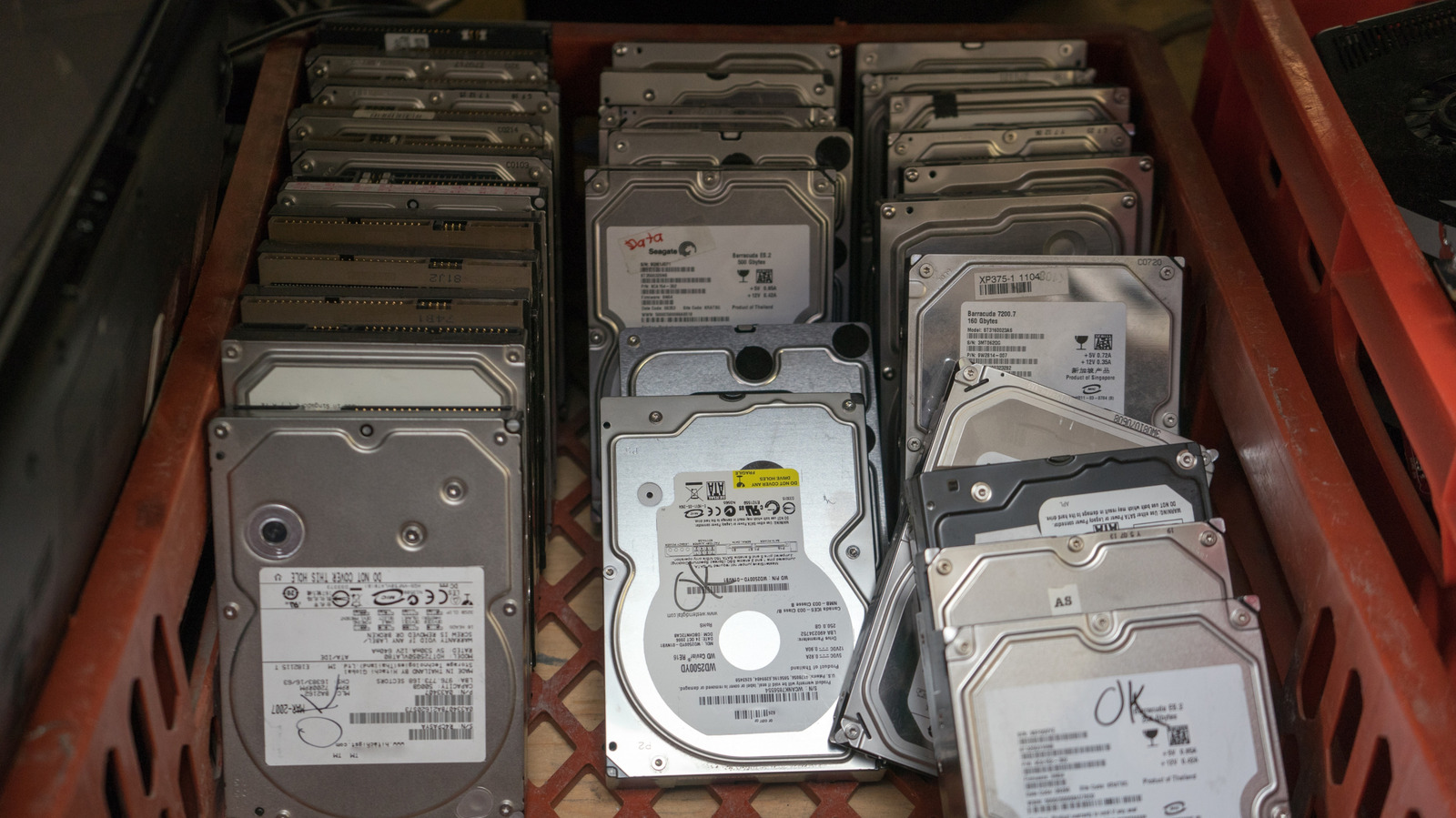
Should You Buy A Used Hard Drive? Here’s What You Need To Know – BGR
News
Chinese workplace management app DingTalk eyes overseas expansion: report · TechNode
Computing
Meta’s Ray-Ban smart glasses have plummeted in price
Gadget
T-Mobile reportedly forcing some legacy customers over to different plans
News

You Might also Like

Meta’s Ray-Ban smart glasses have plummeted in price
Gadget

Meta’s Ray-Ban smart glasses have plummeted in price

3 Min Read
The Sony WH‑1000XM5 are down to their lowest price yet
Gadget

The Sony WH‑1000XM5 are down to their lowest price yet

3 Min Read
Gmail apps finally get end-to-end encryption, months after desktop release
Gadget

Gmail apps finally get end-to-end encryption, months after desktop release

2 Min Read
Motorola Razr 70 leaks: Large cover display, multiple colours
Gadget

Motorola Razr 70 leaks: Large cover display, multiple colours

3 Min Read
//

World of Software is your one-stop website for the latest tech news and updates, follow us now to get the news that matters to you.

Quick Link

  • Privacy Policy
  • Terms of use
  • Advertise
  • Contact

Topics

  • Computing
  • Software
  • Press Release
  • Trending

Sign Up for Our Newsletter

Subscribe to our newsletter to get our newest articles instantly!

World of SoftwareWorld of Software
Follow US
Copyright © All Rights Reserved. World of Software.
Welcome Back!

Sign in to your account

Lost your password?