By using this site, you agree to the Privacy Policy and Terms of Use.
Accept
World of SoftwareWorld of SoftwareWorld of Software
  • News
  • Software
  • Mobile
  • Computing
  • Gaming
  • Videos
  • More
    • Gadget
    • Web Stories
    • Trending
    • Press Release
Search
  • Privacy
  • Terms
  • Advertise
  • Contact
Copyright © All Rights Reserved. World of Software.
Reading: Google’s Phone app keeps turning sideways, and users are confused again
Share
Sign In
Notification Show More
Font ResizerAa
World of SoftwareWorld of Software
Font ResizerAa
  • Software
  • Mobile
  • Computing
  • Gadget
  • Gaming
  • Videos
Search
  • News
  • Software
  • Mobile
  • Computing
  • Gaming
  • Videos
  • More
    • Gadget
    • Web Stories
    • Trending
    • Press Release
Have an existing account? Sign In
Follow US
  • Privacy
  • Terms
  • Advertise
  • Contact
Copyright © All Rights Reserved. World of Software.
World of Software > News > Google’s Phone app keeps turning sideways, and users are confused again
News

Google’s Phone app keeps turning sideways, and users are confused again

News Room
Last updated: 2026/01/20 at 11:30 AM
News Room Published 20 January 2026
Share
Google’s Phone app keeps turning sideways, and users are confused again
SHARE

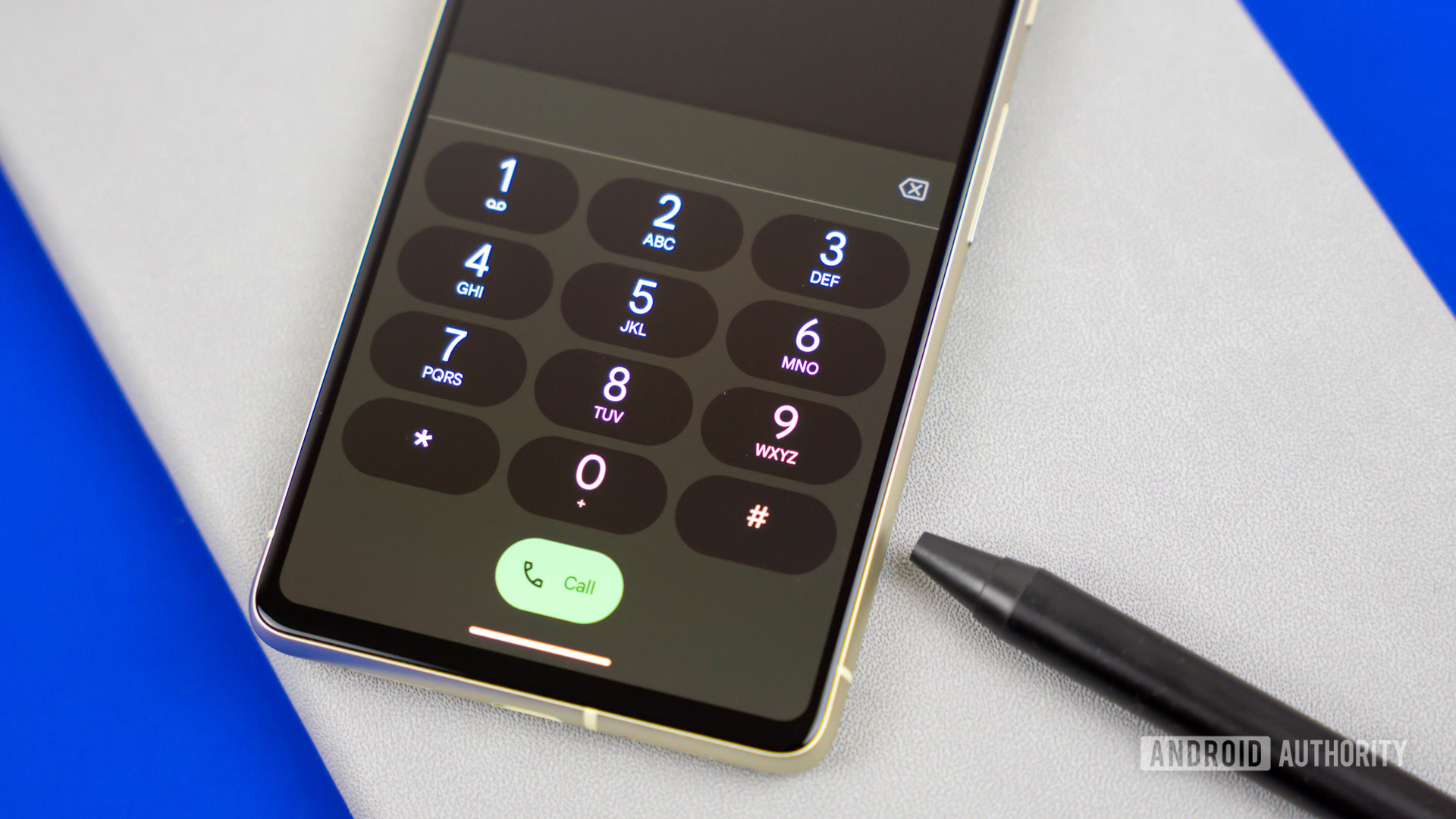
Edgar Cervantes / Android Authority

TL;DR

  • The Google Phone app now supports landscape UI, meaning it will rotate if your system-wide auto-rotate is on. However, this feature apparently keeps getting added and removed between stable updates.
  • Google also added a portrait lock toggle in beta releases, but the setting hasn’t made its way to the stable release yet, causing further confusion.
  • Until Google makes up its mind, users can stop the unintentional rotation by disabling system-wide auto-rotate.

Back in September 2025, users began getting annoyed when their phone calls switched to landscape orientation while using the Google Phone app. As it turns out, the Google Phone app had just started supporting landscape UI for calls, and users with auto-rotate enabled on their phones were seeing the intended behavior but mistakenly thought it was a bug. Users are complaining once again that the Phone app is turning to landscape, and, as before, it might still be intended behavior.

Don’t want to miss the best from Android Authority?

google preferred source badge light@2xgoogle preferred source badge dark@2x

Reddit user xylarr pointed out that the Google Phone app on their Pixel would rotate every time they made a call. As the user notes, the global system setting for locking down auto-rotate stops the UI from flipping from portrait orientation to landscape, as it should.

Several users chimed in to say they have noticed this “bug” too — the Google Phone app auto-rotates its UI when system settings are set to honor auto-rotation. This is intended behavior and makes sense, so why the complaints?

google phone landscape 2

Aamir Siddiqui / Android Authority

If you’re still scratching your head on what’s happening, the Phone app previously only supported a portrait UI, with no option of a landscape UI at all. Many users keep system-wide auto-rotation enabled on their phones, but this setting would do nothing in the Phone app (in the dialer and during calls) because the app did not support a landscape UI.

When Google added a landscape UI, users began complaining that the app’s UI rotated (it should be rotating!).

Google countered this “complaint” by adding a dedicated Portrait UI toggle for calls in the Phone app’s settings — when toggled on, the Phone app would ignore the system’s auto-rotation setting and keep the UI locked to portrait.

google phone landscape toggle

AssembleDebug / Android Authority

However, it seems the landscape UI keeps being added and removed from the app between stable updates, while the toggle to lock to portrait UI has yet to make its way from the beta release to the stable release. This leads to situations where you have landscape UI but no lock, then go back to not having landscape UI (and hence being locked by default), causing a lot of confusion.

For users still facing this “issue,” the easiest fix is to disable your system-wide auto-rotation, which will lock all apps, including the Google Phone app, to portrait mode. The ideal case would be for Google to roll out both the landscape UI and the portrait lock toggle to the app’s stable release as soon as possible and stick to its decision. Until that happens, we expect to hear more complaints from confused users.

Thank you for being part of our community. Read our Comment Policy before posting.

Sign Up For Daily Newsletter

Be keep up! Get the latest breaking news delivered straight to your inbox.
By signing up, you agree to our Terms of Use and acknowledge the data practices in our Privacy Policy. You may unsubscribe at any time.
Share This Article
Facebook Twitter Email Print
Share
What do you think?
Love0
Sad0
Happy0
Sleepy0
Angry0
Dead0
Wink0
Previous Article British leader says ’no option off the table’ as UK considers Australia-style teen social media ban
Next Article The Infrastructure Bet Behind Crypto’s Invisible Adoption | HackerNoon The Infrastructure Bet Behind Crypto’s Invisible Adoption | HackerNoon
Leave a comment

Leave a Reply Cancel reply

Your email address will not be published. Required fields are marked *

Stay Connected

248.1k Like
69.1k Follow
134k Pin
54.3k Follow

Latest News

I Treated the Human Genome as a Legacy Codebase—Here’s What I Found | HackerNoon
Computing
Tracking and Controlling Data Flows at Scale in GenAI: Meta’s Privacy-Aware Infrastructure
News
UK study to examine effects of restricting social media for children
News
Pioneer Collective expanding its co-working space in downtown Seattle
Computing

You Might also Like

Tracking and Controlling Data Flows at Scale in GenAI: Meta’s Privacy-Aware Infrastructure
News

Tracking and Controlling Data Flows at Scale in GenAI: Meta’s Privacy-Aware Infrastructure

4 Min Read
UK study to examine effects of restricting social media for children
News

UK study to examine effects of restricting social media for children

6 Min Read
Sony and TCL Are Teaming Up to Make TVs
News

Sony and TCL Are Teaming Up to Make TVs

2 Min Read
Biomanufacturing startup Anzen Industries secures £2m – UKTN
News

Biomanufacturing startup Anzen Industries secures £2m – UKTN

2 Min Read
//

World of Software is your one-stop website for the latest tech news and updates, follow us now to get the news that matters to you.

Quick Link

  • Privacy Policy
  • Terms of use
  • Advertise
  • Contact

Topics

  • Computing
  • Software
  • Press Release
  • Trending

Sign Up for Our Newsletter

Subscribe to our newsletter to get our newest articles instantly!

World of SoftwareWorld of Software
Follow US
Copyright © All Rights Reserved. World of Software.
Welcome Back!

Sign in to your account

Lost your password?